Microsoft Office 2024 Professional Plus (Lifetime License) with Teams | ESD, 1 PC License, Windows 10, 11

Description

Why Choose Office 2024 Pro from SOFTWAREHUBS

SOFTWAREHUBS Trusted Store

What makes our licenses different?

Steve's Q Steve’s Question: Can I transfer my license if my PC/Mac crashes or is reformatted?
SOFTWAREHUBS Answer: Yes! If your computer is no longer accessible, you can transfer your license to another PC without purchasing a new one.

Office 2024 Just Released –
Biggest Sale Ever!
🚀: Save 55% Now!

Purchase Microsoft Office 2024 Professional Plus (Lifetime License) | ESD,  1-License for Windows 10, 11 at SOFTWAREHUBS. Experience unmatched productivity with Microsoft Word 2024, Excel 2024, PowerPoint 2024, Outlook 2024, OneNote 2024, Publisher 2024, Access 2024, and Microsoft Teams – order today, get your instant download with activation key via order e-mail, and enjoy a lifetime license for one user on a single device!


Transferable License

Your Microsoft Office 2024 Professional Plus license is directly linked to your Microsoft Windows 10, Windows 11, allowing you to reinstall without purchasing a new permit.

Product Details

  • Brand: Microsoft
  • Release: 2024
  • Program Type: Office Suite
  • Format: Transferable Digital License
  • Compatibility: 32-bit and 64-bit
  • Languages: Multilingual (additional language packs available)
  • Includes: Pro versions of Word, Excel, PowerPoint, OneNote, Publisher 2024, Access, Outlook, Teams and OneDrive support.

Description & Applications

Microsoft Office 2024 Professional Plus provides essential productivity tools designed to help you achieve your goals at home, school, or work. This one-time purchase delivers the latest versions of Word, Excel, PowerPoint, OneNote, Outlook, and more, all optimized for Windows 10, 11 and Windows Server 2019/2022/2025.
Microsoft Word 2024

Microsoft Word 2024

Collaborate on documents in real time with Word 2024. Enjoy enhanced readability with features like Line Focus and benefit from ODF 1.3 support for improved compatibility. Easily track updates and changes from your team.

Microsoft Excel 2024

Microsoft Excel 2024

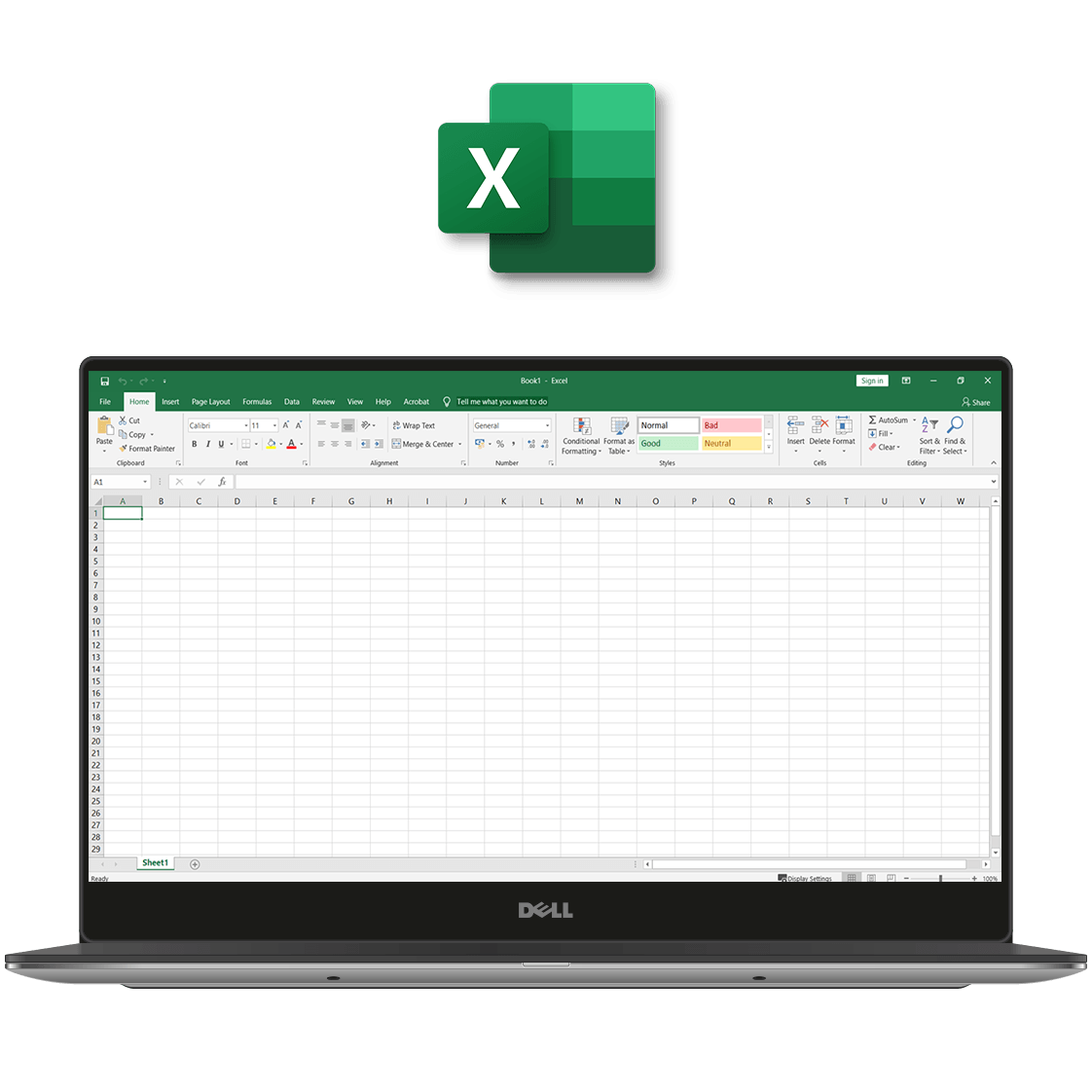
Analyze data with advanced visualization tools. Use XLOOKUP and new formulas for quick calculations. Excel 2024 streamlines your workflow with customizable views and a well-organized Accessibility ribbon.

Microsoft PowerPoint 2024

Microsoft PowerPoint 2024

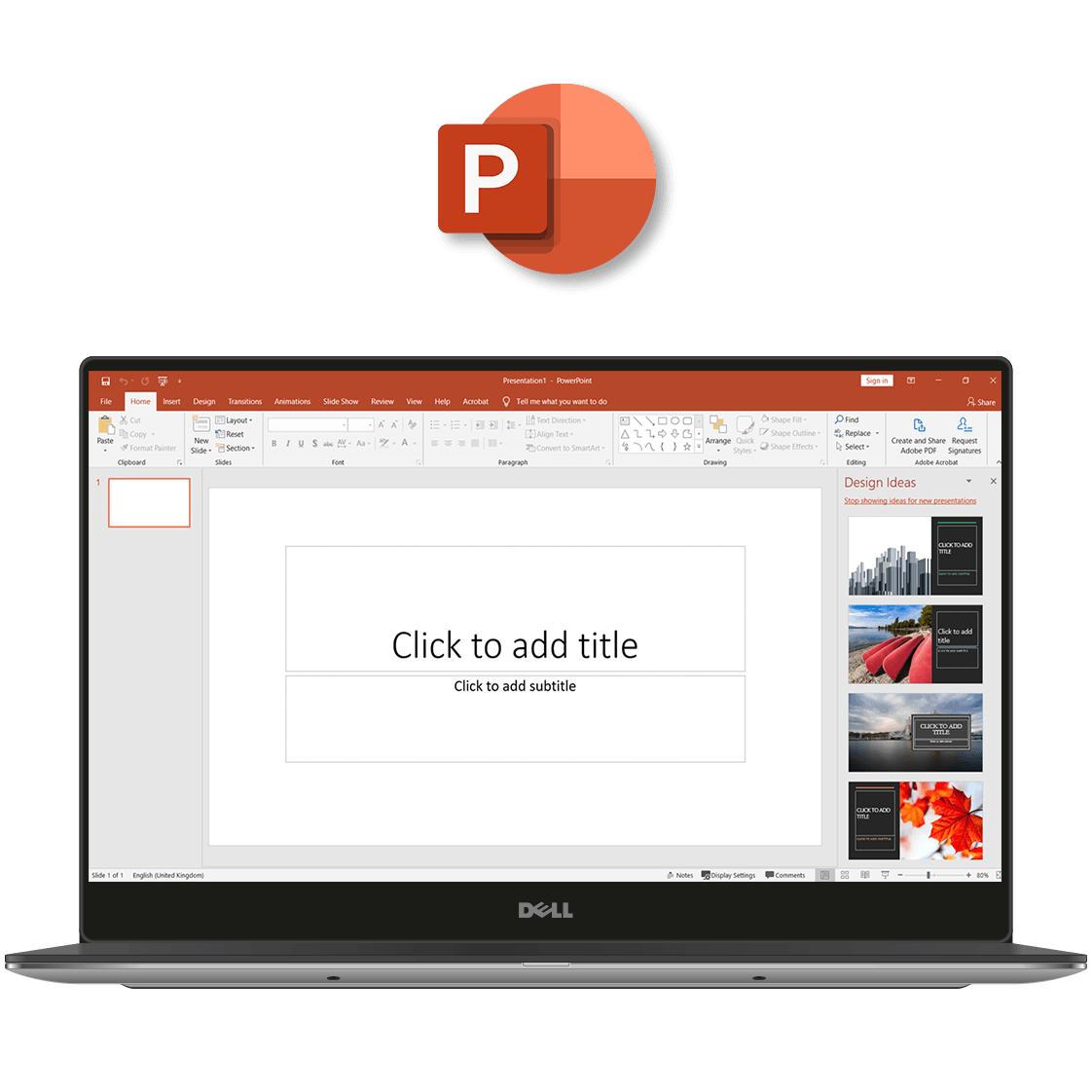
Create professional presentations with features like presenter video recording, sketched outlines, and advanced animation controls. Enhance collaboration with improved commenting options.

Microsoft OneNote 2024

Microsoft OneNote 2024

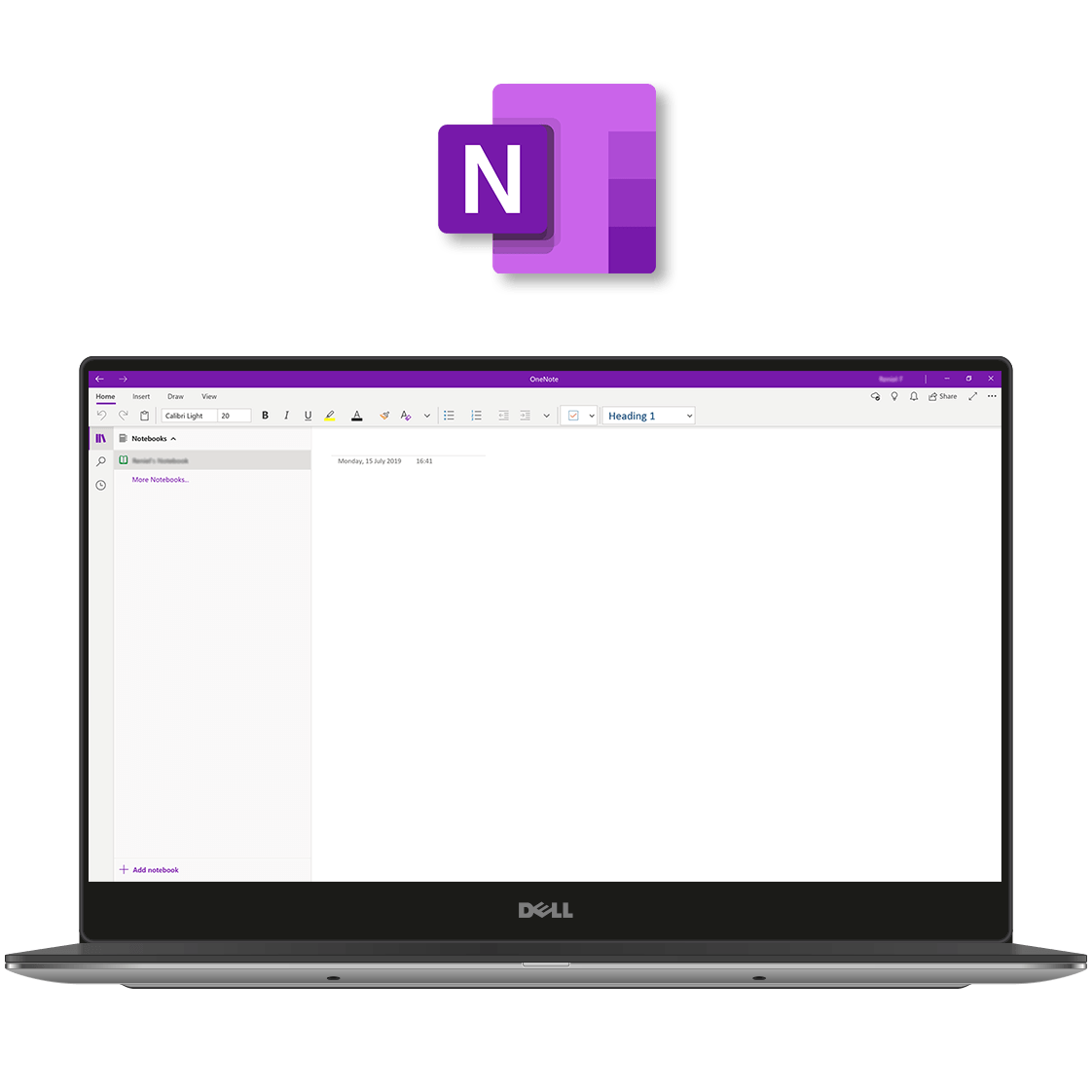
Organize your notes effectively with OneNote. Utilize features such as the Feed and feedback tools for enhanced collaboration, along with customization options for a personalized experience.

Microsoft Outlook 2019 LicenceDeals.com

Microsoft Outlook 2024

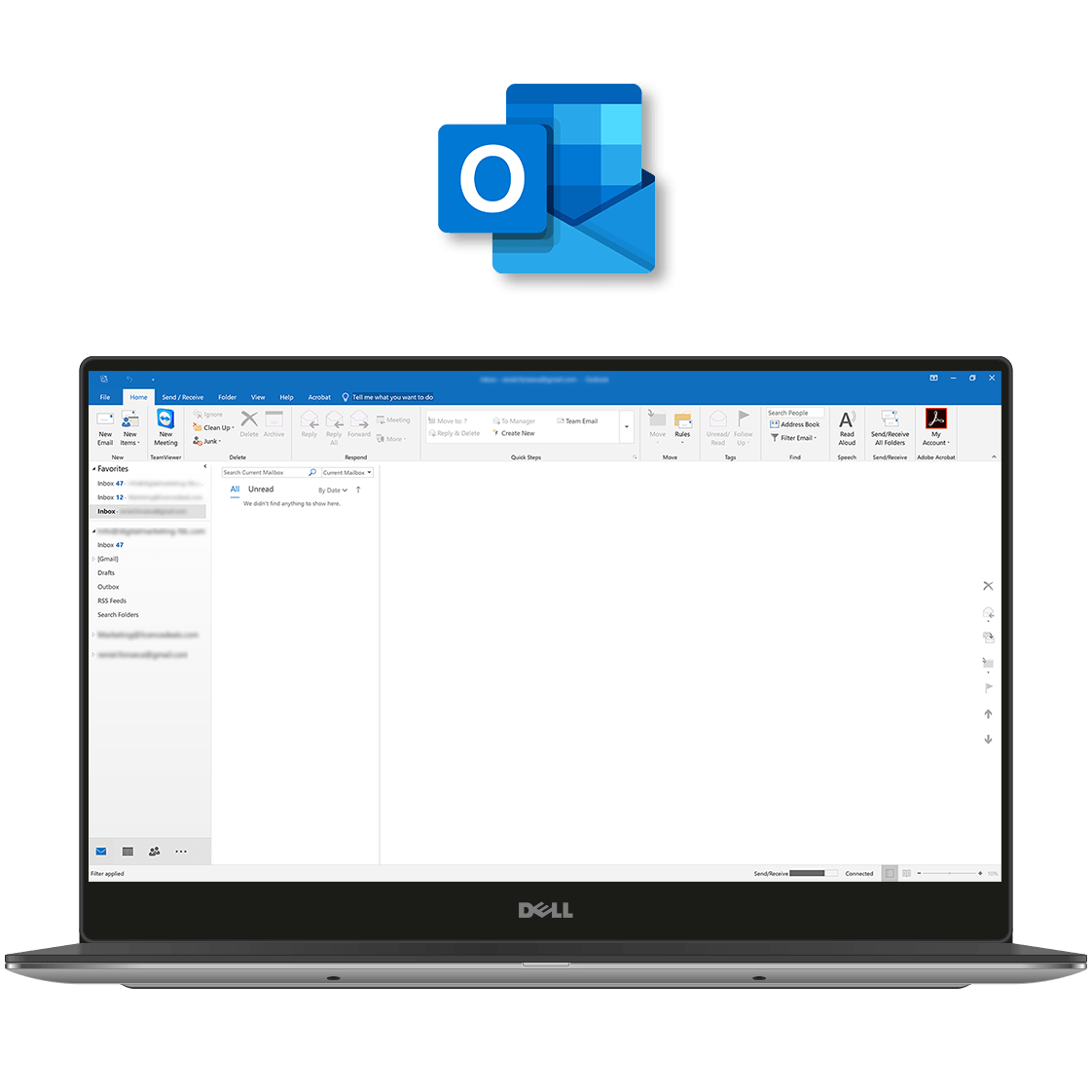
Manage your emails efficiently with Outlook 2024. Enjoy an intuitive interface, robust security, and advanced organization features to keep your communications safe and streamlined.

Microsoft Publisher 2019 LicenceDeals.com

‣ Microsoft Publisher 2024

Create professional and visually impactful publications using simple tools with Publisher 2024. Publish in any way that best suits your audience: email, PDF, XPS, or high-quality prints. The app is among the Office apps that boast a visual refresh in its latest version and the option to input Hex colours. Create polished, professional-looking catalogues, flyers, brochures, newsletters, and more without the hassle.

Microsoft Access 2019 LicenceDeals.com

‣ Microsoft Access 2024

Store, manage, and analyze your information with Access! There’s a host of improvements to the Relationships Window, Query Designer, SQL View, and more in Access 2024. Add tables to relationships and queries with fewer clicks with the Add Tables task pane. Reviewing and managing your data has never been easier than with the updated Linked Table Manager. Refresh, relink, or remove linked tables when you need to. Access helps you overcome the limitations of Excel when it comes to larger amounts of information.

Microsoft Teams

‣ Teams ( Classic )

Create and manage teams and channels, share files, set meetings and deepen your collaboration with Microsoft Teams. Stay updated with progress on projects and group chats with the activity feed and effortlessly switch from chats to calls when you need to. Teams is a powerful collaboration tool with loads of features designed to streamline working and communication and facilitate higher productivity rates. Remote communication for business has never been better than it is with Teams!

Features

  • Collaborative Editing: Work on documents simultaneously with team members in real time.
  • Translation Tools: Translate emails in Outlook with support for over 70 languages.
  • Modern Design: Enjoy an updated interface with rounded corners and a neutral color palette.
  • XLOOKUP: Quickly search rows in Excel tables and ranges.
  • Hex Colors: Use Hex color codes directly in Office 2024.
  • Improved Performance: Experience faster, more stable, and efficient tools.

System Requirements

  • Processor: 1.1 GHz dual-core
  • Memory: 4 GB RAM (64-bit)
  • Storage: 4 GB of free disk space
  • Display: 1280×768 resolution
  • Graphics: DirectX 9 with WDDM 2.0
  • OS: Windows 10, 11 or Windows Server 202
  • Browser: Latest versions of Edge, Chrome, or Firefox
  • Connectivity: Internet access required

Product Specs

General Information
Category Productivity Software
Description Microsoft Office Professional Plus 2024 for Windows | Transferable License, 1 Device, One-Time Purchase
Manufacturer Microsoft Corporation
MFR# 79P-00090
MSRP $439.99
UNSPSC 43231513
Main Specifications
Header / Brand Microsoft
Software Suite Office Professional Plus 2024
Number of Devices 1
Software / License Type One-Time Purchase
General
Applications Included Word, Excel, PowerPoint, Outlook, Publisher, Access, OneNote, Teams
Product Type Digital License
License Transferability Yes
Compatibility
Operating Systems Windows 11, Windows 10, Windows Server 2025
Additional Requirements
  • 1.6 GHz or faster, 2-core processor
  • 4 GB RAM for 64-bit; 2 GB RAM for 32-bit
  • 4.0 GB available disk space
  • 1280 x 768 screen resolution
  • Internet access (required for activation)
  • Microsoft account

How to Activate

🛠️ Activation Guide for Microsoft Office 2024 Professional Plus (Windows)

Step 1️⃣: 🔑 Retrieve Your Product Key

Check your email inbox or your order confirmation page to find the 25-character product key for your Microsoft Office 2024 Professional Plus license.


Step 2️⃣: 💾 Download and Install Office 2024 Professional Plus

Visit the official Microsoft website or the link provided by your authorized reseller (e.g., SOFTWAREHUBs) to download the Office 2024 installer. Run the setup file and follow the on-screen instructions to install the software on your Windows 10 or Windows 11 PC.


Step 3️⃣: Enter Your Product Key

Once the installation is complete, launch any Office application such as Word or Excel. You will be prompted to enter your product key. Enter it exactly as provided to activate your Office suite.


Step 4️⃣: Sign In with a Microsoft Account (Optional)

Signing in with a Microsoft account is optional but highly recommended. It helps link your license to your Microsoft account for easier recovery and cross-device access.


Step 5️⃣: ✅ Complete Activation and Start Using Office

Follow the activation prompts to complete the process. Once activated, you can start using all the included apps: Word, Excel, PowerPoint, Outlook, Access, Publisher, OneNote, and Teams.

Comparisions of Microsoft Office 2024

Retailer Price (USD) Potential Savings with Softwarehubs MSRP – Wholesale Price Notes
Softwarehubs $39.99 – $249 💰 ONSALE Up to 80% Prices vary based on promotions and holidays. This is the LOWEST price available. Includes exclusive Softwarehubs Assurance for peace of mind.
Amazon ~$249.99 💲 Save up to 72% N/A This is an estimated price. Actual selling price may vary. Amazon may offer discounts or deals, so it’s worth checking their site for the latest price.
Best Buy ~$249.99 💲 Save up to 72% N/A This is an estimated price. Best Buy may have occasional sales or promotions.
Newegg ~$249.99 💲 Save up to 72% N/A This is an estimated price. Newegg also may offer discounts or bundles, so it’s worth checking their site for the latest price.
Other Authorized Retailers (e.g., CDW, PC Connection) ~$249.99 ± $20 💲 Save up to 72% N/A These are estimated price ranges for authorized retailers. Actual prices may vary. Check their websites for the latest deals and promotions.

Note: Prices are estimated as of 2024-2025 and have been compiled by the SAAC team based on market data. Prices for retailers other than Softwarehubs may vary. “MSRP – Wholesale Price” refers to the estimated discount that Softwarehubs receives due to bulk purchases, allowing them to offer significantly lower prices. Savings are calculated based on the highest estimated price and may not exceed 80%. The $39.99 starting price for Softwarehubs may reflect a special offer or limited-time promotion. It’s recommended to compare prices across multiple retailers like PC Connection, Connection, and SHI. Some retailers may offer volume discounts or special pricing for businesses. However, Softwarehubs often has the most competitive prices **and** includes the exclusive Softwarehubs Assurance program, which offers benefits like free upgrades, license transferability, and 24/7 technical support.

Purchase type

Microsoft Office 365 Family - 1-year subscription, 6 users - SoftwareHUBs

Office 365 Family
Annual subscription

Microsoft 365 Personal

Office 365 Personal
Annual subscription

Microsoft Office Home & Student 2021 for Windows PC Perpetual software license, 1 user

Office Home & Student
One-time purchase

Microsoft Office Home and Business 2021 for MacOS

Office Home & Business
One-time purchase

Microsoft Office 2021 Professional Lifetime License - SOFTWAREHUBS

Office Professional
One-time purchase

Installations1

5 PCs or Macs 5 tablets, 5 phones

1 PC or Mac

1 tablet, 1 phone

1 PC or Mac

1 PC or Mac

1 PC Only

Compatible with

Windows 7 & up

Mac OS 10.14 & up

Windows 7 & up

Mac OS 10.14 & up

Windows 10
Windows 11
Mac OS 10.13 & up

Windows 10
Windows 11
Mac OS 10.13 & up

Windows 10
Windows 11

Microsoft WordWord tooltip

Included

Included

Included

Included

Included

Microsoft ExcelExcel tooltip

Included

Included

Included

Included

Included

Microsoft PowerPointPowerPoint tooltip

Included

Included

Included

Included

Included

Microsoft OneNoteOneNote tooltip

Included

Included

Included

Included

Included

Microsoft OutlookOutlook tooltip

Included

Included

Included

Included

Microsoft PublisherPublisher2 tooltip icon large

Included

Included

Included

Microsoft AccessAccess2 tooltip icon large

Included

1TB cloud storage tooltip

Per user for 5 users

For 1 user

60 Skype minutes3 tooltip

Per user for 5 users

For 1 user

Always up-to-date tooltip

Included

Included

Tech support tooltip

Included

Included

Included

Included

Included

License For tooltip

Commercial

Personal

Personal

Corporate

Commercial

License Type tooltip

Subscription

Subscription

Retail

Retail

Retail

Microsoft 365

Microsoft 365 plans include the complete suite of Office applications, plus other services that are enabled over the Internet, including extra cloud storage with OneDrive and Skype minutes for home use. With Microsoft 365 you get the full, installed Office experience on PCs, Macs, tablets (including Windows, iPad, and Android) and smartphones. Microsoft 365 plans are available as a monthly or annual subscription and include 5 device installs. With Office 365, upgrades are always included with your subscription.

Office 2021

Office 2021 suites, including Office Home & Student and Home & Business, include applications such as Word, Excel, PowerPoint, and OneNote; they are available as a one-time purchase for use on a single PC or Mac. The applications are not automatically updated; to get the latest version, you must purchase Office again when the new version becomes available.

Compatibility

Product Does not work with
Office 2016 (HS/HB/PRO) Visio 2013/2019/365 or Project 2013/2019/365
Visio 2016 (Standard and Professional) Office 2013/2019/365 or Project 2013/2019/365
Project 2016 (Standard and Professional) Office 2013/2019/365 or Visio 2013/2019/365

Microsoft Office and Microsoft 365 give you access to the programs you need to work, play, and stay connected. From the power to create documents and presentations, to the ability to design database apps and stay in touch via email, Office simplifies the way you work online, and off.

What you might not realize, is that Office comes in a variety of versions designed for different needs, uses and computers. But before you buy, let’s compare Microsoft Office versions so you can choose the right software for all the things you do.

Microsoft 365 Family: Designed for use on up to 5 PCs or Macs, as well as 5 tablets – including iPad, Android, or Windows, and 5 phones. In the package, you’ll receive access to Word, Excel, OneNote, PowerPoint, Outlook, Publisher and Access. In addition, you’ll automatically receive the latest Office updates (including Office 2019), and get 1TB of OneDrive cloud storage, free Microsoft Answer Desk support and 60 minutes of Skype calling per month.

Microsoft 365 Personal: When you compare Office versions, Microsoft 365 Personal gives you all the same great features you’ll find in Microsoft 365 Business, but on just one PC or Mac and one tablet device, instead of up to five of each.

Office 2021 Home & Student: Microsoft Office 2021 features new, modern versions of Word, Excel, PowerPoint, and OneNote that are designed to help maximize your productivity and give you rich authoring features, design controls for pixel-perfect layouts and intuitive tools to help you make the most of your data. Plus, because you’ll have access to your docs in the cloud whenever you need them, you can work when, how and where it suits you best. And for those times when collaboration is critical, you can even share documents and get your team on the same page. (Designed for use on one PC.)

Office 2021 Home & Business: With the same great features as Office 2021 Home & Student, as well as Outlook, Office 2019 Home & Business gives you everything you need to get more done — and stay connected with friends, family and colleagues around the globe.

Office 2021 Professional: Now you can do your best work – anywhere, anytime and with anyone. In addition to the 2021 versions of Word, Excel, PowerPoint, Outlook, and OneNote, Office 2021 Professional includes new iterations of Publisher and Access, which can help increase your productivity so you can do more in less time. Best of all, with your documents stored online, collaborating with teams around the world is easy.

In general, when you compare Office vs. Microsoft 365, the most important thing to note is that Microsoft 365 is always up to date, so you’ll never have to purchase upgrades or wonder if you’re using the most recent version.

[1] Microsoft 365 is compatible with Windows 7 or later, and Mac OS X 10.10. Application availability and features that come with Microsoft 365 vary by platform and device; current Office application versions for Microsoft 365 are Office 2019 for Windows and Office 2019 for Mac. Visit www.office.com/information for full system requirements, including compatible tablets and smartphones for Microsoft 365.

[2] Available on PC only.

[3] Skype available only in select countries; see FAQ for details. Calling to select countries only. Excludes calling to special, premium and non-geographic numbers.

Shipment & Delivery

.FREE Secure Electronic Delivery ( Instant Delivery )

Note: While we’re out of stock, we will deliver your products immediately in a couple of hours (excluding holidays).

Free Shipping for Digital License ( Secure Electronic Delivery ), we will deliver your downloads immediately in 5-10 minutes. Please check your email for further instructions about your order. Sometimes spam filters block automated emails. If you do not find the email in your inbox, please check your spam filter or bulk email folder. Or please contact us with any questions.

To pack every single order, we use strong Media Download with Grant access to files, and Media Package with Delivery signed protection to guarantee safety through the shipping/delivery process.

.Flat-Rate Delivery ( via Post )

Note: This is an additional choice for customers when they need us to send the Serial Key including the Manufacturer’s manual by Post. You will pay an amount for the postal service. The following delivery costs are for orders fulfilled by USPS ® and Royal Mail ®.

All software product categories cost $5.99 per delivery ( 1-3 business days) around the U.S (excluding weekends and holidays). See Shipping Policy for more information.