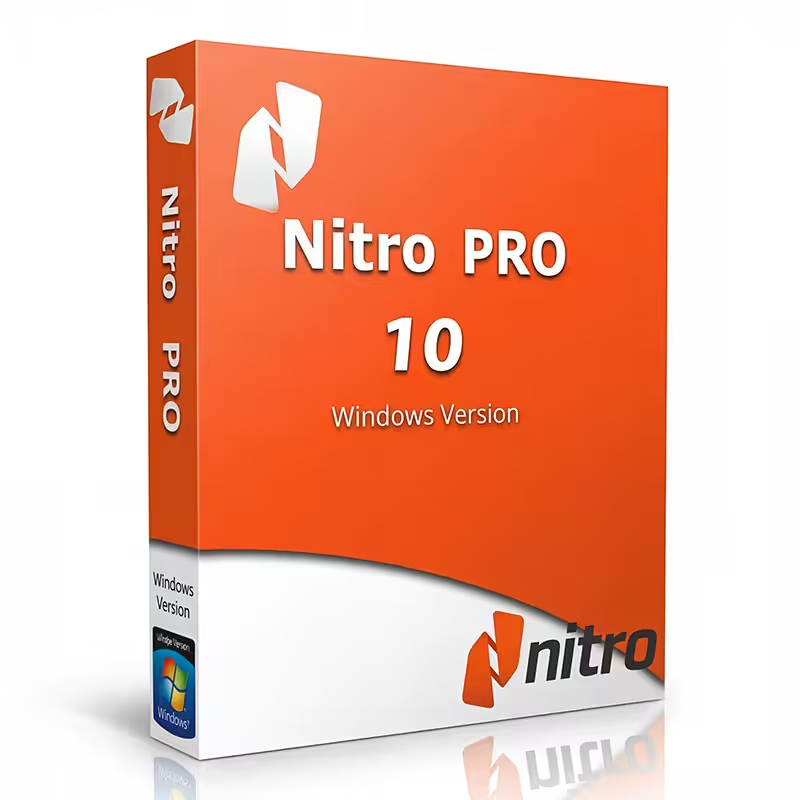
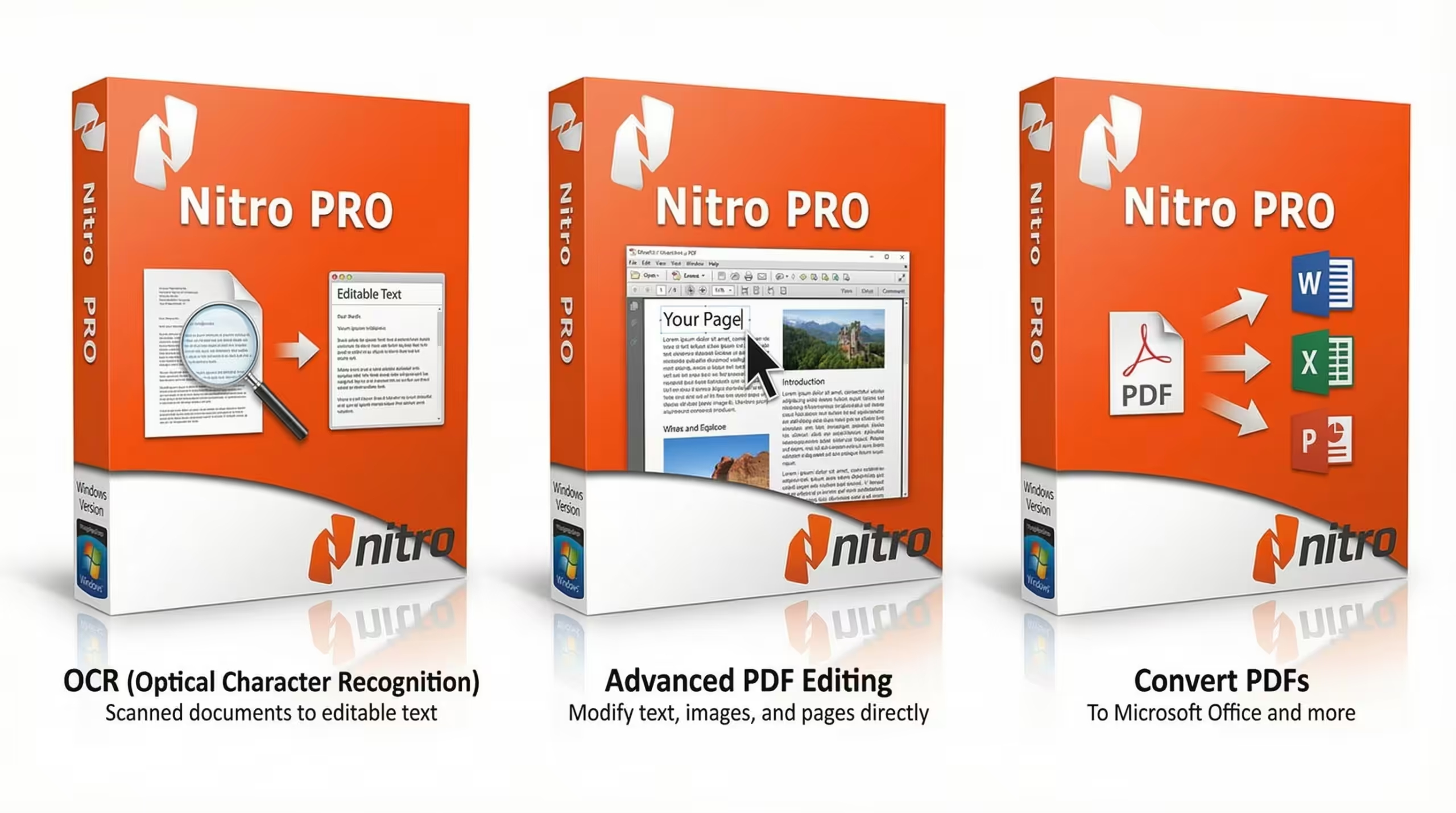
Nitro PDF Pro 10 for Windows – Edit, Protect, Annotate, Fill and Sign PDFs – Version 10, 1 PC, 1 User, Lifetime License

Description

Why a lot of people will buy PDF Editor from SOFTWAREHUBS

SOFTWAREHUBS Google Yahoo Bing Trusted Store

What’s the difference between us and others?

mary profile image
Mary ( U.S. Attorneys ) Q
: Can I transfer my license because my computer crashed, was lost, stolen, or reformatted?
SOFTWAREHUB’s A: If your computer has crashed, been re-imaged, or reformatted, or if you no longer have access to the wp-signup.phped device, our tech team can transfer your license to another PC without buying a new license.

The New Year Sale is on. Get over 35% off.

Save big on Nitro PDF Pro 10 for Windows, the ultimate toolkit for editing, creating, signing, organizing, sharing, and protecting PDFs. It ends on February.

Buy Nitro PDF Pro 10 for Windows at SoftwareHUBs for the best price. Order now, and we will send you the Nitro PDF Pro 10 for Windows product key instantly via purchase e-mail. This is a perpetual digital license.
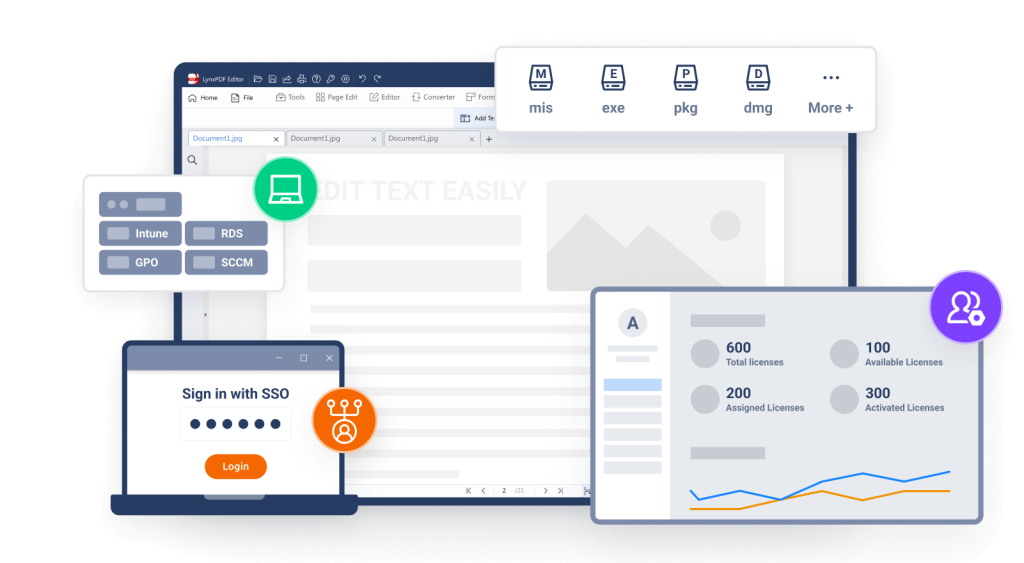
PDF Extra Lifetime
PDF Extra is a reliable Adobe alternative that offers a wide range of PDF tools to help you get any task done without ever getting in your way. 76% of Nitro PDF customers find the product easy to use and effective. Whether it’s editing texts and images, scanning paper documents, leaving comments, or converting and protecting PDFs, the app’s streamlined user interface makes it the perfect choice for users who’ve never worked on a PDF before.

Nitro PDF was recognized by G2 as a High Performer in Customer Satisfaction in Spring 2022 for File Reader Software. It was proud to be included in GetApp’s 2022 Category Leaders Report for PDF Software.

Besides standard functions, Nitro PDF Pro 10 for Windows for Windows offers more:

  • Edit and resize everything they see – text, images, and anything in between
  • Scan PDFs, split them in half, merge them together, or create blank PDFs
  • Insert pictures from their PC or laptop or a quick online search
  • Place bookmarks on essential bits of information for more straightforward navigation
  • Convert PDFs to popular file formats: Word / Excel / ePub / JPEG

Learn more features? Click here. Work becomes more effortless and more productive with lighter PDFs!
Reviews

  • 5.0/5 rating on SourceForge: ★ ★ ★ ★ ★
  • 4.5/5 rating on G2: ★ ★ ★ ★ ★
  • 4.5/5 rating on Software Advice: ★ ★ ★ ★ ★
  • 4.4/5 rating on Capterra: ★ ★ ★ ★ ★
  • 4.4/5 rating on GetApp: ★ ★ ★ ★ ★

NOTE: Conversion from PDF to any MS Office format is NOT included.

Every new nine languages is like an open door through which we connect with our neighbors worldwide!

  • German German
  • English English
  • Dutch Dutch (Guy Raedersdorf)
  • French French (Guy Raedersdorf)
  • Italian Italian
  • ChineseSimplified ChineseSimplified (Smilefly )
  • British English British English

Nitro PDF Pro 10 for Windows Lifetime – Professional PDF Editor – Edit, Protect, Annotate, Fill, and Sign PDFs


adobe acrobat,software,windows,PDF,office,edit,OCR, PDF convertor, reader,PC,PDF printing,pdf mergeMobiSystems logo
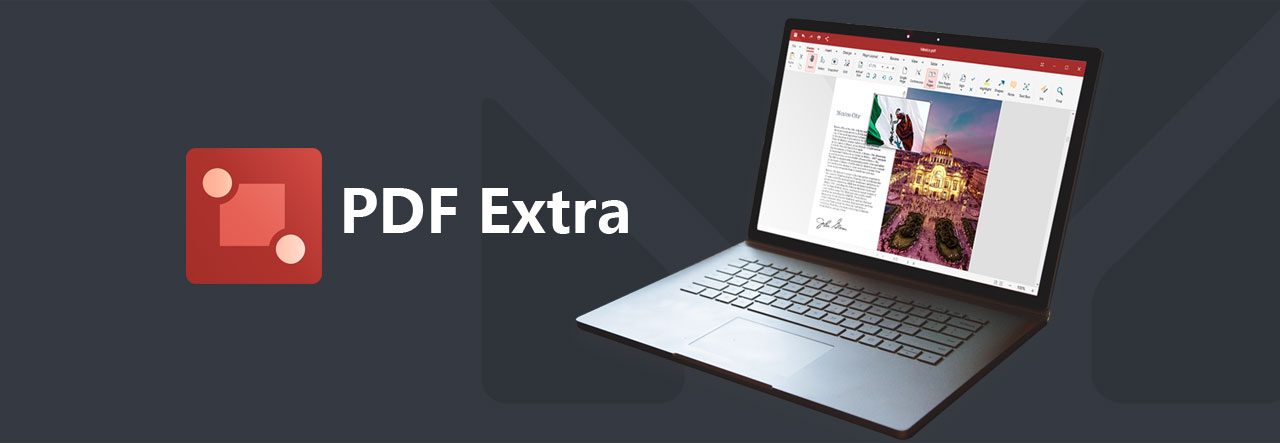
 Icon for PDF Extra with texts reading as “PDF Extra”. Next to them on the right is a front view of a laptop facing slightly to the left, with screen running this software

Professional PDF editor

Read & Edit files with advanced PDF features to achieve stunning results. Annotate, secure and convert them to Word, Excel and ePub.
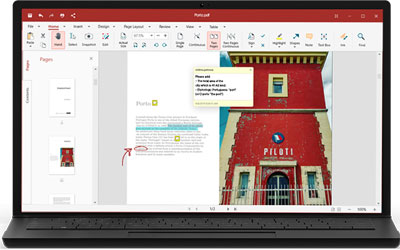
 Front view of an opened laptop, with screen running this software

Complete PDF editing

Add or modify text and images directly into PDFs. Comment and highlight file sections, work with fillable forms and extract pages from documents.
 At top is an icon of paper with padlock. At bottom is a signature

Protect & sign documents

Sign your documents with a digital signature or use the free drawing tool to draw your own. Add a timestamp to your PDFs and set files editing permissions.
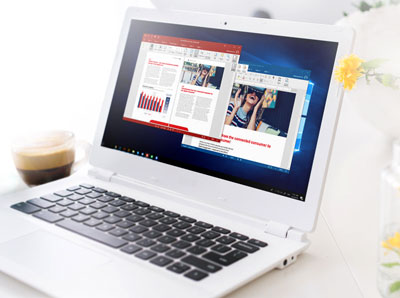
 Front view of an opened laptop, facing slightly to the left, with screen running this software

Convert PDFs to editable Word, Excel and ePub files

Convert PDFs to other formats with a single click, while keeping their original formatting intact.

Features

EDIT PDF FILES

Edit PDFs with the all-in-one professional PDF editor. Feel free to change any document aspect you want—texts, pictures, design, signatures, certificates and more.

ORGANIZE PAGES IN PDFs

View and organize pages in PDFs – rotate and delete pages at your convenience.

READ & PRINT

Quickly open and view PDFs. Enjoy the best reading experience with continuous page mode and print entire documents or just a selection of pages.

CONVERT PDFs

Export PDFs to Word, Excel or ePub while keeping the original layout and formatting. Save Word, Excel and ePub files as PDFs and share them with ease.

VIEW & COMMENT

Make comments on PDFs using sticky notes and drawing tools. Highlight and markup text with the annotation tools.

FILL & SIGN

Put identifiable information such as signatures, dates, checkmarks and more to your documents. The advanced support for fillable PDF forms allows you to make all the changes you need and sign documents with your saved digital signature or simply by drawing a signature on the document. The advanced digital certification allows you to validate a PDF’s authenticity.

PROTECT PDFs

Protect your sensitive documents with passwords to restrict editing, opening, printing, and/or extracting the document. Work with advanced PDF certificates to validate their authenticity.


Your PDF office workflow reimagined. Nitro PDF Editor


Nitro PDF Classic 


Nitro PDF Pro


Nitro PDF Subscription
( Standard / Plus ) 


Current OS supported windows Download windows Download windows android ios Download
Price
$270 $99.99 $180.00
License Type
3 Year Lifetime License 1 Year Renewable
Cross-platform
Windows only Windows Only Windows, Android, iOS
Cloud Storage
50 GB 5 GB 100 GB
Editing Tools
Create New PDF
Convert to Office 365
Convert to images
OCR Support
Fill & Sign Tools
Protect & Digital certificates.
Dedicated Read Mode

Operating System:

Windows 11, Windows 10, Windows 8, Windows 7, Windows Server 2019, Windows Server 2022

Computer:

Any computer that supports the above-operating systems. Systems with ARM processors are not supported.

Other:

Full administrative rights are required to use the program.
An Internet connection is required to activate the program. The program license is verified repeatedly at regular intervals.

Important Details

  • Length of access: Lifetime
  • Redemption deadline: Redeem your code within 60 days of purchase
  • Access Options: Desktop
  • Max number of device(s): 1 PC
  • Version: v2024
  • Updates included

Product Specs

General Information

Category PDF editor and converter software
Description Nitro PDF 10 Pro Lifetime License – Edit, Convert, OCR, Protect & Sign PDFs – 1 User, 1 PC, Perpetual
Manufacturer Nitro Software, Inc.
MSRP $159.99*
UNSPSC 43231908

Main Specifications

Header / Brand Nitro
Software / Type Nitro PDF 10 Pro
Number of Users 1
Number of Devices 1 PC
Software / License Type Lifetime License (Perpetual)
System Requirements / OS Required
  • Windows 7, 8, 10, 11 (32-bit & 64-bit)

General

Category Professional PDF editing and conversion
Features
  • Create, edit and review PDF files
  • Convert PDF to Word, Excel, PowerPoint and images
  • OCR (Optical Character Recognition)
  • Fill, sign and secure PDF forms
  • Password protect and encrypt PDFs
  • Merge, split, compress and organize PDFs
  • Batch processing and enterprise-grade performance

Nitro PDF 10 Pro is designed for professional users who need powerful, stable and offline-friendly PDF software.
It delivers enterprise-grade performance without requiring subscriptions or online activation.

  • Operating system: Windows 7, 8, 10, 11
  • Processor: 1 GHz or faster (x86 / x64)
  • RAM: 1 GB (2 GB recommended)
  • Storage: 500 MB free disk space

Product versions

Nitro PDF is available in both subscription and perpetual license models:

  • Nitro PDF Pro (Subscription): Annual subscription with continuous updates
  • Nitro PDF 10 Pro: One-time payment, lifetime perpetual license
  • Nitro PDF 11 / 12 / 13: Newer versions sold separately

Subscription vs. Lifetime License

Nitro PDF offers both subscription-based and perpetual license models. Subscription plans provide access to the newest features while active.

Nitro PDF 10 Pro is a perpetual lifetime license. You pay once and use the software forever on one PC.
It includes all professional features such as OCR, conversion, security, and form editing.

Perpetual licenses never expire, do not require monthly or annual payments, and allow reinstalling on the licensed device at any time.

How-to install Nitro PDF

1) Download Nitro PDF 10 Pro

After completing your order, you will receive your Product Key and Download Link by email.
Please download the installer and save it to your computer.

  • Step 1: Check your email inbox (and Spam/Junk folder) for the delivery email.
  • Step 2: Click the provided download link and download the Nitro PDF 10 Pro installer.
  • Step 3: Run the installer file and follow the on-screen instructions to complete installation.

2) Install the software

  • Step 1: Right-click the installer and choose Run as administrator (recommended).
  • Step 2: Accept the license terms and proceed with Typical installation.
  • Step 3: Wait until setup finishes, then click Finish.

3) Activate Nitro PDF 10 Pro (Perpetual License)

Once installed, launch Nitro PDF 10 Pro and activate it using your provided product key.

  • Step 1: Open Nitro PDF 10 Pro.
  • Step 2: Click Help on the top menu.
  • Step 3: Select Activate (or Enter License Key depending on the build).
  • Step 4: Copy and paste your Product Key exactly as provided.
  • Step 5: Click Activate and wait for confirmation.

Important: This license is valid for 1 User / 1 PC. Activation may require an internet connection.

4) If activation fails (quick fixes)

  • Check internet connection: Ensure your PC is online during activation.
  • Disable VPN/Proxy: Turn off VPN or proxy and try again.
  • Run as Administrator: Close Nitro, then reopen it with Run as administrator.
  • Verify key format: Make sure there are no extra spaces before/after the key.
  • Firewall/Antivirus: Temporarily allow Nitro through firewall or antivirus if blocked.

5) Reinstall / Move to another PC

If you need to reinstall Windows or install Nitro again on the same PC, simply download and install Nitro PDF 10 Pro again and reactivate with the same key.
If you are moving to a different PC, the license may need to be deactivated on the old device first (depending on Nitro’s licensing rules).

Need help?

If you can’t find your delivery email or have activation issues, contact our support team with your order number and email address used at checkout.

Nitro PDF 10 Pro – FAQ

Q
This is a lifetime license or subscription?

A

This is a lifetime (perpetual) license. You pay once and use Nitro PDF 10 Pro forever on 1 PC. No monthly or annual fees.
Q
Is this the full Pro version or a limited edition?

A

This is the full Nitro PDF 10 Pro edition, including:

  • PDF editing
  • PDF conversion (Word, Excel, PowerPoint)
  • OCR (scan to text)
  • PDF security and encryption
  • Forms, signatures, merging and compression

No feature is locked or restricted.

Q
How many computers can I use this license on?

A

This license is valid for 1 user on 1 PC. You may reinstall it on the same computer if you reinstall Windows.
Q
Will this license expire?

A

No. The license never expires. You can keep using Nitro PDF 10 Pro for as long as you want.
Q
Do I need an internet connection to use Nitro PDF?

A

No. Internet is only required for activation. After activation, Nitro works fully offline.
Q
Does this version include OCR?

A

Yes. Nitro PDF 10 Pro includes built-in OCR, allowing you to convert scanned documents and images into editable text.
Q
Will I get updates?

A

You will receive all updates within Nitro PDF 10. Major upgrades (Nitro 11, 12, 13, etc.) are sold separately.
Q
Can I activate it on a new PC later?

A

Yes. If you change computers, you can reinstall Nitro and reactivate it. In some cases, Nitro may require the old activation to be removed first.
Q
Is this compatible with Windows 11?

A

Yes. Nitro PDF 10 Pro works on Windows 7, 8, 10, and 11 (32-bit & 64-bit supported).
Q
Is this an original and legal license?

A

Yes. You receive a genuine product key that activates Nitro PDF 10 Pro officially.
Q
Will Nitro block or deactivate this license?

A

Nitro PDF 10 Pro uses perpetual licensing. Once activated, it remains valid for the licensed device.
Q
What will I receive after purchase?

A

You will receive:

  • The Nitro PDF 10 Pro download link
  • Your unique product key

Delivered by email shortly after payment.

Q
What if I have trouble activating?

A

Our support team will help you activate your software. Please provide your order number and the email address used for purchase.

Softwarehubs Q & A

Shipment & Delivery

.FREE Secure Electronic Delivery ( Instant Delivery )

Note: While we’re out of stock, we will deliver your products immediately in a couple of hours (excluding holidays).

Free Shipping for Digital License ( Secure Electronic Delivery ), we will deliver your downloads immediately in 5-10 minutes. Please check your email for further instructions about your order. Sometimes spam filters block automated emails. If you do not find the email in your inbox, please check your spam filter or bulk email folder. Or please contact us with any questions.

To pack every single order, we use strong Media Download with Grant access to files, and Media Package with Delivery signed protection to guarantee safety through the shipping/delivery process.

.Flat-Rate Delivery ( via Post )

Note: This is an additional choice for customers when they need us to send the Serial Key including the Manufacturer’s manual by Post. You will pay an amount for the postal service. The following delivery costs are for orders fulfilled by USPS ® and Royal Mail ®.

All software product categories cost $5.99 per delivery ( 1-3 business days) around the U.S (excluding weekends and holidays). See Shipping Policy for more information.