

Description
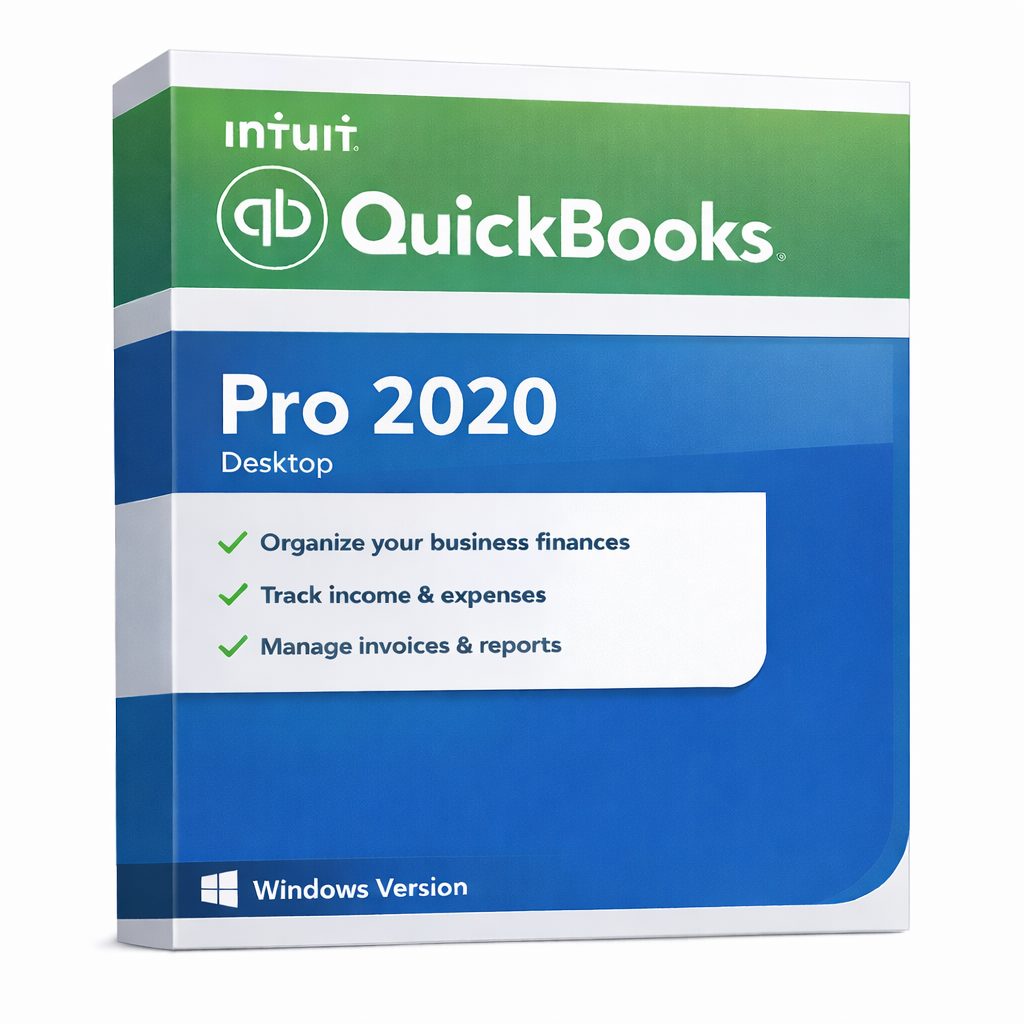
QuickBooks Pro 2020 for Windows – Desktop Accounting for Windows
QuickBooks Pro 2020 for Windows is a desktop-based accounting solution built for businesses that want offline control, local data storage,
and a familiar QuickBooks workflow—without relying on cloud subscriptions.
If you need dependable invoicing, expense tracking, and reporting on a Windows PC, this version is a practical choice for daily operations.
Best For
- Small & medium businesses using Windows
- Teams that prefer desktop/offline accounting
- Organizations that want a one-time desktop license instead of subscriptions
- Companies needing stable reporting for bookkeeping and tax preparation
Key Benefits
- Offline workflow: use the software offline after activation
- Local data: keep your accounting files on your computer
- Business clarity: run financial and sales reports to understand performance
- Familiar tools: invoicing, expenses, sales receipts, and customer/vendor tracking
What’s Included
- Desktop application for Windows
- License details delivered after purchase
- Basic compatibility guidance (OS/region) to reduce wrong purchases
System Requirements (Windows)
- Operating System: Windows 10 or newer (64‑bit recommended)
- CPU: 2.4 GHz or faster
- RAM: 4 GB minimum (8 GB recommended)
- Storage: 2.5 GB free disk space minimum
- Display: 1280×1024 or higher
- Internet: required for activation and updates
Important Notes
- OS: This is a Windows-only product. Mac users should choose the Mac edition.
- Region: US edition. Please confirm your region requirements before checkout.
- Edition: Pro. Choose Enterprise for advanced inventory/reporting needs.
Frequently Asked Questions (FAQs)
Does QuickBooks Pro 2020 for Windows require a subscription?
No. This listing is positioned as a desktop/offline license option. You can use it offline after activation.
Can I use it offline?
Yes. Internet is typically needed for activation and updates, but daily use can be offline.
Will it work on Windows 7/8?
For best stability, Windows 10 or newer is recommended. If you use older Windows versions, compatibility may vary.
Is this Mac compatible?
No. This product is for Windows. If you use macOS, choose a QuickBooks Pro for Mac version.
How do I choose between Pro, Premier, and Enterprise?
Pro is best for core accounting. Premier adds industry-focused features (where available).
Enterprise is designed for larger businesses needing advanced reporting and scalability.
Can I upgrade to a newer year later?
Yes. You can upgrade at any time by purchasing a newer compatible version and migrating your data as needed.