

Description
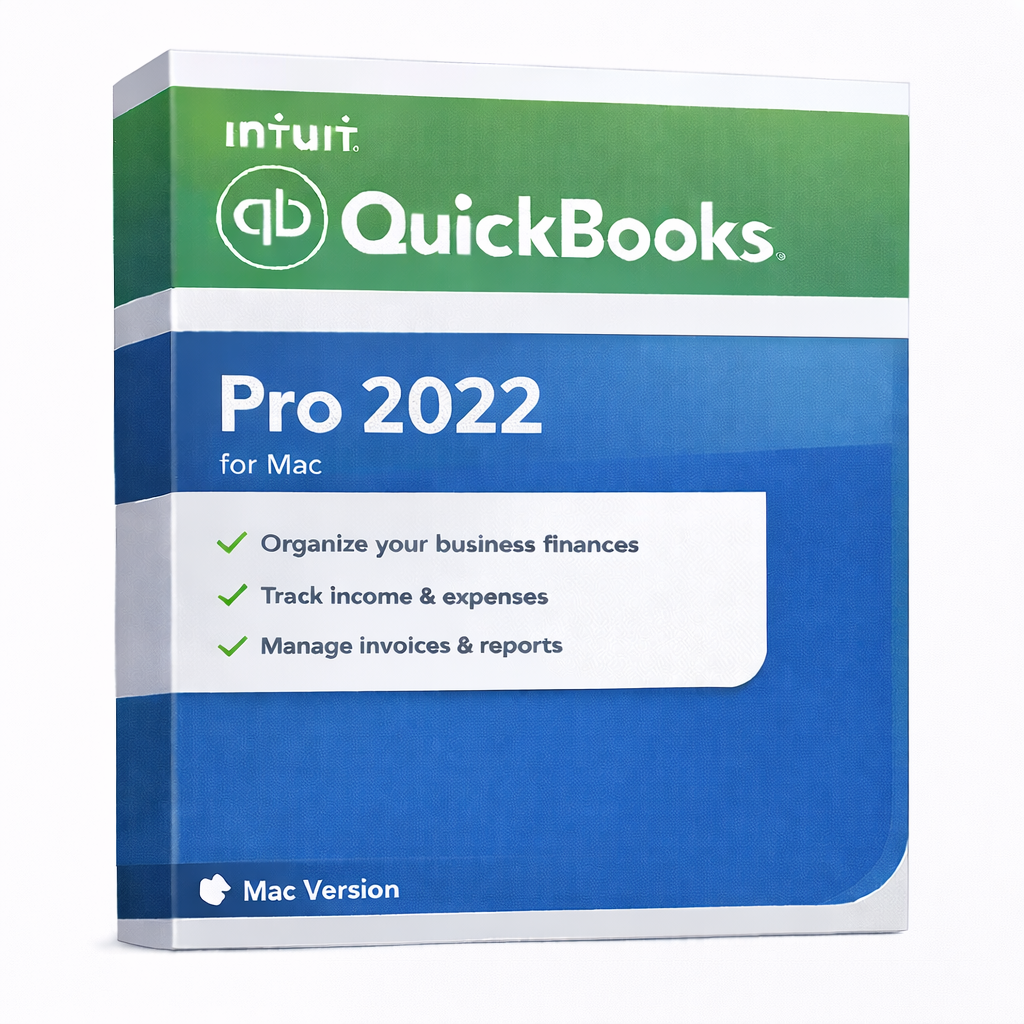
QuickBooks Pro 2022 for Mac – Desktop Accounting for macOS
QuickBooks Pro 2022 for Mac is a desktop-based accounting solution designed specifically for macOS users who want
offline financial management, local data storage, and a familiar QuickBooks workflow without cloud subscriptions.
This version is ideal for Mac-based businesses that prefer a one-time desktop license and full control over their accounting data.
Best For
- Small & medium businesses using macOS
- Users who prefer offline desktop accounting
- Companies avoiding subscription-based cloud software
Key Benefits
- Offline usage: work without internet after activation
- Local data storage: accounting files stay on your Mac
- Core accounting tools: invoices, expenses, customers, vendors
- macOS-native experience: optimized for Apple systems
What’s Included
- QuickBooks Desktop application for macOS
- License details delivered after purchase
- Basic compatibility guidance (OS / region)
System Requirements (macOS)
- Operating System: macOS 10.15 (Catalina) or newer
- Processor: Intel-based Mac or Apple Silicon (via Rosetta where applicable)
- Memory: Minimum 4 GB RAM (8 GB recommended)
- Storage: At least 2.5 GB free disk space
- Display: 1280×800 resolution or higher
- Internet: Required for activation and updates
Important Notes
- OS: This product is macOS-only
- Edition: QuickBooks Desktop for Mac is available as Pro only
- Region: US edition. Please verify regional requirements before purchase.
Frequently Asked Questions (FAQs)
Does QuickBooks Pro 2022 for Mac require a subscription?
No. This is a desktop-based version and does not require a monthly or yearly subscription.
Can I use QuickBooks for Mac offline?
Yes. After activation, you can use the software offline for daily accounting tasks.
Is this compatible with Windows?
No. This version is designed exclusively for macOS. Windows users should choose the Windows edition.
Is Premier or Enterprise available for Mac?
No. QuickBooks Desktop for Mac is only available in the Pro edition.
Can I upgrade to a newer Mac version later?
Yes. You can upgrade to a newer QuickBooks for Mac version and migrate your data as needed.