

Description
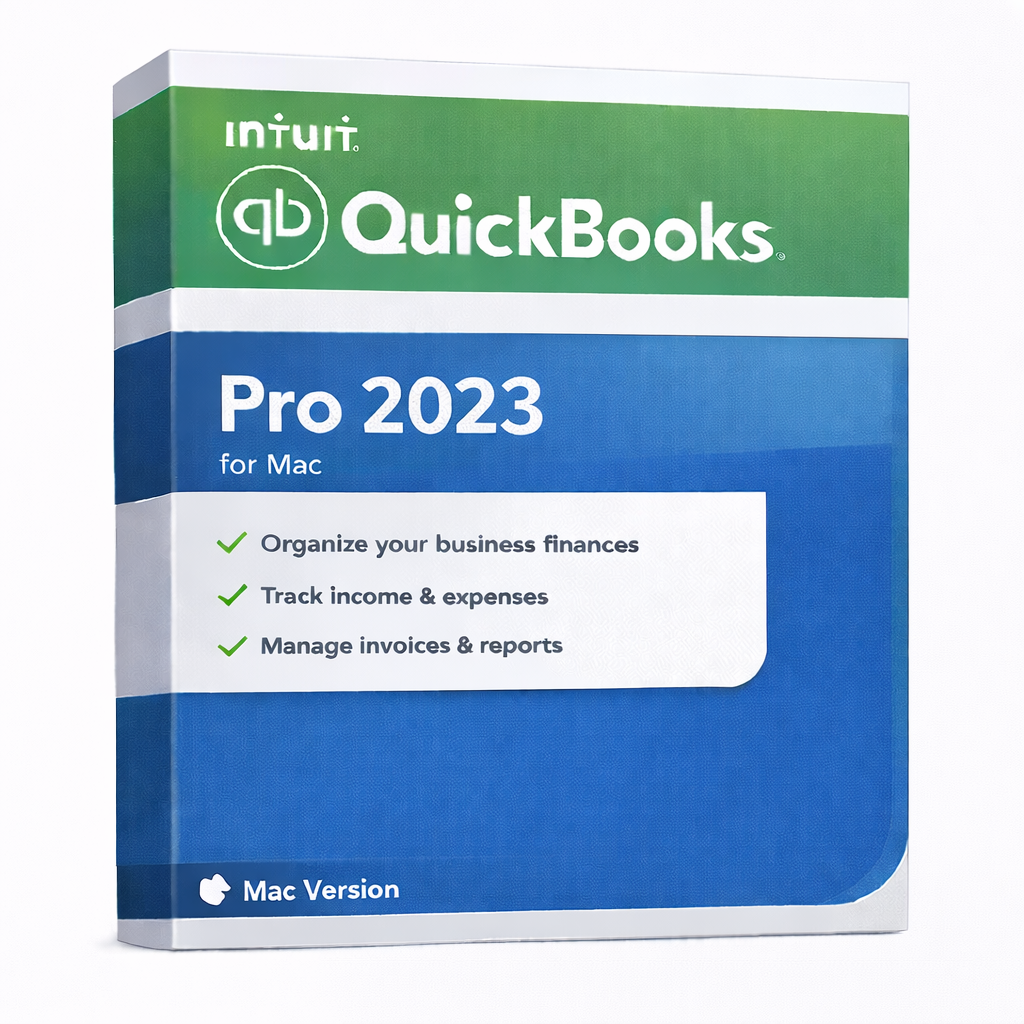
QuickBooks Pro 2023 for Mac – Desktop Accounting for macOS
🛡️ Proven Mac Stability & Professional Continuity
Choosing QuickBooks Pro 2023 for Mac gives you a native, high-performance accounting experience designed specifically for Apple hardware. We are dedicated to ensuring your business remains operational and secure with our continuity guarantee:
- Flexible Annual Renewal: This 1-year desktop license allows you to manage your finances with ease. You can reliably renew your subscription through our website or directly via Intuit to maintain your professional workflow and updates.
- Native macOS Experience: Built specifically for the Mac interface, this version offers a smooth, intuitive environment for users who prefer local data storage and offline-capable software.
- Service & Support Lifecycle: While Intuit officially supports online-connected services (such as Bank Feeds) for the 2023 edition through May 2026, your core desktop accounting environment remains a robust tool for your daily bookkeeping. We provide seamless paths to renew or upgrade whenever you are ready.
QuickBooks Pro 2023 for Mac is a desktop-based accounting solution designed specifically for macOS users who want offline financial management, local data storage, and a familiar QuickBooks workflow without a browser-dependent workflow.
This version is ideal for Mac-based businesses that prefer a desktop-installed license and full control over their sensitive accounting data.
Best For
- Small & medium businesses using macOS
- Users who prefer offline-capable desktop accounting for maximum privacy
- Companies that value local data storage on their own Apple devices
- Business owners looking for a stable, Mac-native interface for core bookkeeping
Key Benefits
- Offline Usage: Work on your finances anytime, anywhere—even without an internet connection after initial activation.
- Local Data Control: Your accounting files stay on your Mac, giving you 100% ownership and enhanced data privacy.
- Core Accounting Power: Professional tools to manage invoices, track expenses, and organize customers and vendors efficiently.
- macOS Optimization: Designed to look and feel like a true Mac application, compatible with Intel-based Macs and Apple Silicon (M1/M2/M3).
What’s Included
- QuickBooks Pro 2023 Desktop application for macOS
- 1-year desktop license entitlement for 1 user
- Digital delivery of license details after purchase
- Basic compatibility and setup guidance
- U.S. edition
System Requirements (macOS)
- Operating System: macOS 11.0 (Big Sur) or newer recommended
- Processor: Intel-based Mac or Apple Silicon (M1, M2, M3 chips)
- Memory: Minimum 4 GB RAM (8 GB recommended)
- Storage: At least 2.5 GB free disk space
- Display: 1280×800 resolution or higher
- Internet: Required for initial activation, updates, and any connected services
How This Product Is Best Understood
QuickBooks Pro 2023 for Mac is best understood as a stable and reliable native desktop environment. It is the perfect choice for users who want their accounting software to “just work” with the standard macOS feel. By choosing the 2023 version, you get a proven platform that handles complex bookkeeping while keeping your files safely stored under your own control.
Important Renewal & Continuity Notice
This product is provided as a 1-year desktop license. To ensure your business continues to benefit from the latest security patches and connected features, you can easily renew your subscription annually. Renewals are available through our website at exclusive rates or via your Intuit account, guaranteeing that your financial management never skips a beat.
Important Notes
- macOS Only: This product is designed exclusively for Mac and will not run on Windows.
- 1 User: Licensed for a single user setup.
- Region: U.S. edition. Please verify your regional requirements before checkout.
- Lifecycle Maintenance: To maintain seamless access to automated bank downloads, we recommend renewing or exploring upgrade options by May 2026.
Frequently Asked Questions (FAQs)
Does QuickBooks Pro 2023 for Mac require a subscription?
Yes. It follows the modern 1-year desktop license model. This ensures your software stays compatible with the evolving macOS ecosystem and security standards.
How do I renew my license after the first year?
You can conveniently renew your license right here on our website or through the Intuit portal. We will send you a courtesy reminder so you can maintain your workflow without interruption.
Can I use QuickBooks for Mac offline?
Yes. After the initial activation, your core daily accounting—like creating invoices and tracking expenses—can be performed entirely offline. Internet is only needed for updates and connected services.
Is this compatible with the new Apple M-series chips?
Yes. QuickBooks 2023 is optimized to run smoothly on both Intel-based Macs and Apple Silicon (M1, M2, M3) via Rosetta 2 or native optimization.
What happens if I want to move to a newer version later?
You have full flexibility. Your 2023 data is fully migratable to newer versions of QuickBooks for Mac or QuickBooks Online. We provide support to ensure your transition is seamless whenever you decide to upgrade.
Is Premier or Enterprise available for Mac?
No. Intuit provides the Pro edition for the Mac Desktop platform. For higher-tier features, Mac users often utilize QuickBooks Online or run the Windows version via a virtual machine.
Summary
QuickBooks Pro 2023 for Mac, 1-Year Desktop License, 1-User, U.S. Only is a high-performance, stable solution for Apple-centric business owners. It combines the classic desktop accounting you love with the security of local data storage. With easy renewal options and a clear support path through 2026 and beyond, you can manage your business with total confidence.