

Description
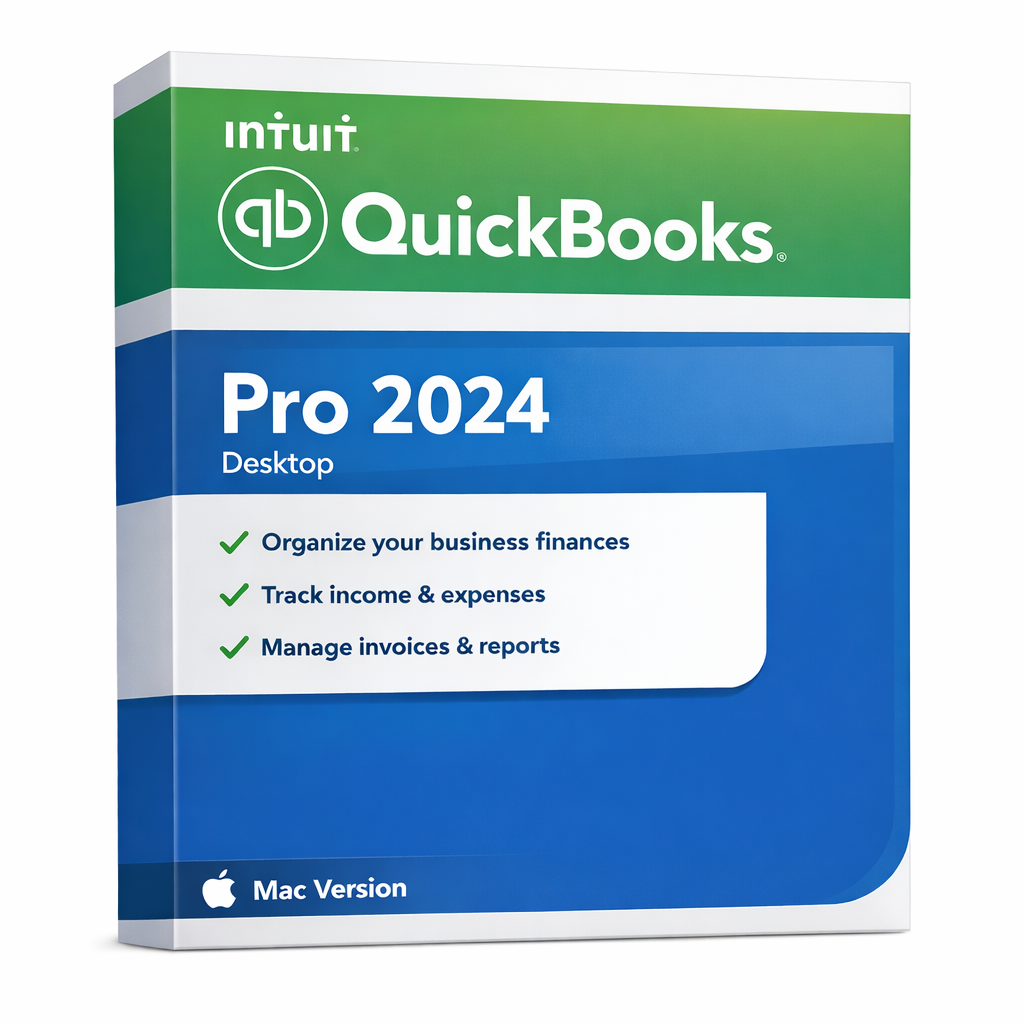
QuickBooks Desktop Pro 2024 for Mac – Lifetime Desktop Accounting for macOS
🛡️ Native macOS Performance with Lifetime Continuity
Get the power of QuickBooks Pro 2024 for Mac with complete peace of mind. We are committed to supporting your business with a stable, Mac-optimized environment and a clear path forward:
- Perpetual License: This one-time purchase ensures you own the software forever. Say goodbye to annual subscription fees and maintain your professional workflow without forced upgrades.
- Official Support Lifecycle: Enjoy full access to online-connected services (Bank Feeds, Security Updates, and Tech Support) through May 2027, following Intuit’s official support policy. After this date, your core software will continue to function indefinitely for offline use.
- Local Data Control: Your financial data is stored locally on your Mac. You maintain 100% ownership and privacy of your files, providing a level of security that cloud-only platforms cannot match.
QuickBooks Pro 2024 for Mac is a desktop-based accounting solution designed specifically for macOS users who want offline financial management, local data storage, and a familiar QuickBooks workflow optimized for Apple hardware.
This version is ideal for Mac-based businesses that prefer a lifetime desktop license and full control over their accounting data without being forced into a browser-only cloud environment.
Best For
- Small & medium businesses using macOS
- Users who prefer offline-capable desktop accounting
- Companies that value local data storage and Apple-native interfaces
- Business owners looking for a stable, one-time purchase setup on Mac
Key Benefits
- macOS-Native Experience: Optimized for Apple systems, including compatibility with Apple Silicon (M1, M2, M3).
- Offline Usage: Work on your books anywhere, anytime without needing a constant internet connection.
- Local Data Storage: Keep your sensitive financial records on your own hardware forever.
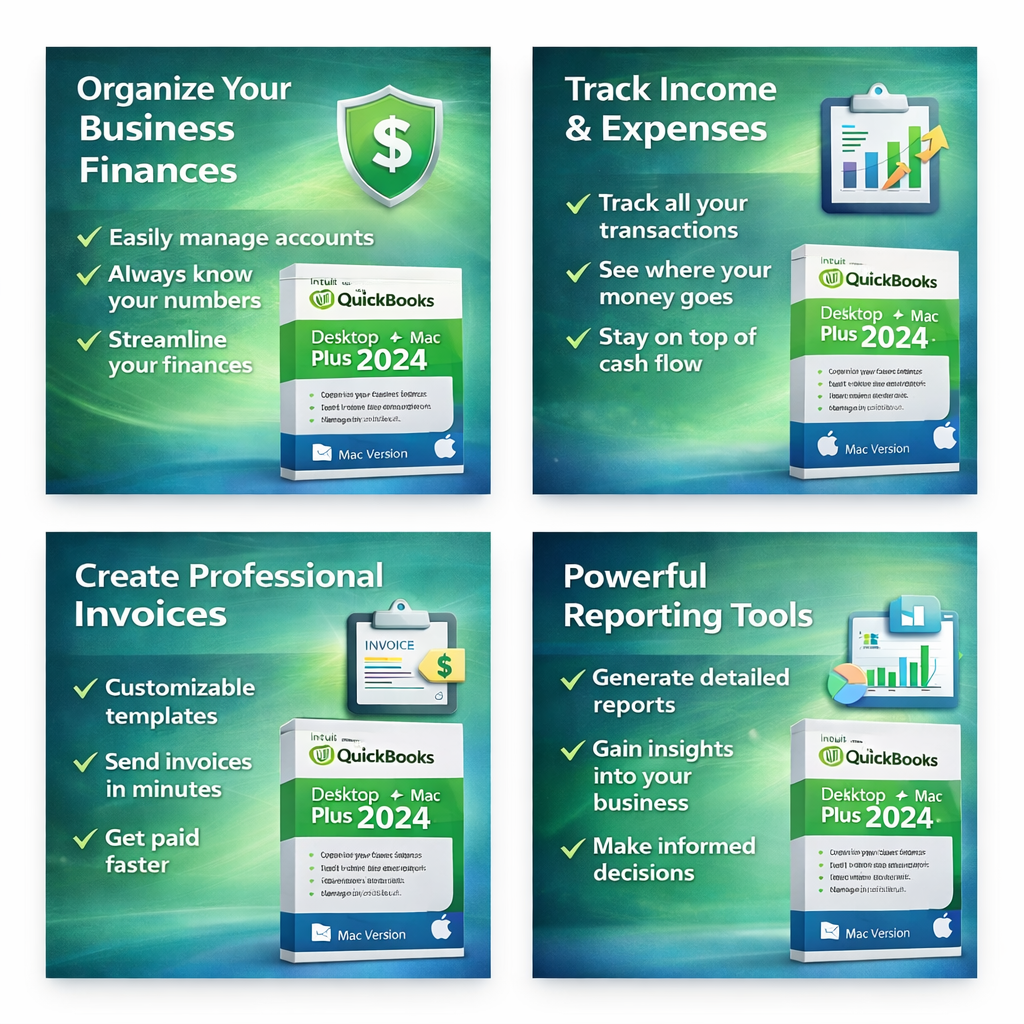
- Core Accounting Tools: Easily manage invoices, track expenses, and organize customers and vendors.
What’s Included
- QuickBooks Desktop 2024 application for macOS
- Lifetime desktop license entitlement for 1 user
- Basic installation and activation guidance
- U.S. edition
System Requirements (macOS)
- Operating System: macOS 12.0 (Monterey) or newer (Recommended for 2024 stability)
- Processor: Intel-based Mac or Apple Silicon (M1/M2/M3 chips)
- Memory: Minimum 4 GB RAM (8 GB recommended)
- Storage: At least 2.5 GB free disk space
- Display: 1280×800 resolution or higher
- Internet: Required for initial activation and connected services
How This Product Is Best Understood
This product is a specialized macOS desktop environment. It is designed for those who appreciate the speed and look of a native Mac app while requiring the robust features of QuickBooks. By choosing this perpetual 2024 version, you are securing a professional tool that delivers traditional desktop reliability without the burden of modern subscription fees.
Important Lifetime License Notice
This is a lifetime desktop license. You pay once and own the core software forever. Please note that while the desktop application will work indefinitely, online-connected features—such as automatic bank downloads (Bank Feeds) and security patches—are supported by Intuit through May 2027. No annual renewals are required to continue using the software locally.
Important Notes
- macOS Only: This product will not run on Windows.
- 1 User: Licensed for a single user environment.
- Region: U.S. Edition. Please verify your region requirements before checkout.
- No Subscriptions: Your continuity is guaranteed with a one-time purchase and zero annual renewal fees.
Frequently Asked Questions (FAQs)
Does QuickBooks Pro 2024 for Mac require a subscription?
No. This specific version is a perpetual license. You pay once and own the desktop software forever, bypassing the modern annual subscription model entirely.
Are there any renewal fees after the first year?
No. Because this is a lifetime license, there are no annual renewal fees required to keep your core accounting software running.
Can I use QuickBooks for Mac offline?
Yes. After the initial activation and setup, you can perform your daily accounting tasks without an internet connection indefinitely. Internet is only needed if you choose to use connected services like Bank Feeds prior to May 2027.
Is this compatible with the new Apple M-series chips?
Yes. QuickBooks 2024 is designed to run smoothly on both Intel-based Macs and the latest Apple Silicon (M1, M2, M3) chips via Rosetta 2 or native optimization where applicable.
What happens to my software after Intuit’s support ends in 2027?
Your data is stored locally on your Mac. Even after online-connected services expire in May 2027, your core software will continue to function normally for manual data entry and local reporting. You are never “locked out” of your own hardware-stored files.
Is Premier or Enterprise available for Mac?
No. Intuit currently only offers the Pro edition specifically for the Mac Desktop platform. For more advanced features, Mac users typically use QuickBooks Online or run the Windows version via Parallels.
Summary
QuickBooks Pro 2024 for Mac, Lifetime Desktop License, 2-User, U.S. Only is the definitive choice for Apple-focused business owners. It provides a sleek, high-performance accounting experience with the security of local data storage. With connected support through 2027 and permanent offline access, you can focus on growing your business while enjoying a powerful tool with zero recurring subscription fees.