SwifDoo PDF for Mac Lifetime License – Ultimate Edit, Convert, Annotate, OCR, Fill and Sign PDFs – 1 Mac, Lifetime

Description

Why a lot of people will buy PDF programs from SOFTWAREHUBS

SOFTWAREHUBS Google Yahoo Bing Trusted Store

What’s the difference between us and others?

mary profile image
Mary ( U.S. Attorneys ) Q
: Can I transfer my license because my computer crashed, was lost, stolen, or reformatted?
SOFTWAREHUB’s A: If your computer has crashed, been re-imaged, or reformatted, or if you no longer have access to the wp-signup.phped device, our tech team can transfer your license to another PC without buying a new license.

The New Year Sale is on. Get over 25% off.

Save big on SwifDoo PDF for Mac Lifetime, the ultimate toolkit for editing, creating, signing, organizing, sharing, and protecting PDFs. It ends on Dec 28.

Buy SwifDoo PDF Lifetime for Mac at SoftwareHUBs for the best price. Order now, and we will send you the SwifDoo PDF Lifetime product key instantly via purchase e-mail. This is a perpetual digital license.

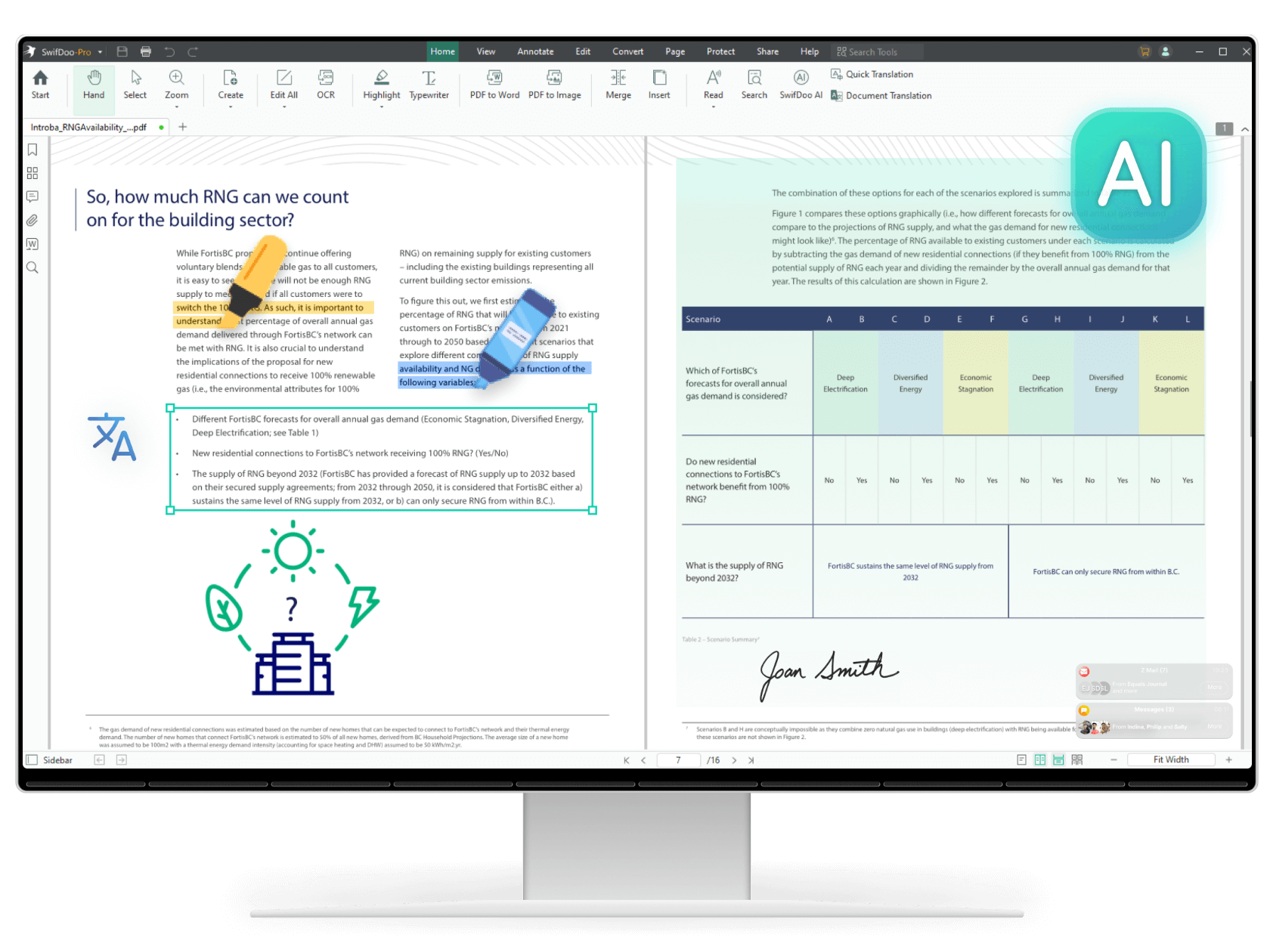
Flow Image: To create this image, replace the Windows logo with the Mac logo.

img_banner

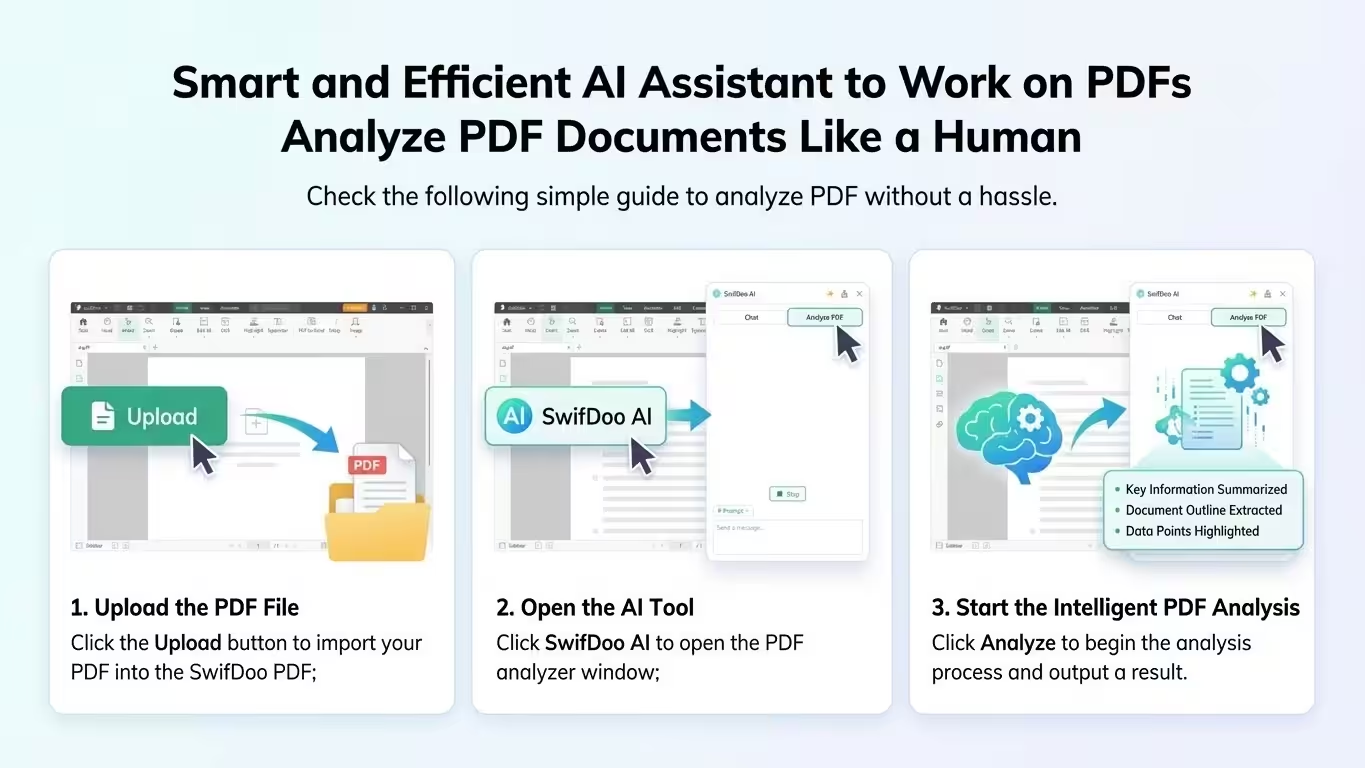
SwifDoo PDF is the most cost-effective PDF document manager for all Windows system users. On one hand, it covers all the basic features like PDF editing, annotating, merging, splitting, and converting. On the other hand, it goes beyond tedious manual PDF document management by incorporating ChatGPT techniques, introducing a range of chatting PDF features that easily summarize, translate, rewrite, proofread, explain, and analyze PDF documents

SwifDoo PDF was recognized by G2 as a High Performer in Customer Satisfaction in Spring 2022 for File Reader Software. It was proud to be included in GetApp’s 2022 Category Leaders Report for PDF Software.

Besides standard functions, SwifDoo PDF Lifetime for MacOS offers more:

  • Edit and resize everything they see – text, images, and anything in between
  • Scan PDFs, split them in half, merge them together, or create blank PDFs
  • Insert pictures from their PC or laptop or a quick online search
  • Place bookmarks on essential bits of information for more straightforward navigation
  • Convert PDFs to popular file formats: Word / Excel / ePub / JPEG

Learn more features? Click here. Work becomes more effortless and more productive with lighter PDFs!

Reviews

  • 5.0/5 rating on SourceForge: ★ ★ ★ ★ ★
  • 4.5/5 rating on G2: ★ ★ ★ ★ ★
  • 4.5/5 rating on Software Advice: ★ ★ ★ ★ ★
  • 4.4/5 rating on Capterra: ★ ★ ★ ★ ★
  • 4.4/5 rating on GetApp: ★ ★ ★ ★ ★

NOTE: Conversion from PDF to any MS Office format is NOT included.

Every new nine languages is like an open door through which we connect with our neighbors worldwide!

  • German German
  • English English
  • Dutch Dutch (Guy Raedersdorf)
  • French French (Guy Raedersdorf)
  • Italian Italian
  • ChineseSimplified ChineseSimplified (Smilefly )
  • British English British English

SwifDoo PDF for Mac – Professional PDF Editor – Edit, Protect, Annotate, Fill, and Sign PDFs 
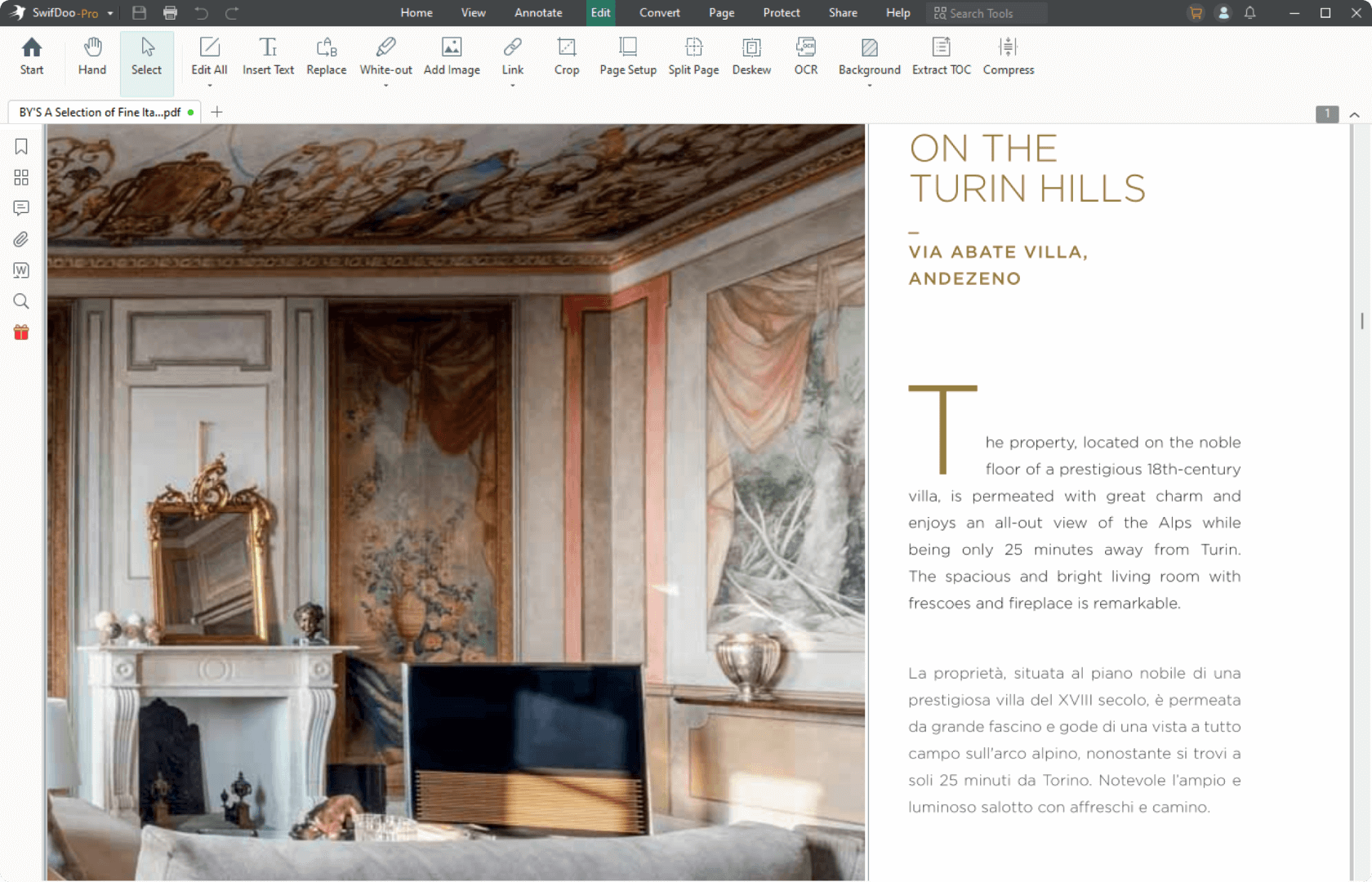
swifdoo-pdf-home-All-the-PDF-tools-edit

Professional PDF editor

Read & Edit files with advanced PDF features to achieve stunning results. Annotate, secure and convert them to Word, Excel and ePub.
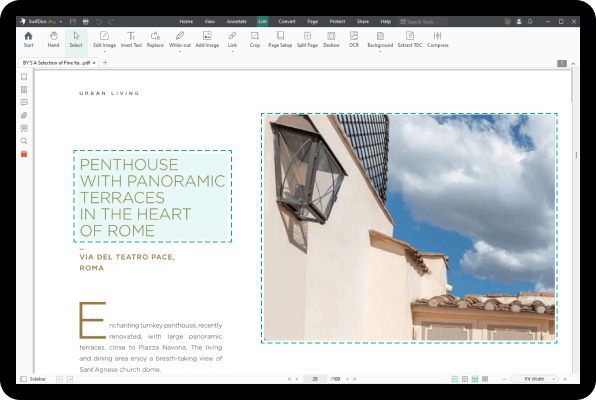
swifdoo-pdf-home-what-exactly-is-swifdoo-bg01

Complete PDF editing

Add or modify text and images directly into PDFs. Comment and highlight file sections, work with fillable forms and extract pages from documents.
swifdoo-pdf-home-what-exactly-is-swifdoo-bg02

Protect & sign documents

Sign your documents with a digital signature or use the free drawing tool to draw your own. Add a timestamp to your PDFs and set files editing permissions.
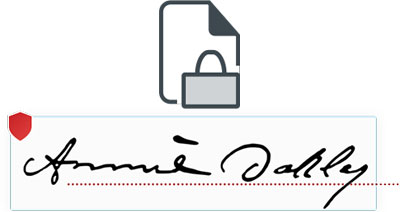
 At top is an icon of paper with padlock. At bottom is a signature

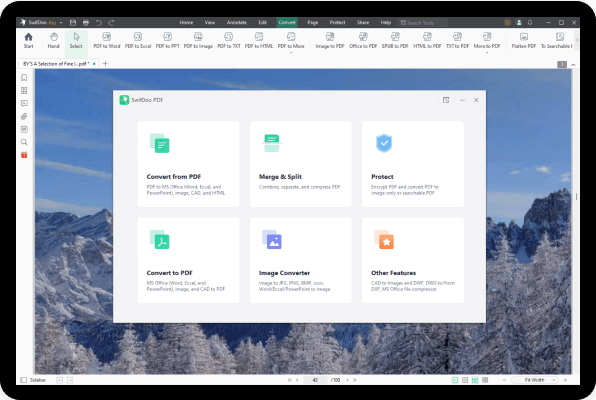
Convert PDFs to editable Word, Excel and ePub files

Convert PDFs to other formats with a single click, while keeping their original formatting intact.
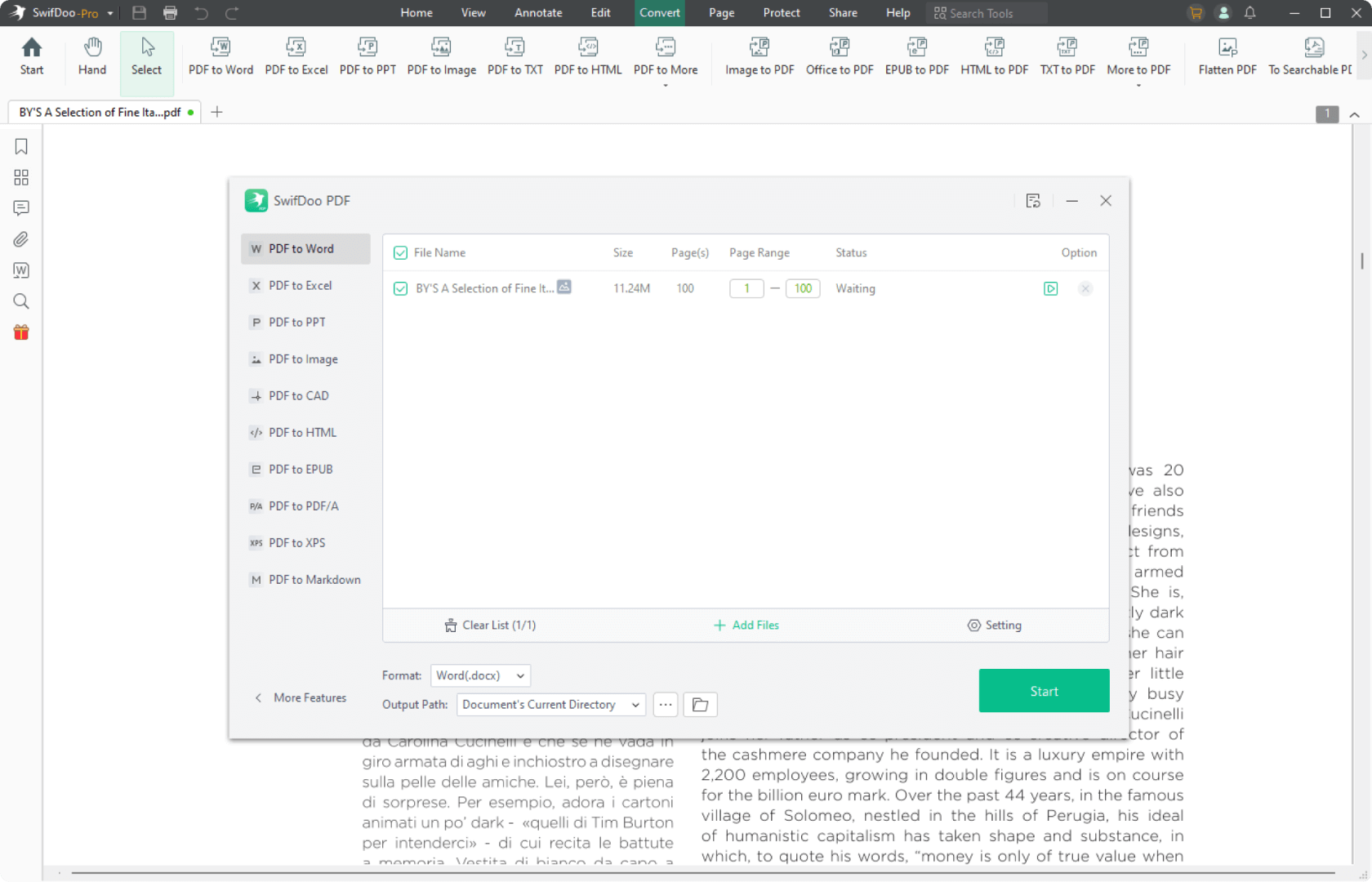
swifdoo-pdf-home-All-the-PDF-tools-convert

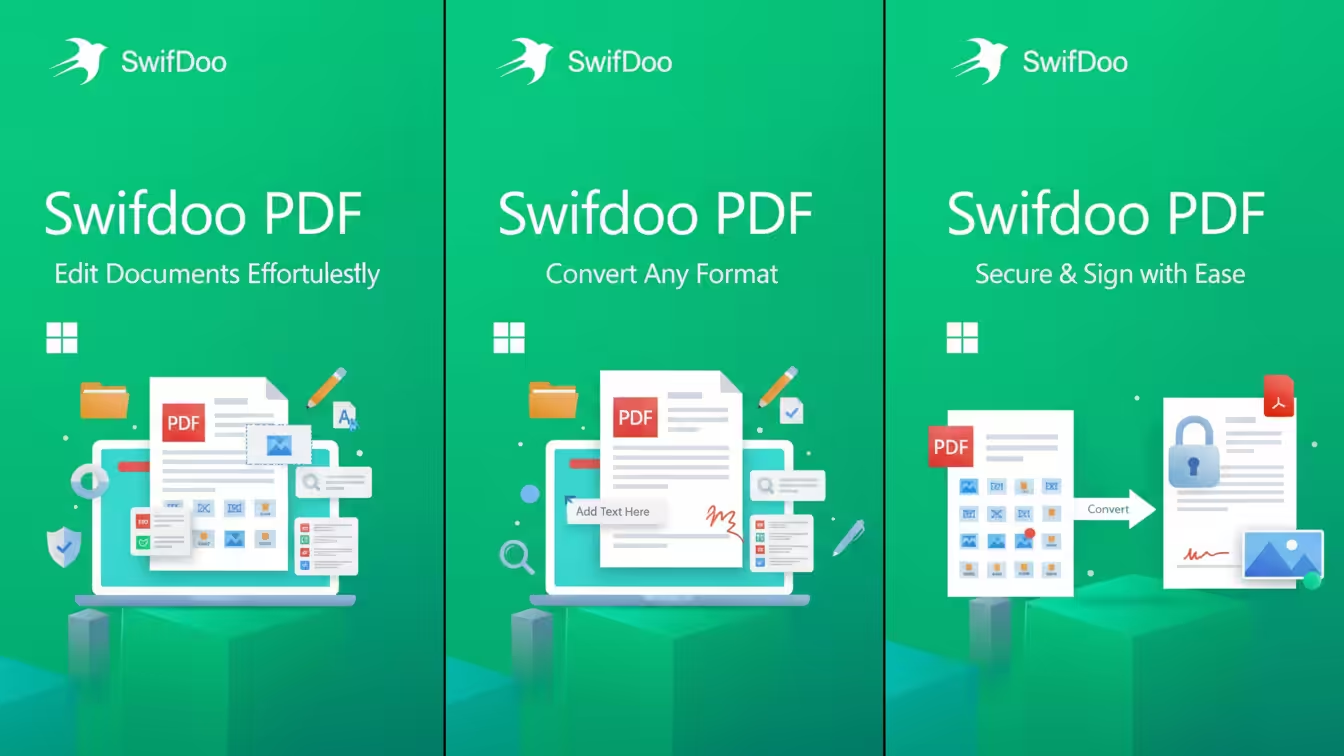
FeaturesFlow Image: Please add 3 more images showing the features of this software.

EDIT PDF FILES

Edit PDFs with the all-in-one professional PDF editor. Feel free to change any document aspect you want—texts, pictures, design, signatures, certificates and more.

ORGANIZE PAGES IN PDFs

View and organize pages in PDFs – rotate and delete pages at your convenience.

READ & PRINT

Quickly open and view PDFs. Enjoy the best reading experience with continuous page mode and print entire documents or just a selection of pages.

CONVERT PDFs

Export PDFs to Word, Excel or ePub while keeping the original layout and formatting. Save Word, Excel and ePub files as PDFs and share them with ease.

VIEW & COMMENT

Make comments on PDFs using sticky notes and drawing tools. Highlight and markup text with the annotation tools.

FILL & SIGN

Put identifiable information such as signatures, dates, checkmarks and more to your documents. The advanced support for fillable PDF forms allows you to make all the changes you need and sign documents with your saved digital signature or simply by drawing a signature on the document. The advanced digital certification allows you to validate a PDF’s authenticity.

PROTECT PDFs

Protect your sensitive documents with passwords to restrict editing, opening, printing, and/or extracting the document. Work with advanced PDF certificates to validate their authenticity.

Flow Image: Please add 3 more images showing the features of this software.

Your PDF office workflow reimagined. SwifDoo PDF


SwifDoo PDF - Mac, Windows (PC) için Masaüstü Uygulaması - WebCatalog

SwifDoo PDF Mac Lifetime


SwifDoo PDF - Mac, Windows (PC) için Masaüstü Uygulaması - WebCatalog

SwifDoo PDF Mac Subscription


SwifDoo PDF - Mac, Windows (PC) için Masaüstü Uygulaması - WebCatalog

SwifDoo PDF Mac Online


Operating System:

SwifDoo PDF for Mac is compatible with macOS 10.13 and newer, including the latest Apple M1 and M2 chips.

Computer:

It requires at least 512 MB of RAM (1 GB recommended) and 200M of free hard disk space. An internet connection is necessary for accessing help, and software updates.

Other:

Full administrative rights are required to use the program.
An Internet connection is required to activate the program. The program license is verified repeatedly at regular intervals.

Important Details

  • Length of access: Lifetime
  • Redemption deadline: Redeem your code within 60 days of purchase
  • Access Options: MacOS
  • Max number of device(s): 1 Mac
  • Version: v2025
  • Updates included

Product Specs

General Information

Category PDF editor and converter software
Description SwifDoo PDF Lifetime License for Windows – Edit, Protect, Annotate, Fill and Sign PDFs – 1 PC, 1 User, Lifetime
Manufacturer SwifDoo Software
MSRP $106*
UNSPSC 43231908

Main Specifications

Header / Brand SwifDoo PDF
Software / Type SwifDoo PDF for Windows
Number of Users 1
Number of Devices 1 PC
Software / License Type Lifetime License
System Requirements / OS Required
  • Windows 10 or later

General

Category PDF editing and conversion
Features
  • Edit PDF text and images
  • Convert PDFs to and from multiple formats (Word, Excel, PPT, Images)
  • Annotate and highlight text
  • Fill and sign PDF forms
  • Protect PDFs with passwords and permission controls
  • Organize, split, compress, and merge PDFs
  • Optical Character Recognition (OCR)

SwifDoo PDF has been designed to be extremely lightweight and fast, ensuring excellent stability on a wide range of Windows devices. Below are the official minimum system requirements for all current Windows editions of SwifDoo PDF.

  • Operating system: Windows 10 and above
  • Processor: 64-bit processors only
  • RAM memory: 2 GB
  • Storage: 500 MB free disk space

Product versions

The latest release of SwifDoo PDF for Windows can be downloaded from the official website. SwifDoo PDF offers several licensing options depending on your needs:

  • SwifDoo PDF Monthly / Annual Plan: subscription-based access to all core features including advanced editing and conversions.
  • SwifDoo PDF Plan: one-time payment giving permanent access to major features (no expiration).
  • SwifDoo PDF Lifetime License: full access to all essential tools, premium editing, OCR, and conversions—valid forever for 1 PC.

For more details about SwifDoo PDF licenses, please visit the official pricing page.

Subscription vs. lifetime license

SwifDoo PDF subscription plans (monthly/annual) provide continuous updates and access to the latest features. These plans are ideal for users who require constant updates and cloud-based improvements.

SwifDoo PDF Lifetime License is more cost-effective in the long run because it never expires. It includes all core features, PDF editing, OCR, conversions, protection, and form management. While new major features may require an upgrade in the future, the Lifetime License remains active permanently.

Older SwifDoo PDF versions may be available for download for customers who purchased them previously, but only the Lifetime version is currently sold as a perpetual product.

Easy to Active Swifdoo PDF

Download

SwifDoo PDF includes four main platforms: Windows version, macOS version, iOS version, and Android version. You can visit the Download Center to get the respective versions.

The steps to download and install SwifDoo PDF for Windows are as follows:

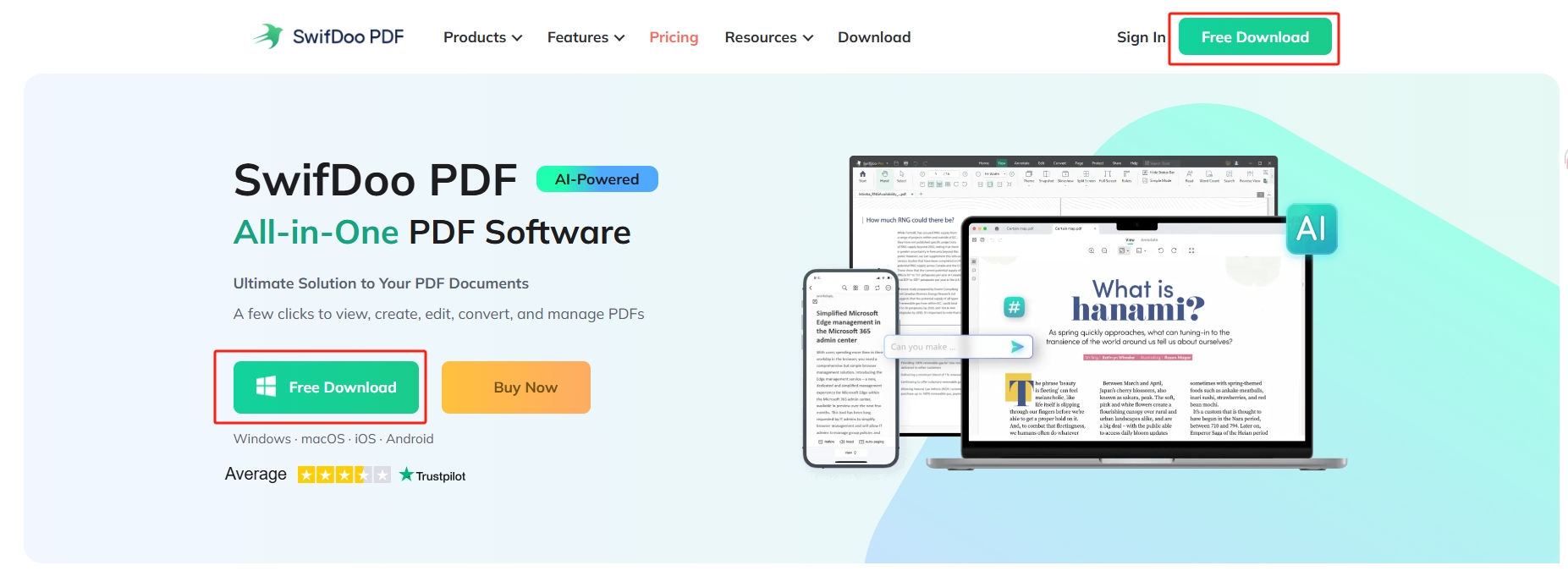
You can free download SwifDoo PDF for windows on homepage, navigation pages or anywhere you can find a download button from our official website.

swifdoo pdf homepage

In addition, you can download SwifDoo PDF from Microsoft AppSource. We are the partner of Microsoft.

Install

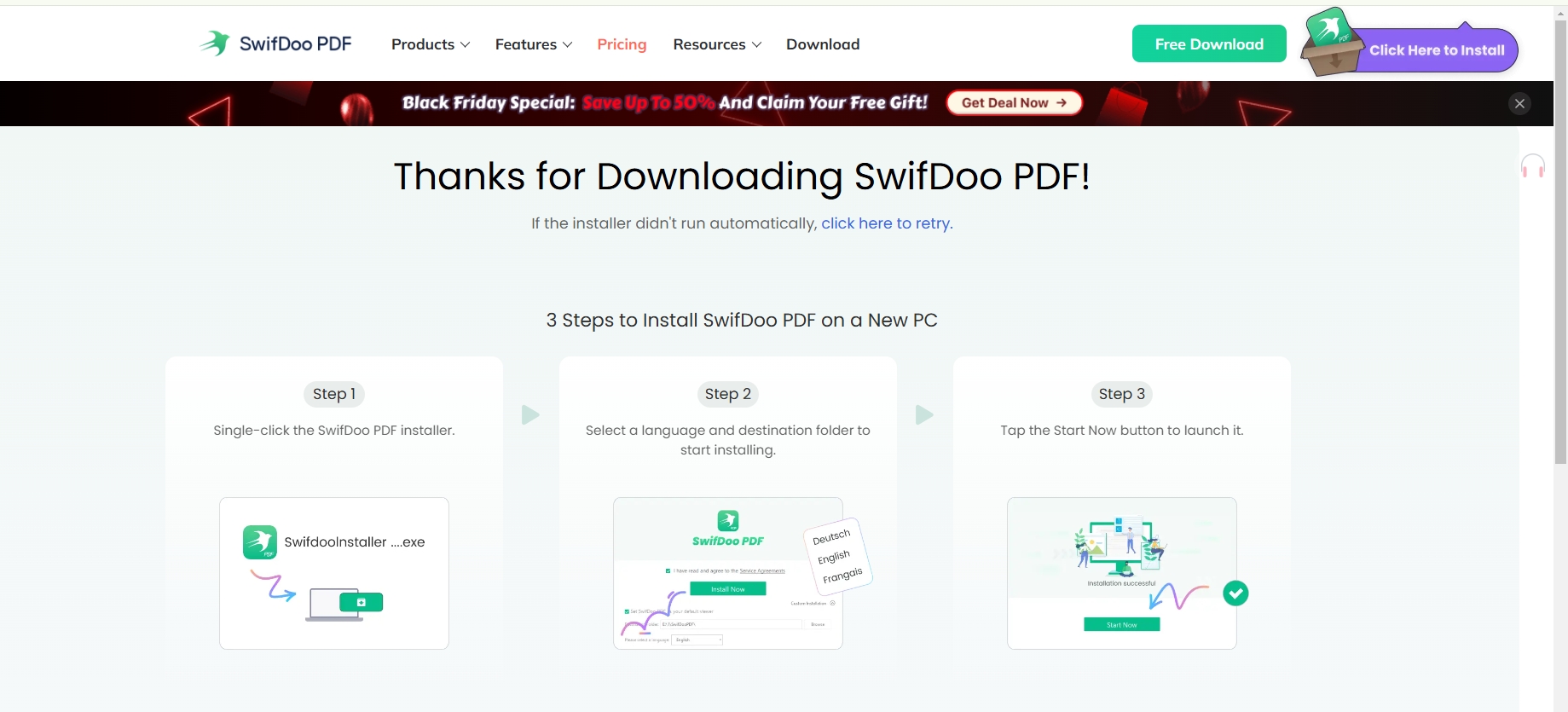
Once downloading has been completed, you can see the package appearing at the bottom of your browser.

swifdoo pdf free download

Step 1: Click on the installer. Or, you can find the file folder where you saved the package on computer and double click the Exe file. After that, a dialog box will come out to ask whether you agree this application makes changes to your system;

Step 2: Choose Yes to continue;

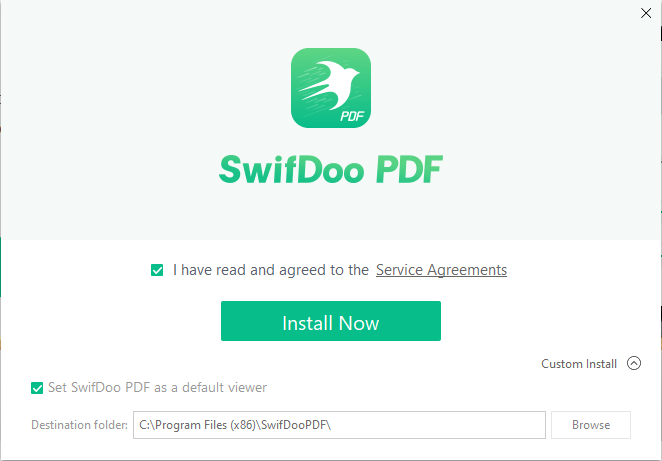
Step 3:In the pop-up window, click Custom Install and Browse to locate the program files. Tick I have read and agreed to the Service Agreements;

swifdoo-pdf-editor-free-install

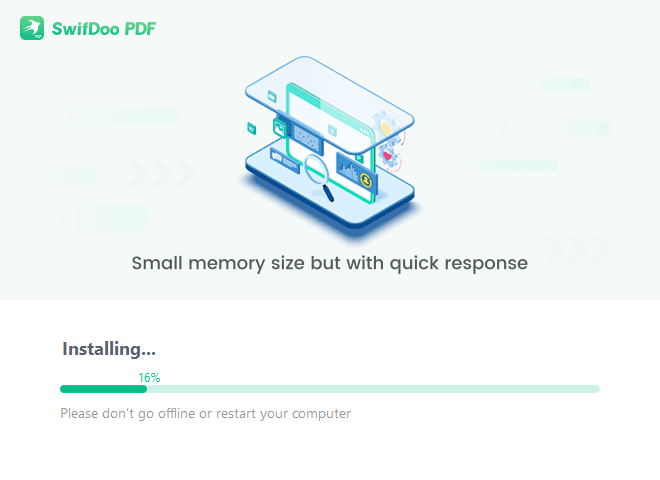
Step 4: Press Install Now button to start installing. The installing progress will be shown in percentage for your viewing.

swifdoo-pdf-software-free-installation

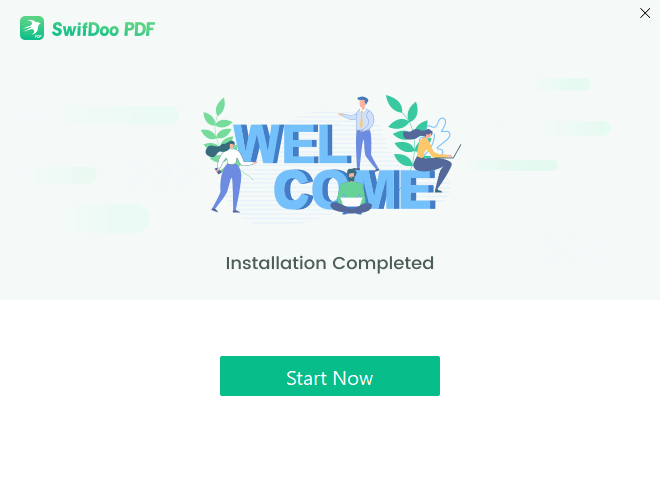
Step 5: Once the installation is completed, a welcome window will appear and you can click Start Now to launch the program.

swifdoo-pdf-download-and-install

The first time you open the program, a web page will be loaded automatically to prompt “Your SwifDoo PDF was installed successfully” and you can create a SwifDoo PDF account on this loading page. You can also wp-signup.php for an account inside the software. Click here for more guides about how to create a SwifDoo PDF account.

Please note if there has been SwifDoo PDF on your PC and you want to reinstall it to another file folder, you have to remove the existing software firstly.

PDF Extra Q & A

Softwarehubs Q & A

Shipment & Delivery

.FREE Secure Electronic Delivery ( Instant Delivery )

Note: While we’re out of stock, we will deliver your products immediately in a couple of hours (excluding holidays).

Free Shipping for Digital License ( Secure Electronic Delivery ), we will deliver your downloads immediately in 5-10 minutes. Please check your email for further instructions about your order. Sometimes spam filters block automated emails. If you do not find the email in your inbox, please check your spam filter or bulk email folder. Or please contact us with any questions.

To pack every single order, we use strong Media Download with Grant access to files, and Media Package with Delivery signed protection to guarantee safety through the shipping/delivery process.

.Flat-Rate Delivery ( via Post )

Note: This is an additional choice for customers when they need us to send the Serial Key including the Manufacturer’s manual by Post. You will pay an amount for the postal service. The following delivery costs are for orders fulfilled by USPS ® and Royal Mail ®.

All software product categories cost $5.99 per delivery ( 1-3 business days) around the U.S (excluding weekends and holidays). See Shipping Policy for more information.