
Description
Official Trial Release Lastest Version should be download here https://www.adobe.com/acrobat/acrobat-pro.html
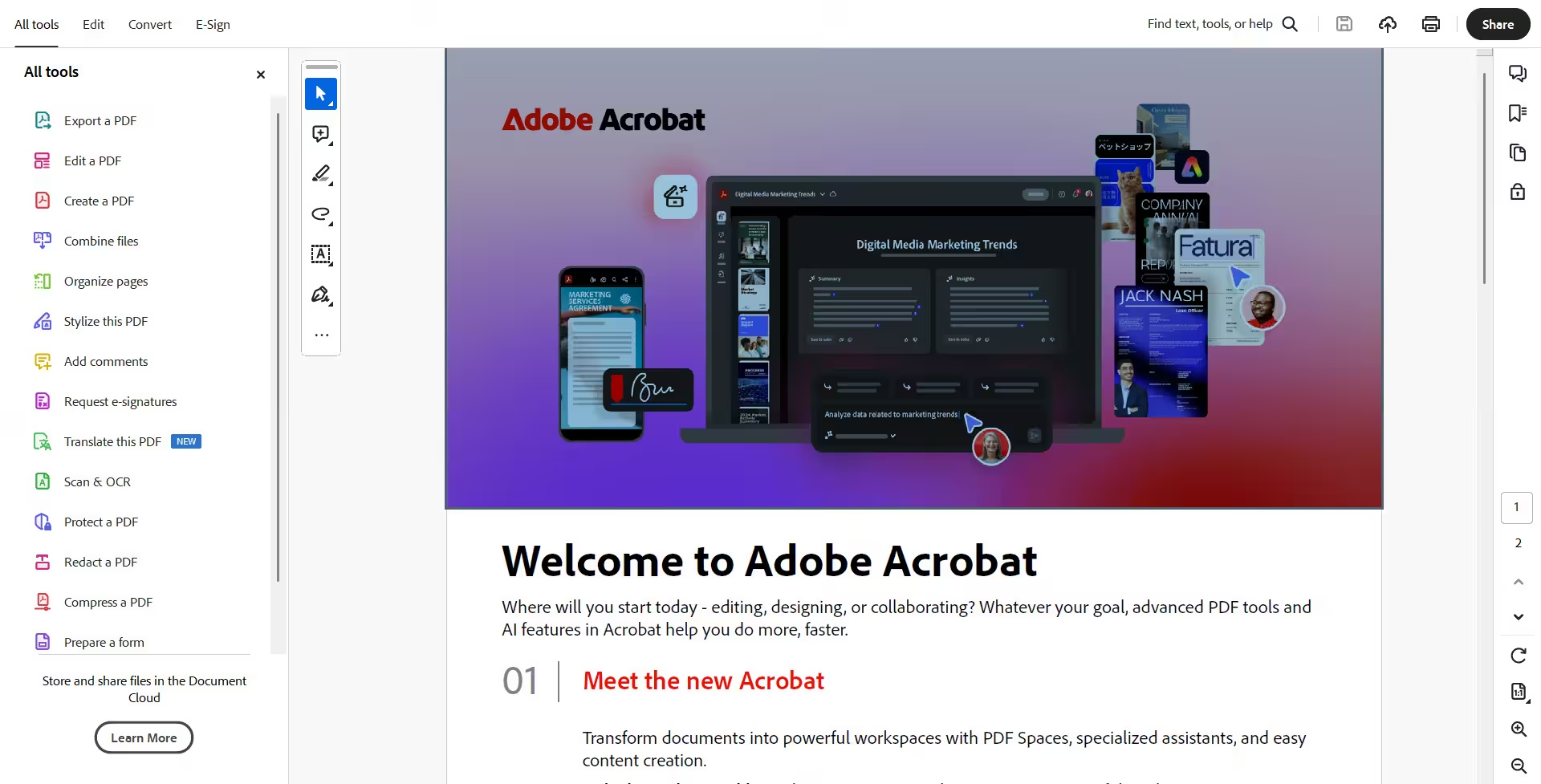
Get 70+ features that help you work smarter in your PDFs. Create, collaborate, e-sign, and more — all with Acrobat Pro.
Must Read: Be cautious of websites offering this product for under $200.
Counterfeit Adobe software may expose your computer to malware, ransomware, or data theft.
Always use genuine Adobe subscriptions to ensure security, stability, and full AI functionality.
Learn about the risks of cracked Adobe software
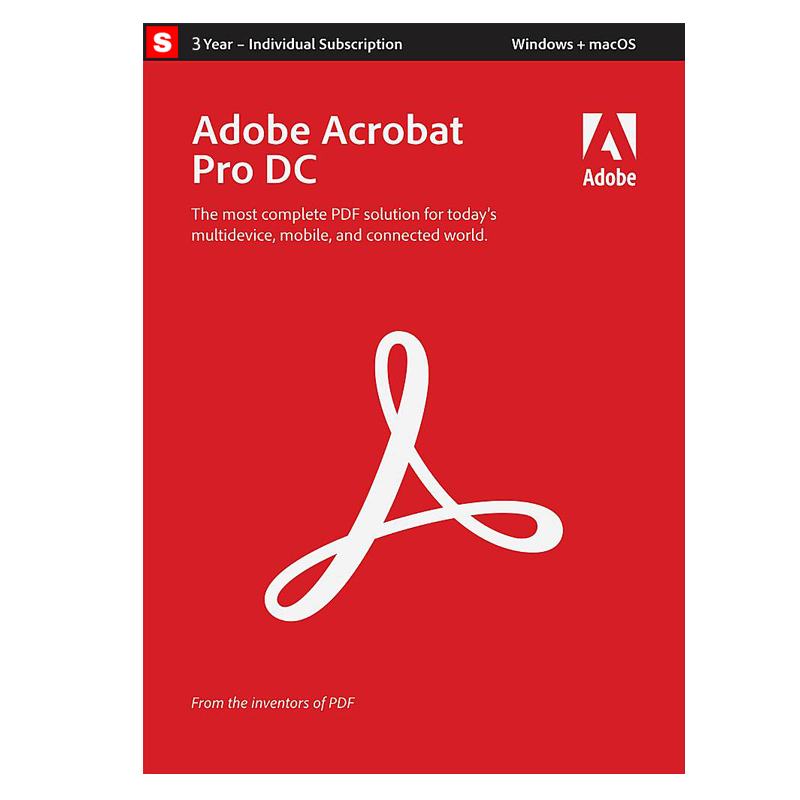
Buy Adobe Acrobat Pro 2026 with AI Assistant | 3-Year Subscription (Windows, macOS & Web) at the best price from SoftwareHUBs.
Redemption instructions are delivered via email after purchase.
An Adobe.com account is required.
Your subscription will be activated directly on your Adobe account within 1 hour.
This is a 100% genuine digital subscription with full access to the latest AI-powered features.
How to Activate or Renew Adobe Acrobat Pro
-
Ensure your device is connected to the Internet.
-
Open Adobe Acrobat and follow the steps below:
- To activate: Go to Help → Sign In and log in with your Adobe ID.
- To deactivate: Go to Help → Sign Out (your Adobe ID).
Product Details
- Brand: Adobe
- Product Name: Adobe Acrobat Pro 2026 with AI Assistant
- License Type: Subscription (Digital)
- Subscription Period: 3 Years (36 Months)
- Platform Support: Windows, macOS, Web
- Architecture: 32-bit & 64-bit
- Delivery Method: Adobe Account Activation
- Languages Supported:
English, French, German, Japanese, Italian, Spanish, Dutch, Brazilian Portuguese,
Swedish, Danish, Finnish, Norwegian, Traditional Chinese, Simplified Chinese,
Korean, Czech, Polish, Russian, Turkish, Hungarian, Ukrainian, Slovak, Slovenian,
North African French*, Middle Eastern Hebrew**, Middle Eastern Arabic**
* North African French uses a French interface with right-to-left Arabic/Hebrew support enabled.
** Arabic and Hebrew use an English interface with right-to-left language support enabled.
Adobe Acrobat Pro 2026 with AI Assistant (3-Year Subscription)
Works seamlessly across Windows, macOS, and Adobe Acrobat Web for 3 years.
Need a shorter plan?
View the 1-Year Subscription here
.
What’s New in Adobe Acrobat Pro with AI Assistant
Adobe Acrobat Pro now integrates an advanced AI Assistant that helps you work smarter with PDFs.
Instead of manually reading long documents, users can interact with PDFs using natural language,
extract key insights instantly, and accelerate decision-making.
AI Assistant for PDFs
- Summarize Documents: Instantly generate clear summaries from long contracts, reports, or research papers.
- Ask Questions: Chat with your PDF to find answers without scrolling page by page.
- Explain Content: Get simplified explanations of complex legal, technical, or financial text.
- Key Takeaways: Automatically highlight important points and insights.
New Home View
A redesigned Home View provides a centralized workspace to organize, search, and manage all your PDFs.
- Recent Files: Access recently opened documents across devices.
- Recommended Tools: Quick access to frequently used PDF actions.
- Global Search: Search across Document Cloud and shared files.
- Context Panel: Monitor activity history and collaboration status.
Open MIP-Protected PDFs
Available in Acrobat Pro
Securely open PDFs protected by Microsoft Information Protection (MIP),
including Azure Information Protection and Office 365 sensitivity labels.
Enhanced Fill & Sign
Available in Acrobat Pro
Sign documents, fill forms, and customize signature colors for professional and compliant workflows.
OCR with AI-Enhanced Text Recognition
Available in Acrobat Pro
Convert scanned documents into searchable and editable PDFs using advanced OCR technology.
- Open the scanned PDF in Acrobat.
- Go to Tools → Enhance Scan → Recognize Text.
- Select output settings and run text recognition.
Advanced Preflight & Accessibility
Exclusive to Acrobat Pro
- Professional Preflight tools for print and compliance workflows.
- Support for PDF/X-4 and modern transparency standards.
- PDF/UA validation to meet accessibility requirements.
Windows System Requirements
- 1.5GHz or faster processor
- Windows 10 / 11 (64-bit), supported Windows Server versions
- 2GB RAM minimum
- 4.5GB available disk space
- 1024×768 display resolution
- Internet connection required for activation, AI features, and subscription validation
Product comparison
 |
 |
 |
 |
|
| Acrobat PDF Pack | Acrobat Standard | Acrobat Professional | Acrobat Classic | |
| Create PDFs Export PDFs to Word, Excel or PowerPoint |
||||
| Sign Signing PDFs with a digital signature |
||||
| Mark PDFs With stamps, such as “approved” or “draft” |
||||
| Add comments Highlight and add sticky notes to your PDFs |
||||
| Protect Protect and password-protect PDF files |
||||
| Form management tools Easily create, complete, sign and send forms |
||||
| Edit Easily edit texts and images in a PDF |
||||
| OCR Text Recognition Convert PDF to editable Word, Excel, or PowerPoint files |
||||
| Convert documents Convert scanned paper documents into instantly editable PDFs |
||||
| Compare PDF Comparing two PDFs to see differences |
||||
| Extract pages Remove pages from a PDF to focus on what matters |
||||
| Offline use After activation, you can use it offline for the entire duration |
