

Description
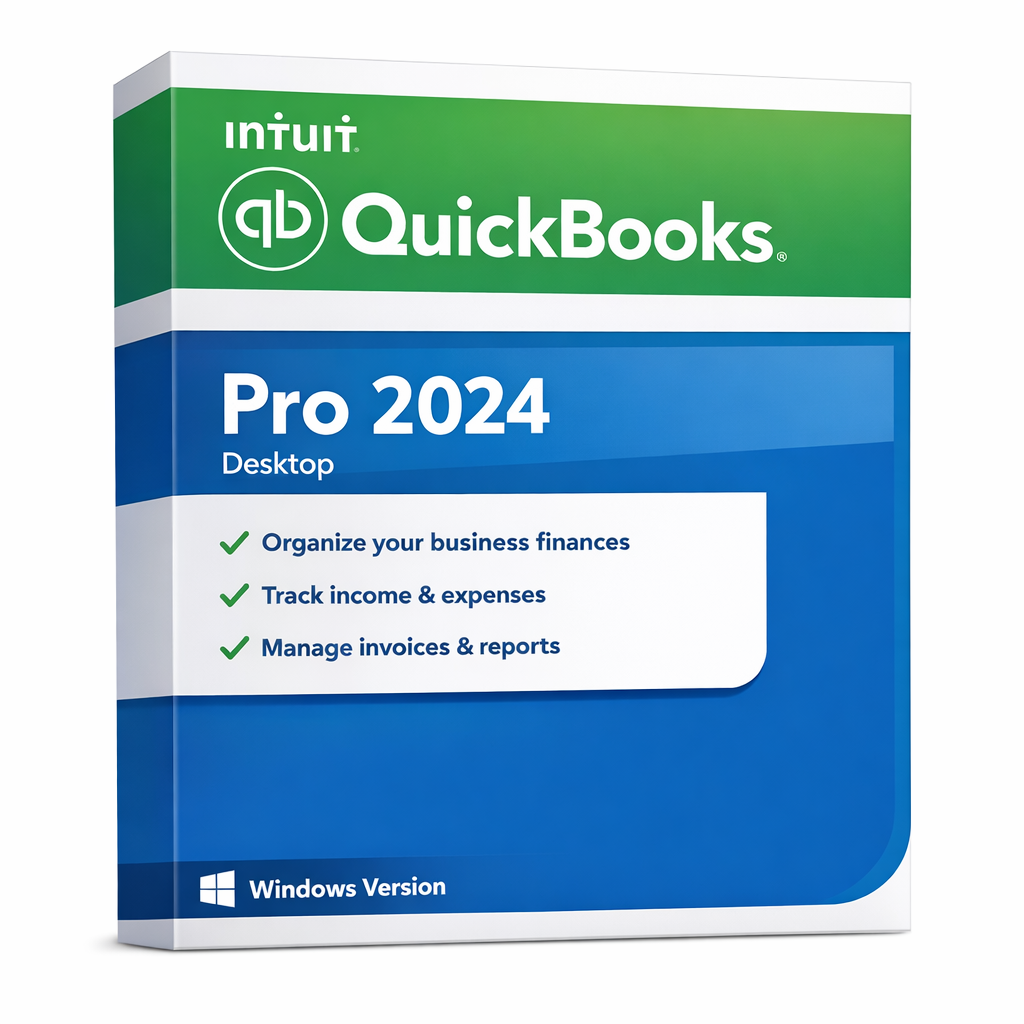
QuickBooks Pro 2024 for Windows (U.S. Edition) – 3-User, Authorized Lifetime Desktop License
Special Offer: A single license allows installation on up to 3 PCs! That’s right—a 3-user license for a lifetime of use.
Important License & Service Notice
- Perpetual License for 3 Desktop PCs: This one-time purchase ensures you own the software forever. Say goodbye to annual subscription fees and maintain your professional workflow without forced upgrades.
- Official Support Lifecycle: Enjoy full access to online-connected services (Bank Feeds, Security Updates, and Tech Support) through May 2027, following Intuit’s official support policy. After this date, your core software will continue to function indefinitely for offline use.
- Local Data Control: Your financial data is stored locally on your Mac. You maintain 100% ownership and privacy of your files, providing a level of security that cloud-only platforms cannot match.
Legitimately transferable licenses are extremely limited, so customers should be cautious of low-quality or unauthorized offers that advertise “lifetime” access without proper documentation, support, or warranty.
Reliable Desktop Accounting with Long-Term Local Value
QuickBooks Pro 2024 for Windows is ideal for customers who want a familiar,
efficient, and professional desktop-installed accounting environment on their own PC.
- Classic QuickBooks desktop workflow trusted by small businesses and office users
- Great for local use on your own Windows PC
- Strong fit for offline-focused users who value desktop control
- Long-term desktop value for routine bookkeeping and reporting
- Online services not included: Intuit online or cloud-based features are not included with this license
- If you need cloud features later: a separate Intuit online/cloud service plan may be required
Need a Mac Version?
View QuickBooks Pro 2024 for Mac
QuickBooks Pro 2024 for Windows delivers the traditional QuickBooks desktop experience directly on your own
Windows computer. It is a practical choice for small businesses, office users, bookkeepers, and professionals
who prefer a desktop-first accounting workflow.
This listing is offered as a authorized 3-user perpetual desktop license for the
U.S. edition. It is especially suitable for customers who value the stability, familiarity,
and long-term usefulness of a locally installed QuickBooks workflow.
Why Customers Choose This Version
- Desktop-installed solution: work directly from your own Windows PC
- Familiar QuickBooks interface: ideal for routine bookkeeping and business records
- Simple 3-user setup: suitable for individual business owners and office users
- Excellent for local workflow: practical for users who mainly work from one computer
Best For
- Small businesses and professionals using Windows
- Users who prefer desktop-installed accounting software
- Customers looking for a 3-user QuickBooks desktop environment
- Businesses focused mainly on local bookkeeping workflow
What This Version Helps You Do
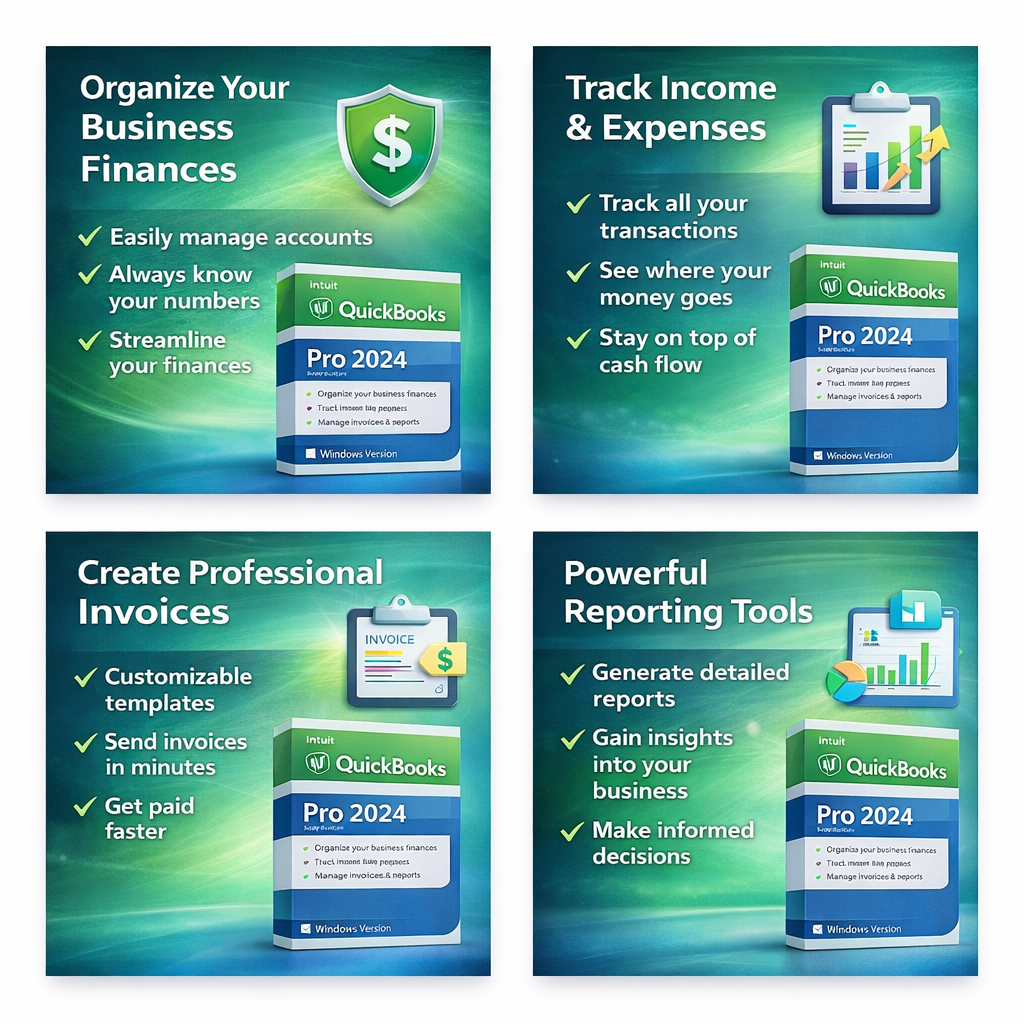
- Create invoices and sales forms
- Track expenses and organize bookkeeping records
- Manage customers, vendors, and day-to-day accounting activity
- Review financial and sales reports
What’s Included
- QuickBooks Pro 2024 desktop application for Windows
- 3-user transferred perpetual desktop license entitlement
- Basic installation and setup guidance
- U.S. edition
System Requirements (Windows)
- Operating System: Windows 10 or newer
- Processor: 2.4 GHz or faster
- Memory: 4 GB RAM minimum (8 GB recommended)
- Storage: at least 2.5 GB free disk space
- Display: 1280 × 1024 or higher
- Internet: may be required for installation or activation where applicable
Important Notes
- Windows only: this product is for Windows PCs only
- 3 user: intended for a single-user setup
- U.S. edition: please confirm region compatibility before checkout
- Desktop-focused product: intended primarily for local/offline desktop use
- Online features: Intuit online or cloud-based services are not included with this license
- Separate service plan: customers who need online/cloud functionality may need to purchase a separate Intuit plan
Frequently Asked Questions (FAQs)
Is this a desktop version of QuickBooks?
Yes. QuickBooks Pro 2024 for Windows is installed and used on a Windows PC as desktop accounting software.
Who is this version best for?
This version is best for customers who prefer a traditional desktop accounting workflow
on their own Windows computer for local bookkeeping, invoicing, and reporting.
Are online services included with this license?
No. This listing is intended primarily for local/offline desktop use. Online and cloud-based services are not included with this license.
What if I need online or cloud features later?
Customers who later require online or cloud-based functionality may need a separate Intuit online/cloud service plan,
subject to Intuit’s current policies and service availability.
Will my local company files remain on my computer?
Yes. This is a desktop-installed QuickBooks environment intended for use on your own Windows PC,
with your working files managed locally on your system.
Is this good for routine bookkeeping and reporting?
Yes. This version is well suited for common desktop accounting workflows such as invoicing, expense tracking,
customer/vendor management, and financial reporting.
Summary
QuickBooks Pro 2024 for Windows,3-User, U.S. Edition, Perpetual Desktop License
is a strong choice for customers who want a familiar desktop accounting environment on their own local Windows PC.
It is especially valuable for users who prioritize local bookkeeping workflow, desktop control, and the classic QuickBooks experience.