Description
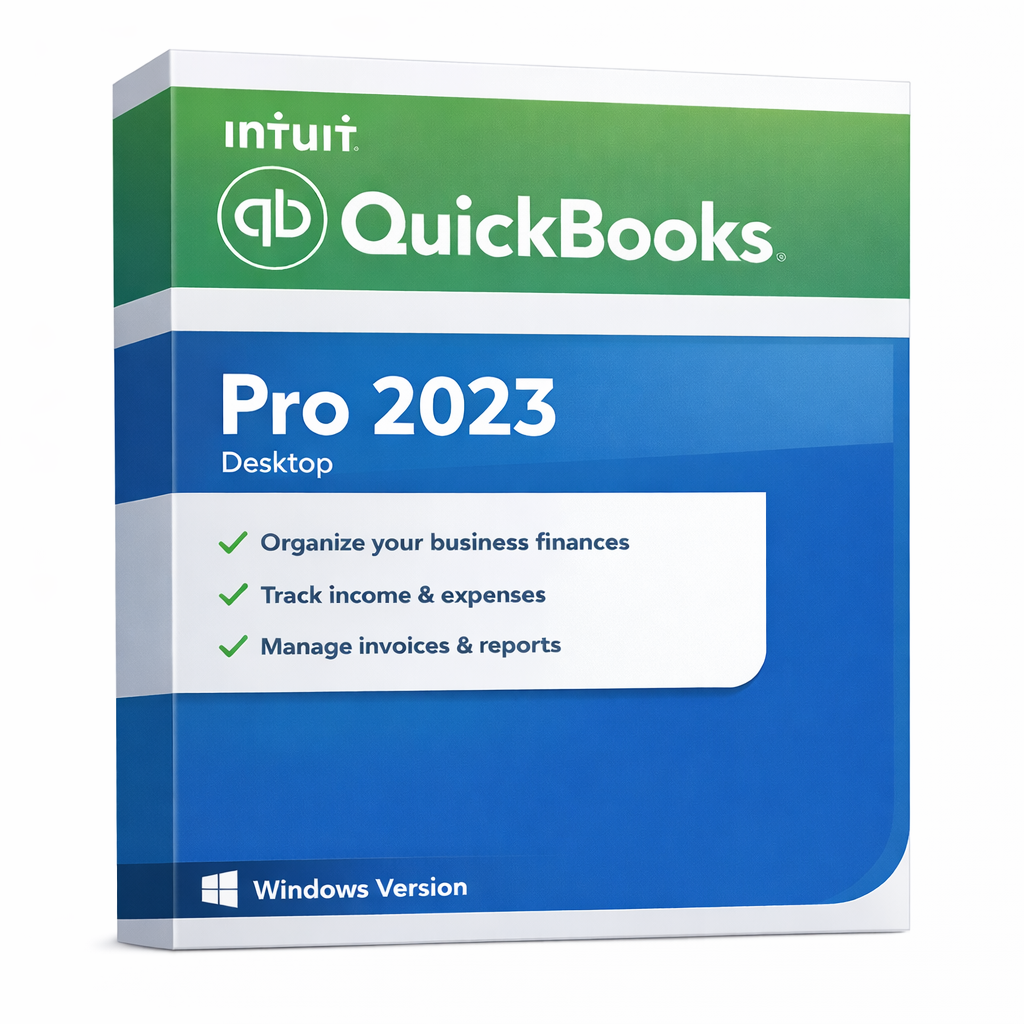
QuickBooks Pro 2023 for Windows – Desktop Accounting for Windows
🛡️ Proven Stability & Reliable Local Control
QuickBooks Pro 2023 is widely recognized as one of the most stable releases for desktop accounting. We ensure your business continuity with a clear focus on local data security and flexible support:
- Seamless Annual Renewal: This is a 1-year desktop license. You can reliably renew your subscription through our website or via Intuit to maintain access to your accounting environment and future updates.
- Local Data Ownership: Your financial files stay strictly on your own Windows PC. This provides the ultimate peace of mind for those who prefer offline control over cloud-based alternatives.
- Service Continuity: While Intuit officially supports the 2023 online-connected features through May 2026, the core offline accounting functions remain a powerhouse for your daily bookkeeping. When you are ready, we provide easy paths to renew or transition to the latest version.
QuickBooks Pro 2023 for Windows is a desktop-based accounting solution built for businesses that want offline control, local data storage, and a familiar QuickBooks workflow—without being forced into a browser-only workflow.
If you need dependable invoicing, expense tracking, and reporting on a Windows PC, this version is a practical and high-performance choice for daily operations.
Best For
- Small & medium businesses using Windows 10 or 11
- Teams that prefer desktop/offline accounting for maximum privacy
- Organizations looking for a stable 1-year license with local data storage
- Companies needing consistent, high-speed reporting for bookkeeping and tax preparation
Key Benefits
- Offline Workflow: Once activated, use the software for your daily accounting without needing a constant internet connection.
- Local Data Security: Keep your accounting files safely stored on your own hardware, not on a remote server.
- Business Clarity: Access a full suite of financial and sales reports to understand your performance instantly.
- Familiar Professional Tools: Expertly manage invoicing, expenses, sales receipts, and customer/vendor tracking.
What’s Included
- QuickBooks Pro 2023 Desktop application for Windows
- 1-year desktop license entitlement for 1 user
- License details delivered digitally after purchase
- Basic compatibility and installation guidance
- U.S. edition
System Requirements (Windows)
- Operating System: Windows 10 or newer (64-bit recommended)
- Processor: 2.4 GHz or faster
- Memory: 4 GB RAM minimum (8 GB recommended)
- Storage: 2.5 GB free disk space minimum
- Display: 1280×1024 resolution or higher
- Internet: Required for initial activation, updates, and any connected services
How This Product Is Best Understood
QuickBooks Pro 2023 is best understood as a stable, local-first accounting environment. It offers a “sweet spot” of performance and reliability for users who are comfortable with the classic QuickBooks interface. By choosing the 2023 edition, you are opting for a proven platform that handles heavy bookkeeping tasks with ease while keeping your data under your own roof.
Important Renewal & Continuity Notice
This product is offered as a 1-year desktop license. To maintain access to online-connected features, security patches, and support, you can easily renew your subscription annually. Renewals are available through our website at competitive rates or via your Intuit account manager, ensuring you never face downtime in your business accounting.
Important Notes
- OS: This is a Windows-only product. Mac users should choose the Mac edition.
- 1 User: Licensed for a single user setup.
- Region: U.S. Edition. Please verify your region requirements before checkout.
- Support Lifecycle: To ensure the best experience, we recommend renewing or upgrading by May 2026 to maintain continuous access to online banking and payroll features.
Frequently Asked Questions (FAQs)
Does QuickBooks Pro 2023 for Windows require a subscription?
Yes. It follows the 1-year license model, which provides you with a year of the desktop accounting environment. This ensures you stay compatible with the latest Windows security updates.
How do I renew my license?
You can conveniently renew your subscription through our website or via Intuit. We provide proactive reminders so you can keep your accounting workflow running smoothly year after year.
Can I use it offline?
Yes. After the initial activation, the core of your accounting work—invoicing, expenses, and reporting—can be done entirely offline. Internet is only required for updates and connected services.
Will it work on Windows 11?
Yes. QuickBooks Pro 2023 is fully compatible with Windows 10 and Windows 11 (64-bit).
What happens if I want to upgrade to 2024 or 2025 later?
You can upgrade at any time. Your 2023 data is fully compatible and can be easily migrated to any newer version of QuickBooks Desktop or QuickBooks Online. We provide full support for this transition when you are ready.
Is this Mac compatible?
No. This product is for Windows. If you use macOS, please select the QuickBooks Pro for Mac version from our store.
Summary
QuickBooks Pro 2023 for Windows, 1-Year Desktop License, 1-User, U.S. Only remains a top choice for businesses seeking a stable, locally-controlled accounting solution. It offers a familiar, high-performance workflow that puts you in the driver’s seat. With easy renewal options and a clear path for future upgrades, you can manage your finances today with total confidence in tomorrow.