Description
Why a lot of people will buy PDF programs from SOFTWAREHUBS

What’s the difference between us and others?
Mary ( U.S. Attorneys ) Q: Can I transfer my license because my computer crashed, was lost, stolen, or reformatted?
SOFTWAREHUB’s A: If your computer has crashed, been re-imaged, or reformatted, or if you no longer have access to the wp-signup.phped device, our tech team can transfer your license to another PC without buying a new license.

The New Year Sale is on. Get over 25% off.
Save big on SwifDoo PDF for Windows Lifetime, the ultimate toolkit for editing, creating, signing, organizing, sharing, and protecting PDFs. It ends on Dec 30 .
Buy SwifDoo PDF for Windows PC Lifetime License at SoftwareHUBs for the best price. Order now, and we will send you the SwifDoo PDF Lifetime product key instantly via purchase e-mail. This is a perpetual digital license.
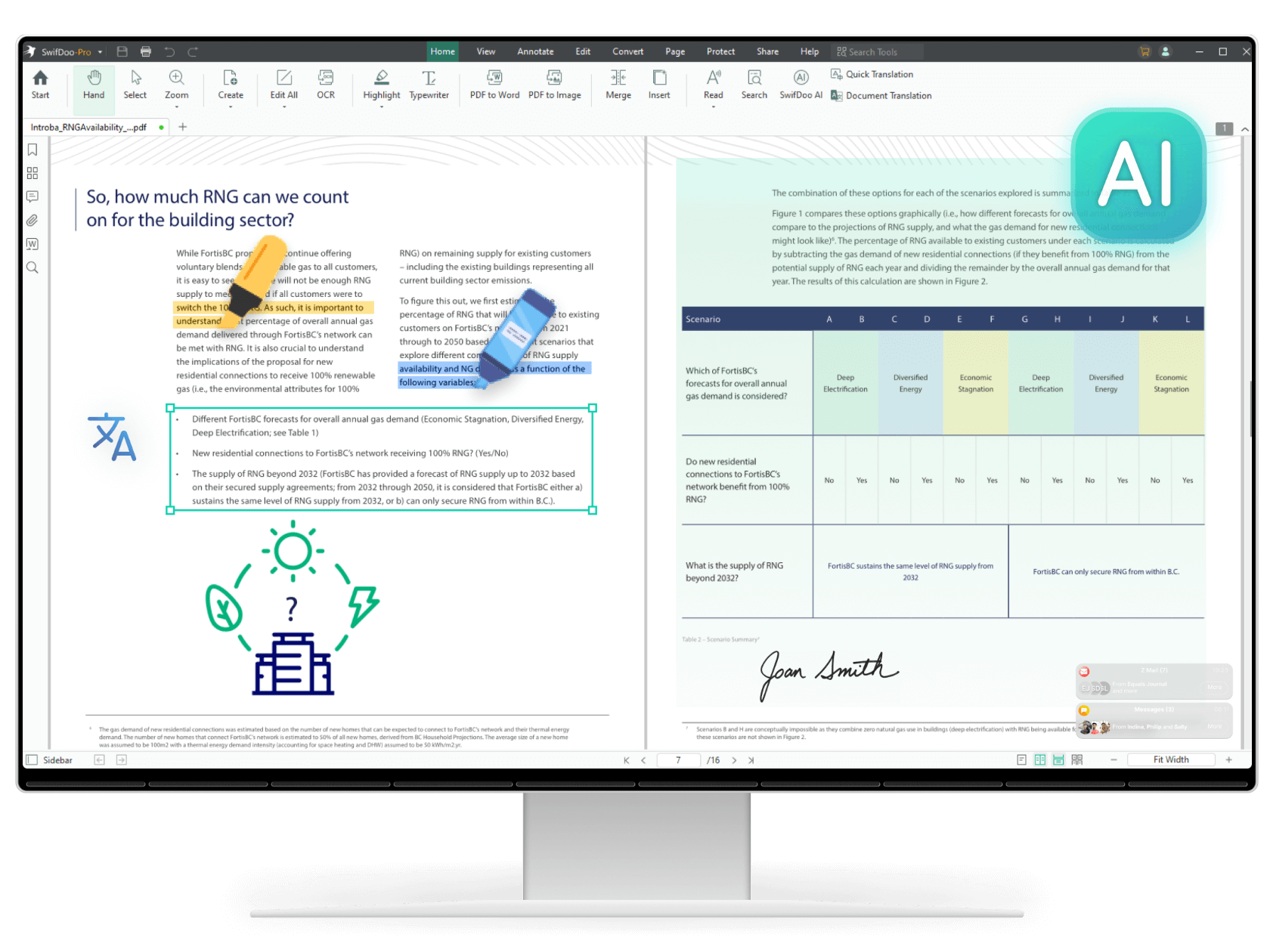
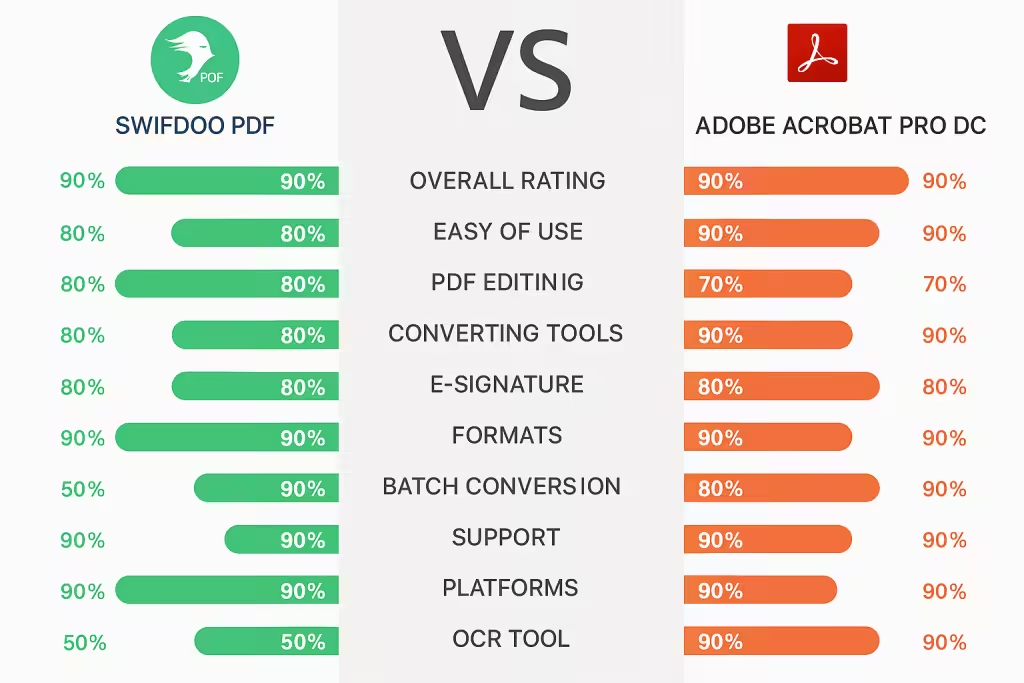
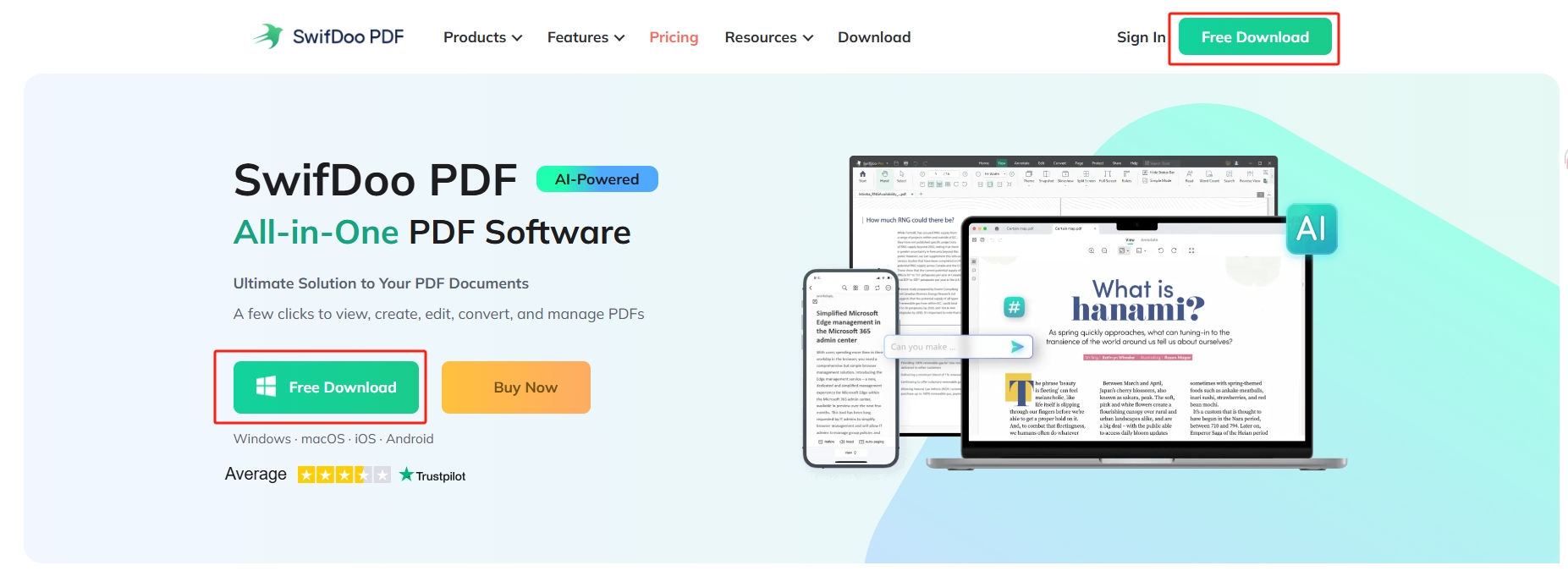
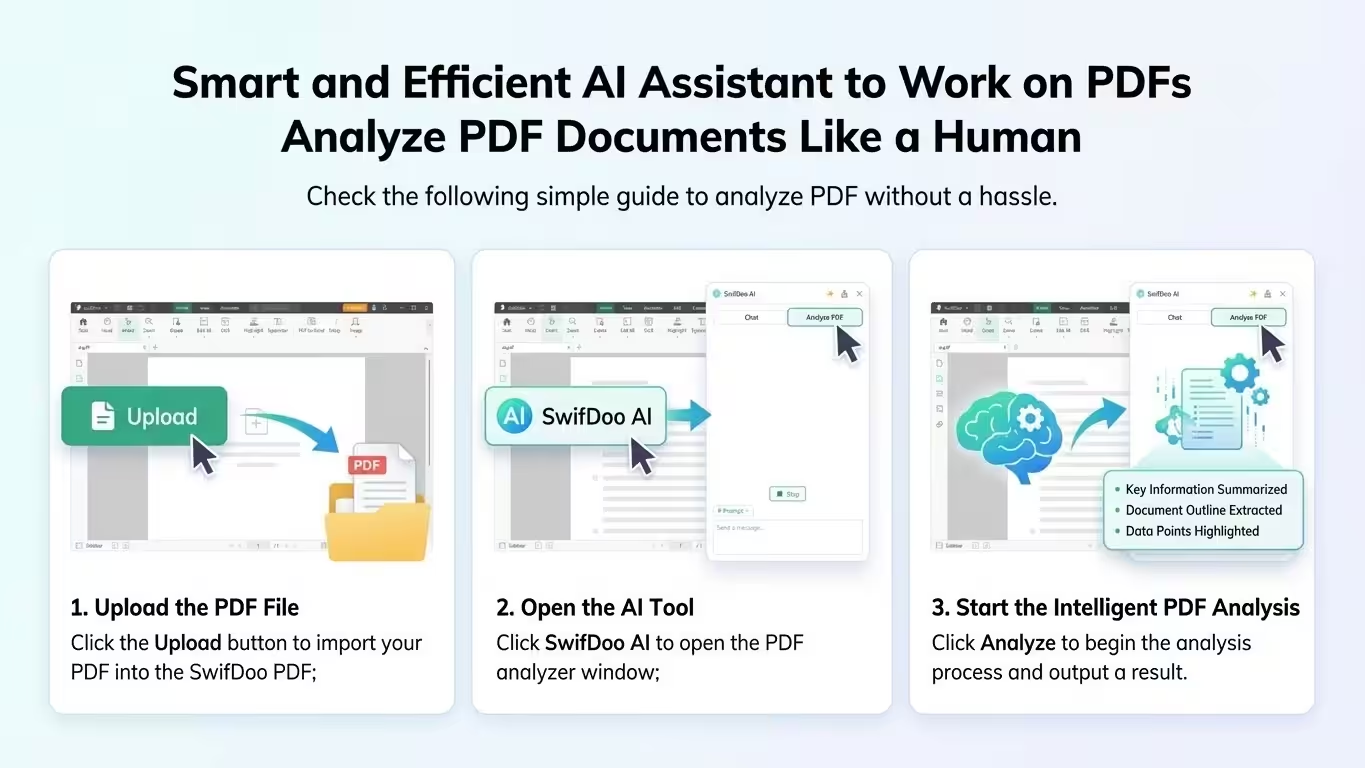
SwifDoo PDF is the most cost-effective PDF document manager for all Windows system users. On one hand, it covers all the basic features like PDF editing, annotating, merging, splitting, and converting. On the other hand, it goes beyond tedious manual PDF document management by incorporating ChatGPT techniques, introducing a range of chatting PDF features that easily summarize, translate, rewrite, proofread, explain, and analyze PDF documents
SwifDoo PDF was recognized by G2 as a High Performer in Customer Satisfaction in Spring 2025 for File Reader Software. It was proud to be included in GetApp’s 2025 Category Leaders Report for PDF Software.
Besides standard functions, SwifDoo PDF for Windows Lifetime offers more:
- Edit and resize everything they see – text, images, and anything in between
- Scan PDFs, split them in half, merge them together, or create blank PDFs
- Insert pictures from their PC or laptop or a quick online search
- Place bookmarks on essential bits of information for more straightforward navigation
- Convert PDFs to popular file formats: Word / Excel / ePub / JPEG
Learn more features? Click here. Work becomes more effortless and more productive with lighter PDFs!
Reviews
-
5.0/5 rating on SourceForge: ★ ★ ★ ★ ★
-
4.5/5 rating on G2: ★ ★ ★ ★ ★
-
4.5/5 rating on Software Advice: ★ ★ ★ ★ ★
-
4.4/5 rating on Capterra: ★ ★ ★ ★ ★
-
4.4/5 rating on GetApp: ★ ★ ★ ★ ★
NOTE: Conversion from PDF to any MS Office format is NOT included.
Every new nine languages is like an open door through which we connect with our neighbors worldwide!
 German
 English
 Dutch (Guy Raedersdorf)
 French (Guy Raedersdorf)
 Italian
 ChineseSimplified (Smilefly )
 British English
SwifDoo PDF for Windows – Professional PDF Editor – Edit, Protect, Annotate, Fill, and Sign PDFs
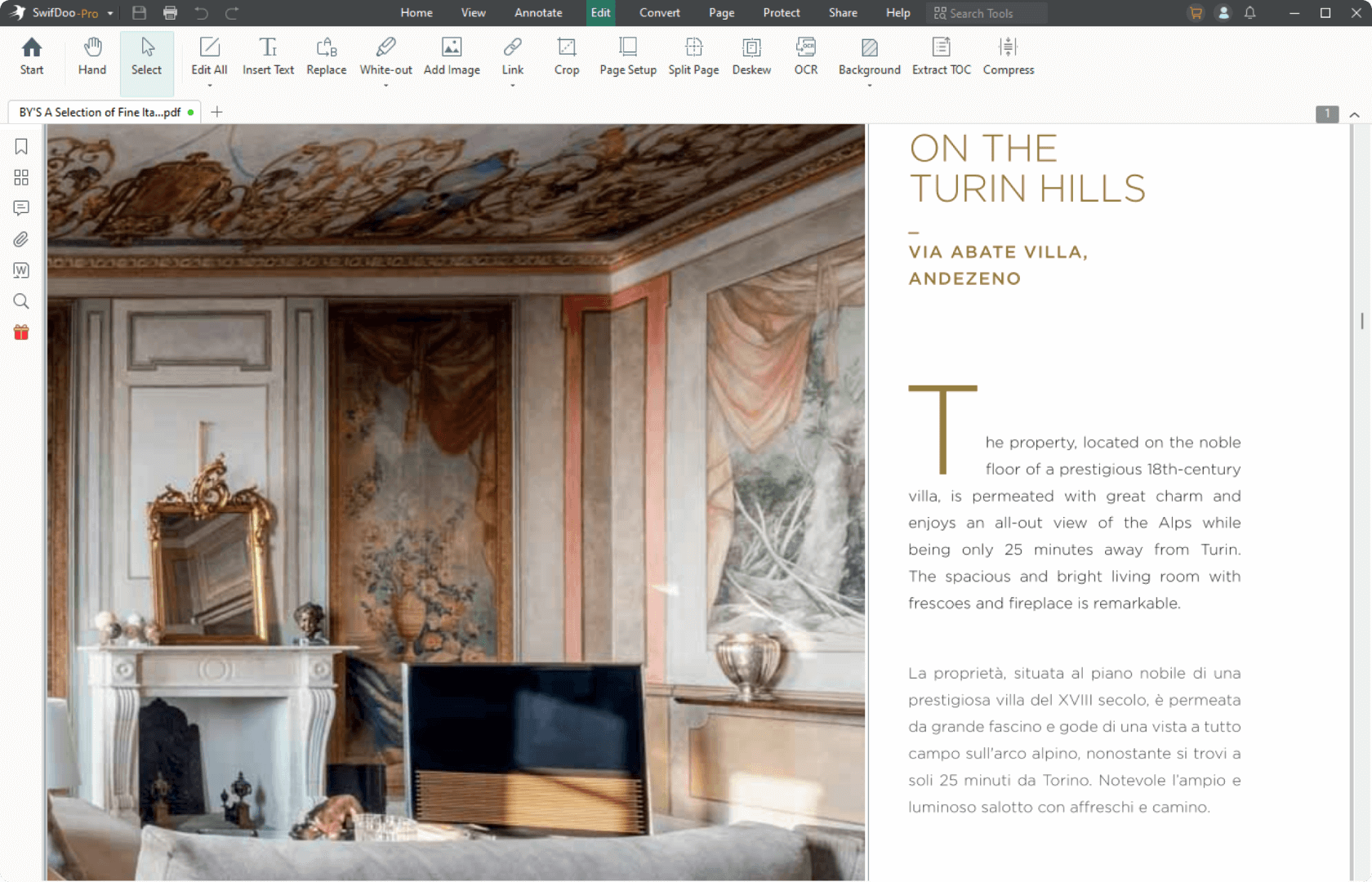
Professional PDF editor
Read & Edit files with advanced PDF features to achieve stunning results. Annotate, secure and convert them to Word, Excel and ePub.
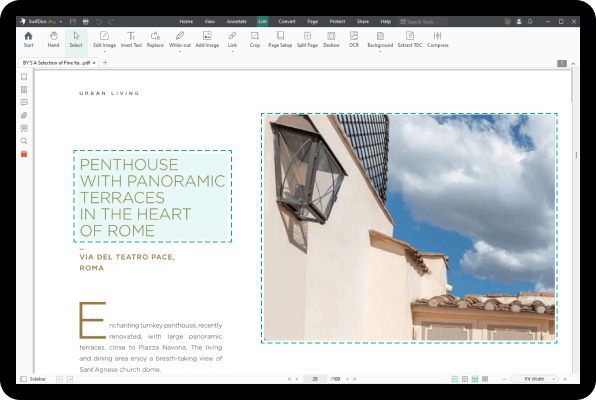
Complete PDF editing
Add or modify text and images directly into PDFs. Comment and highlight file sections, work with fillable forms and extract pages from documents.
Protect & sign documents
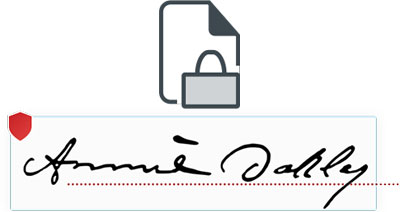
Sign your documents with a digital signature or use the free drawing tool to draw your own. Add a timestamp to your PDFs and set files editing permissions.
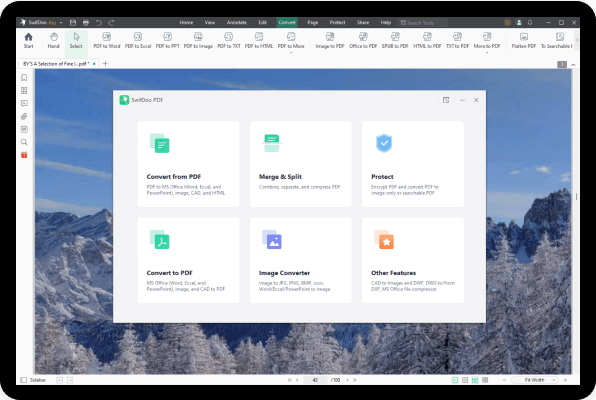
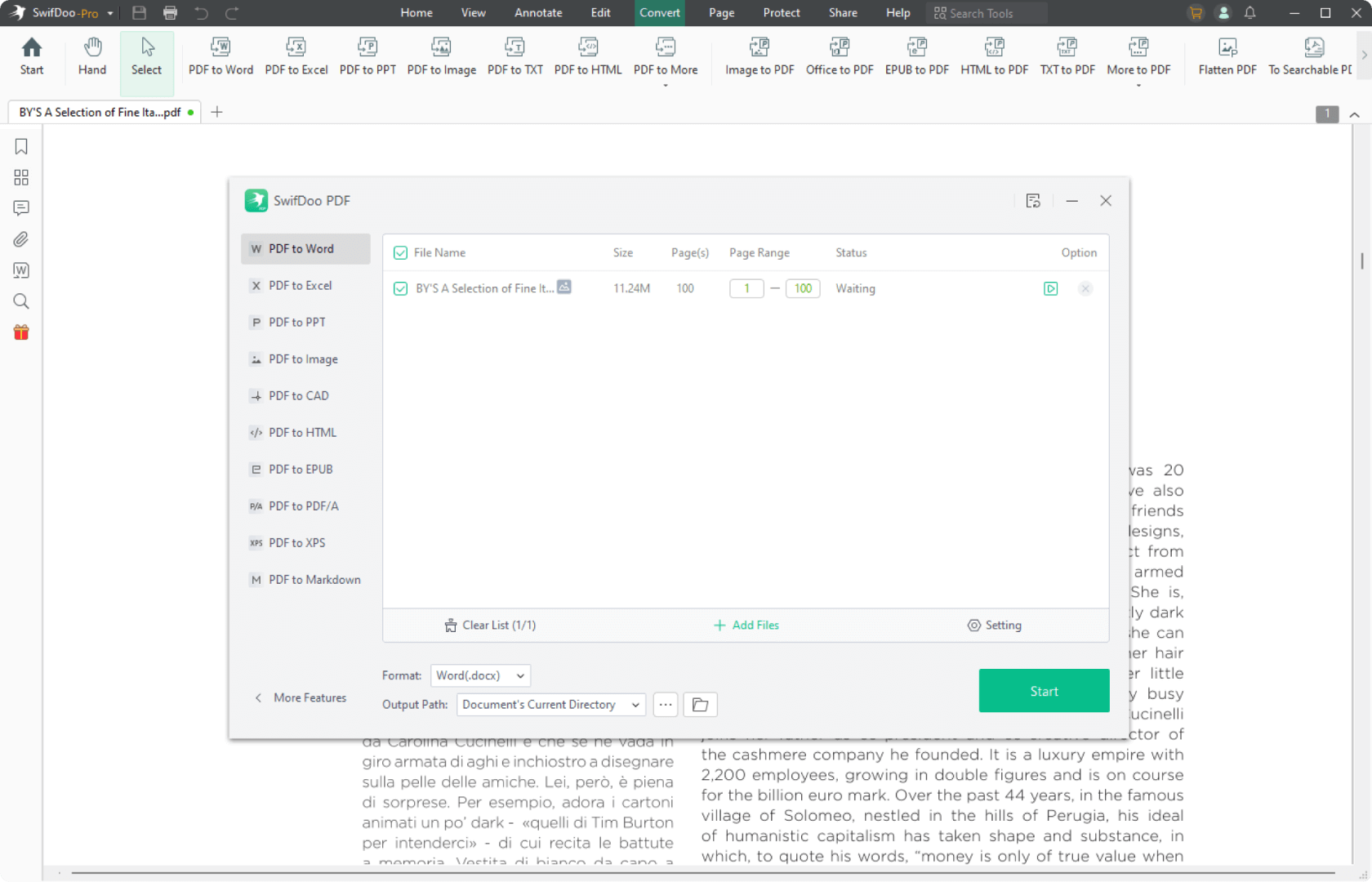
Convert PDFs to editable Word, Excel and ePub files
Convert PDFs to other formats with a single click, while keeping their original formatting intact.
Features

EDIT PDF FILES
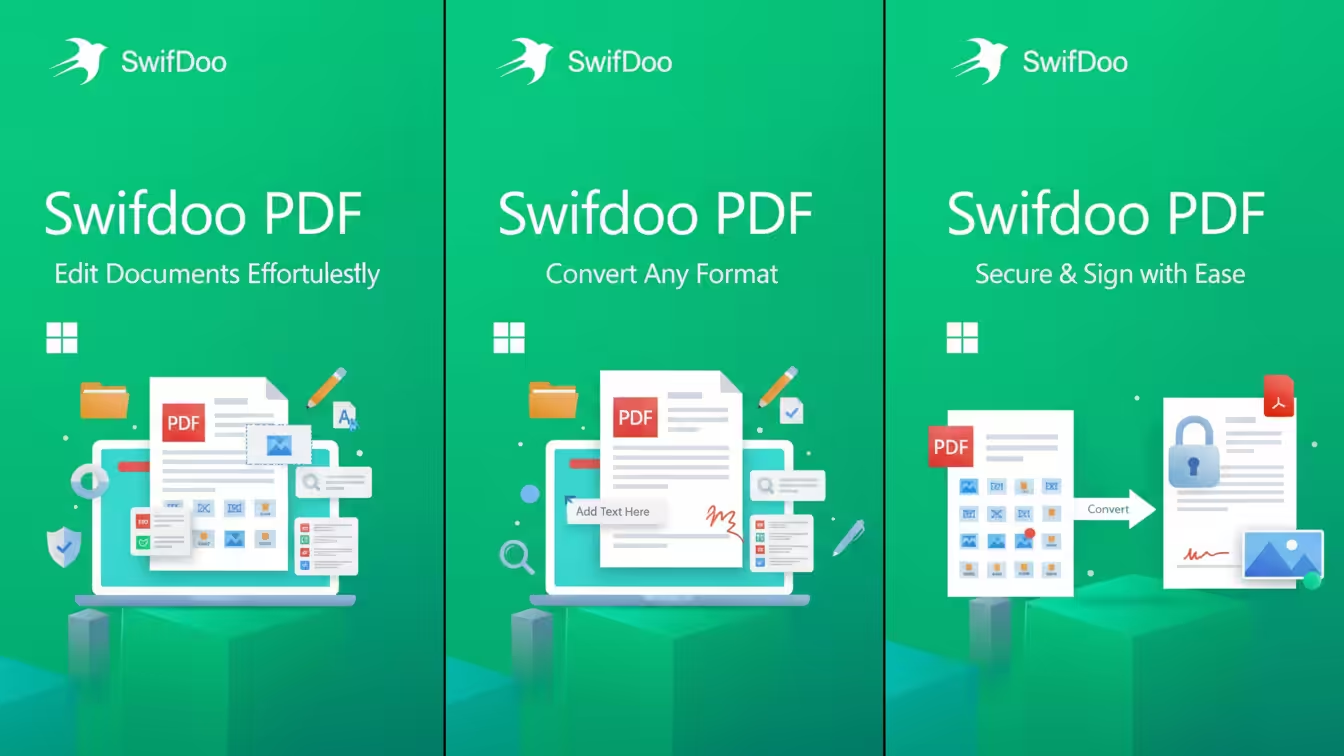
Edit PDFs with the all-in-one professional PDF editor. Feel free to change any document aspect you want—texts, pictures, design, signatures, certificates and more.
ORGANIZE PAGES IN PDFs
View and organize pages in PDFs – rotate and delete pages at your convenience.
READ & PRINT
Quickly open and view PDFs. Enjoy the best reading experience with continuous page mode and print entire documents or just a selection of pages.
CONVERT PDFs
Export PDFs to Word, Excel or ePub while keeping the original layout and formatting. Save Word, Excel and ePub files as PDFs and share them with ease.
VIEW & COMMENT
Make comments on PDFs using sticky notes and drawing tools. Highlight and markup text with the annotation tools.
FILL & SIGN
Put identifiable information such as signatures, dates, checkmarks and more to your documents. The advanced support for fillable PDF forms allows you to make all the changes you need and sign documents with your saved digital signature or simply by drawing a signature on the document. The advanced digital certification allows you to validate a PDF’s authenticity.
PROTECT PDFs
Protect your sensitive documents with passwords to restrict editing, opening, printing, and/or extracting the document. Work with advanced PDF certificates to validate their authenticity.

Your PDF office workflow reimagined. SwifDoo PDF
|
|

SwifDoo PDF Lifetime |
|
SwifDoo PDF Subscription |
|
SwifDoo PDF Online |
|
Operating System:
Windows 11, Windows 10, Windows 8, Windows 7, Windows Server 2019, Windows Server 2022
Computer:
Any computer that supports the above-operating systems. Systems with ARM processors are not supported.
Other:
Full administrative rights are required to use the program.
An Internet connection is required to activate the program. The program license is verified repeatedly at regular intervals.
Important Details
- Length of access: Lifetime
- Redemption deadline: Redeem your code within 60 days of purchase
- Access Options: Desktop
- Max number of device(s): 1 PC
- Version: v2025
- Updates included