


Online PDF Converters: Simplifying File Conversion
PDF files have become the standard for sharing documents across different devices and operating systems. Their consistent formatting and broad compatibility make them ideal for contracts, reports, presentations, and educational materials. However, there are many situations where you may need to convert a PDF into another format—or transform another file type into a PDF. This is where online PDF converters prove invaluable.
Online PDF conversion tools allow users to change file formats quickly without installing dedicated software. Whether you need to convert a Word document to PDF, extract text into an editable format, or turn images into a single PDF file, these web-based services provide a convenient solution.
What Are Online PDF Converters?
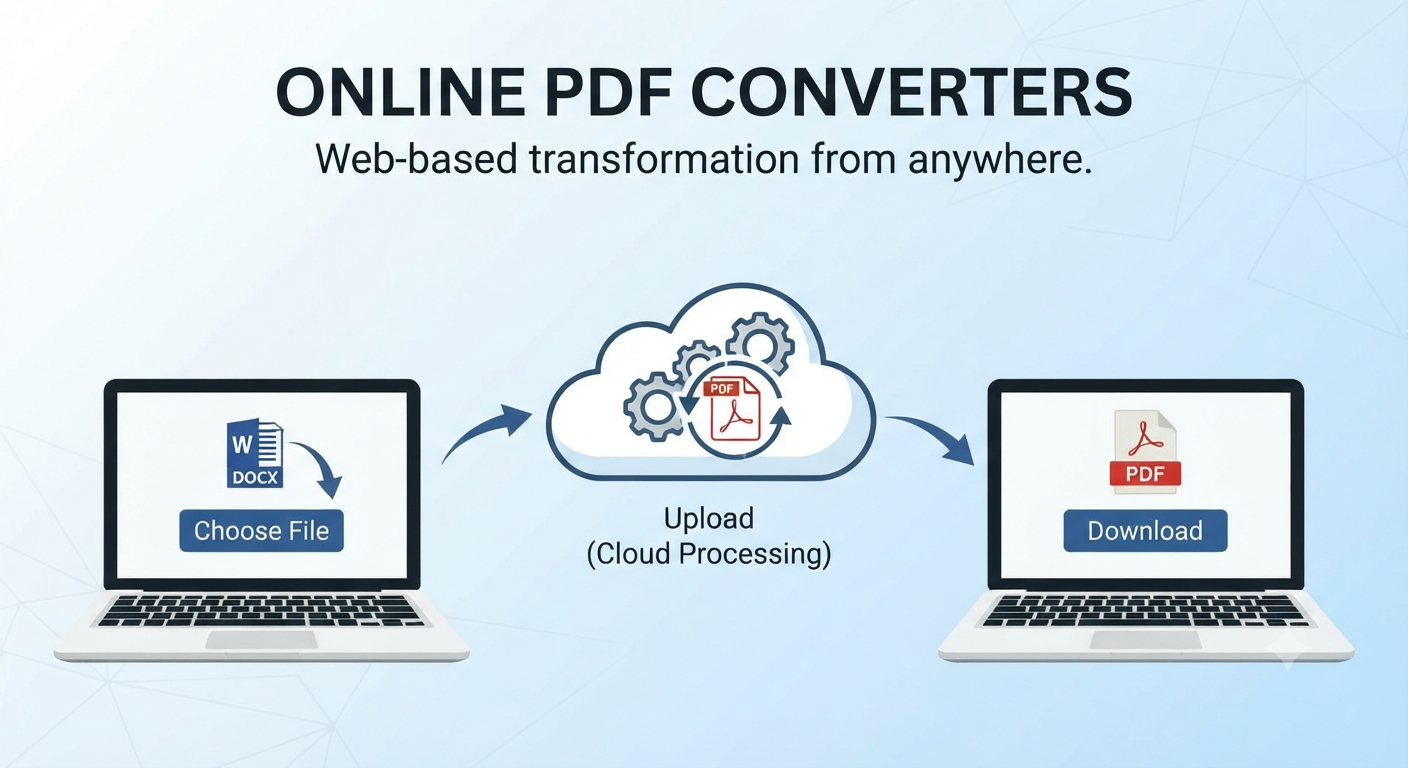
Online PDF converters are web applications that process uploaded files and transform them into a different format. Most services support common conversions such as:
- PDF to Word
- Word to PDF
- PDF to Excel
- PDF to PowerPoint
- Image to PDF
- PDF to image formats such as JPG or PNG
Because the conversion takes place in the cloud, users can access these tools from virtually any device with an internet connection.
Benefits of Using Online PDF Converters
Online converters offer several advantages:
- No software installation required
- Compatibility with multiple operating systems
- Fast processing times
- Easy-to-use interfaces
- Access from anywhere
These benefits make them especially useful for students, remote workers, and professionals who need occasional file conversions.
Common Uses for PDF Conversion
People use PDF converters for a variety of purposes, including:
- Editing documents originally saved as PDFs
- Preparing files for printing
- Sharing presentations in a universally readable format
- Extracting data from tables
- Combining scanned pages into a single document
The ability to switch between formats improves workflow efficiency and collaboration.
How Online PDF Converters Work
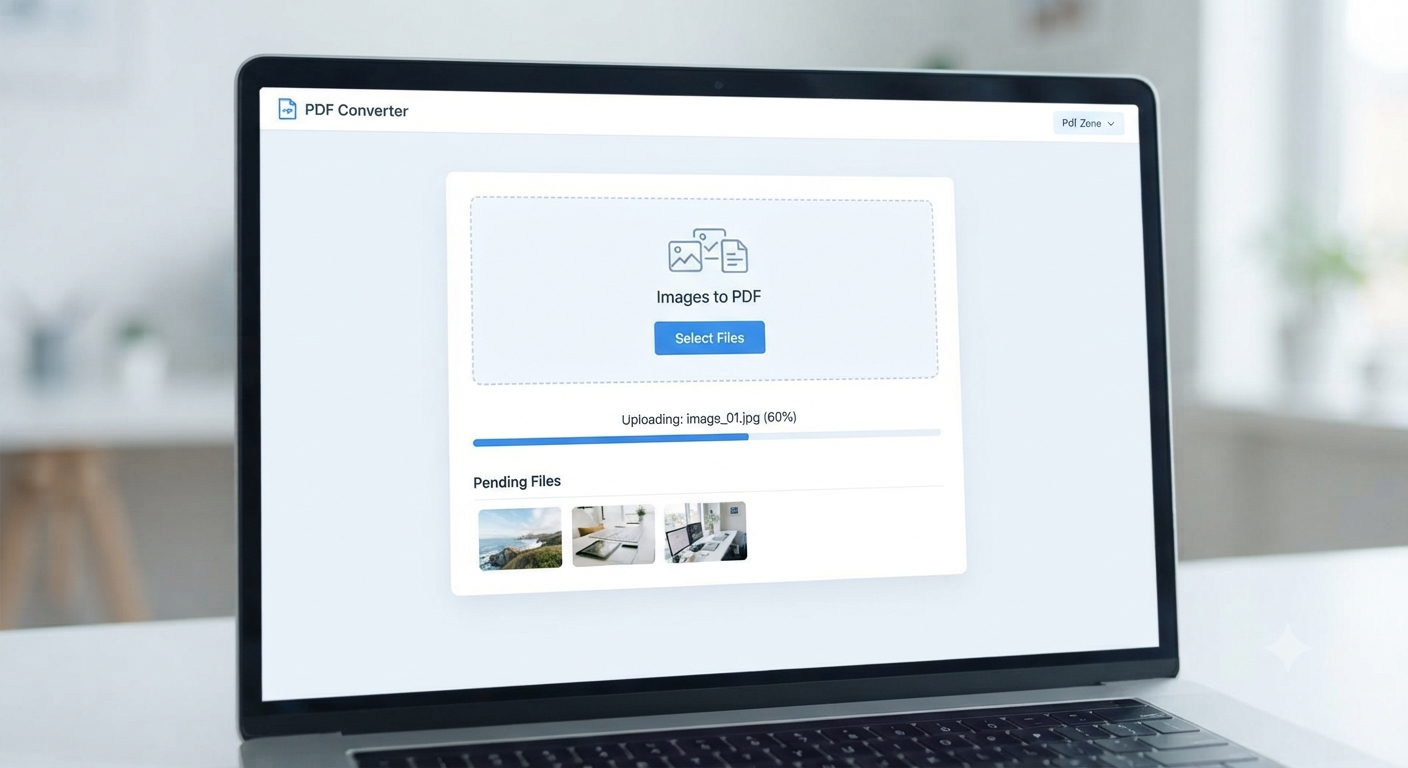
The conversion process is generally straightforward:
- Upload the source file.
- Select the desired output format.
- Start the conversion.
- Download the converted file.
Many services also support drag-and-drop uploads and batch processing.
Image: An online PDF conversion interface.
Popular Conversion Types
Word to PDF
Converting Word documents to PDF preserves formatting and ensures the file appears the same on all devices.
PDF to Word
This conversion allows users to edit the contents of a PDF using a word processor.
PDF to Excel
Tables and numerical data can often be extracted into editable spreadsheets, simplifying analysis.
Images to PDF
Combining multiple images into a single PDF is useful for archiving receipts, notes, or scanned documents.
Choosing a Reliable PDF Converter
When selecting an online service, consider:
- Privacy policies
- File size limits
- Supported formats
- Conversion accuracy
- Availability of secure HTTPS connections
A trustworthy provider should clearly explain how uploaded files are handled and when they are deleted.
Security and Privacy Considerations
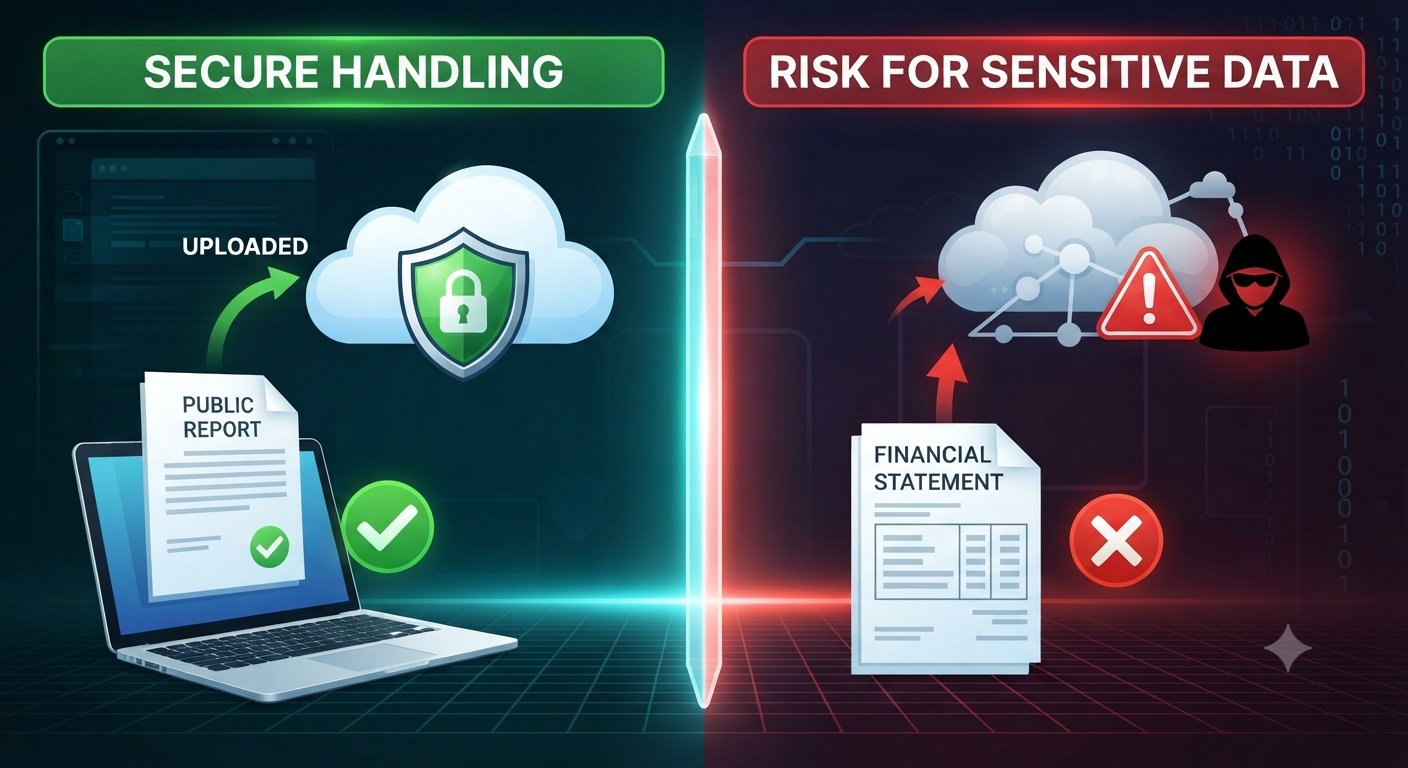
Because documents are uploaded to external servers, avoid using online converters for highly sensitive or confidential files unless the service explicitly guarantees strong security and data deletion practices.
For sensitive information, offline conversion software may be the better option.
Tips for Better Conversion Results
To improve the quality of converted files:
- Use high-resolution source documents.
- Check formatting after conversion.
- Review tables and images for accuracy.
- Keep a copy of the original file.
These steps help ensure that important information is preserved.
Alternatives to Online Converters
Desktop applications and built-in export features in programs like Microsoft Word can also create PDFs. These options may provide better privacy and more advanced formatting controls.
However, online converters remain a convenient choice for quick, occasional tasks.
The Future of PDF Conversion
Advances in optical character recognition (OCR) and artificial intelligence continue to improve conversion accuracy, especially for scanned documents and complex layouts.
As these technologies evolve, online converters are likely to become even more powerful and reliable.
Frequently Asked Questions
Are online PDF converters free?
Many offer free conversions with optional premium plans that provide additional features or higher usage limits.
Do online converters preserve formatting perfectly?
Not always. Complex layouts, fonts, and graphics may require minor adjustments after conversion.
Can I convert scanned PDFs to editable text?
Yes, if the converter includes OCR functionality.
Is it safe to use online PDF converters?
Reputable services using secure connections are generally safe for non-sensitive files, but confidential documents are best handled with offline tools.
Conclusion
Online PDF converters simplify the process of transforming documents between formats, making it easier to edit, share, and archive information. Their accessibility, ease of use, and broad compatibility have made them an essential productivity tool for many users.