


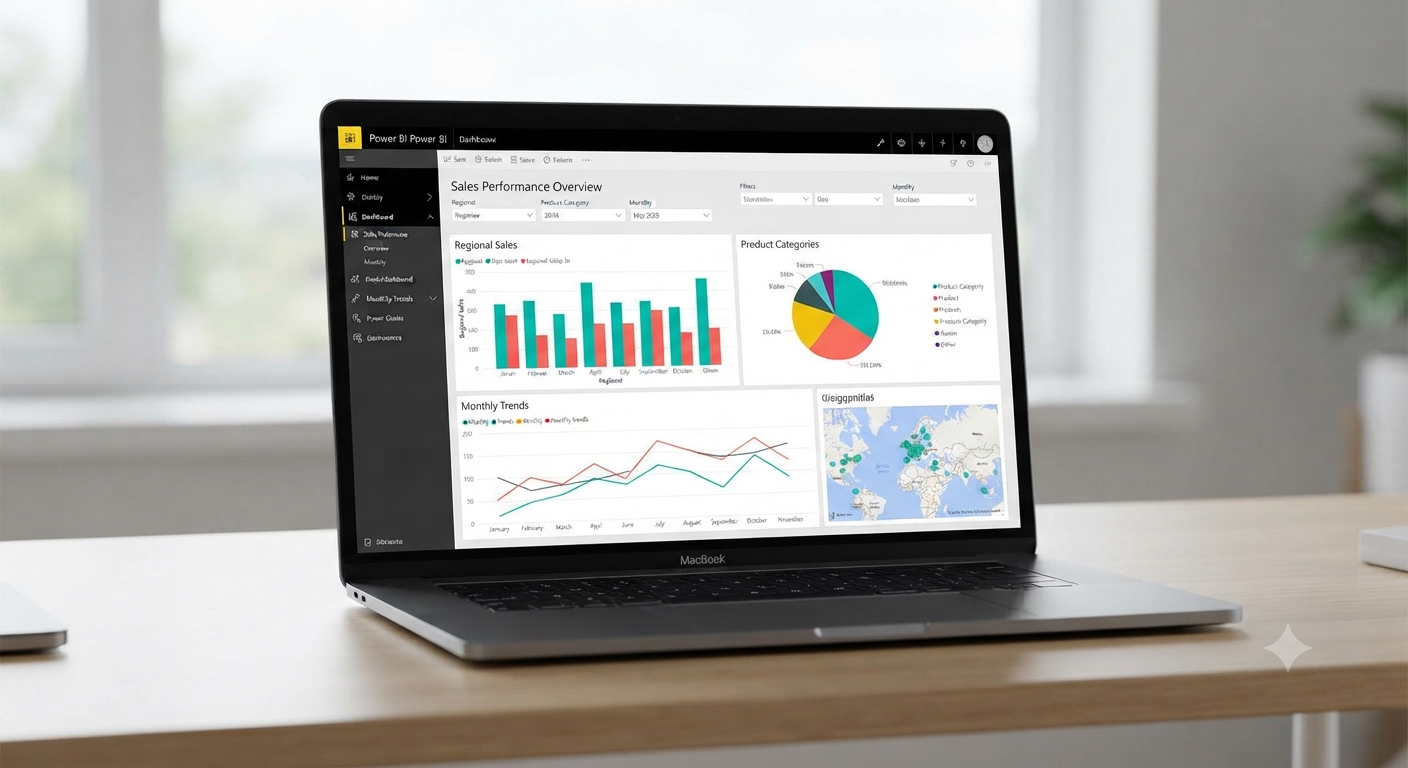
What Is Power BI for Mac and How Can You Use It on a Mac?
Microsoft Power BI is one of the world’s leading business intelligence and data visualization platforms. It enables users to connect to multiple data sources, transform raw information into meaningful insights, and create interactive dashboards and reports. While Power BI Desktop is officially available only for Windows, Mac users can still access and use many of Power BI’s capabilities through alternative methods.
If you use a Mac for work or study, understanding the available options will help you take advantage of Power BI without switching permanently to a Windows PC. This guide explains what Power BI offers, the current support status for macOS, and the best ways to use Power BI on Mac devices.
Is There a Native Power BI App for Mac?
At present, Microsoft does not offer a native version of Power BI Desktop for macOS. The full desktop application, which includes advanced data modeling and report creation features, is designed exclusively for Windows.
However, Mac users can still view, share, and even create reports using several alternative approaches, including the web-based Power BI Service and virtualization tools.
What Can You Do with Power BI?
Power BI provides a wide range of business intelligence features, including:
- Connecting to databases, spreadsheets, and cloud services
- Building interactive dashboards
- Creating charts and visualizations
- Sharing reports with team members
- Monitoring key performance indicators
- Performing data analysis in real time
These capabilities make Power BI a valuable tool for businesses, researchers, and students alike.
Use Power BI Service in a Web Browser
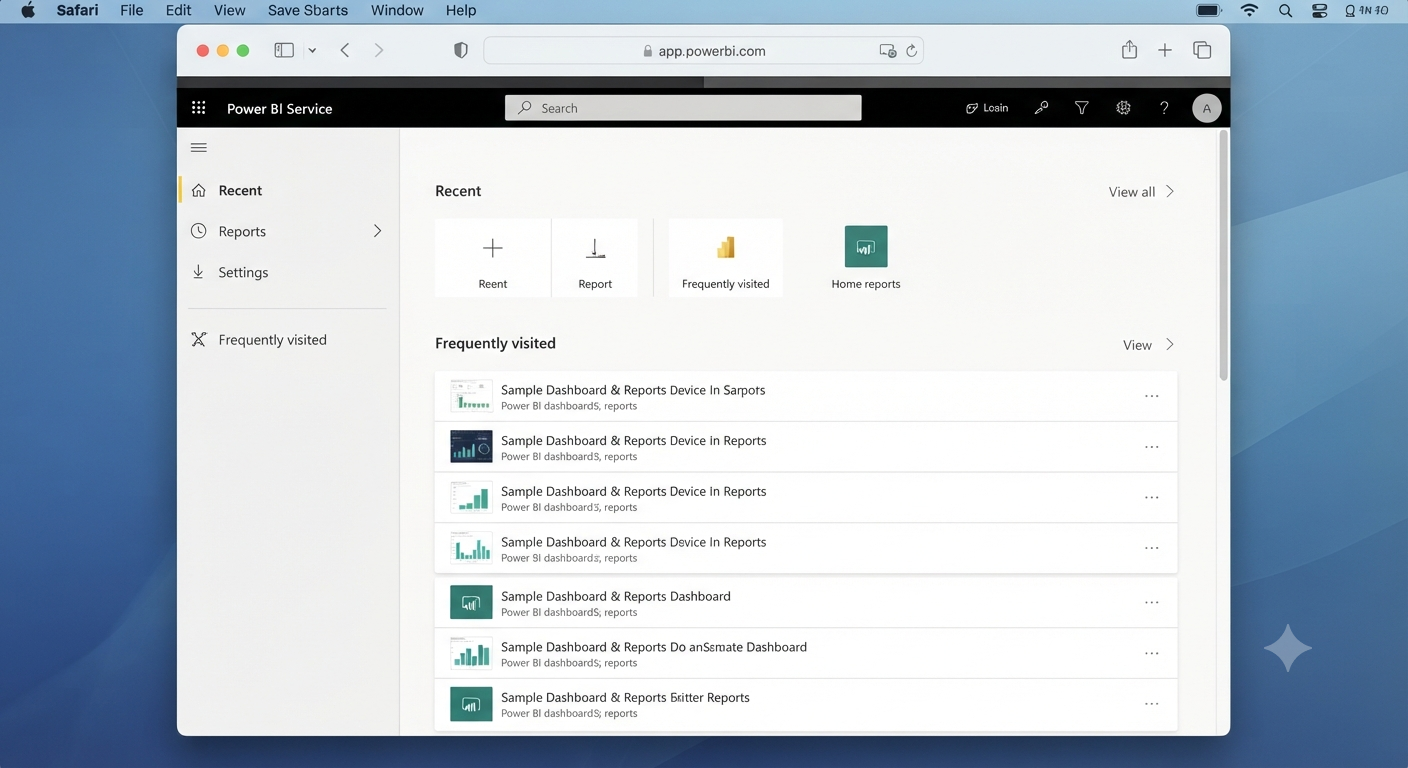
The easiest way to access Power BI on a Mac is through the Power BI Service.
Simply:
- Open Safari, Chrome, or another modern browser.
- Visit the Power BI website.
- Sign in with your Microsoft account.
The web service allows you to view dashboards, collaborate with others, and perform many reporting tasks directly from your browser.
Image: Power BI dashboard in a web browser.
Run Power BI Desktop Using Virtualization
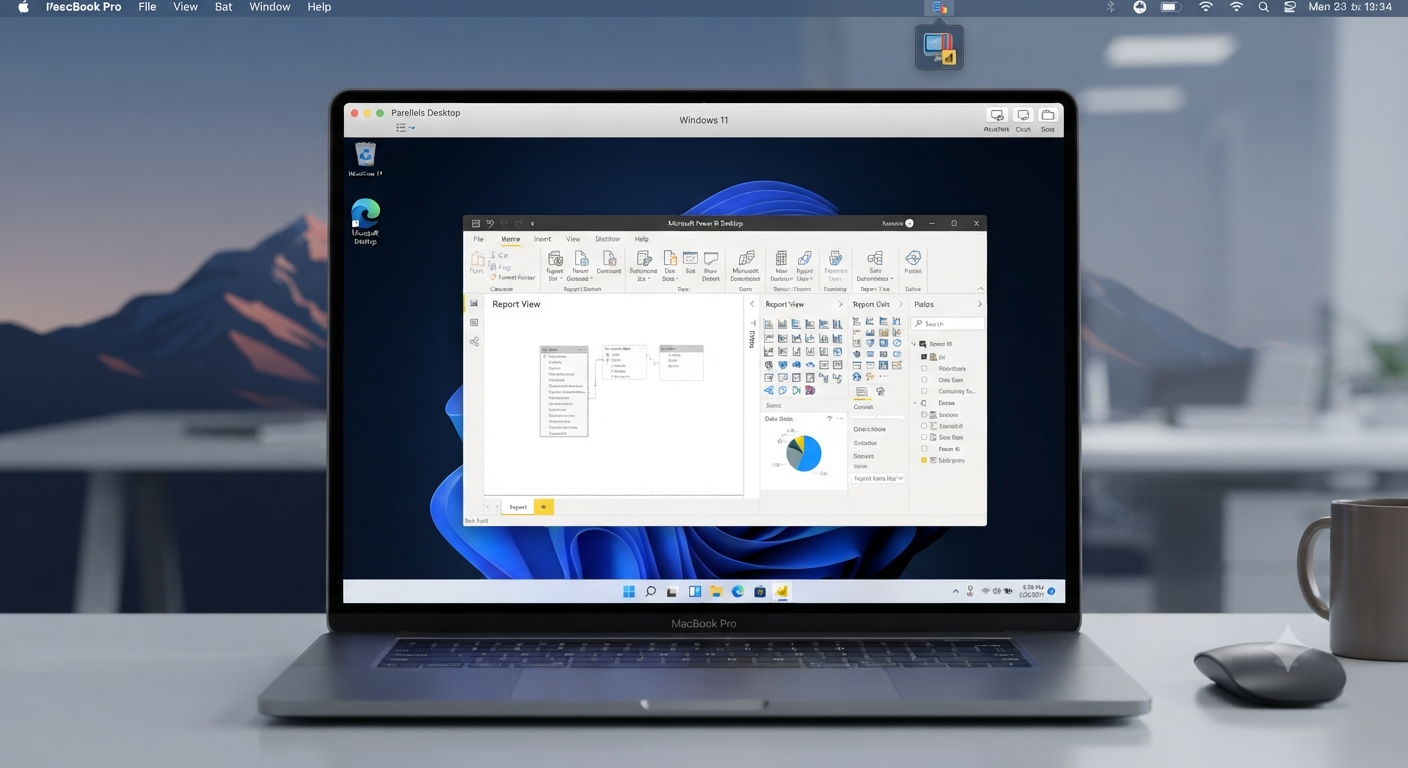
If you need the complete Power BI Desktop experience, you can run Windows on your Mac through virtualization software.
Popular options include:
- Parallels Desktop
- VMware Fusion
- A dedicated Windows PC accessed remotely
After installing Windows, you can install and use Power BI Desktop just as you would on a standard PC.
Keep in mind that virtualization requires additional storage, memory, and a valid Windows license.
Use Power BI with Remote Desktop
Another practical approach is to connect to a Windows computer that already has Power BI Desktop installed.
Remote access solutions allow you to:
- Create reports
- Refresh datasets
- Manage dashboards
This option is especially useful in corporate environments where Windows workstations are already available.
Create Reports in the Browser
The Power BI Service now supports many report-editing functions directly in the browser.
You can:
- Modify existing reports
- Add visualizations
- Configure filters
- Share dashboards
Although some advanced modeling features still require Power BI Desktop, the web interface continues to improve.
Import Data from Mac Applications
Mac users can upload data from:
- Microsoft Excel
- CSV files
- Cloud storage services
- Online databases
Once uploaded to Power BI Service, the data can be analyzed and visualized just like data prepared on Windows.
Best Practices for Mac Users
To make the most of Power BI on macOS:
- Use a modern, updated browser.
- Store data in cloud-accessible locations.
- Optimize datasets before uploading.
- Consider virtualization only if advanced features are essential.
- Keep your Microsoft account secured with multifactor authentication.
These practices help ensure a smooth experience.
Limitations to Consider
While Power BI is accessible on a Mac, some limitations remain:
- No native Power BI Desktop application
- Certain advanced modeling features require Windows
- Performance may vary in virtual machines
Understanding these limitations helps you choose the right workflow.
Alternatives for Mac Users
If your needs are simple, you may also explore other analytics tools that offer native macOS applications. However, for organizations already invested in the Microsoft ecosystem, Power BI remains a strong option thanks to its web-based capabilities.
Frequently Asked Questions
Can I install Power BI Desktop directly on a Mac?
No. Power BI Desktop is currently available only for Windows.
Can I use Power BI in Safari?
Yes. The Power BI Service works in modern web browsers, including Safari.
Do I need Windows to create Power BI reports?
Not always. Many reports can be viewed and edited using the web service, though advanced modeling still requires Power BI Desktop.
Is virtualization a good option?
Yes, if you need the full desktop feature set and your Mac has sufficient resources to run Windows efficiently.
Conclusion
Although there is no native Power BI Desktop application for macOS, Mac users still have several effective ways to access the platform. The Power BI Service provides convenient browser-based reporting and collaboration, while virtualization and remote desktop solutions offer access to the full desktop experience when necessary.