Category: How-to Guide

Fixing the “Windows Cannot Communicate with the Device or Resource” Issue – 2025

Fixing the “Windows Cannot Communicate with the Device or Resource” Issue – 2025

Fixing the “Windows Cannot Communicate with the Device or Resource” Issue The error message “Windows can’t communicate with the device or resource (primary DNS server)” appears when Windows cannot connect to the DNS server that translates domain names into IP addresses. Without DNS resolution, websites, apps, and certain online services cannot load properly. This problem…

Tips for Locating Microsoft Office Applications Across Windows Versions – 2025

Tips for Locating Microsoft Office Applications Across Windows Versions – 2025

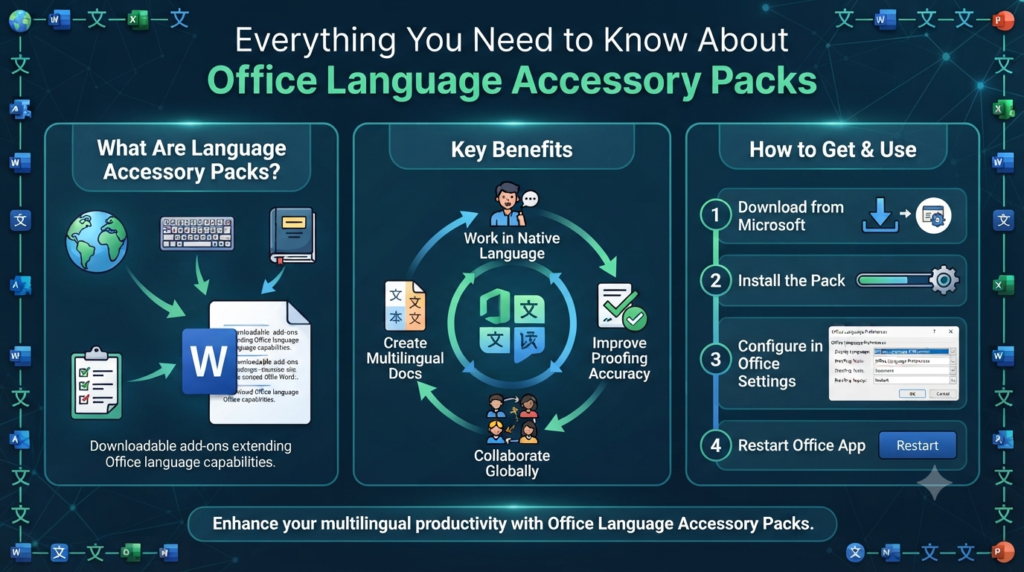
Tips for Locating Microsoft Office Applications Across Windows Versions Microsoft Office is one of the most widely used productivity suites in the world, including applications such as Word, Excel, PowerPoint, Outlook, and OneNote. However, new users or those upgrading from older versions of Windows sometimes struggle to locate these apps after installation. Knowing the different…

Managing Contacts and Calendar Events in MS Outlook: A Complete Guide – 2025

Managing Contacts and Calendar Events in MS Outlook: A Complete Guide – 2025

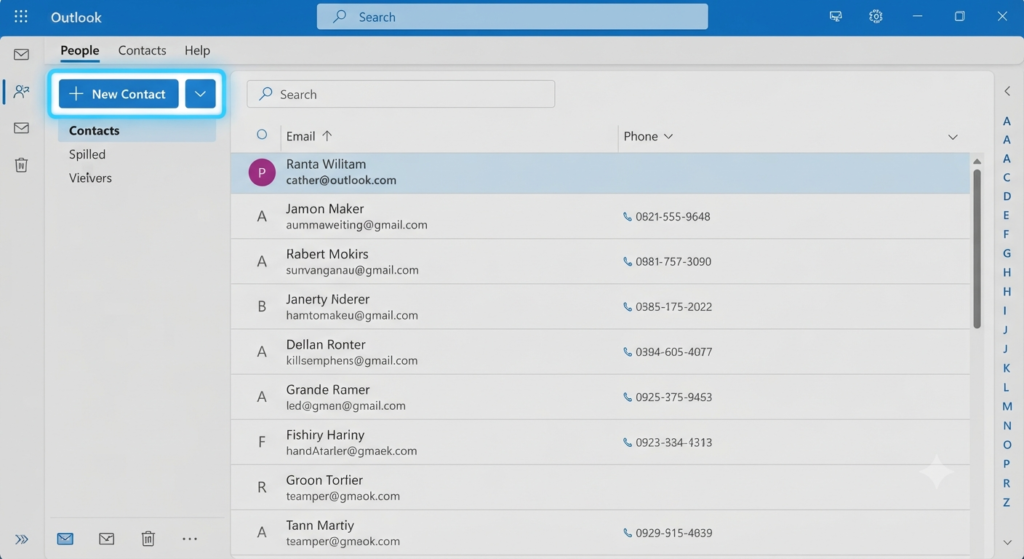
Managing Contacts and Calendar Events in MS Outlook: A Complete Guide Managing your schedule and staying connected with important people is essential for productivity—whether for work, school, or personal life. Microsoft Outlook offers a powerful combination of calendar and contact management tools designed to help you stay organized, track appointments, and maintain a structured workflow….

Fixing High CPU Usage Caused by Audio Device Graph Isolation in Windows – 2025

Fixing High CPU Usage Caused by Audio Device Graph Isolation in Windows – 2025

Fixing High CPU Usage Caused by Audio Device Graph Isolation in Windows Windows Audio Device Graph Isolation is an important system process responsible for audio enhancements and managing sound-related functions in Windows. Normally, it runs quietly in the background with minimal resource usage. However, in some cases, users notice unusually high CPU, memory, or even…