


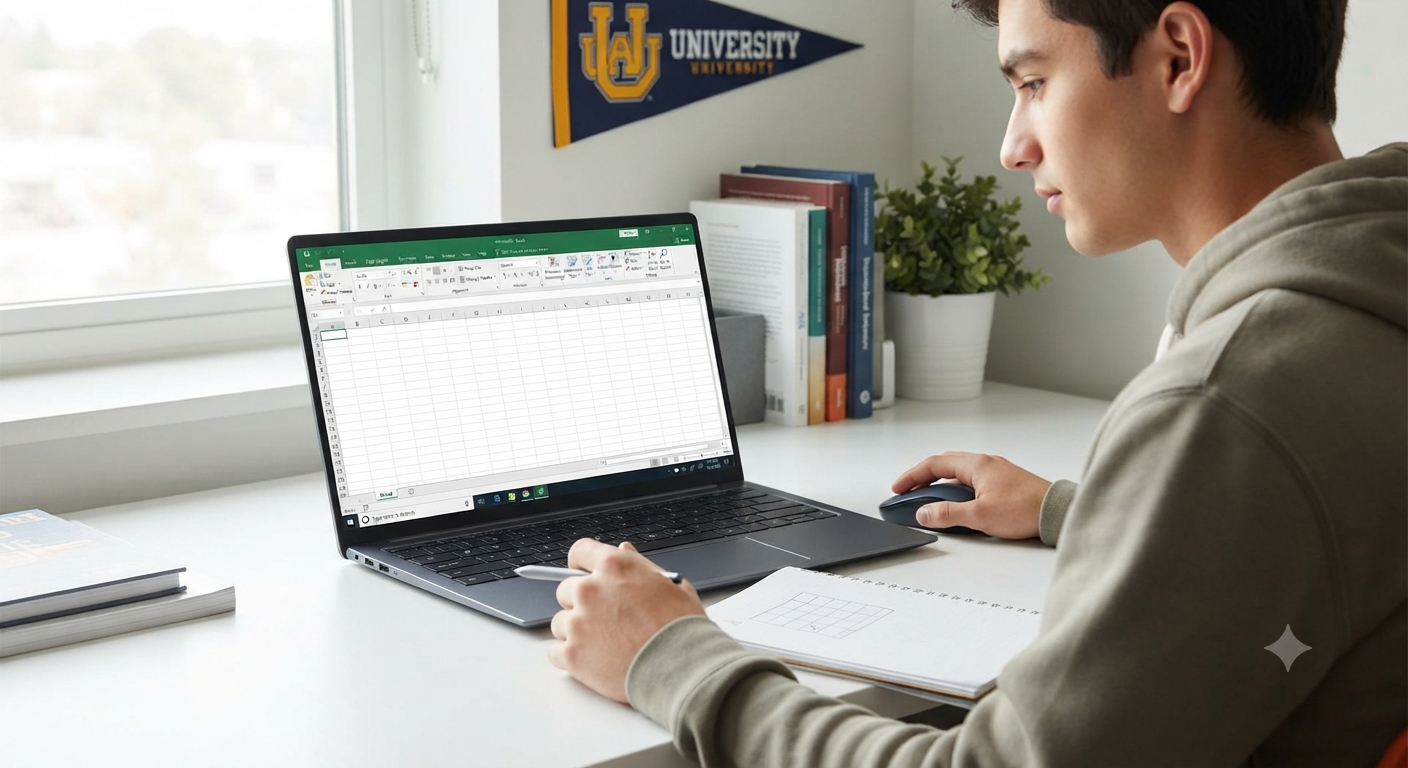
Excel for Students: A Guide to Mastering Spreadsheet Skills
Microsoft Excel is far more than a spreadsheet program for accountants and business professionals. For students, it is a powerful tool that can simplify coursework, improve organization, and develop valuable analytical skills. Whether you are tracking assignments, analyzing research data, managing a budget, or creating charts for a class project, mastering Excel can significantly enhance your academic experience.
As digital literacy becomes increasingly important in education and the workplace, learning to use Excel effectively gives students a strong advantage. This guide introduces the key features of Excel and explains how students can use them to succeed in school and beyond.
Why Students Should Learn Excel
Excel is widely used in universities, businesses, and research institutions. Developing proficiency early can help students:
- Organize information efficiently
- Analyze data accurately
- Create professional reports and presentations
- Manage personal finances
- Build skills valued by employers
Learning Excel now can save time throughout your academic journey and prepare you for future careers.
Getting Started with Excel
The Excel interface is built around rows, columns, and cells. Each cell can contain text, numbers, dates, or formulas.
Familiarize yourself with key areas such as:
- The Ribbon
- The Formula Bar
- Worksheets and workbooks
- The Quick Access Toolbar
Understanding the layout makes it easier to navigate and use advanced features later.
Organize Coursework and Schedules
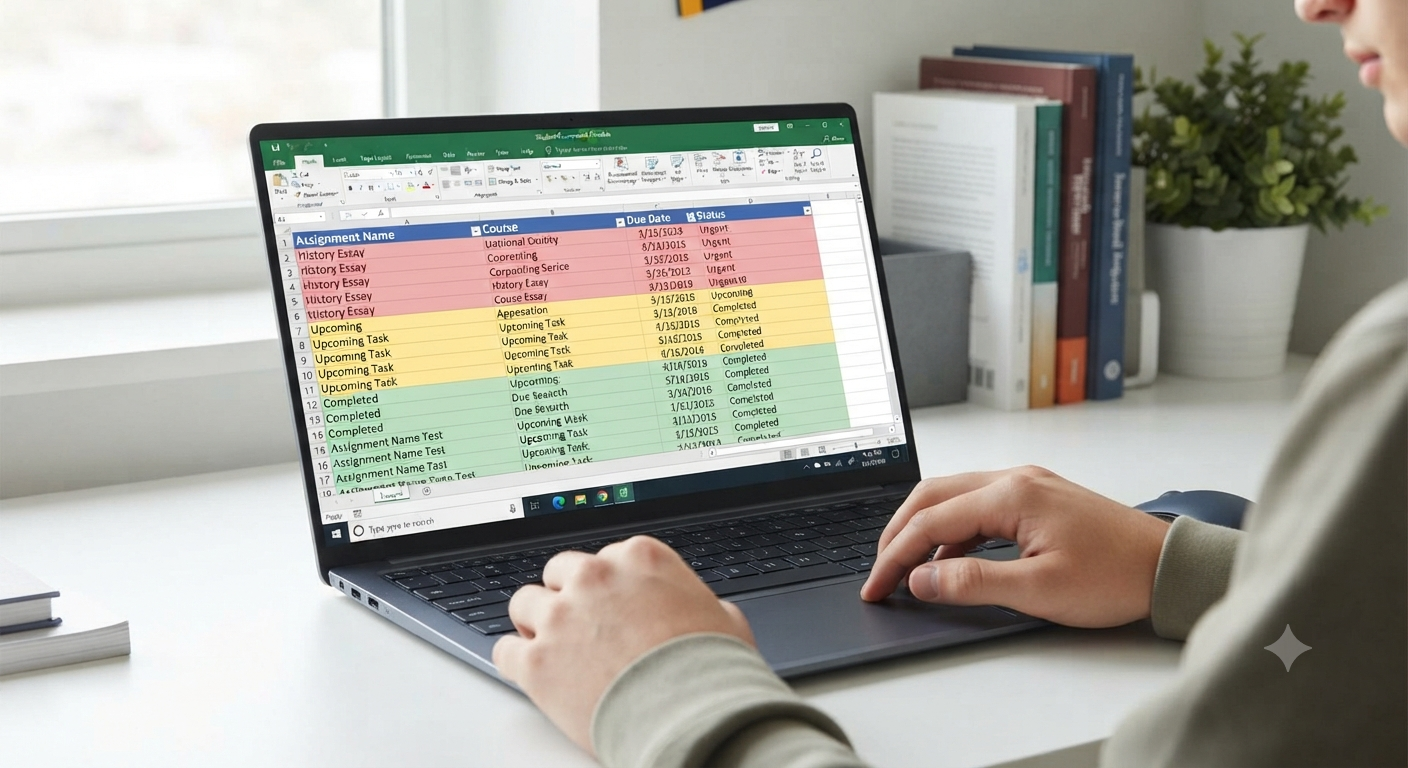
Excel is excellent for keeping track of academic responsibilities.
You can create worksheets to manage:
- Assignment deadlines
- Exam schedules
- Reading lists
- Group project tasks
Using filters and color coding helps you quickly identify upcoming priorities.
Learn Essential Formulas
Formulas are one of Excel’s greatest strengths.
Students should start with:
- SUM
- AVERAGE
- MIN
- MAX
- COUNT
These functions simplify calculations and reduce the risk of manual errors.
As your skills grow, explore more advanced formulas such as IF, VLOOKUP, and XLOOKUP.
Create Charts and Graphs
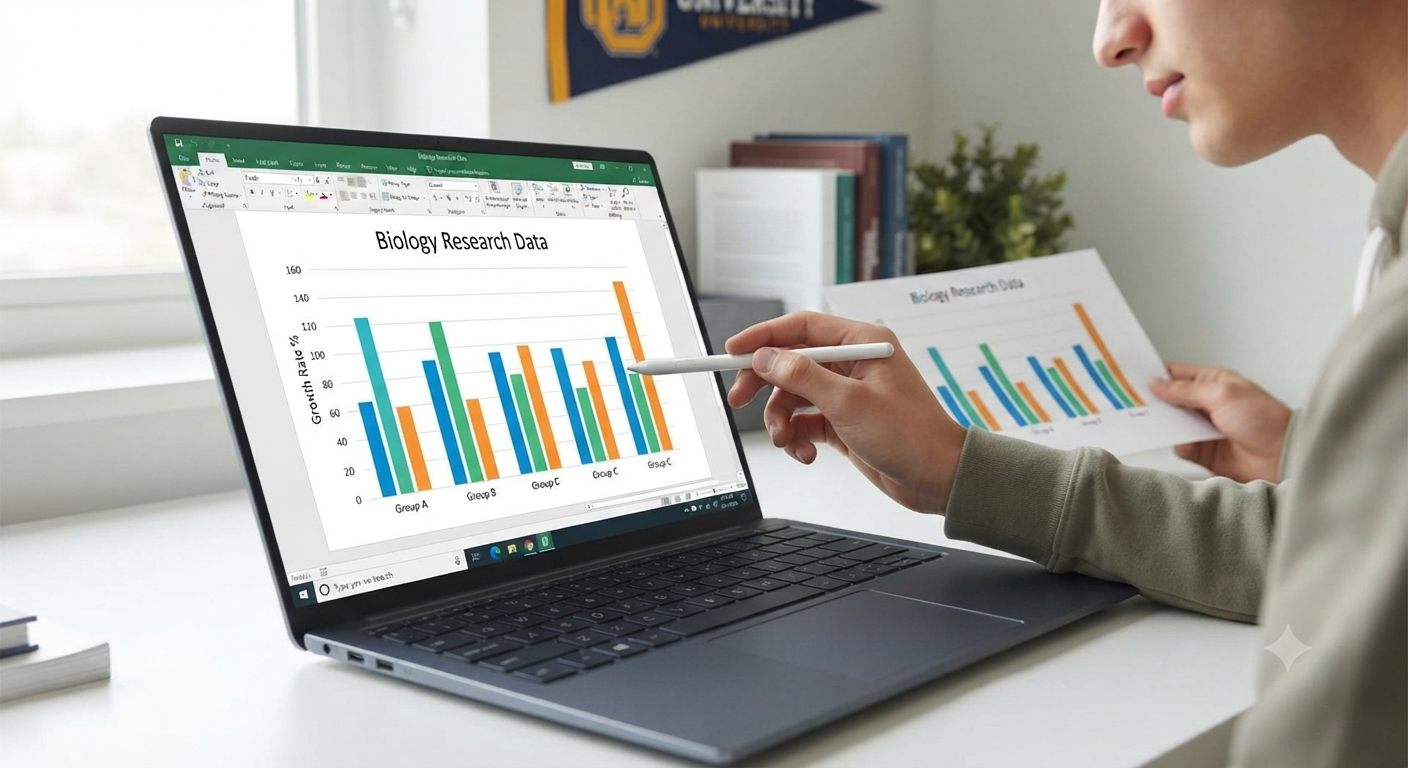
Visualizing data makes it easier to understand trends and present findings.
Excel supports many chart types, including:
- Column charts
- Line charts
- Pie charts
- Scatter plots
Charts are especially useful for science projects, research assignments, and presentations.
Image: Student project data displayed in an Excel chart.
Use Excel for Research Projects
Many courses require students to collect and analyze data. Excel can help you:
- Organize survey responses
- Calculate statistics
- Identify patterns
- Prepare tables for reports
Its built-in functions make basic data analysis accessible even to beginners.
Manage Your Student Budget
Excel is also a practical personal finance tool.
Create a simple budget to track:
- Tuition expenses
- Books and supplies
- Housing costs
- Entertainment spending
Monitoring your finances can help you build responsible money-management habits.
Take Advantage of Templates
Excel includes templates for calendars, budgets, study schedules, and more.
Using templates saves time and provides examples of effective spreadsheet design.
You can customize templates to suit your specific academic needs.
Collaborate with Classmates
When stored in OneDrive, Excel workbooks support real-time collaboration.
You and your classmates can:
- Edit the same file simultaneously
- Leave comments
- Track changes
These features make group projects more efficient.
Keyboard Shortcuts for Students
Learning a few shortcuts can greatly improve productivity.
Some useful examples include:
| Shortcut | Action |
|---|---|
| Ctrl + C | Copy |
| Ctrl + V | Paste |
| Ctrl + Z | Undo |
| Ctrl + S | Save |
| F2 | Edit the selected cell |
Using shortcuts regularly can save considerable time over the course of a semester.
Avoid Common Mistakes
To keep your spreadsheets accurate:
- Double-check formulas.
- Label columns clearly.
- Save your work frequently.
- Back up important files.
- Avoid deleting cells that formulas depend on.
Developing good habits early leads to more reliable work.
Build Skills for the Future
Excel proficiency is valuable in fields such as:
- Business
- Engineering
- Science
- Healthcare
- Education
Employers often expect candidates to have at least a basic understanding of spreadsheets, making Excel a worthwhile investment in your future.
Frequently Asked Questions
Is Excel difficult to learn?
No. Most students can master the basics quickly with regular practice and gradually progress to advanced features.
Can I use Excel for subjects outside of math?
Absolutely. Excel is useful for organizing information, creating schedules, managing budgets, and presenting data in virtually any field of study.
Is there a free version of Excel for students?
Many schools and universities provide access to Microsoft 365, including Excel. Check with your institution to see what is available.
How often should I practice Excel?
Even a few minutes of practice each week can help you build confidence and retain new skills.
Conclusion
Excel is an indispensable tool for modern students. From managing assignments and budgets to analyzing research data and collaborating on projects, it offers features that can enhance both academic performance and future career prospects.
across a wide range of tasks.