


Exploring the Features of Windows 7 SP1
Windows 7 quickly became one of Microsoft’s most popular operating systems thanks to its stability, familiar interface, and improved performance over its predecessors. To further enhance the user experience and deliver important updates in a single package, Microsoft released Service Pack 1 (SP1) in February 2011. SP1 consolidated previously released security patches, bug fixes, and several notable improvements, making it an essential update for Windows 7 users.
Although Windows 7 and its service packs are now out of support, understanding SP1 remains useful for maintaining legacy systems and appreciating the evolution of Windows.
What Is a Service Pack?
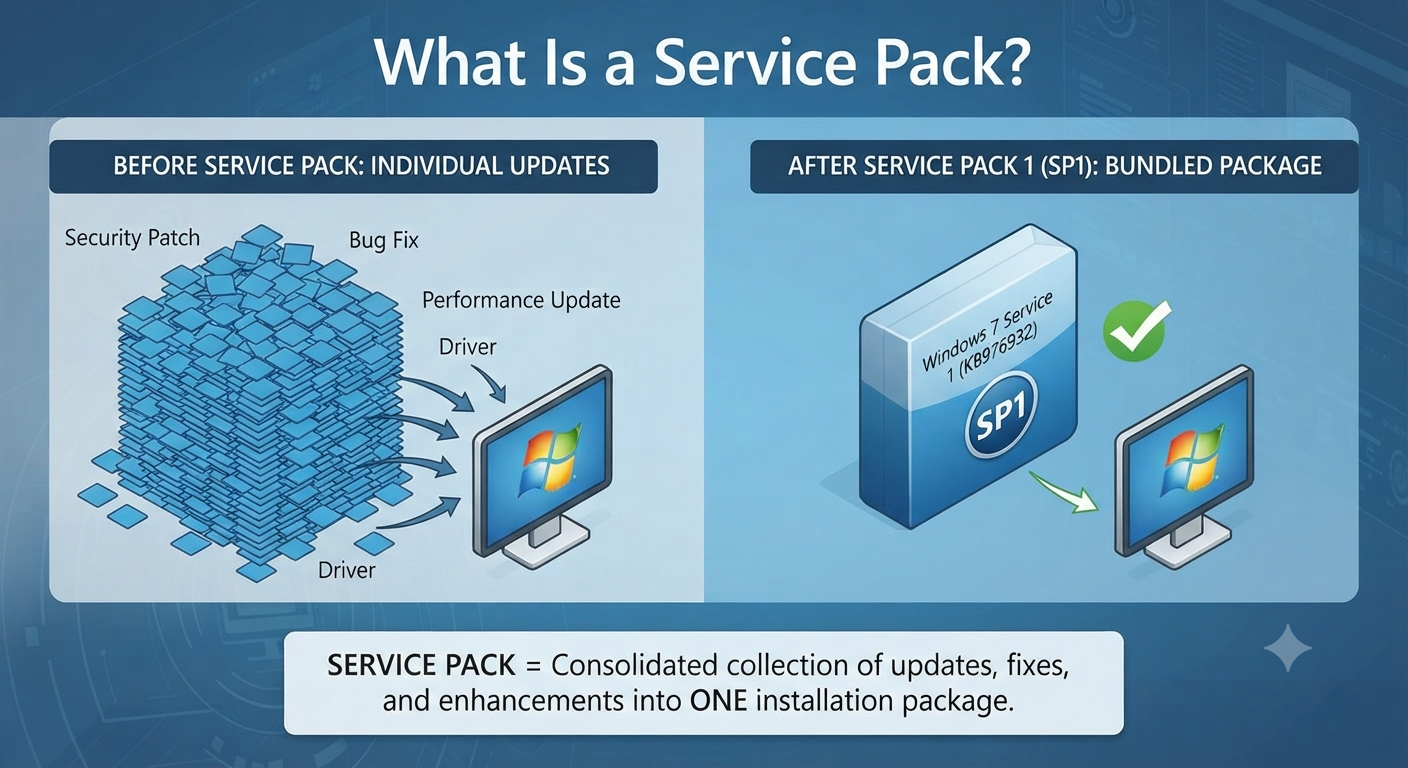
A service pack is a collection of updates, fixes, and enhancements bundled into a single installation package. Instead of downloading hundreds of individual patches, users can install one comprehensive update that brings the operating system up to date.
For Windows 7, SP1 served as the first and only official service pack released by Microsoft.
Why Service Pack 1 Was Important
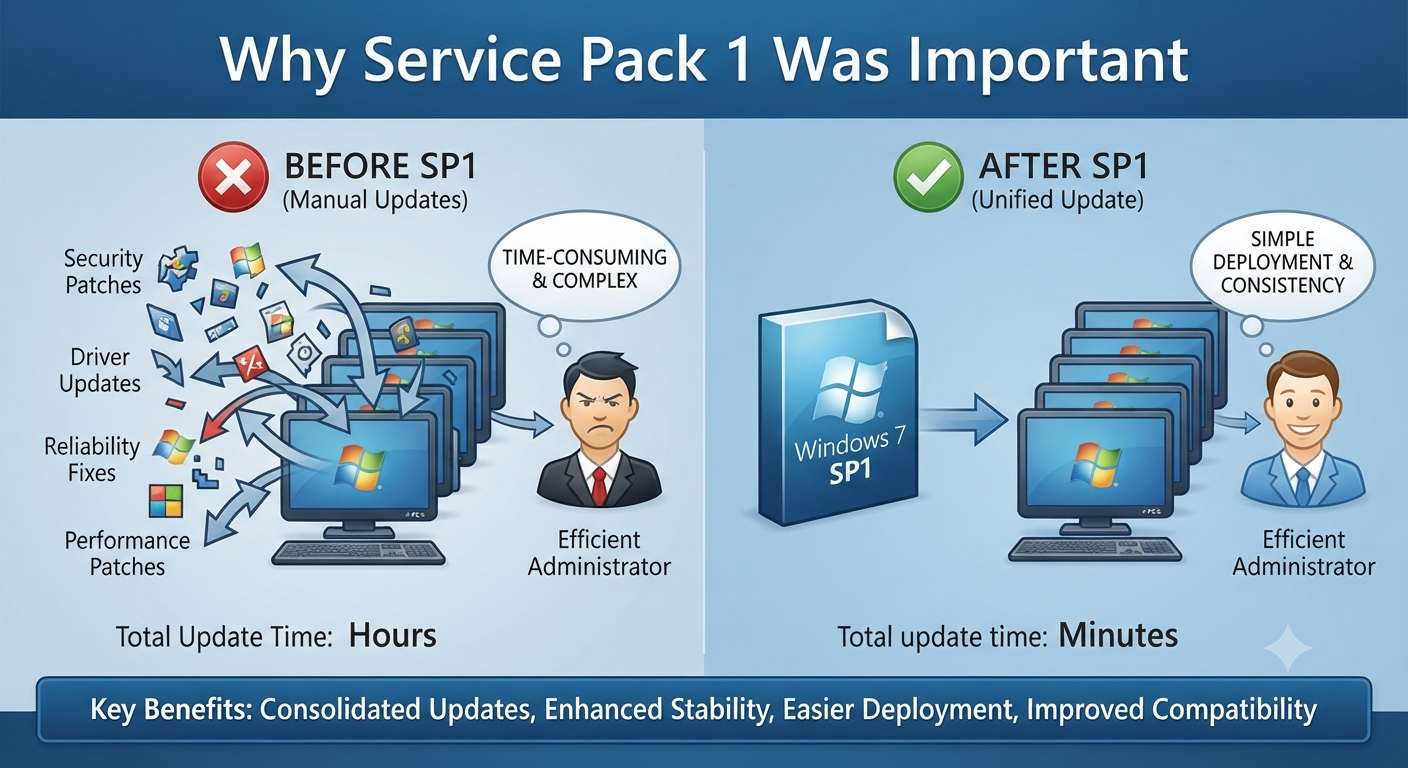
Prior to SP1, users had to install numerous updates separately. SP1 simplified deployment, particularly for businesses managing large numbers of computers.
Key benefits included:
- Consolidated security updates
- Improved reliability and stability
- Easier system deployment
- Enhanced compatibility with newer hardware and software
Installing SP1 became a recommended step for virtually all Windows 7 systems.
Major Features and Improvements in SP1
While SP1 primarily focused on cumulative updates, it also introduced several noteworthy enhancements.
RemoteFX
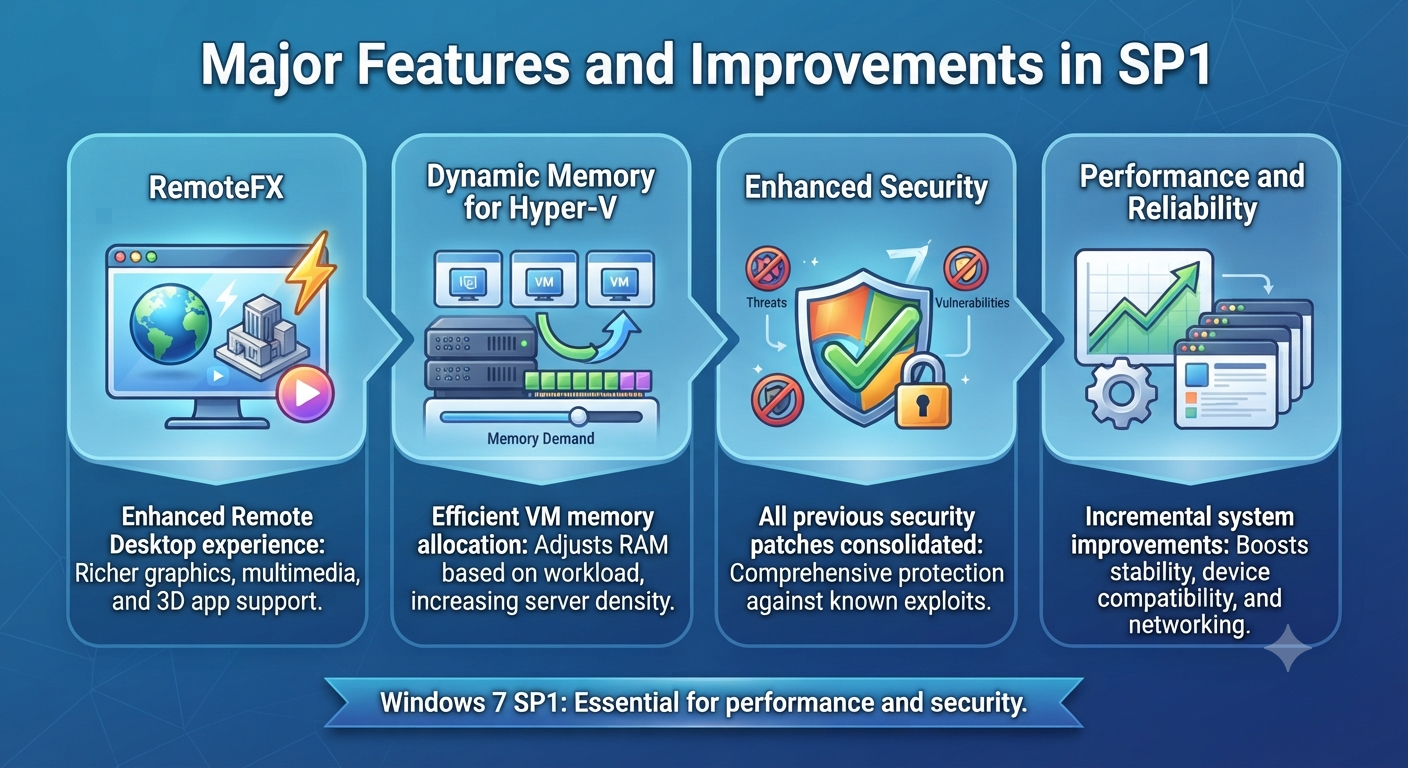
RemoteFX improved the Remote Desktop experience by enabling richer graphics and multimedia capabilities in virtual desktop environments.
This feature allowed remote users to enjoy smoother video playback and support for certain graphical applications.
Dynamic Memory for Hyper-V
SP1 added Dynamic Memory support for Hyper-V, allowing virtual machines to use memory more efficiently.
Administrators could allocate RAM dynamically based on workload demands, increasing server density and reducing hardware costs.
Enhanced Security
SP1 included all previously released security patches, helping protect systems from known vulnerabilities and threats.
Regular security updates were crucial to maintaining a safe computing environment.
Performance and Reliability Improvements
Beyond the headline features, SP1 incorporated numerous fixes that improved:
- System stability
- Device compatibility
- Printing reliability
- Networking performance
These incremental improvements contributed significantly to Windows 7’s reputation for dependability.
Installing Windows 7 SP1
SP1 could be installed through:
- Windows Update
- The standalone installer
- Enterprise deployment tools
Before installation, users were advised to back up important data and ensure sufficient free disk space.
Image: Windows 7 Service Pack 1 installation screen.
How to Verify SP1 Is Installed
To check whether SP1 is installed:
- Right-click Computer.
- Select Properties.
- Look under the Windows edition section.
If SP1 is present, it will be listed there.
Impact on Businesses
SP1 simplified IT administration by providing a consistent baseline for deployments and support. Organizations often standardized on Windows 7 SP1 before rolling out new applications or hardware.
This consistency reduced compatibility issues and streamlined maintenance.
End of Support Considerations
Microsoft ended support for Windows 7 in January 2020. Systems still running Windows 7 SP1 no longer receive security updates unless covered by special agreements that have since expired.
For security and compliance reasons, migrating to a supported operating system is strongly recommended.
Maintaining Legacy Systems
If you must continue using Windows 7 SP1 in a lab or isolated environment:
- Restrict internet access.
- Use strong security controls.
- Maintain reliable backups.
- Plan for eventual migration.
These measures help mitigate the risks of running unsupported software.
Frequently Asked Questions
Was SP1 required for Windows 7?
While not strictly mandatory, installing SP1 was highly recommended because it included important security and stability updates.
Did SP1 add a new user interface?
No. SP1 focused on updates and enhancements rather than major visual changes.
Can I still download SP1?
Official downloads may still be available through Microsoft’s legacy resources, but support for Windows 7 has ended.
Is Windows 7 SP1 safe to use today?
Only in isolated or specialized environments. For everyday use, a supported operating system is the safer choice.
Conclusion
Windows 7 Service Pack 1 played a vital role in enhancing the security, stability, and manageability of one of Microsoft’s most beloved operating systems. By consolidating updates and introducing features such as RemoteFX and Dynamic Memory, SP1 helped extend the usefulness of Windows 7 for both home users and businesses.