


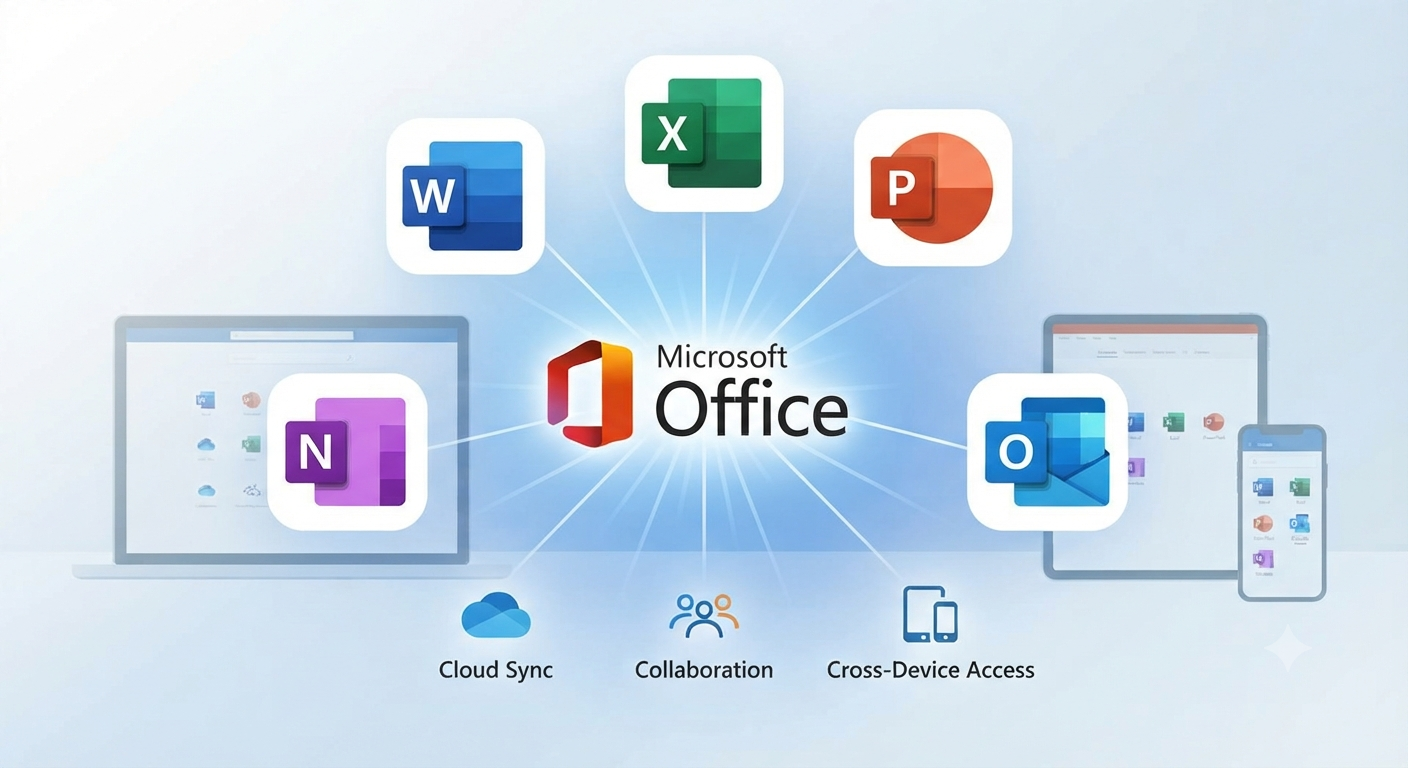
Microsoft Office Basics: An Introduction
Microsoft Office is one of the most widely used productivity suites in the world. From students and teachers to business professionals and entrepreneurs, millions of people rely on its applications to create documents, analyze data, deliver presentations, and collaborate with others. Over the years, Microsoft Office has evolved from a collection of standalone desktop programs into a comprehensive ecosystem of cloud-connected tools and services.
Understanding the capabilities of Microsoft Office can help you work more efficiently and make the most of its powerful features. This introduction explores the history, core applications, benefits, and best practices for using Microsoft Office software.
What Is Microsoft Office?
Microsoft Office is a suite of productivity applications developed by Microsoft. It includes programs for word processing, spreadsheets, presentations, email management, note-taking, and more.
Today, Microsoft offers Office both as a traditional one-time purchase and as part of a Microsoft 365 subscription, which adds cloud storage, regular updates, and advanced collaboration features.
A Brief History of Microsoft Office
Microsoft introduced Office in 1989 for the Mac and later released a Windows version. Over the decades, the suite has expanded significantly, adding new applications and cloud-based services while improving compatibility and collaboration.
The transition to Microsoft 365 marked a major shift, enabling users to access their files and applications across multiple devices and work together in real time.
Core Microsoft Office Applications
Microsoft Word
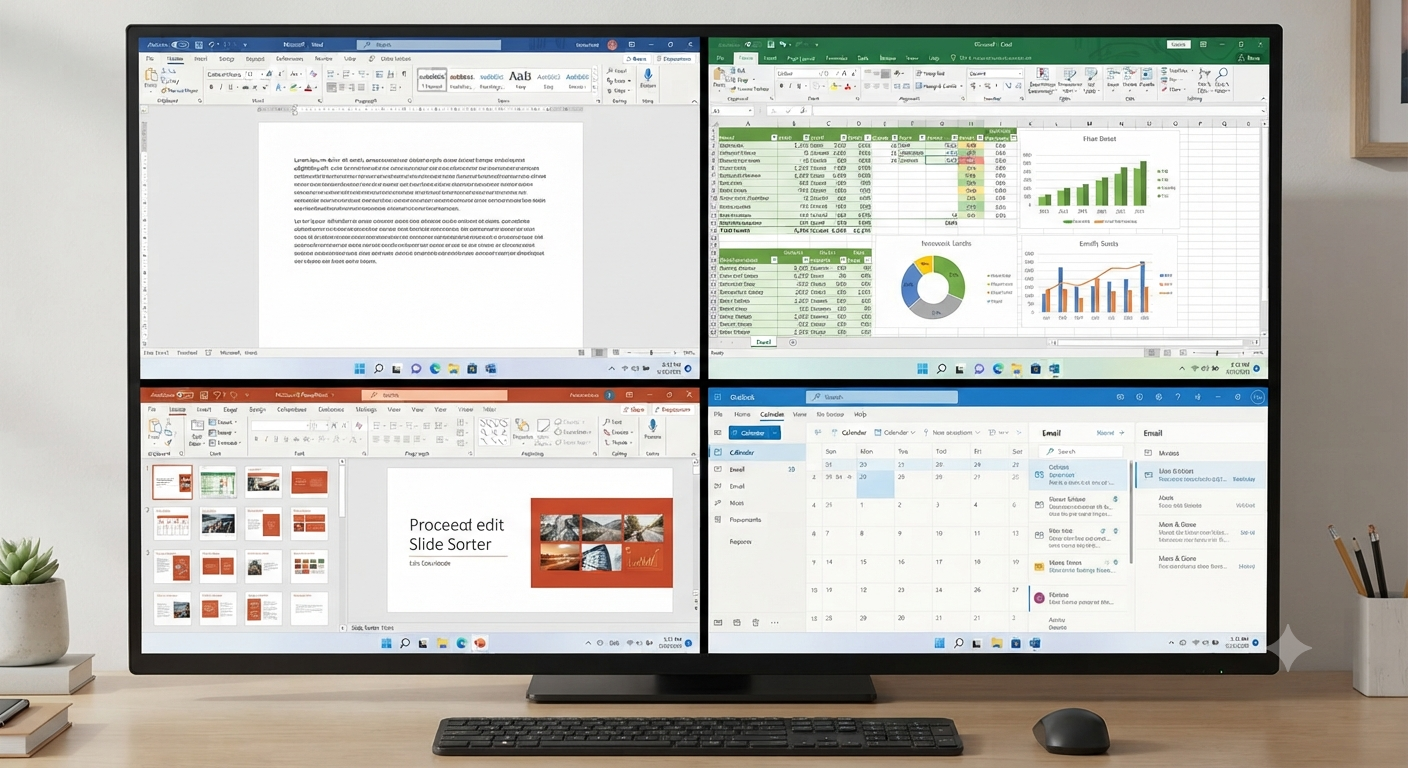
Word is the suite’s word-processing application. It is commonly used for:
- Letters and reports
- Resumes
- Academic papers
- Newsletters
Its formatting tools, templates, and review features make document creation straightforward and professional.
Microsoft Excel
Excel is a powerful spreadsheet program used for:
- Budgeting
- Data analysis
- Charts and graphs
- Financial modeling
Its extensive formula library and data visualization capabilities make it indispensable in many industries.
Microsoft PowerPoint
PowerPoint enables users to create engaging presentations with text, images, animations, and multimedia elements.
It is widely used in education, business meetings, and training sessions.
Microsoft Outlook
Outlook combines email, calendar, contacts, and task management into a single application, helping users stay organized and productive.
Microsoft OneNote
OneNote is a digital notebook that allows users to capture notes, images, audio recordings, and web clippings in a searchable format.
Cloud Integration with Microsoft 365
Modern versions of Office integrate seamlessly with cloud services such as OneDrive and SharePoint.
Benefits include:
- Automatic file synchronization
- Access from multiple devices
- Real-time collaboration
- Version history and recovery
Cloud integration has made teamwork easier than ever.
Key Benefits of Microsoft Office
Using Microsoft Office offers several advantages:
- Familiar and intuitive interfaces
- Broad file compatibility
- Extensive template libraries
- Strong security features
- Integration with other Microsoft services
These strengths contribute to its continued popularity.
Collaboration Features

Office applications support real-time co-authoring, comments, and file sharing. Multiple users can work on the same document simultaneously, making collaboration efficient for both remote and in-person teams.
Tips for New Users
If you are just getting started with Microsoft Office:
- Explore built-in templates.
- Learn common keyboard shortcuts.
- Save files to OneDrive.
- Use the help and training resources provided by Microsoft.
- Practice with small projects to build confidence.
Consistent use is the best way to develop proficiency.
Security and Updates
Keeping Office up to date ensures access to the latest features and security improvements. Enable automatic updates whenever possible and use strong passwords along with multifactor authentication for your Microsoft account.
Microsoft Office in Education and Business
Office plays a vital role in classrooms and workplaces alike. Students use it to complete assignments and collaborate on projects, while businesses depend on it for communication, analysis, and decision-making.
Its versatility makes it suitable for organizations of all sizes.
Frequently Asked Questions
Is Microsoft Office the same as Microsoft 365?
Not exactly. Microsoft Office refers to the core applications, while Microsoft 365 is a subscription service that includes Office apps along with cloud services and ongoing updates.
Can I use Microsoft Office on multiple devices?
Yes. Microsoft 365 subscriptions typically allow installation and use across several devices, depending on the plan.
Are there web versions of Office applications?
Yes. Word, Excel, PowerPoint, and other apps are available in web-based versions that run in modern browsers.
Do I need an internet connection to use Office?
Desktop applications can generally be used offline, though internet access is required for cloud features, collaboration, and updates.
Conclusion
Microsoft Office remains a cornerstone of personal and professional productivity. Its comprehensive set of applications, cloud integration, and collaboration features enable users to create, communicate, and work efficiently across a wide range of tasks.