


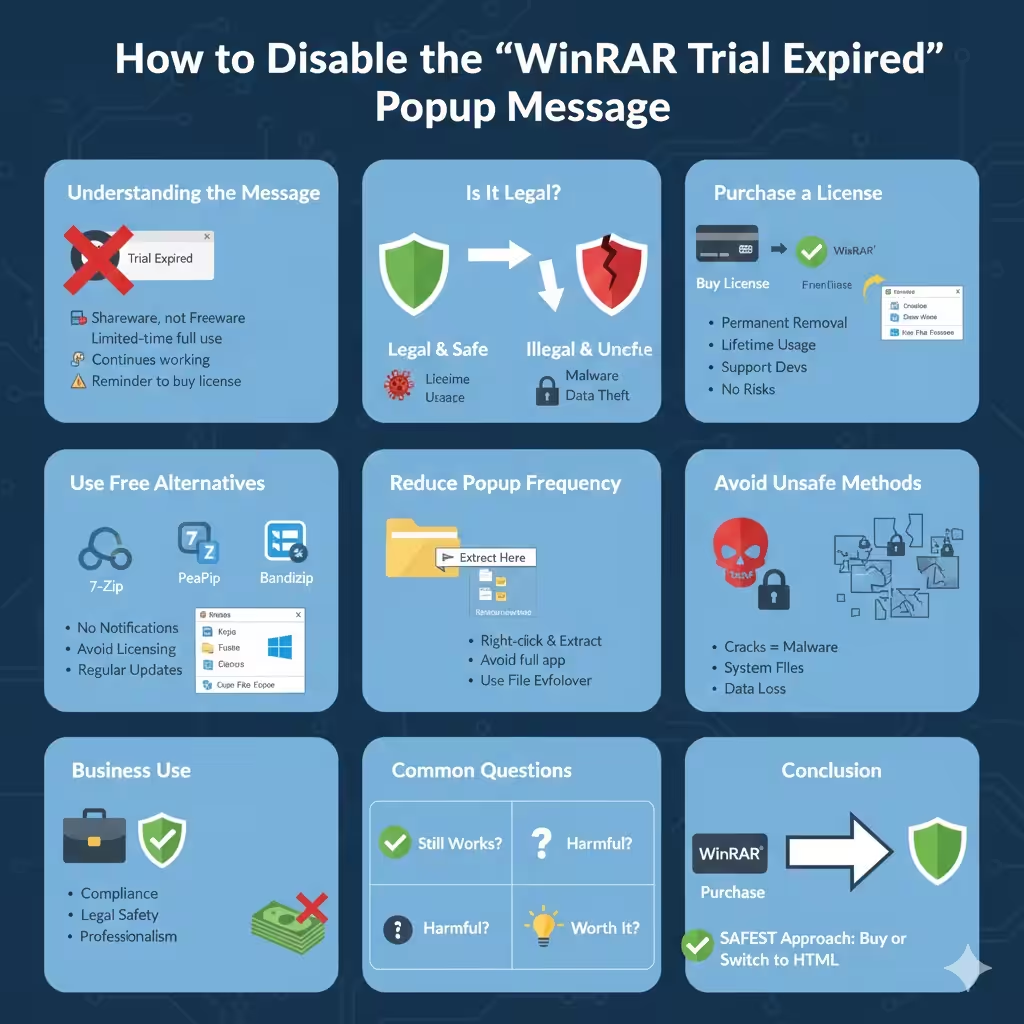
How to Disable the “WinRAR Trial Expired” Popup Message
WinRAR is one of the most popular file compression and extraction tools in the world. It supports a wide range of archive formats and is widely used on Windows systems for handling ZIP, RAR, and other compressed files. One reason for its popularity is that users can download and use it for free during a trial period.
However, after the trial period ends, many users start seeing the persistent “WinRAR Trial Expired” popup notification every time they open the program. While WinRAR continues to function, the repeated reminder can become annoying and disruptive, especially for users who work with compressed files frequently.
This article explains what the WinRAR trial expiration message really means, why it appears, and the legitimate ways to remove or stop the popup notification without violating software usage rules.
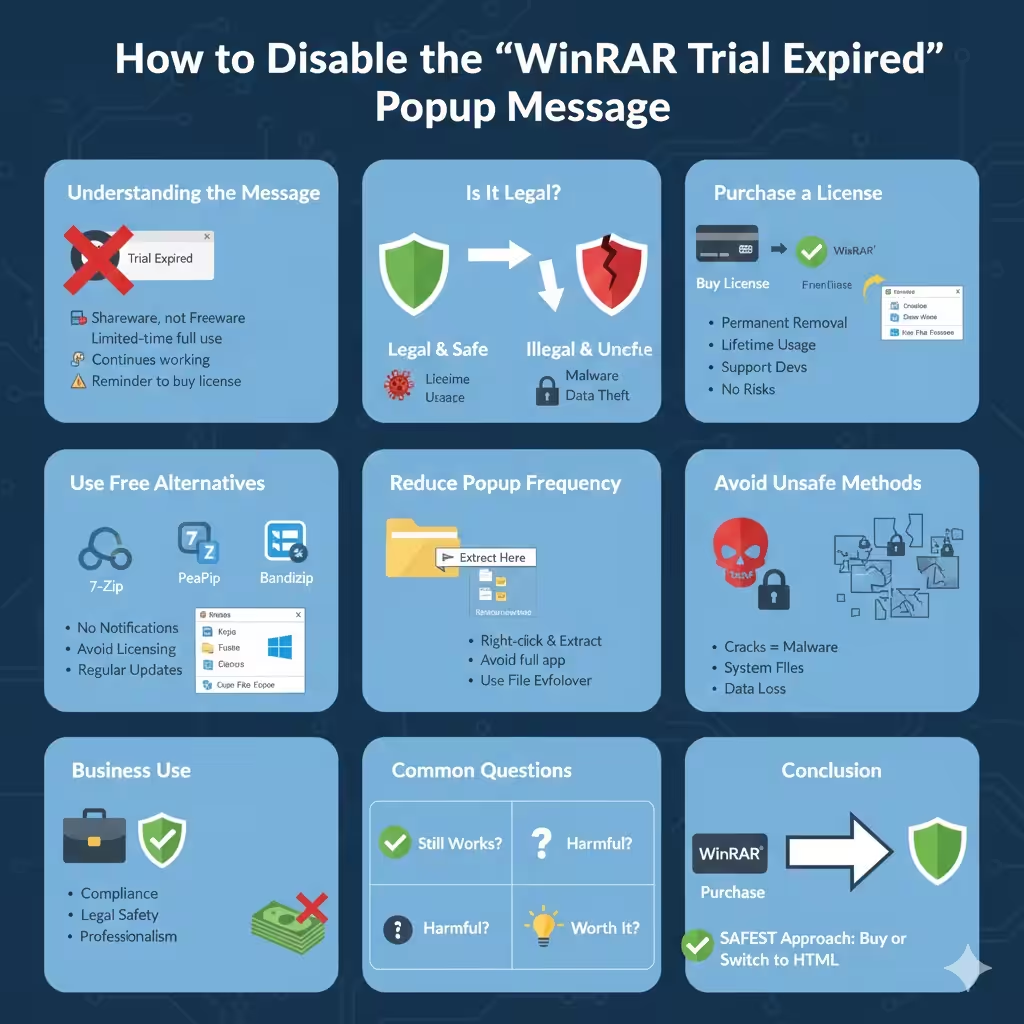
Understanding the “WinRAR Trial Expired” Message
The “Trial Expired” popup is not an error or system malfunction. It is simply a reminder from WinRAR that the evaluation period has ended.
Important points to understand:
- WinRAR is not freeware; it is shareware
- The trial version allows full functionality for a limited time
- After the trial ends, WinRAR continues working but displays reminders
The popup exists to encourage users to purchase a license and support the developers. It does not indicate that your files are locked or that the software will stop working.
Is It Legal to Remove the WinRAR Trial Popup?
This is a critical question. Removing or bypassing the trial popup through cracks, patched files, or modified executables is illegal and unsafe. Such methods violate WinRAR’s license agreement and often expose your computer to malware or data theft.
Legal and safe methods focus on:
- Purchasing a valid license
- Using free and open‑source alternatives
- Changing workflow habits to avoid unnecessary popups
The sections below explain each option clearly and responsibly.
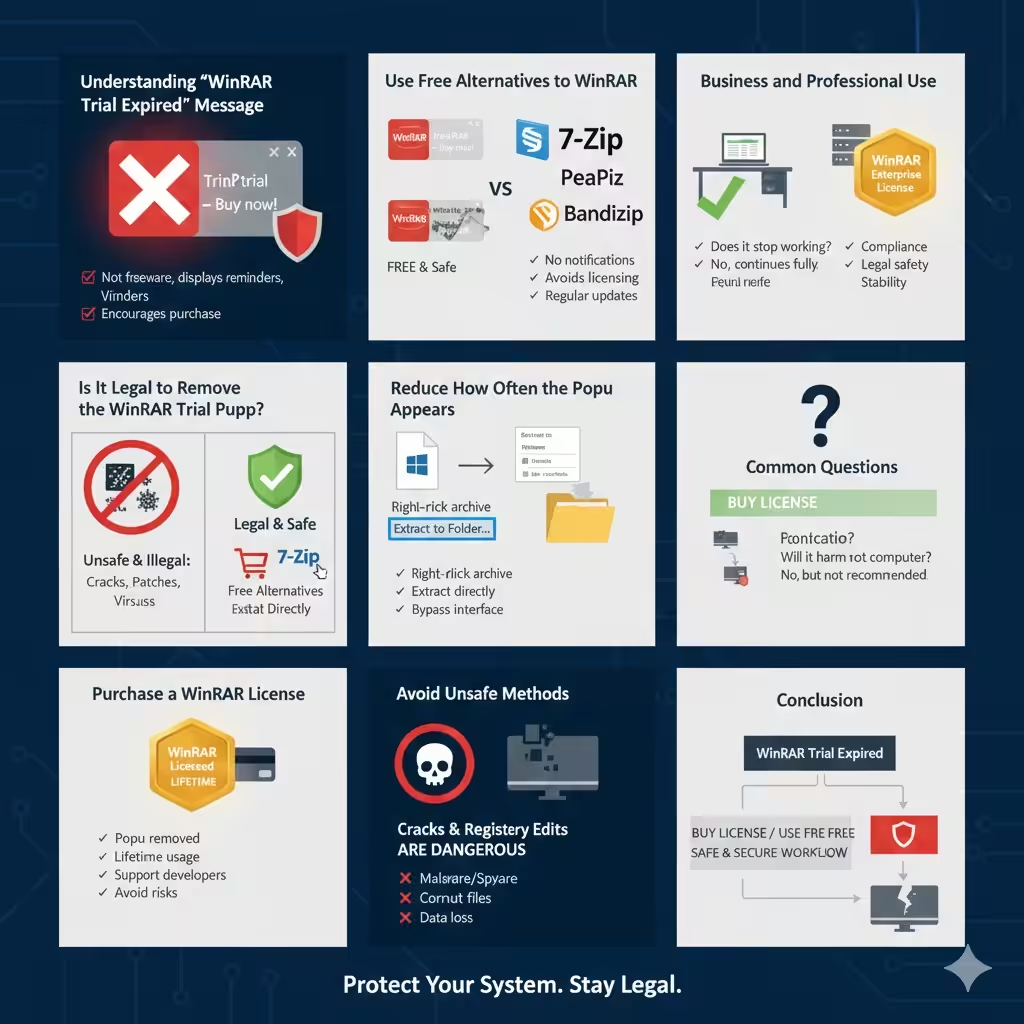
Purchase a WinRAR License (Recommended Solution)
The only official way to permanently remove the “Trial Expired” popup is to buy a WinRAR license.
Why Buying a License Makes Sense
When you purchase WinRAR:
- The popup notification is completely removed
- You receive lifetime usage for the purchased version
- You support ongoing software development
- You avoid security and legal risks
Unlike subscription software, WinRAR licenses are typically one‑time purchases, making them cost‑effective for long‑term users.
How the Popup Is Removed After Activation
Once a valid license file is applied:
- WinRAR recognizes the wp-signup.phped status
- The trial reminder no longer appears
- All features remain fully accessible
This method is clean, permanent, and safe.
Use Free Alternatives to WinRAR
If you do not want to purchase a license, the simplest way to avoid the popup is to stop using WinRAR entirely and switch to a free alternative.
Popular Free Compression Tools
Several reliable tools offer similar functionality without trial limitations:
- 7‑Zip
- PeaZip
- Bandizip (free version)
These programs support most common archive formats and integrate well with Windows.
Benefits of Switching Tools
Using a free alternative:
- Eliminates all trial notifications
- Avoids licensing concerns
- Provides regular updates and security fixes
For most everyday users, these tools are more than sufficient.
Reduce How Often the Popup Appears
While the popup cannot be legally disabled without a license, you can reduce how often you encounter it by adjusting how you use compressed files.
Extract Files Without Opening WinRAR Directly
Instead of launching WinRAR manually:
- Right‑click the archive file
- Choose “Extract Here” or “Extract to Folder”
This approach often completes the task without opening the full WinRAR interface, minimizing popup interruptions.
Use File Explorer Integration
Windows File Explorer can handle ZIP files natively. For basic ZIP archives, you may not need WinRAR at all.
This reduces dependency on WinRAR and limits exposure to the trial reminder.
Avoid Unsafe Methods and Common Myths
Many websites claim to offer ways to “remove WinRAR trial popup permanently for free.” These methods are risky and should be avoided.
Why Cracks and Patches Are Dangerous
Using unofficial tools may:
- Install malware or spyware
- Corrupt system files
- Cause WinRAR to malfunction
- Lead to data loss or security breaches
Additionally, these methods are illegal and unethical.
Registry Edits and Modified Files
Some guides suggest editing system files or registry entries to suppress the popup. These techniques are unreliable and can damage your operating system.
There is no safe registry tweak that legitimately removes the WinRAR trial message.
Business and Professional Use Considerations
If WinRAR is used in a business or professional environment, purchasing a license is strongly recommended.
Why Businesses Should Avoid Trial Workarounds
Unlicensed software usage can:
- Violate company compliance policies
- Create legal risks
- Damage professional reputation
A licensed installation ensures stability, support, and compliance with software laws.
Common Questions About WinRAR Trial Expiration
Does WinRAR Stop Working After the Trial?
No. WinRAR continues to function fully, but it will display the reminder popup.
Will Ignoring the Popup Harm My Computer?
Ignoring the popup itself does not harm your system, but relying on outdated or unlicensed software long‑term is not recommended.
Is WinRAR Still Worth Using?
Yes, especially for users who frequently work with RAR archives. However, for basic needs, free alternatives may be more practical.
Conclusion
The “WinRAR Trial Expired” popup notification is a reminder rather than a restriction. While it can be frustrating, there is no legal way to remove it without either purchasing a license or switching to a free alternative.
Buying a license is the safest and most straightforward solution for long‑term users, while free compression tools provide an excellent alternative for those who prefer not to pay. Avoid unsafe shortcuts such as cracks, patches, or system modifications, as they pose serious security and legal risks.
By choosing a legitimate approach, you can eliminate interruptions, protect your system, and maintain a stable and secure workflow.