Category: How-to Guide

How to Work Together in Microsoft Outlook – 2025

How to Work Together in Microsoft Outlook – 2025

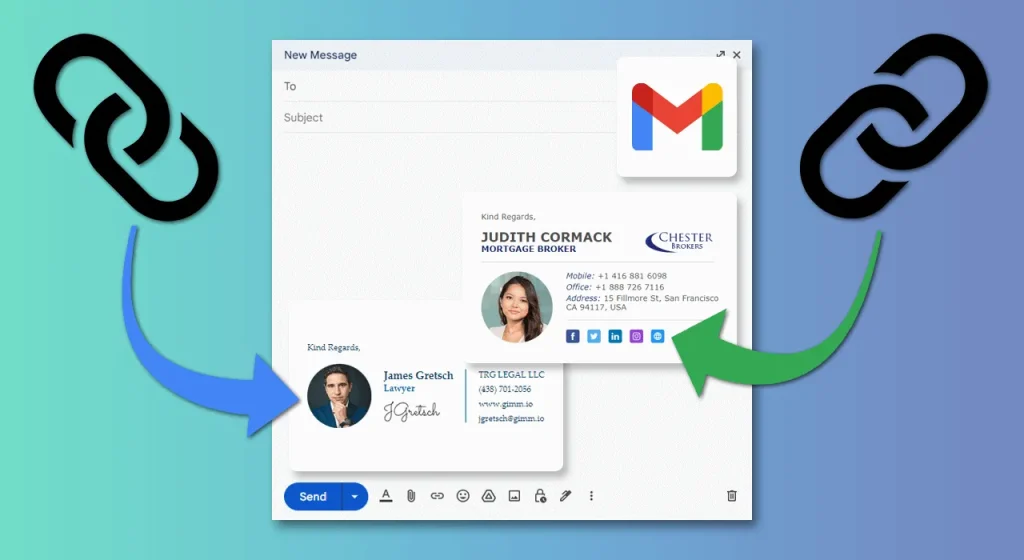
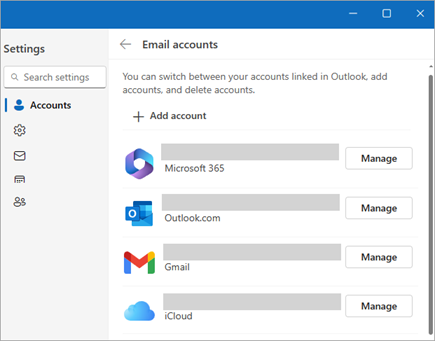
How to Work Together in Microsoft Outlook Microsoft Outlook is not just an email client; it’s a powerful tool for collaboration. Whether you are working within a team, organizing meetings, or sharing documents, Outlook provides various features that enhance collaboration and make communication more efficient. In this guide, we’ll explore the best ways to collaborate…

How to Organize and Handle Folders and Files in OneDrive for Business – 2025

How to Organize and Handle Folders and Files in OneDrive for Business – 2025

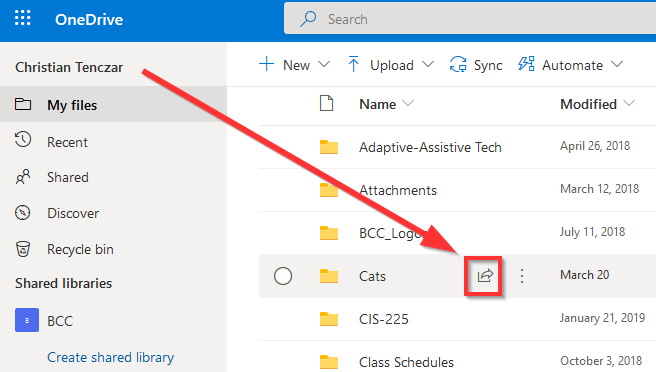
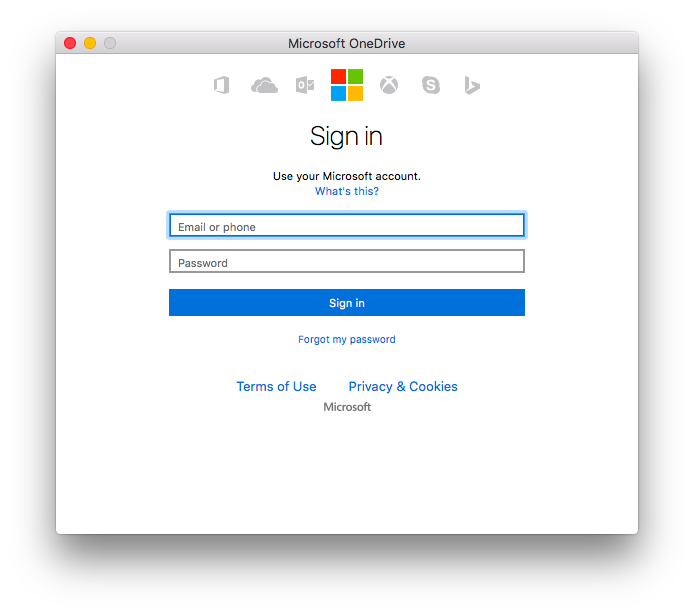
How to Organize and Handle Folders and Files in OneDrive for Business OneDrive for Business is a powerful cloud-based service that allows you to store, share, and manage your files and folders from anywhere. With its seamless integration into the Microsoft 365 ecosystem, managing files in OneDrive is not only efficient but also highly accessible….

How to Resolve Issues with Microsoft Outlook on Mobile – 2025

How to Resolve Issues with Microsoft Outlook on Mobile – 2025

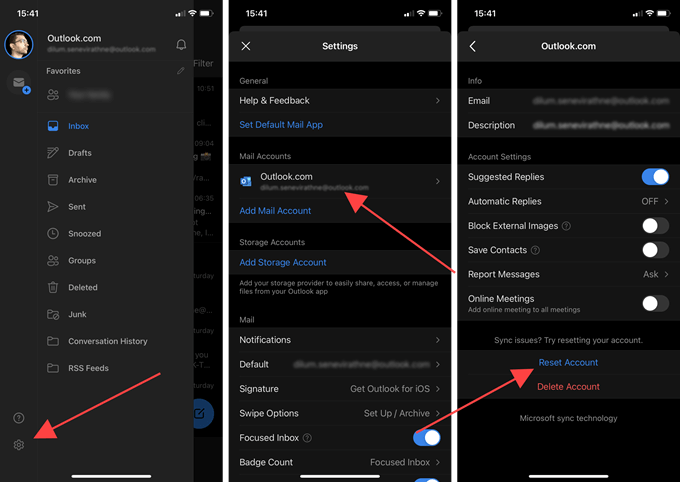
How to Resolve Issues with Microsoft Outlook on Mobile Microsoft Outlook is one of the most popular email and calendar apps, offering seamless integration with emails, contacts, calendars, and tasks across multiple devices. However, like any other mobile app, Outlook can sometimes experience issues that may disrupt your daily workflow. Whether it’s problems with syncing,…