


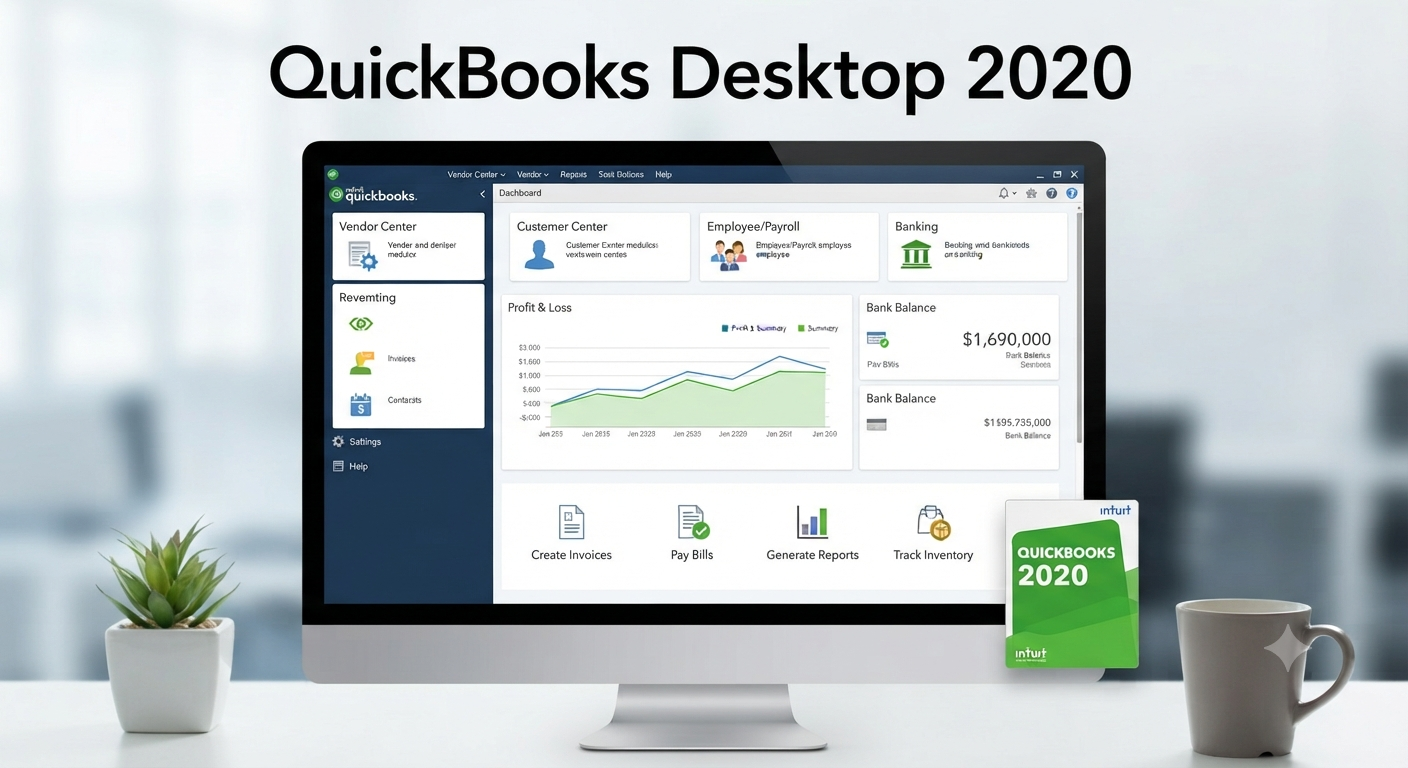
Intuit QuickBooks 2020: The Ultimate Buying Guide
Managing business finances efficiently is essential for companies of all sizes, and accounting software plays a vital role in simplifying bookkeeping, payroll, invoicing, tax preparation, and financial reporting. One of the most recognized accounting solutions is Intuit QuickBooks. Although newer versions are now available, QuickBooks 2020 remains familiar to many businesses that continue to maintain legacy systems or review older accounting environments.
This complete buyer’s guide explores QuickBooks 2020, including its editions, features, system requirements, licensing considerations, advantages, limitations, and factors to consider before purchasing or upgrading.
What Is Intuit QuickBooks 2020?
QuickBooks 2020 is an accounting software suite developed by Intuit for small and medium-sized businesses. It helps organizations manage daily financial operations from a single platform.
Common business tasks supported include:
- Bookkeeping
- Expense tracking
- Invoice creation
- Payroll management
- Inventory tracking
- Financial reporting
- Customer management
- Vendor management
- Tax preparation
QuickBooks 2020 was available in both desktop and online offerings, allowing businesses to choose a solution that matched their workflow.
Who Should Use QuickBooks 2020?
QuickBooks 2020 was designed for a wide range of users, including:
- Small business owners
- Freelancers
- Retail stores
- Service providers
- Contractors
- Nonprofit organizations
- Accountants
- Bookkeepers
Its user-friendly interface makes it suitable for users with limited accounting experience while still providing advanced tools for financial professionals.

QuickBooks 2020 Desktop Editions
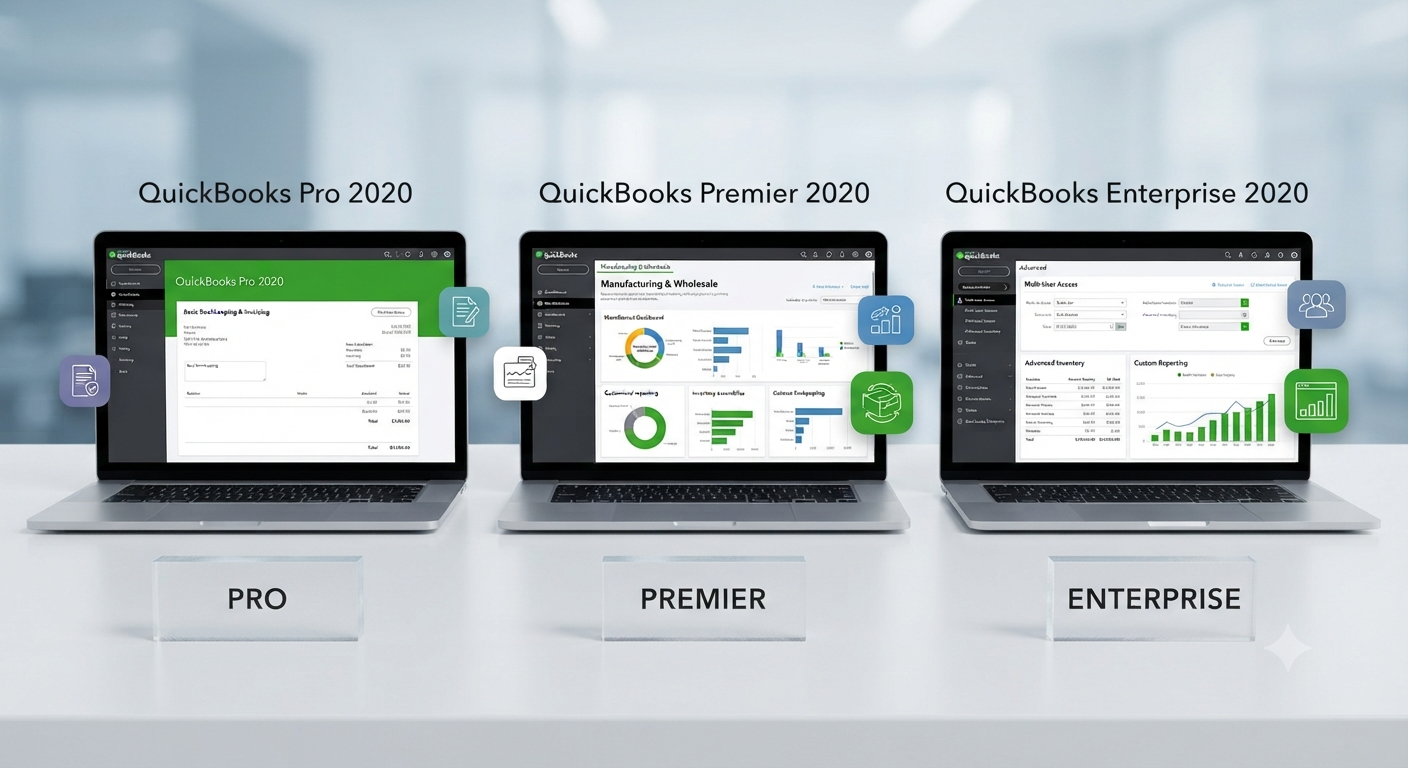
QuickBooks Desktop 2020 was available in several editions.
QuickBooks Pro 2020
QuickBooks Pro is suitable for many small businesses.
Key features include:
- Income and expense tracking
- Customer invoicing
- Financial reporting
- Inventory management
- Bill payment tracking
- Banking integration
This edition supports basic accounting tasks while remaining relatively easy to use.
QuickBooks Premier 2020
Premier includes all Pro features plus industry-specific functionality.
Available industry editions include:
- Contractor
- Manufacturing
- Wholesale
- Retail
- Nonprofit
- Professional Services
Industry-specific reports and workflows help businesses operate more efficiently.
QuickBooks Enterprise 2020
QuickBooks Enterprise targets larger organizations with more complex accounting needs.
Additional features include:
- Advanced inventory
- Enhanced reporting
- Higher user limits
- Role-based permissions
- Greater data capacity
- Advanced pricing options
Enterprise is ideal for businesses experiencing significant growth.
Key Features of QuickBooks 2020
QuickBooks 2020 introduced several enhancements over previous versions.
Important features include:
- Faster performance
- Improved customer management
- Smart Help functionality
- Automated payment reminders
- Enhanced invoice tracking
- Better reporting tools
- Simplified bank reconciliation
These improvements help reduce manual work and improve financial accuracy.
Invoice Management
Creating professional invoices is one of QuickBooks’ strongest features.
Users can:
- Customize invoice templates
- Add company logos
- Track payment status
- Accept online payments (where available)
- Schedule recurring invoices
These tools help businesses improve cash flow and reduce payment delays.
Expense Tracking
QuickBooks simplifies expense management by allowing users to:
- Record purchases
- Categorize expenses
- Attach receipts
- Reconcile bank transactions
- Monitor spending
Accurate expense tracking supports better budgeting and tax preparation.
Financial Reporting
QuickBooks provides numerous built-in reports.
Popular reports include:
- Profit and Loss
- Balance Sheet
- Cash Flow Statement
- Sales Reports
- Expense Reports
- Accounts Receivable Aging
- Accounts Payable Aging
These reports help business owners monitor financial health and make informed decisions.
Image: QuickBooks 2020 financial reporting dashboard.
Inventory Management
Businesses selling physical products benefit from inventory features such as:
- Product tracking
- Quantity monitoring
- Inventory valuation
- Purchase order management
- Low-stock alerts
Enterprise editions provide more advanced inventory capabilities.
Payroll Integration
QuickBooks supports payroll management through compatible payroll services.
Payroll features may include:
- Employee payments
- Tax calculations
- Direct deposit
- Payroll reports
- Tax form preparation
Availability depends on your QuickBooks edition and payroll subscription.
Banking Features
QuickBooks simplifies bank reconciliation by allowing users to:
- Import bank transactions
- Match payments
- Reconcile accounts
- Review transaction history
These features reduce bookkeeping errors and save time.
Multi-User Capability
Depending on the edition, QuickBooks 2020 supports multiple users working simultaneously.
Benefits include:
- Shared accounting data
- Permission management
- Department collaboration
- Centralized financial records
Enterprise editions support significantly more concurrent users than Pro or Premier.
System Requirements
Although requirements vary slightly by edition, QuickBooks 2020 generally requires:
- Windows operating system compatible with the software
- Multi-core processor
- Minimum 4 GB RAM (8 GB or more recommended)
- Several gigabytes of free disk space
- Internet connection for activation and online features
Always verify the official requirements before installation.
Licensing Options
QuickBooks 2020 Desktop was available through various licensing models.
Licensing considerations include:
- Single-user license
- Multi-user license
- Enterprise licensing
- Payroll subscriptions
- Additional service plans
Businesses should evaluate their current and future needs before selecting a license.
Advantages of QuickBooks 2020
Some of its key strengths include:
- Easy-to-use interface
- Comprehensive accounting tools
- Strong reporting capabilities
- Flexible invoicing
- Reliable inventory management
- Payroll integration
- Wide accountant support
- Large user community
These features contributed to QuickBooks’ popularity among small and medium-sized businesses.
Limitations of QuickBooks 2020
While QuickBooks 2020 remains capable, users should be aware of several limitations.
Potential drawbacks include:
- It is an older software version.
- Some connected services may no longer be available or supported.
- It lacks features introduced in newer releases.
- Compatibility with the latest operating systems and third-party applications may vary.
- Security and maintenance support follow Intuit’s product lifecycle policies.
Businesses should review Intuit’s official support information when evaluating legacy software.
Should You Buy QuickBooks 2020 Today?
For most new customers, purchasing the latest supported QuickBooks version or subscribing to QuickBooks Online is generally the better choice.
However, QuickBooks 2020 may still be relevant if you:
- Need to access historical company files.
- Maintain an existing QuickBooks 2020 environment.
- Work with legacy accounting systems.
- Have software compatibility requirements tied to older workflows.
Before purchasing any legacy software, verify its licensing status, support availability, and compatibility with your operating system.
Alternatives to QuickBooks 2020
Depending on your business requirements, alternatives may include:
- QuickBooks Online
- QuickBooks Desktop (latest supported version)
- Microsoft Dynamics 365 Business Central
- Sage Accounting
- Xero
- FreshBooks
- Zoho Books
- Wave Accounting
Each solution offers different features, pricing, and deployment models.
Tips Before Purchasing Accounting Software
Before choosing an accounting solution:
- Define your business requirements.
- Estimate future growth.
- Consider cloud versus desktop deployment.
- Evaluate reporting needs.
- Review payroll requirements.
- Check integration with existing software.
- Verify long-term support and licensing policies.
Careful planning helps ensure the software meets your business needs over time.
Frequently Asked Questions
Is QuickBooks 2020 still supported?
QuickBooks Desktop 2020 follows Intuit’s product lifecycle policy. As support status changes over time, users should consult Intuit’s official website for the latest information regarding support, updates, and connected service availability.
Can QuickBooks 2020 run on newer versions of Windows?
Compatibility depends on the specific Windows version and your system configuration. Before installation, review Intuit’s official system requirements and compatibility documentation.
Should I upgrade from QuickBooks 2020?
If you rely on online services, enhanced security, or newer productivity features, upgrading to a supported QuickBooks version or QuickBooks Online is generally recommended. Newer releases offer improved functionality and ongoing updates.
Can QuickBooks 2020 open company files from older versions?
QuickBooks typically allows newer versions to convert company files from older releases. However, converted files usually cannot be opened again in earlier versions without restoring from a compatible backup. Always create a backup before converting company data.
Is QuickBooks Desktop better than QuickBooks Online?
The answer depends on your business needs. QuickBooks Desktop offers robust local features and is preferred by some organizations with established desktop workflows. QuickBooks Online provides cloud access, automatic updates, and collaboration from virtually anywhere with an internet connection.
Conclusion
QuickBooks 2020 provided small and medium-sized businesses with a comprehensive accounting solution that combined bookkeeping, invoicing, reporting, payroll integration, and inventory management in a single application. Its flexible editions made it suitable for a wide variety of industries and business sizes.