


How BetterDiscord Improves Discord and Ways to Use It
Discord has become one of the most popular communication platforms in the world, especially among gamers, content creators, and online communities. While Discord itself is feature-rich and user-friendly, many users look for ways to customize it even further. This is where BetterDiscord comes in. BetterDiscord is a popular modification that allows you to extend the functionality of Discord with custom themes, plugins, and additional features.
In this article, we will explain what BetterDiscord is, how it works, the pros and cons of using it, and how you can install and use it safely.
What Is BetterDiscord?
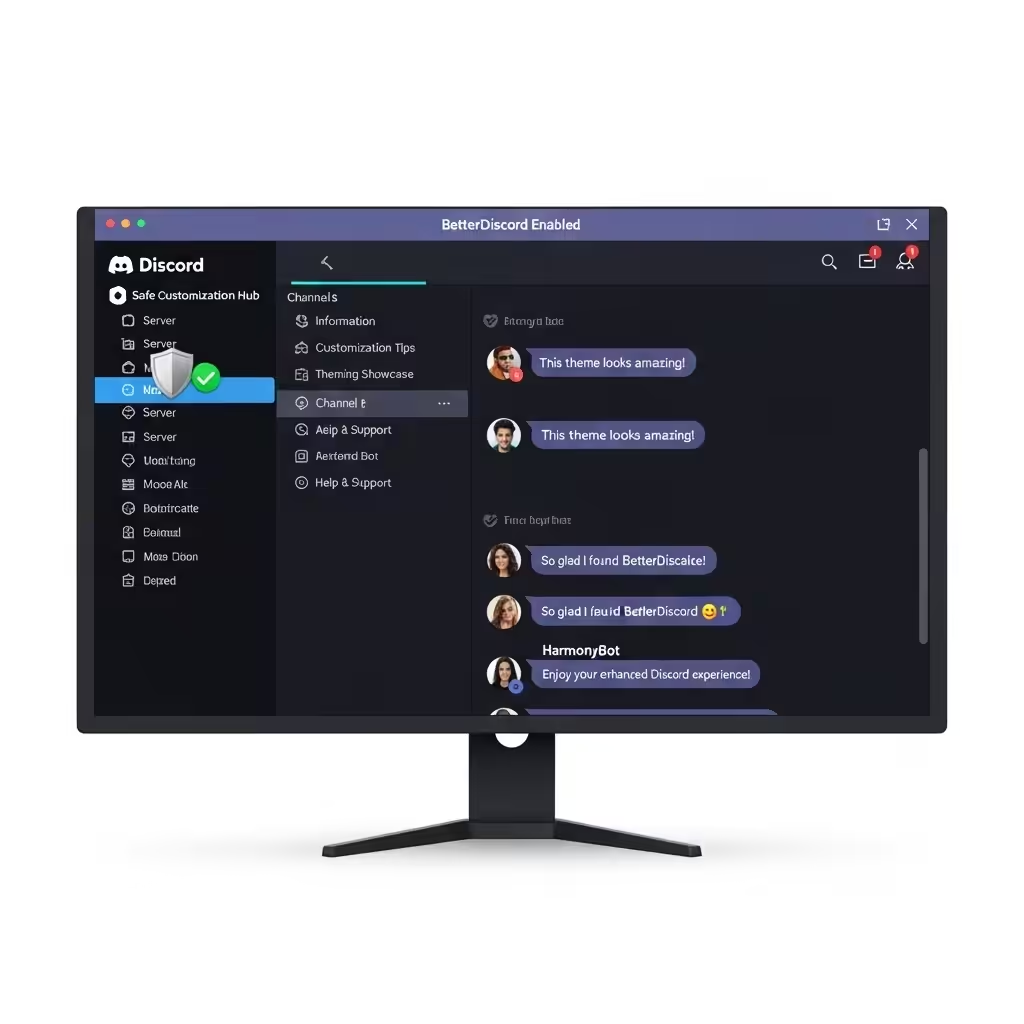
BetterDiscord is an open-source extension of the official Discord client. It is not an official tool provided by Discord but rather a community-made modification. Its primary purpose is to give users more freedom to personalize and enhance their Discord experience.
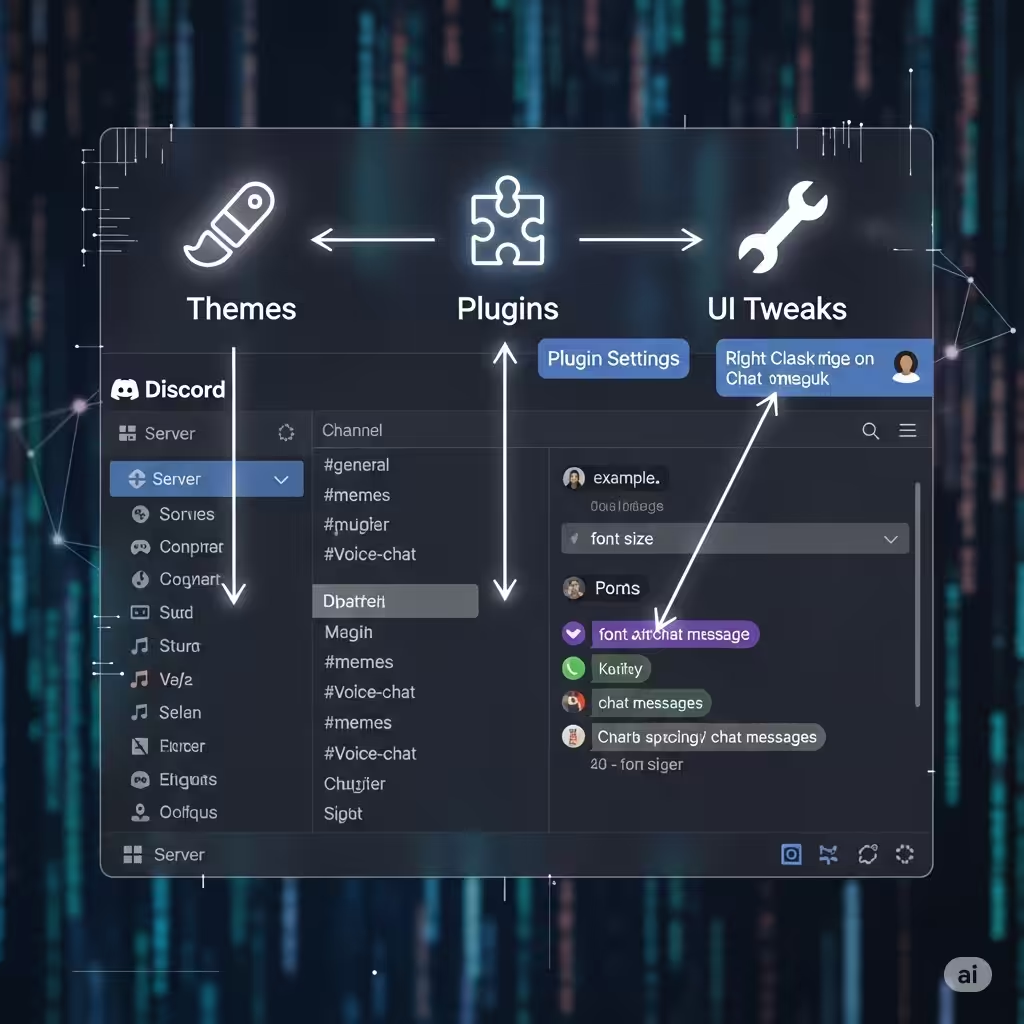
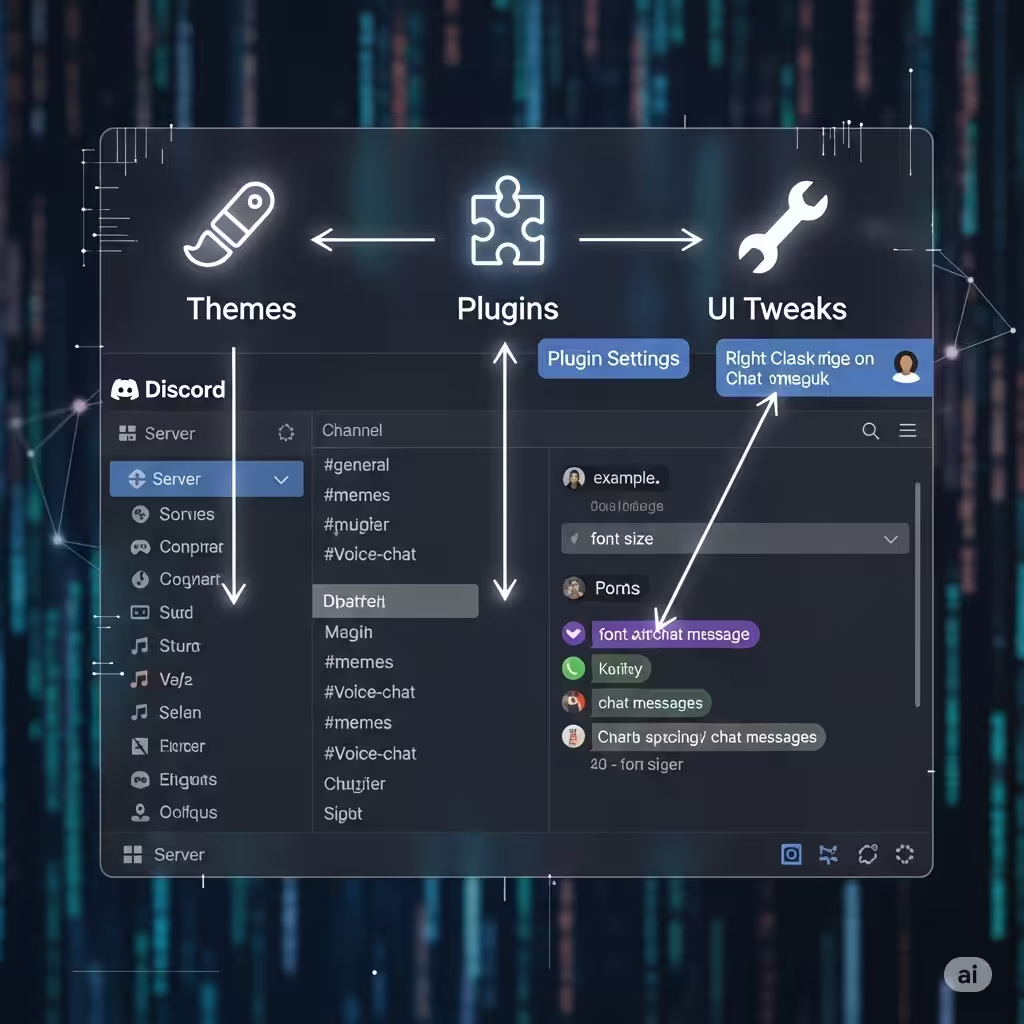
Some of the main features include:
-
Custom Themes: Change the look and feel of Discord with different colors, layouts, and designs.
-
Plugins: Add extra functionality such as showing who viewed your profile, adding timestamps, or automatically replying to messages.
-
UI Tweaks: Adjust spacing, remove certain buttons, or add shortcuts for a smoother user experience.
In short, BetterDiscord is like a customization toolkit for Discord, enabling users to make the app more personal and functional.
Is BetterDiscord Safe To Use?
Before using BetterDiscord, it’s important to understand the risks. Discord’s official terms of service state that third-party modifications are not officially supported. This means:
-
Risk of Violation: Using BetterDiscord could technically violate Discord’s terms of service.
-
Security Concerns: Since BetterDiscord requires third-party plugins, installing unsafe or unverified plugins could expose your account to malware or privacy risks.
-
Stability Issues: Because it modifies the original Discord client, updates from Discord might sometimes break BetterDiscord functionality until patched.
That said, millions of users still use BetterDiscord responsibly without issues. The key is downloading it only from official sources and avoiding unverified plugins.
How To Install BetterDiscord
Installing BetterDiscord is straightforward, but it must be done carefully to avoid potential issues.
Step 1: Download BetterDiscord
-
Visit the official BetterDiscord website.
-
Download the latest version of the installer compatible with your operating system (Windows, macOS, or Linux).
Step 2: Run the Installer
-
Close Discord completely before starting installation.
-
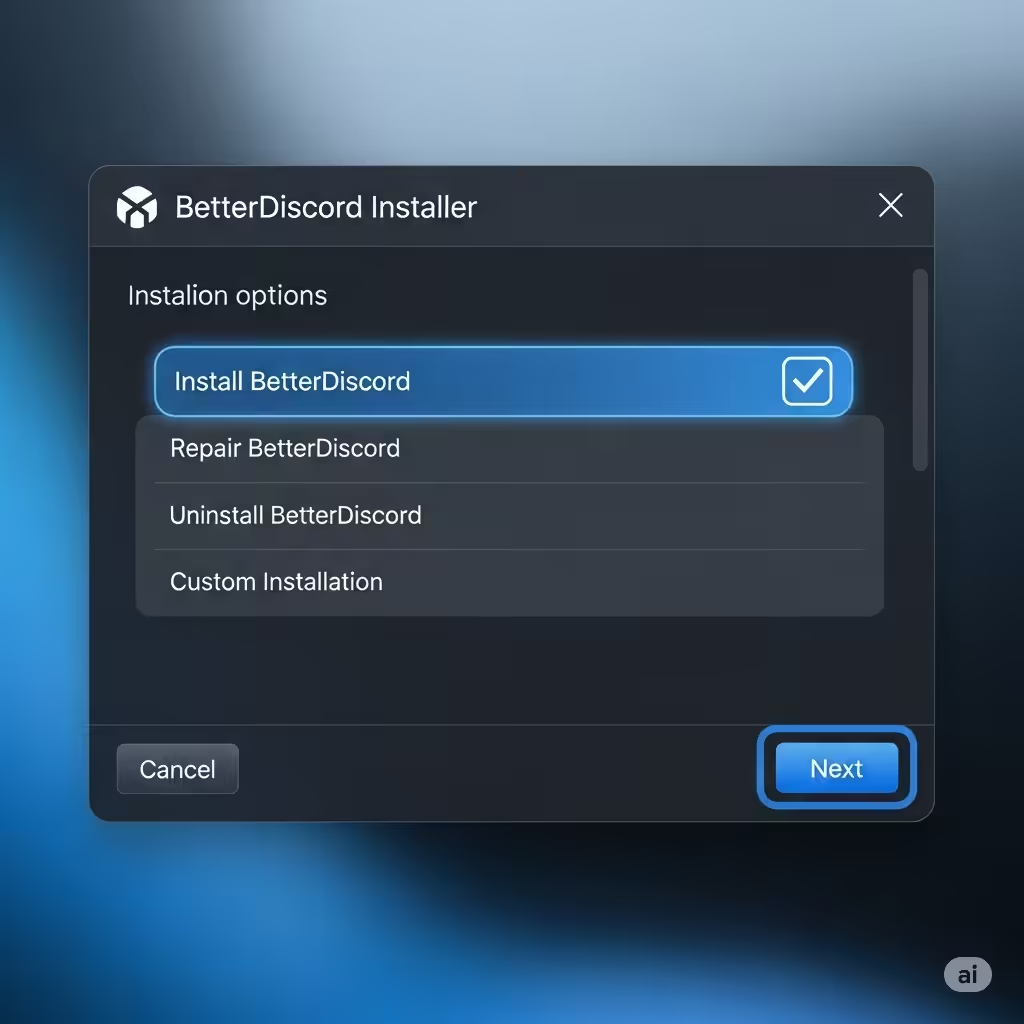
Open the BetterDiscord installer.
-
Select Install BetterDiscord and choose the Discord version installed on your system.
-
Complete the installation process.
After installation, reopen Discord. You should now see BetterDiscord integrated into your client.
Step 3: Install Themes and Plugins
-
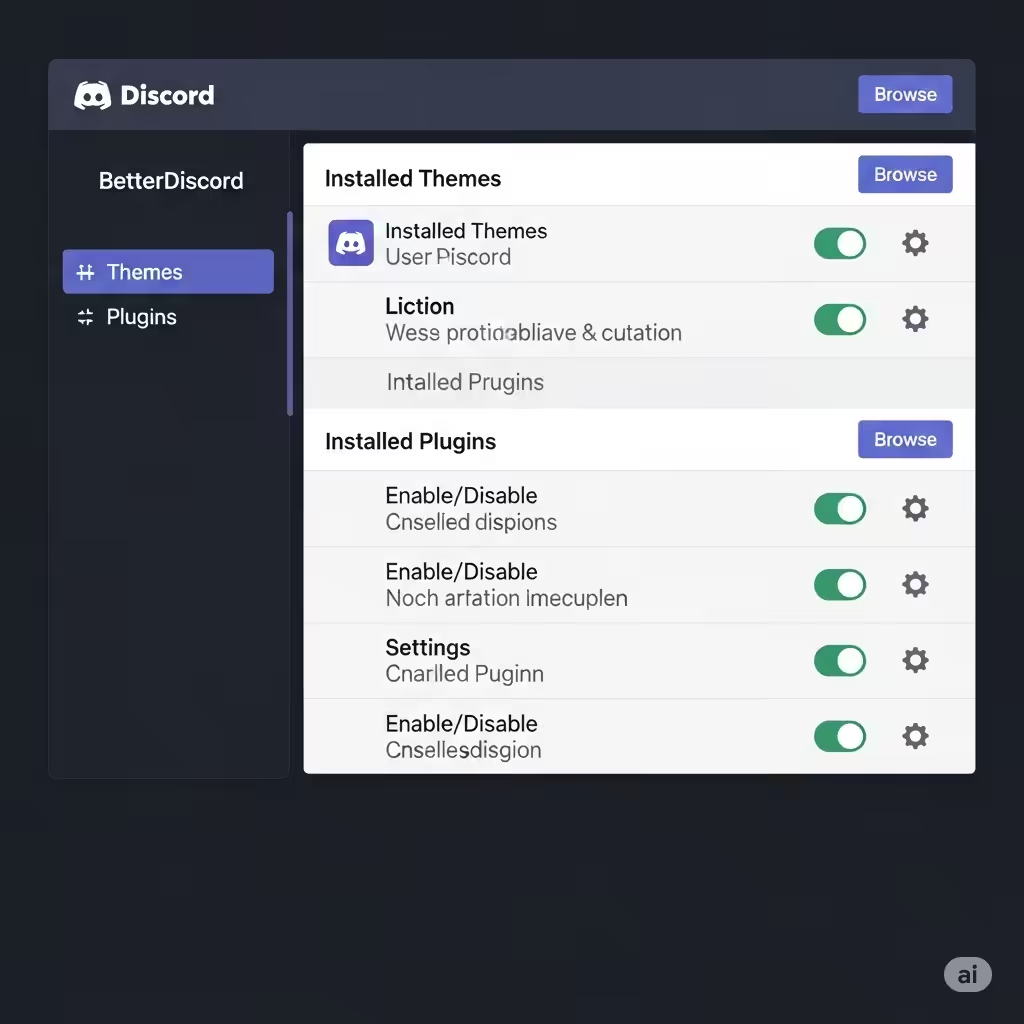
Open Discord and go to User Settings.
-
Scroll down to the BetterDiscord section.
-
From here, you can access Themes and Plugins.
-
Download themes or plugins from the BetterDiscord community library and move them to the appropriate folder.
Once installed, you can enable or disable them with just one click inside the settings.
Best Features of BetterDiscord
BetterDiscord stands out because of its powerful customization options. Some of the best features include:
Custom Themes
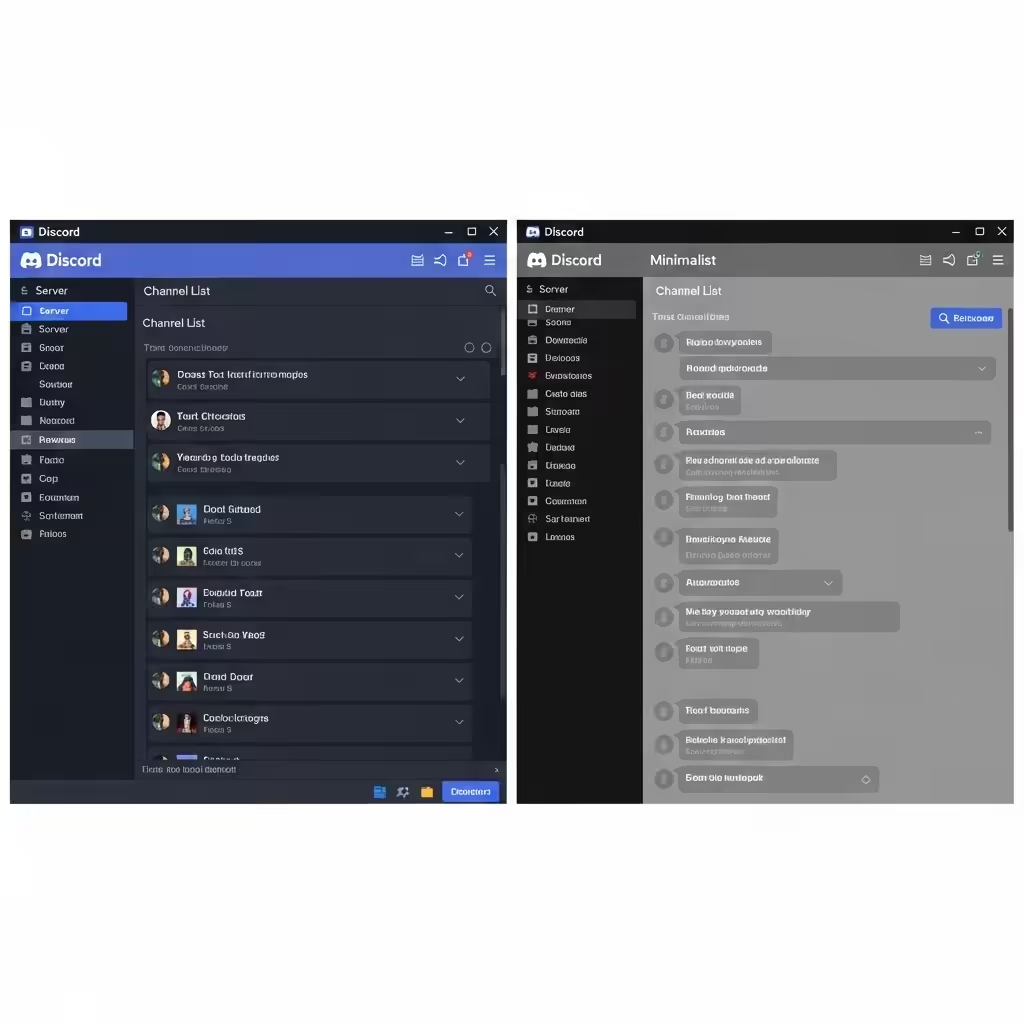
Users can completely transform the appearance of Discord. Themes allow for unique color schemes, fonts, and even layout changes. This is particularly useful if you want a darker interface, a minimalist design, or something visually striking.
Powerful Plugins
Plugins extend Discord’s functionality. Popular plugins include:
-
Read All Notifications Button – Clears notifications instantly.
-
Game Activity Toggle – Quickly hide or show what you are playing.
-
Emote Plugins – Add extra emoji and GIF support from other platforms.
Enhanced User Experience
BetterDiscord makes small but meaningful tweaks possible. You can hide elements you don’t need, adjust spacing for a cleaner interface, or add buttons that speed up navigation.
Tips for Using BetterDiscord Safely
Since BetterDiscord is unofficial, safety should be a priority:
-
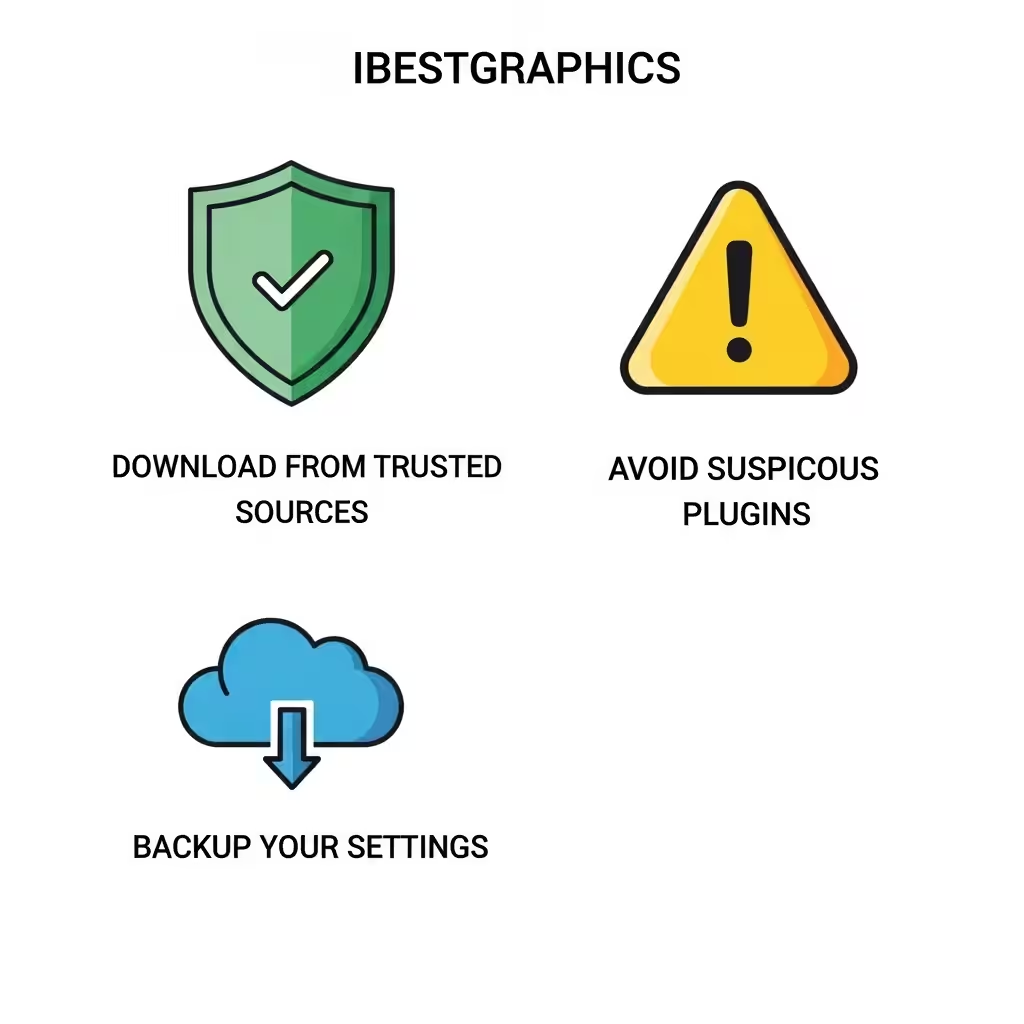
Download from trusted sources: Only use the official BetterDiscord website and community library.
-
Avoid suspicious plugins: Do not install plugins from unknown sites, as they may contain malware.
-
Backup your settings: Keep a backup of your themes and plugins in case something goes wrong.
-
Stay updated: Regularly update BetterDiscord to ensure compatibility with Discord’s latest version.
By following these precautions, you can enjoy BetterDiscord with minimal risk.
Alternatives to BetterDiscord
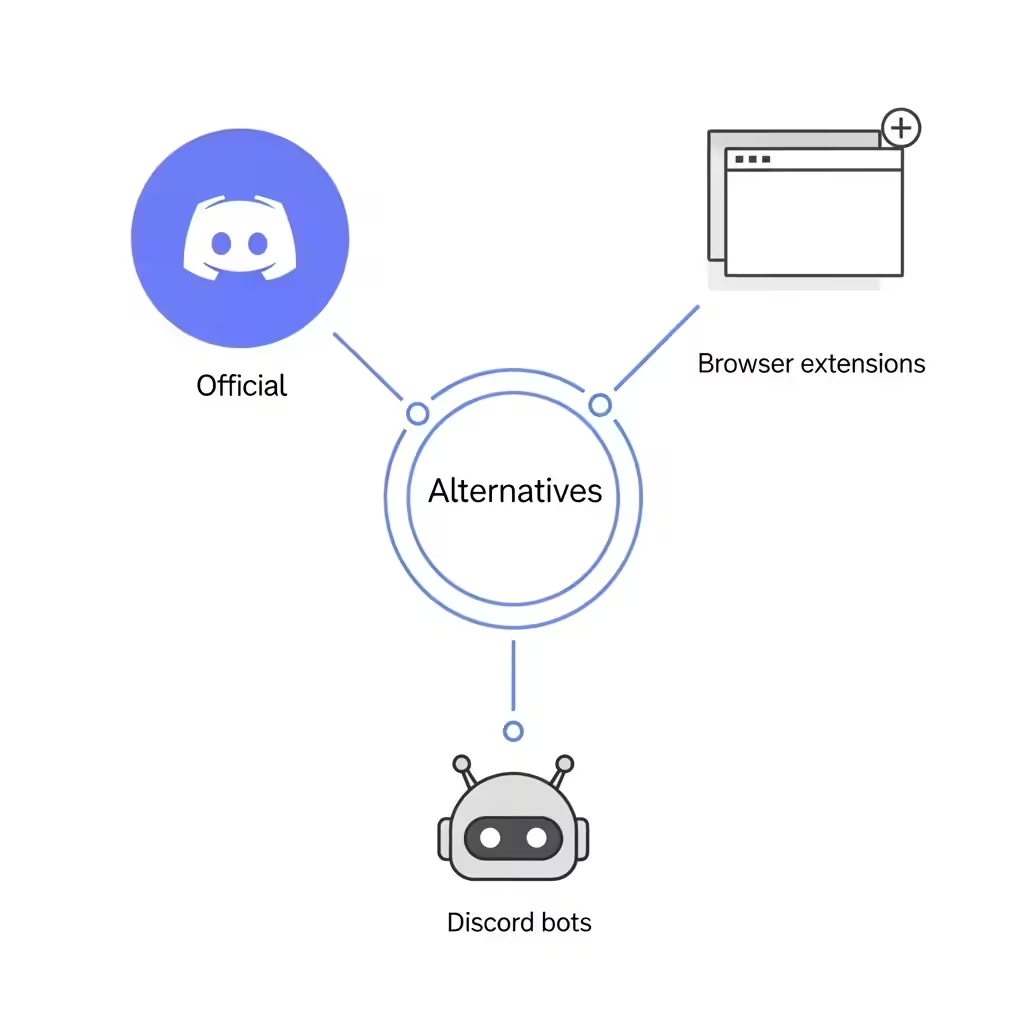
If you are hesitant about using BetterDiscord due to safety or terms of service concerns, there are alternatives:
-
Discord’s Built-in Features: Over the years, Discord has added more customization options, such as custom backgrounds and sound settings.
-
Browser Extensions: Some Discord browser-based tools provide limited customization without modifying the client.
-
Discord Bots: While not changing the interface, bots can add functionality such as moderation tools, music playback, or automation.
These alternatives might not be as powerful as BetterDiscord but are fully supported by Discord.
Conclusion
BetterDiscord is a powerful modification that allows you to enhance your Discord experience with custom themes, plugins, and UI improvements. While it provides exciting opportunities to personalize the app, it comes with certain risks since it is not officially supported by Discord.
By downloading BetterDiscord from official sources, avoiding unsafe plugins, and using it responsibly, you can safely enjoy the additional features it provides. For those who love customization and want more control over their Discord experience, BetterDiscord remains one of the most popular tools in 2025.