


Can Microsoft Sway Be Used to Create a Poster?
Microsoft Sway is often described as a digital storytelling and presentation tool, but many users wonder whether it can also be used to create posters. Posters are traditionally static, print-focused designs, while Sway is web-based and interactive. Despite this difference, Microsoft Sway can still be a practical and creative option for making certain types of posters—especially digital ones.
In this guide, you will learn whether Microsoft Sway can be used to make a poster, what types of posters it works best for, its limitations, and how to design an effective poster-like layout using Sway.
What Is Microsoft Sway
Microsoft Sway is a cloud-based app included in Microsoft 365 that allows users to create visually engaging content without advanced design skills.
Sway is commonly used for:
-
Presentations
-
Reports
-
Newsletters
-
Portfolios
-
Visual stories
Instead of traditional slides, Sway uses a scroll-based layout that adapts automatically to different screen sizes.
What Defines a Poster
Before deciding if Sway is suitable, it helps to understand what a poster typically is.
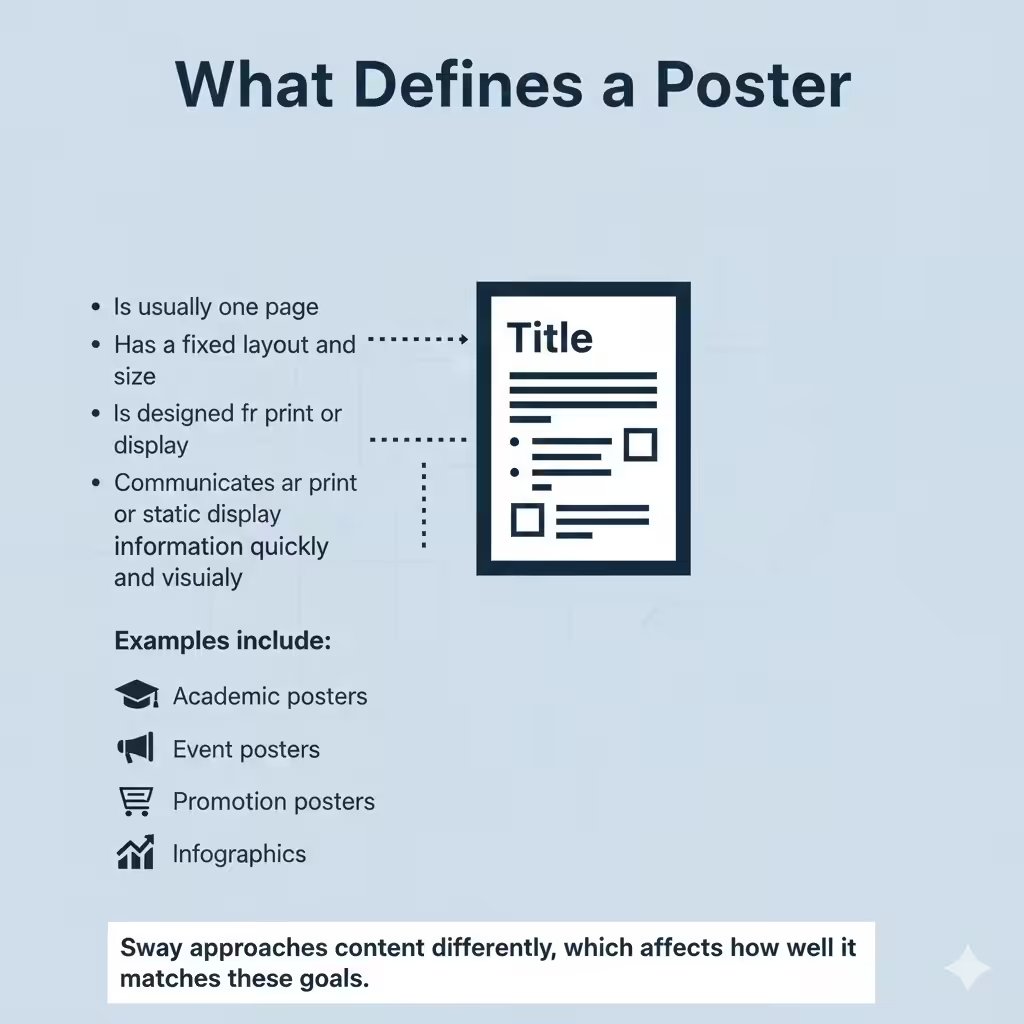
A traditional poster:
-
Is usually one page
-
Has a fixed layout and size
-
Is designed for print or static display
-
Communicates information quickly and visually
Examples include:
-
Academic posters
-
Event posters
-
Promotional posters
-
Infographics
Sway approaches content differently, which affects how well it matches these goals.
Can Microsoft Sway Be Used to Make a Poster
Yes, Microsoft Sway can be used to make a poster, but with important limitations.
Sway is best suited for:
-
Digital posters
-
Interactive posters
-
Online or screen-based displays
It is less suitable for:
-
High-resolution print posters
-
Fixed-size layouts
-
Professional print publishing
Understanding this distinction is key to deciding whether Sway is the right tool for your project.
Types of Posters You Can Create with Sway
Sway works particularly well for certain poster formats.
Digital Event Posters
Sway can be used to create posters for:
-
Online events
-
Virtual conferences
-
Web-based announcements
You can include:
-
Event details
-
Images and videos
-
Maps and links
-
Registration buttons
These posters can be shared via a link, making them easy to distribute.
Educational and Academic Posters
For digital classrooms or online learning, Sway is useful for:
-
Student projects
-
Research summaries
-
Visual explanations
The scroll-based layout allows viewers to explore content at their own pace.
Infographic-Style Posters
Sway supports:
-
Images
-
Headings
-
Text blocks
-
Embedded media
This makes it suitable for infographic-style posters that are meant to be viewed online rather than printed.
Advantages of Using Microsoft Sway for Posters
Using Sway as a poster tool offers several benefits.
No Design Experience Required
Sway automatically handles:
-
Layout
-
Alignment
-
Responsive design
This makes it accessible for beginners and non-designers.
Responsive and Device-Friendly
Sway posters adapt to:
-
Desktops
-
Tablets
-
Smartphones
This ensures your poster looks good on any screen.
Easy Sharing
You can share a Sway poster by:
-
Sending a link
-
Embedding it on a website
-
Sharing through Microsoft 365
No file downloads are required for viewers.
Interactive Elements
Unlike traditional posters, Sway allows:
-
Embedded videos
-
Interactive images
-
External links
This adds depth and engagement.
Limitations of Microsoft Sway as a Poster Tool
Despite its strengths, Sway has notable limitations.
Not Ideal for Printing
Sway does not support:
-
Fixed page sizes
-
Print bleed settings
-
High-resolution print export
Printing a Sway project often results in layout issues.
Limited Layout Control
You cannot precisely control:
-
Element positioning
-
Exact spacing
-
Custom grid systems
Sway prioritizes automation over manual design control.
Internet Dependency
Sway posters require:
-
Internet access to view
-
A browser-compatible device
This makes it unsuitable for offline display environments.
How to Design a Poster-Like Sway
If you decide to use Sway, following these tips will help your project feel more like a poster.
Start with a Strong Title
Use a bold, clear title at the top to immediately communicate your message. This mimics the headline of a traditional poster.
Keep Content Concise
Posters should be scannable. Use:
-
Short paragraphs
-
Bullet points
-
Clear section headings
Avoid long blocks of text.
Use Visuals Strategically
Images play a major role in poster design. Choose:
-
High-quality images
-
Relevant visuals
-
Consistent styles
Sway handles image resizing automatically, so focus on clarity.
Limit the Number of Sections
Too many sections can make your Sway feel like a long article rather than a poster. Aim for a logical flow that fits on one smooth scroll.
Choose a Clean Design Style
Sway includes built-in styles that control fonts, colors, and animations. Select a simple, readable style to maintain a poster-like feel.
When You Should Not Use Microsoft Sway for a Poster
Sway is not the best option if you need:
-
A printed academic poster
-
Precise layout control
-
Professional publishing standards
-
Offline display without internet
In these cases, traditional design tools are more appropriate.
Alternatives to Microsoft Sway for Poster Creation
If Sway does not meet your needs, consider other tools.
Design Software
Tools designed specifically for posters provide:
-
Fixed canvas sizes
-
Full layout control
-
Print-ready exports
Presentation Tools
Some presentation apps allow single-slide posters with better export options.
Online Design Platforms
Many online tools offer poster templates with drag-and-drop design and print support.
Best Use Cases for Sway Posters
Microsoft Sway is ideal when:
-
Your poster will be viewed online
-
Interactivity is important
-
You want easy sharing
-
Design simplicity is a priority
For digital storytelling and visual communication, Sway performs well.
Frequently Asked Questions
Can I Export a Sway Poster as a PDF
Sway does not offer a native high-quality PDF export suitable for printing.
Is Microsoft Sway Free
Sway is included with Microsoft 365 and also available with a free Microsoft account.
Can I Collaborate on a Sway Poster
Yes, Sway supports collaboration through sharing permissions.
Conclusion
Microsoft Sway can be used to make a poster, but it is best suited for digital and interactive posters rather than traditional printed ones. Its strengths lie in simplicity, responsiveness, and visual storytelling, making it an excellent option for online posters, educational projects, and event announcements.