


| You’re here > Download Acrobat 2020 |  Uninstall / reinstall Acrobat |  Resolve installation errors |  Download and installation help |
Acrobat Pro 2020 installer
Download the Acrobat Pro 2020 installer from below. You need the serial number to complete the installation. (For other installation-related help, click the appropriate link above.)
| For Windows | For Mac OS (v10.15 and above) |
|---|---|
| Download ( Multilingual zip file installer*) | Updating (~MB, Multilingual installer*) |
| For Mac OS (v10.14) | |
| Updating (~ MB, Multilingual installer*) | |
| For Mac OS (v 10.13) | |
| Updating (~MB, Multilingual installer*) |
Open Acrobat_2020_Web_WWMUI file
After you’ve downloaded the Acrobat_2020_Web_WWMUI archive, use WinZip, 7‑Zip, WinRAR, or the Windows 10/11 built‑in extractor to unzip it to a folder in your Downloads or any other drive.
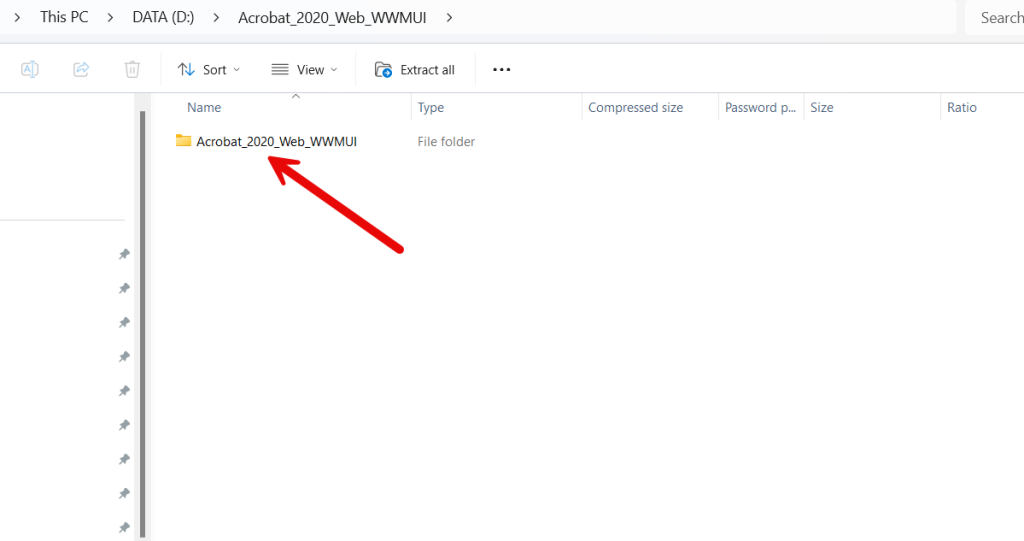
Double-click the Acrobat_2020_Web_WWMUI folder to open it after extracting.
Then, click on “Setup” to begin the installation. This may take several minutes.
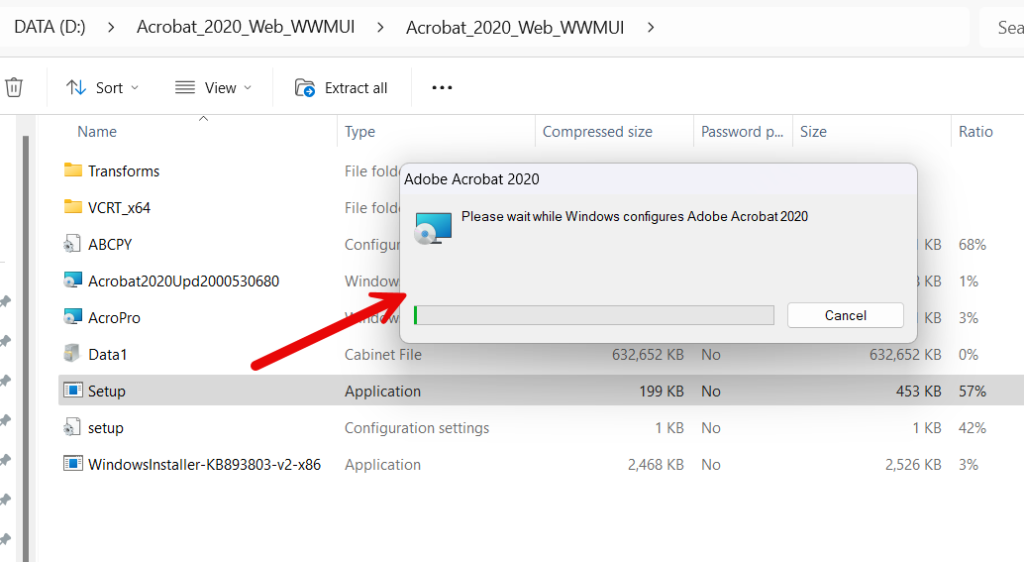
This may take several minutes.
Setup & Install

The Setup window will open automatically.
- Go to Order E-mail details and copy the License Key into the Serial Number field
- Click Install
Wait for Installation to complete

Click Finish

When installation has finished, click the Launch Now button
Sign In to Activate

Click the Sign In Now button to activate Adobe or skip the sign-in process.
Must Read: You can choose to sign in if you’d like. However, if you feel uncomfortable due to previous subscription versions that may be linked to your Adobe account, we recommend skipping the sign-in process.
Accept the Adobe License

Click the Accept button