



Minimum System Requirements to Install Kaspersky
Kaspersky is one of the most well-known cybersecurity solutions globally, trusted by individuals, businesses, and enterprises for its strong protection against viruses, malware, phishing, ransomware, and online threats. Whether you’re installing Kaspersky Anti-Virus, Kaspersky Internet Security, or Kaspersky Total Security, ensuring your system meets the required specifications is essential for smooth performance and full protection.
In this guide, we’ll walk you through the official system requirements for installing Kaspersky on Windows, macOS, Android, and iOS devices, along with some helpful tips to prepare your system before installation.
Why System Requirements Matter

Before diving into the specifics, let’s briefly explore why checking system requirements is important:
-
Performance: If your system doesn’t meet the requirements, Kaspersky may slow down your computer or even fail to install.
-
Stability: Compatibility ensures the program runs without crashing, lagging, or conflicting with other applications.
-
Full Protection: Certain features require modern hardware or OS versions to function. Using outdated devices may mean you miss out on key security tools.
Kaspersky for Windows – System Requirements
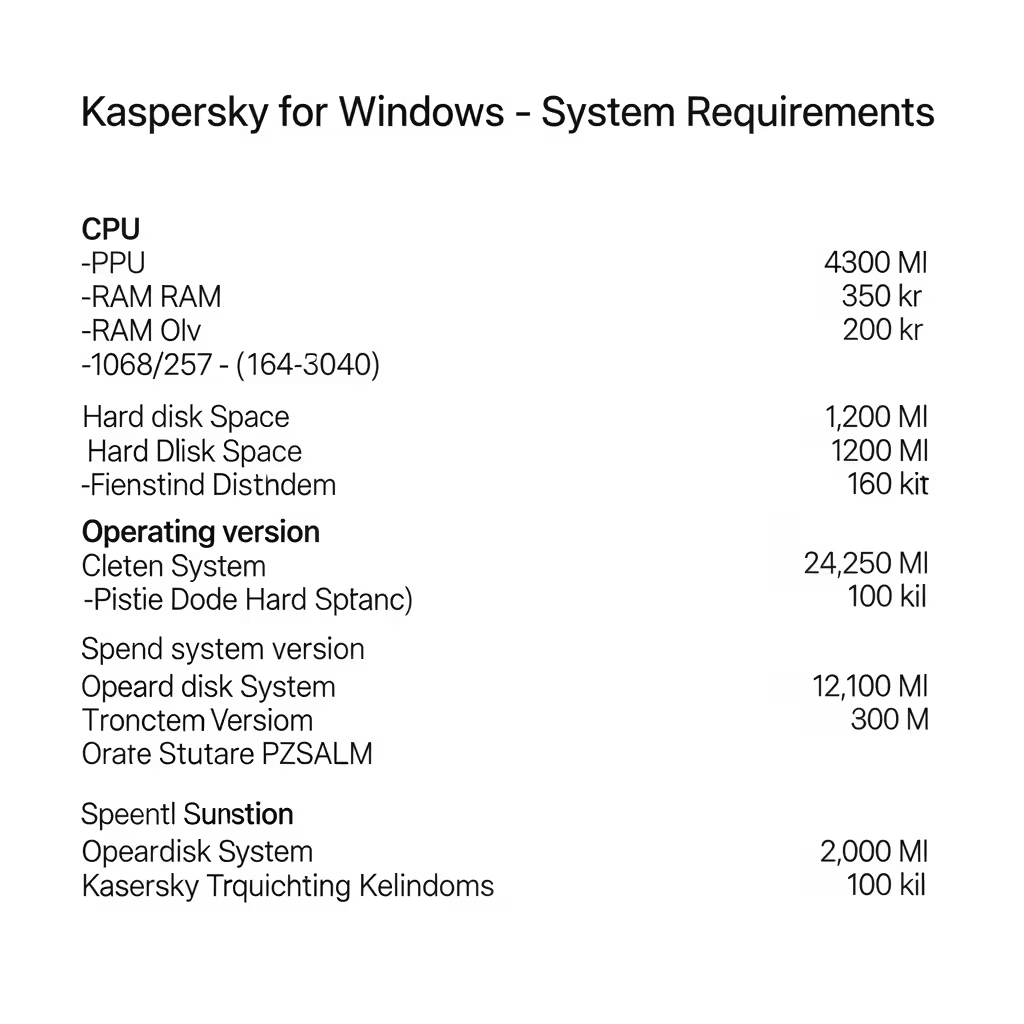
Kaspersky’s core products, such as Kaspersky Anti-Virus, Kaspersky Internet Security, and Kaspersky Premium (formerly Total Security), all have similar baseline requirements for Windows systems.
Operating System
-
Windows 11 / Windows 10 (32-bit and 64-bit)
-
Windows 8.1 / 8 (with Update 3)
-
Windows 7 SP1 or higher
Note: Support for Windows 7 and 8.1 is limited and may be phased out in future releases. Windows XP and Vista are no longer supported.
Minimum Hardware
-
Processor: 1 GHz or faster (x86 or x64)
-
RAM:
-
1 GB (32-bit)
-
2 GB (64-bit)
-
-
Disk Space:
-
Minimum of 1.5 GB free space on the hard drive
-
-
Display: 1024 × 768 screen resolution or higher
-
Internet connection: Required for installation, activation, and updates
Additional Software
-
Microsoft .NET Framework 4.5 or later
-
Microsoft Internet Explorer 10 or higher
Make sure Windows is fully updated before installing to avoid any compatibility issues with core Kaspersky components.
Kaspersky for macOS – System Requirements
If you’re a Mac user, Kaspersky offers Kaspersky Internet Security for Mac and Kaspersky Standard for macOS. The requirements are tailored to Apple devices, keeping macOS system updates in mind.
Supported macOS Versions
-
macOS 10.15 Catalina
-
macOS 11 Big Sur
-
macOS 12 Monterey
-
macOS 13 Ventura
-
macOS 14 Sonoma
Always use the latest available macOS updates for best results.
Minimum Hardware
-
Processor: Intel-based Mac or Apple M1/M2 chip
-
RAM: At least 2 GB
-
Disk Space: Minimum 1.5 GB of free space
-
Internet connection: Required for activation and software updates
Additional Notes
-
Some features like Safe Money or webcam protection may be limited based on the macOS version.
-
Kaspersky is compatible with Apple Silicon Macs using Rosetta 2 or native support, depending on the version.
Kaspersky for Android – System Requirements
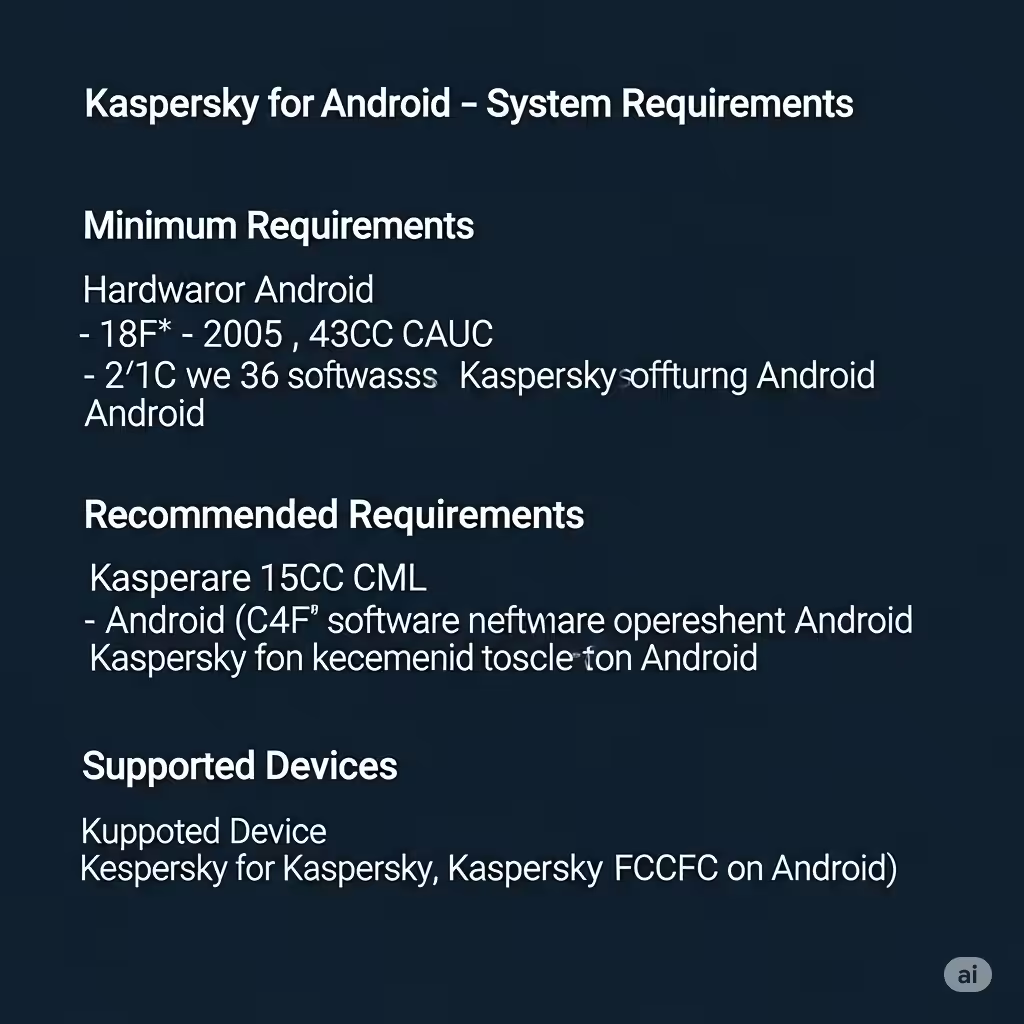
For Android smartphones and tablets, Kaspersky Mobile Security offers powerful tools including antivirus scanning, anti-theft, app lock, and web protection.
Supported Android Versions
-
Android 8.0 (Oreo) and higher
-
Recommended: Android 10+ for optimal performance
Minimum Requirements
-
RAM: 150 MB of free memory
-
Storage: 100 MB of free space on the device
-
Display: Touchscreen with minimum 320 × 480 resolution
-
Internet connection: Required for updates and cloud-based scanning
Google Play Services must be active for full feature functionality, including real-time protection and anti-theft.
Kaspersky for iOS – System Requirements
Kaspersky’s iOS apps provide useful features like secure VPN, data leak checker, and password management, although Apple restrictions limit antivirus capabilities.
Supported iOS Versions
-
iOS 14.0 or later
-
Compatible with iPhone, iPad, and iPod Touch
Hardware Requirements
-
Storage: Around 100 MB of free space
-
Internet connection: Necessary for all services, including VPN and security updates
Limitations on iOS
-
Due to iOS system architecture, real-time antivirus scanning is not available.
-
Kaspersky compensates with VPN protection, phishing prevention, and privacy monitoring tools.
Preparing Your Device for Installation
Before installing any Kaspersky product, take the following steps to ensure a smooth experience:
Uninstall Other Security Software
Running two antivirus programs simultaneously can cause conflicts. Remove any third-party antivirus before installing Kaspersky.
Free Up Disk Space
Ensure you meet the minimum storage requirement and close unnecessary background applications to avoid installation interruptions.
Run System Updates
Always install the latest OS updates and driver updates before starting the installation.
Backup Important Data
While Kaspersky installation doesn’t delete user data, it’s always a good practice to back up your system before installing any major software.
Subscription and Activation
To use Kaspersky, you’ll need to purchase a license or use the free trial version. After installation:
-
Launch the application
-
Sign in or create a My Kaspersky account
-
Enter your activation code or select trial mode
-
Update virus definitions and run your first scan
Conclusion
Kaspersky is a powerful and reliable choice for protecting your digital life, but like any advanced software, it requires a compatible system to work properly. Whether you’re using a Windows PC, Mac, Android, or iOS device, make sure your system meets the minimum requirements listed in this guide before installation.
Summary of Key Requirements:
-
Windows: 1.5 GB storage, 1–2 GB RAM, Windows 7 or later
-
macOS: 1.5 GB storage, macOS 10.15 or later
-
Android: Android 8.0+, 150 MB RAM
-
iOS: iOS 14+, limited antivirus functionality
With the right setup, Kaspersky can provide comprehensive, real-time protection across all your devices.