Tag: Microsoft Outlook Tips

A Guide to Using Calendar Categories and Reminder Tools – 2025

A Guide to Using Calendar Categories and Reminder Tools – 2025

A Guide to Using Calendar Categories and Reminder Tools Managing your schedule effectively is essential for staying organized, productive, and punctual—whether you’re handling work deadlines, school projects, personal commitments, or family events. Microsoft Outlook’s Calendar offers two powerful tools to help you stay on top of everything: Reminders and Categories. When used correctly, they simplify…

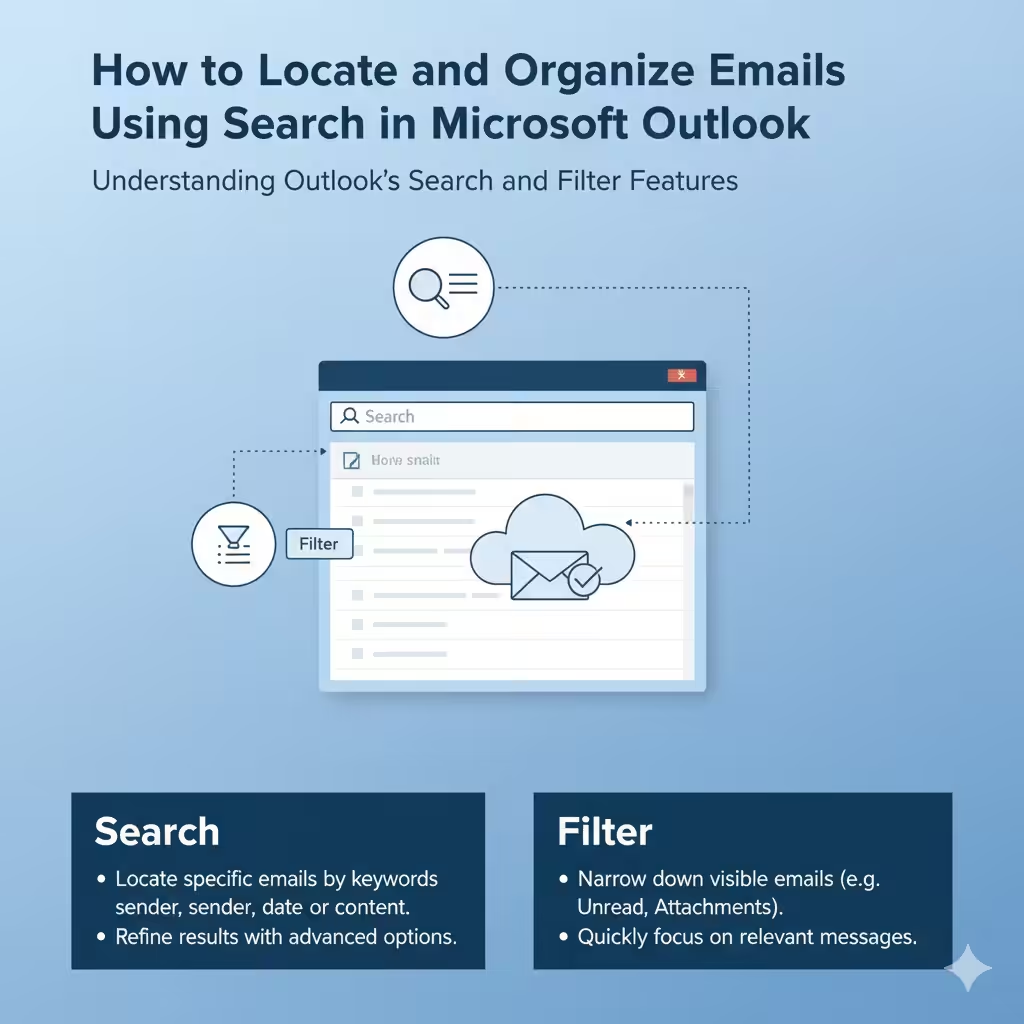
How to Locate and Organize Emails Using Search in Microsoft Outlook – 2025

How to Locate and Organize Emails Using Search in Microsoft Outlook – 2025

How to Locate and Organize Emails Using Search in Microsoft Outlook Managing a busy inbox can be overwhelming, especially when you receive hundreds of emails daily. Thankfully, Microsoft Outlook offers powerful filtering and search tools that help you quickly find specific emails, attachments, or conversations. Whether you’re using Outlook on Windows, Mac, or the web,…

Assign Categories, Flags, Reminders, or Colors in Outlook – 2025

Assign Categories, Flags, Reminders, or Colors in Outlook – 2025

How to Assign Categories, Flags, Reminders, or Colors in Outlook Microsoft Outlook offers several powerful features to help you organize your emails, tasks, and calendar entries effectively. Categories, flags, reminders, and colors are tools that allow you to prioritize, track, and organize your Outlook items with ease. This guide will provide step-by-step instructions for using…

Organize Calendar and Contacts in Outlook – 2024

Organize Calendar and Contacts in Outlook – 2024

How to Organize Calendar and Contacts in Microsoft Outlook Microsoft Outlook is not just an email client; it also serves as a powerful tool for managing your calendar and contacts. By leveraging its integrated features, you can streamline your scheduling, track important events, and organize your contact information efficiently. In this guide, we’ll explore how…