Tag: Productivity Tips

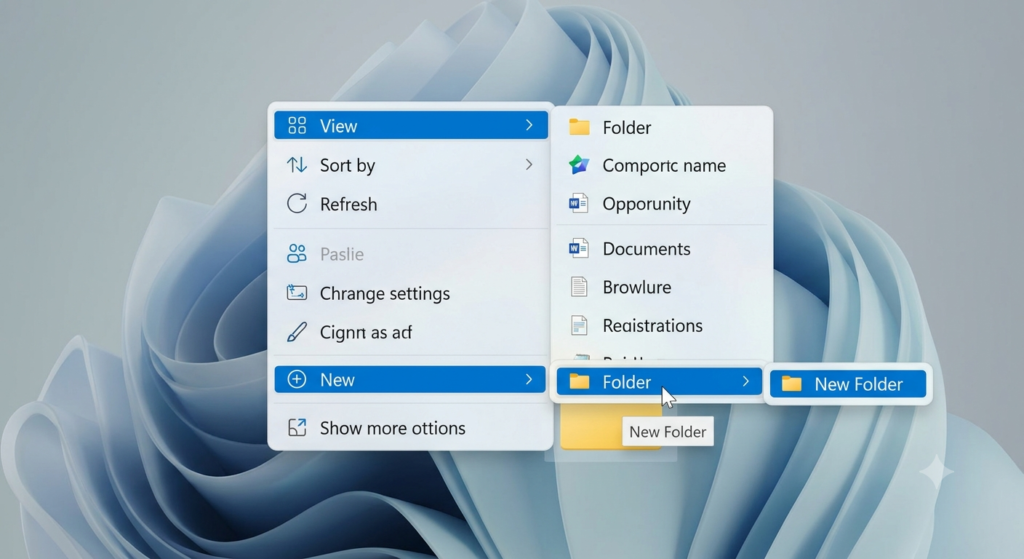
How to Organize Your Windows 11 Desktop for Maximum Productivity

How to Organize Your Windows 11 Desktop for Maximum Productivity

How to Organize Your Windows 11 Desktop for Maximum Productivity A cluttered desktop can make it harder to find important files, slow down your workflow, and create unnecessary distractions. While Windows 11 offers a modern and clean interface, your desktop can quickly become overcrowded with shortcuts, screenshots, downloads, and miscellaneous files if left unmanaged. Organizing…

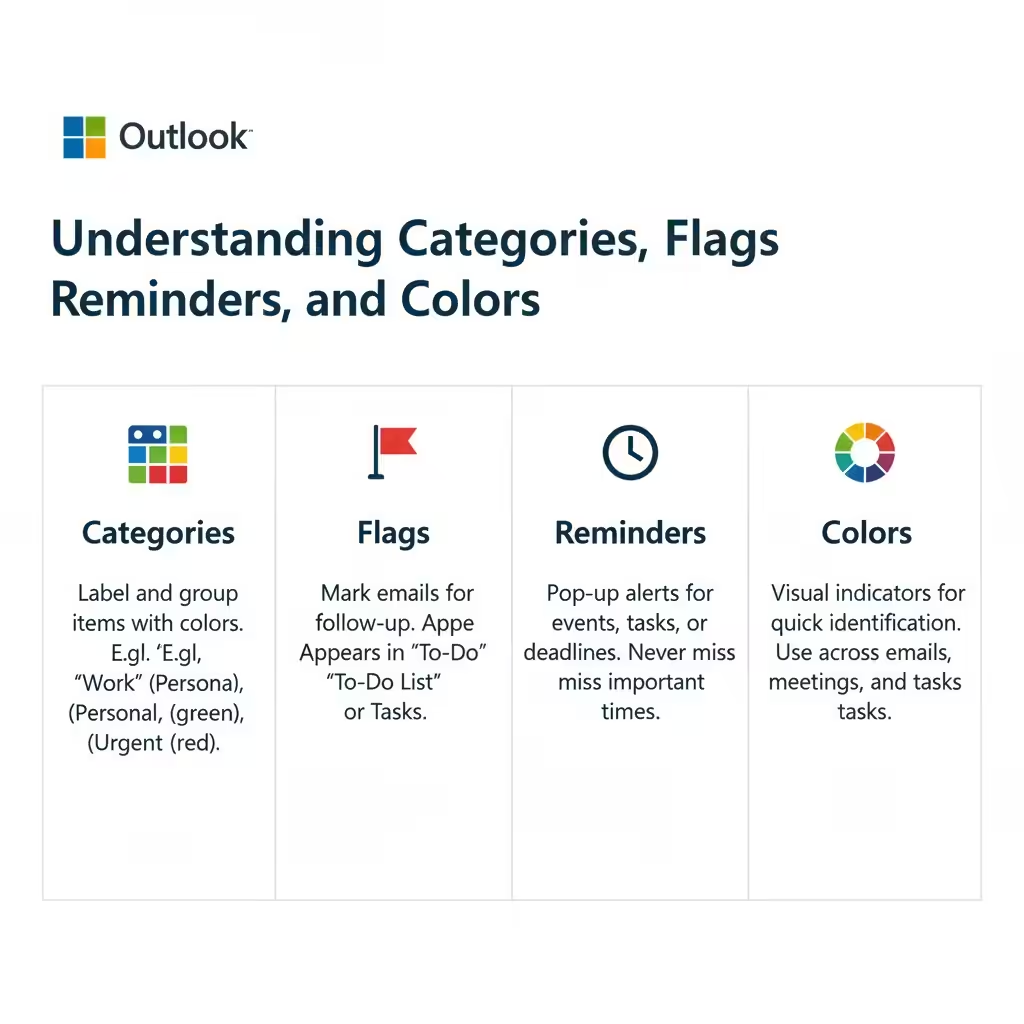
How to Manage Outlook Emails with Categories, Colors, and Reminders – 2025

How to Manage Outlook Emails with Categories, Colors, and Reminders – 2025

How to Manage Outlook Emails with Categories, Colors, and Reminders Microsoft Outlook is one of the most powerful productivity tools available for managing emails, tasks, and schedules. Beyond sending and receiving messages, Outlook helps you stay organized through features such as categories, flags, reminders, and colors. These tools make it easier to prioritize your work,…

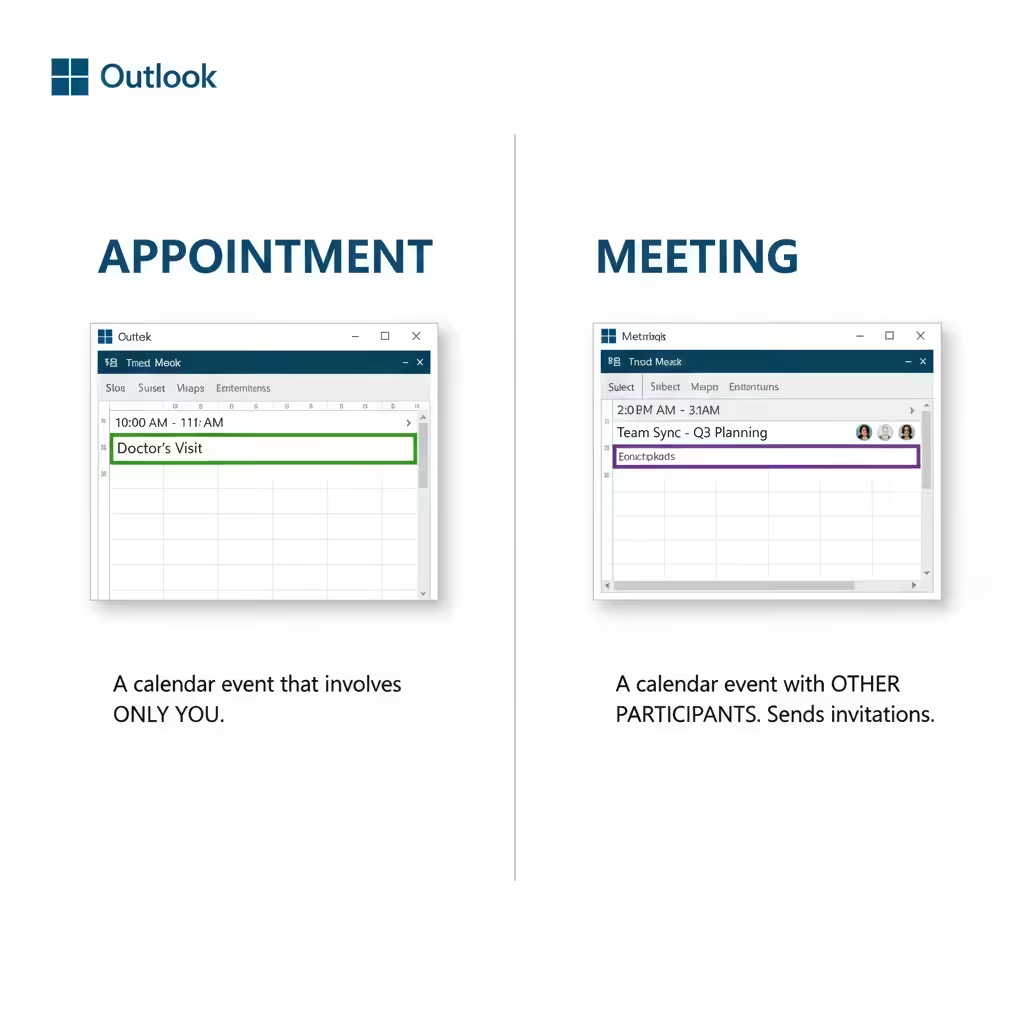
How to Schedule Meetings and Appointments in Microsoft Outlook – 2025

How to Schedule Meetings and Appointments in Microsoft Outlook – 2025

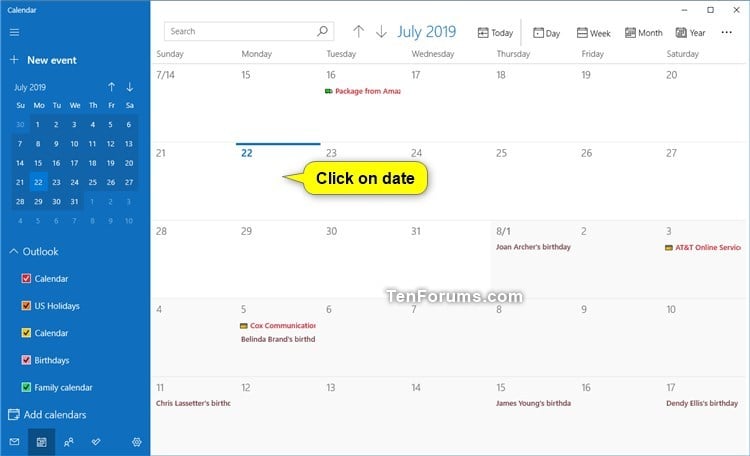
How to Schedule Meetings and Appointments in Microsoft Outlook Microsoft Outlook is more than just an email client—it’s also one of the most powerful tools for managing your time, scheduling meetings, and organizing daily tasks. Whether you’re planning a one-on-one meeting, a team discussion, or simply setting a reminder for yourself, Outlook’s calendar features can…

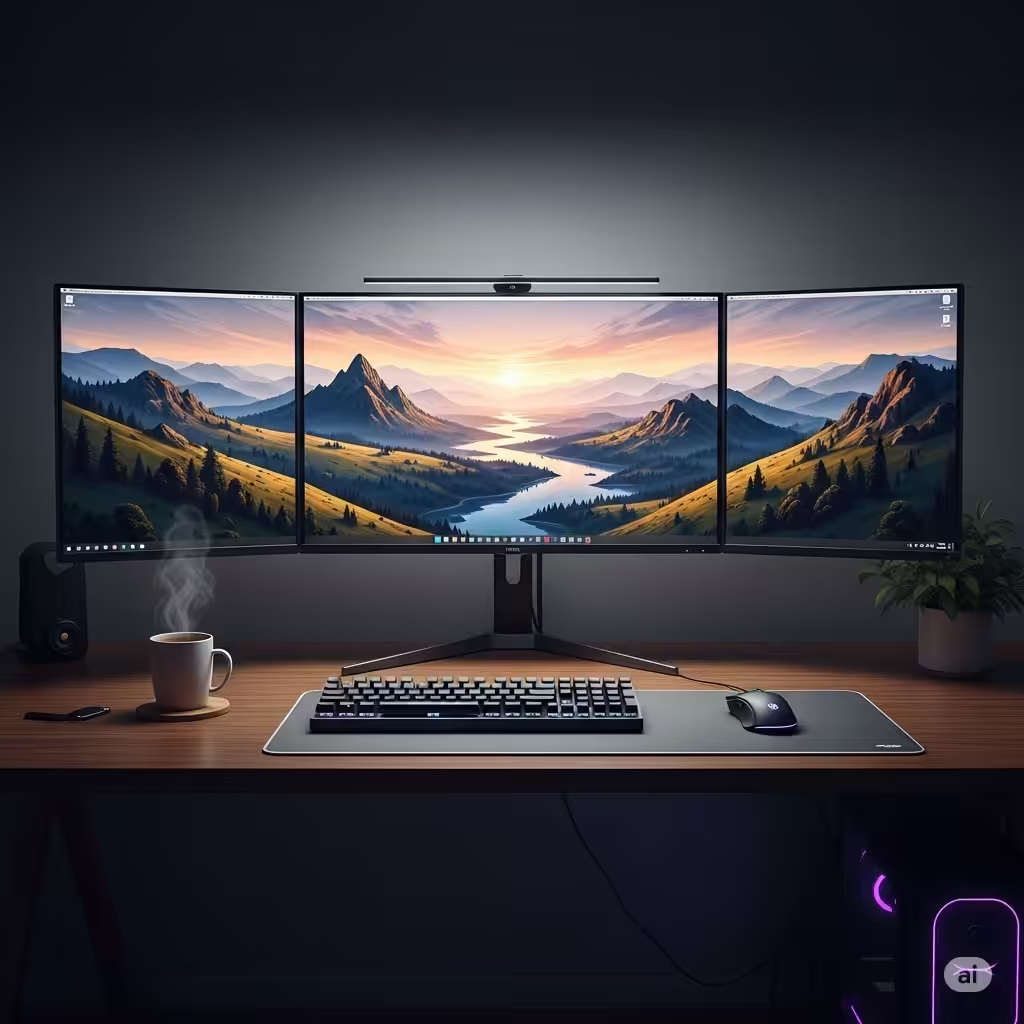
How to Configure Triple Monitor Setup on Windows 11/10

How to Configure Triple Monitor Setup on Windows 11/10

How to Configure Triple Monitor Setup on Windows 11/10 Using multiple monitors can greatly enhance productivity, especially if you’re multitasking, gaming, editing, or working in a professional environment. Windows 11 and 10 both support multiple monitor setups, including triple-monitor configurations. If you’re considering adding a third screen to your workspace, this guide will walk you…