


How to Reset or Update Your Apple ID Password on Any Device
Your Apple ID is the key to unlocking all of Apple’s services, from the App Store to iCloud. It’s important to keep your password secure and up-to-date. If you’ve forgotten your password or simply want to change it, this guide will show you how to do it on any device.
Why You Might Need to Reset or Update Your Apple ID Password
There are several reasons why you might need to reset or update your Apple ID password:
- You’ve forgotten your password: This is the most common reason. If you can’t remember your password, you won’t be able to access your Apple ID.
- You suspect someone else has your password: If you think someone else has your password, you should change it immediately to protect your account.
- You want to use a stronger password: It’s a good idea to update your password periodically to make sure it’s strong and secure.
How to Reset Your Apple ID Password
The process for resetting your Apple ID password is the same on any device. Here’s how to do it:
-
Go to the Apple ID website: https://iforgot.apple.com/es/password/verify/appleid
-
Enter your Apple ID email address and click “Continue”.
-
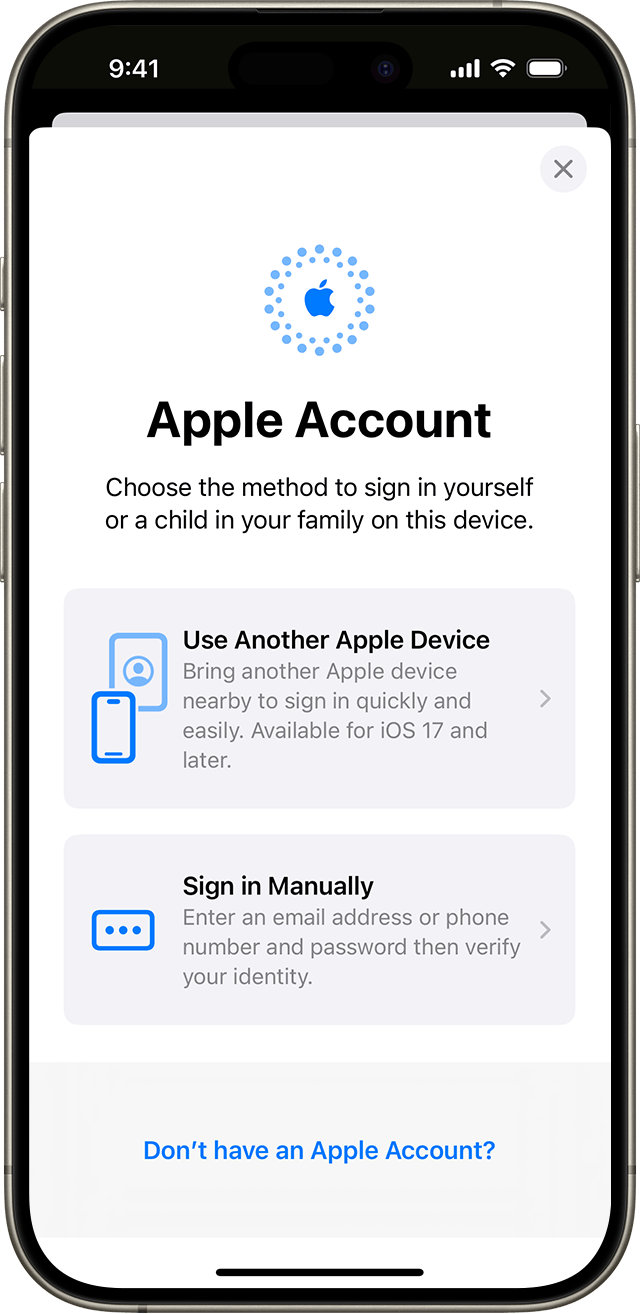
Choose a method for resetting your password. You can choose to answer security questions, receive an email, or use another device.
-
Follow the instructions to reset your password.
How to Update Your Apple ID Password
If you know your current password and simply want to change it, you can do so from any device. Here’s how:
On an iPhone, iPad, or iPod touch:
-
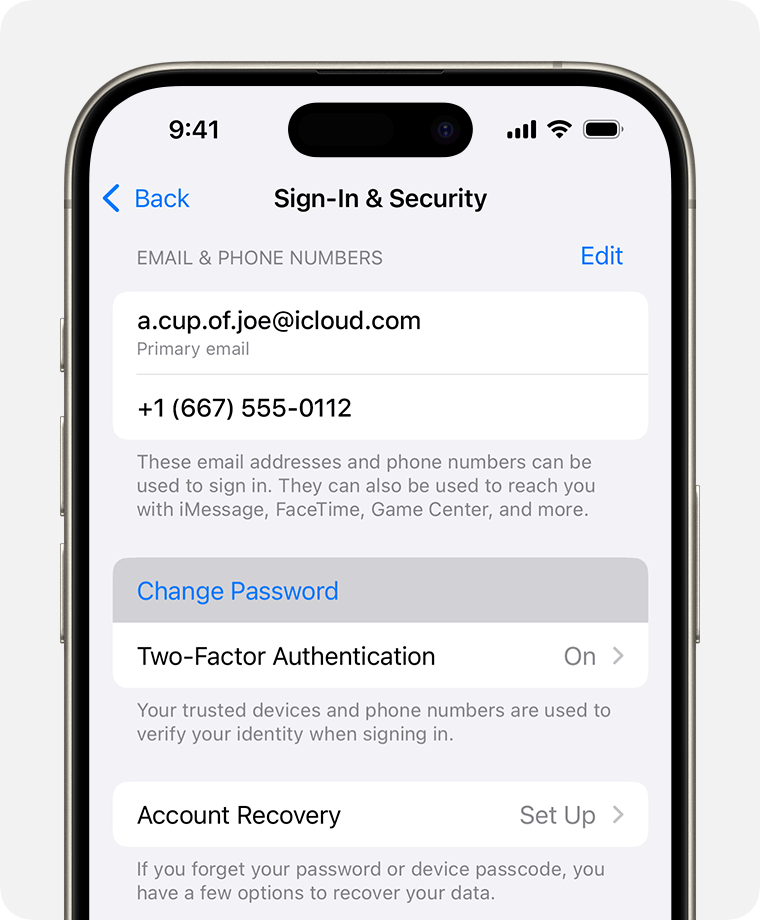
Go to Settings > [your name] > Password & Security.
-
Tap “Change Password”.
-
Enter your current password and then your new password twice.
-
Tap “Change”.
On a Mac:
-
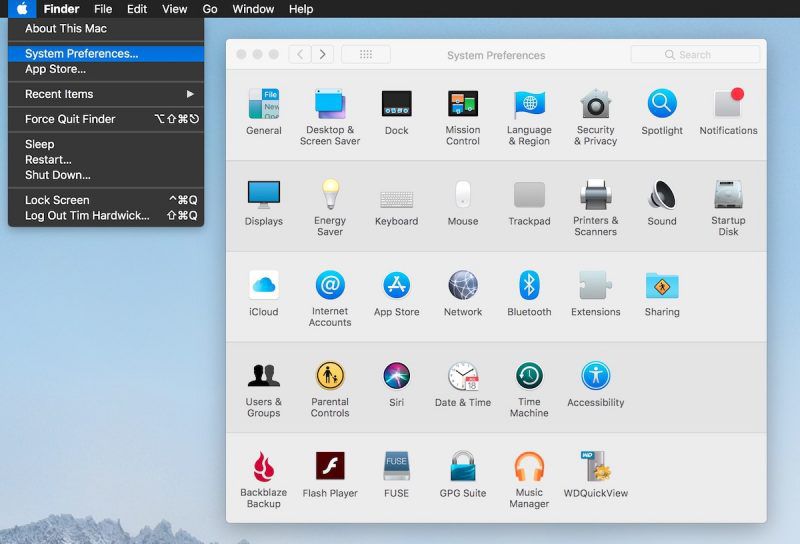
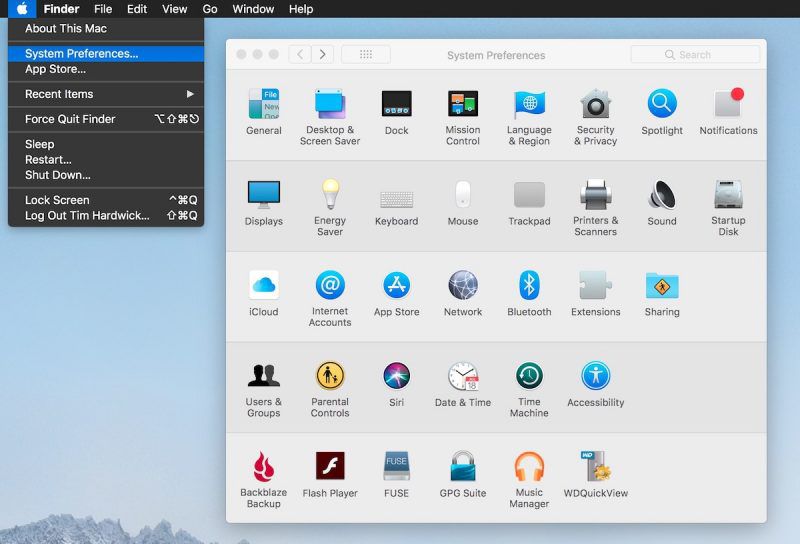
Go to System Preferences > Apple ID > Password & Security.
-
Click “Change Password”.
-
Enter your current password and then your new password twice.
-
Click “Change”.
Tips for Choosing a Strong Password
- Use a combination of uppercase and lowercase letters, numbers, and symbols.
- Don’t use personal information, such as your name or birthday.
- Use a different password for each of your online accounts.
- Consider using a password manager to help you generate and store strong passwords.
Additional Resources
Conclusion
Keeping your Apple ID password secure is important for protecting your personal information and your Apple devices. By following the tips in this guide, you can make sure your password is strong and up-to-date.
Remember:
- Never share your Apple ID password with anyone.
- Be wary of phishing scams that try to trick you into giving up your password.
- If you think your Apple ID has been compromised, change your password immediately.
Table of Contents :
- How to Access and Utilize Stable Diffusion AI for Free – A Beginner’s Guide
- Why YouTube Is an Effective Affiliate Marketing Tool
- Comprehending and Applying the UNIQUE Function in Microsoft Excel
- How to Reset or Update Your Apple ID Password on Any Device
- Ways to Resolve Epic Games Launcher Not Opening on Windows 11