



How to Fail at Following Instructions: Stories From Tech Support

Tech support is a world full of strange and unbelievable stories, many of which have one thing in common—people not following instructions. Whether it’s ignoring clear guidelines, assuming they know better, or just completely misunderstanding what’s being said, users have a way of making tech support both frustrating and hilarious.
In this article, we will dive into some of the funniest, most mind-boggling, and sometimes painful tales of people not following instructions in the world of tech support.
1. The “Restart Your Computer” Saga

One of the golden rules of tech support is:
👉 Restart your computer before doing anything else.
This simple step fixes countless problems, yet users often refuse to do it.
Example: The Stubborn User
Tech Support: “Please restart your computer and see if the issue persists.”
User: “I already restarted it.”
Tech Support: “Just to confirm, can you restart it again?”
User: Pretends to type something “Yeah, it’s still not working.”
Tech Support: “Are you sure? Because I see that your system has been running for 72 days straight.”
User: “Oh… you meant actually restart it?”
Moral of the story: When tech support says “restart,” they actually mean turn it off and turn it back on.
2. The Printer That Wouldn’t Print
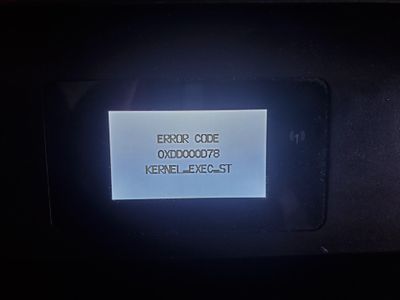
Printers are the bane of tech support’s existence. No matter how advanced technology gets, printers still find a way to confuse people.
Example: The Ink Disaster
Tech Support: “Is your printer plugged in?”
User: “Yes, of course!”
Tech Support: “Are there any error messages on the screen?”
User: “It says ‘No ink.’”
Tech Support: “Did you replace the ink cartridge?”
User: “No.”
Tech Support: “Why not?”
User: “Because I never had to replace it before.”
Tech Support: “How long have you had the printer?”
User: “Five years.”
Moral of the story: Printers don’t have unlimited ink. If it says “No ink,” buy some ink.
3. The Wi-Fi Catastrophe

Another common issue in tech support is users complaining about slow internet when the problem is entirely their fault.
Example: The Unplugged Router
Tech Support: “Let’s check your router. Is it plugged in?”
User: “Of course it’s plugged in. Do you think I’m stupid?”
Tech Support: “Okay, let’s check the lights on the router.”
User: “There are no lights.”
Tech Support: “Can you try plugging it into a different power outlet?”
User: “Wait… oh… I unplugged it last night because I thought it would use too much electricity.”
Moral of the story: Your Wi-Fi won’t work if the router is unplugged.
4. The Password Nightmare

Passwords are another nightmare in tech support. Many users don’t write them down, forget them instantly, or use ridiculously bad passwords.
Example: The “I Swear This Is My Password” Case
Tech Support: “What is your password?”
User: “I don’t know.”
Tech Support: “Try entering the one you usually use.”
User: “I did. It didn’t work.”
Tech Support: “Would you like to reset it?”
User: “No, I want to use my old password.”
Tech Support: “Well, if your old password isn’t working, we can reset it.”
User: “No! My password is ‘password123’ and it should work!”
Tech Support: “Sir, we have a record that you changed your password last week.”
User: “Oh… I did?”
Moral of the story: Write down your passwords (or use a password manager).
5. The “Expert” Who Knew Better
Some users think they know more than tech support and completely ignore instructions—with disastrous results.
Example: The Self-Proclaimed Tech Genius
Tech Support: “Please don’t press that button.”
User: “Why not?”
Tech Support: “Because it will reset the entire system.”
User: “I think I know what I’m doing.”
Tech Support: “Please, just don’t—”
User presses the button. System crashes. Entire office loses access.
User: “Why didn’t you tell me that would happen?”
Moral of the story: If tech support says “don’t,” DON’T.
6. The Software That “Didn’t Work”

Some users refuse to follow basic setup steps and then complain that software doesn’t work.
Example: The “I Didn’t Install It” User
Tech Support: “Have you installed the software?”
User: “Yes.”
Tech Support: “Can you open it?”
User: “No, I can’t find it.”
Tech Support: “Can you go to the installation folder?”
User: “What folder?”
Tech Support: “Did you actually install it?”
User: “I don’t think so.”
Moral of the story: Software doesn’t install itself. You need to follow the steps!
7. The Customer Who Didn’t Read
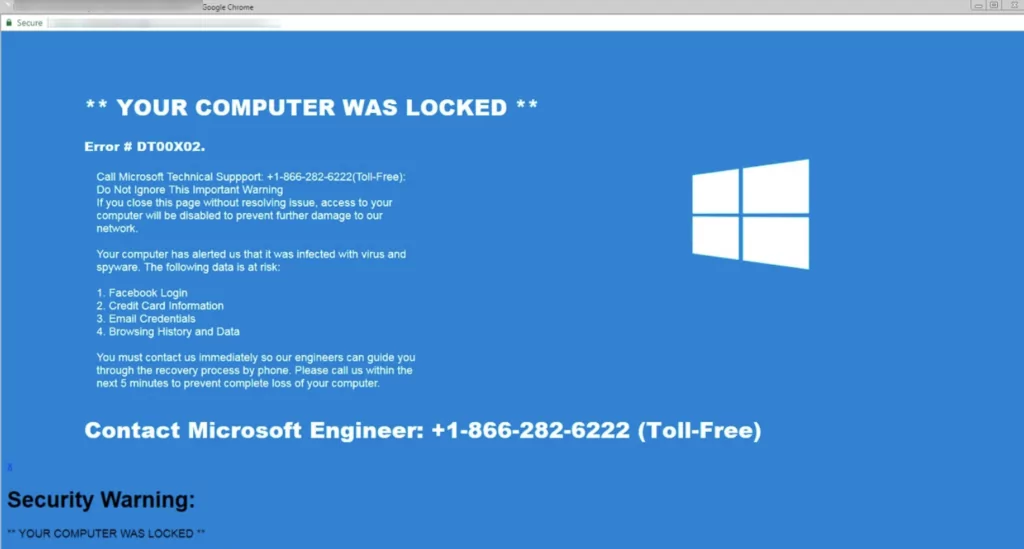
Many users ignore on-screen instructions and then blame tech support when things go wrong.
Example: The “I Didn’t See That” Excuse
Tech Support: “What do you see on the screen?”
User: “Nothing.”
Tech Support: “Are there any messages?”
User: “Oh, yeah. It says ‘Press any key to continue.’”
Tech Support: “Did you press a key?”
User: “No.”
Tech Support: “Try pressing a key.”
User: presses key “Oh! It works now!”
Moral of the story: Read what’s on the screen before calling tech support.
Conclusion
Tech support would be a lot easier if people actually followed instructions. But as these stories prove, many users:
✅ Ignore basic troubleshooting steps
✅ Forget important details
✅ Think they know better than tech support
✅ Don’t read the instructions at all
If you ever find yourself needing help, remember: Tech support exists to assist you, not to fight against you. Listen carefully, follow the instructions, and maybe—just maybe—you won’t end up as the next tech support horror story.
Table of Contents :
- How to Reset or Update Your Apple ID Password on Any Device
- Ways to Resolve Epic Games Launcher Not Opening on Windows 11
- How to Access and Utilize Stable Diffusion AI for Free – A Beginner’s Guide
- Why YouTube Is an Effective Affiliate Marketing Tool
- Comprehending and Applying the UNIQUE Function in Microsoft Excel