Category: Microsoft

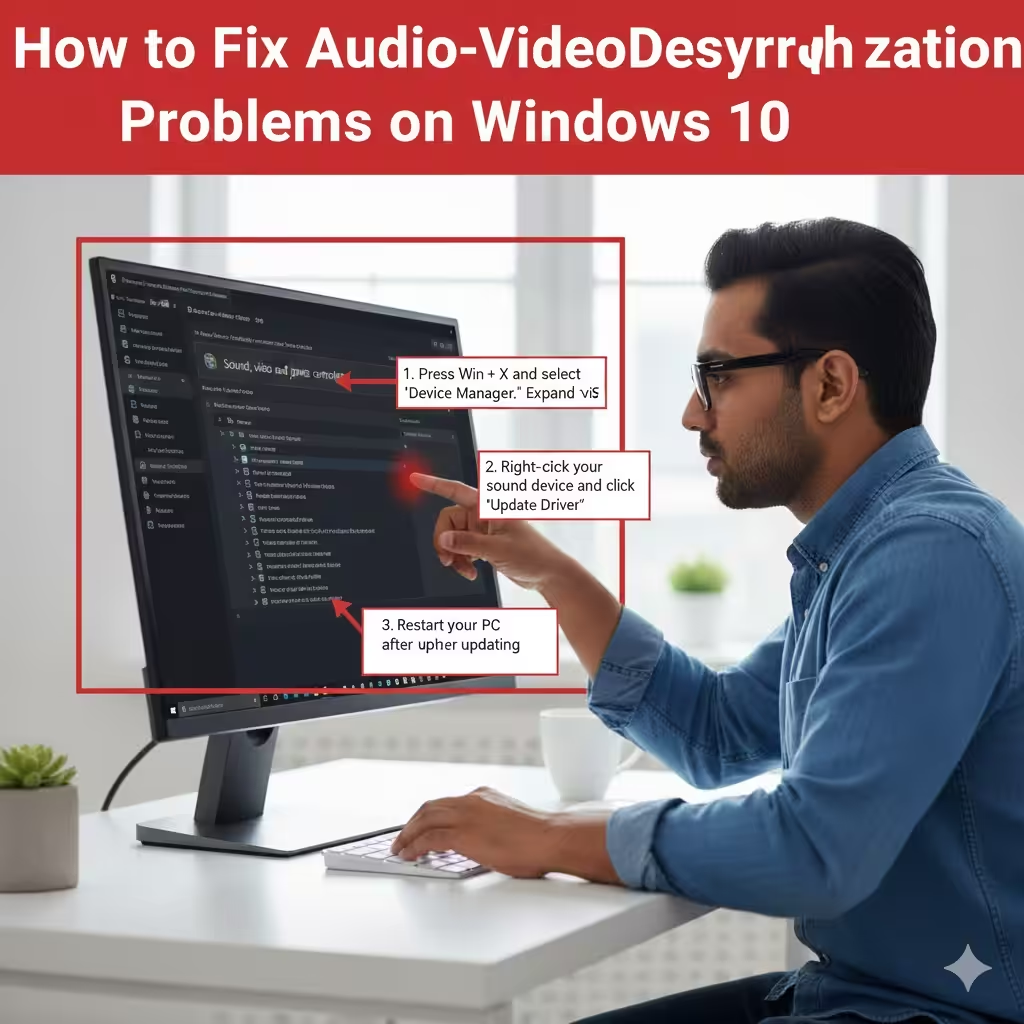
Fixing Audio-Video Desynchronization Problems on Windows 10

Fixing Audio-Video Desynchronization Problems on Windows 10

Fixing Audio-Video Desynchronization Problems on Windows 10 Experiencing audio and video that are out of sync on Windows 10 can be incredibly frustrating, especially when you’re watching movies, playing games, or attending online meetings. Lip sync issues, delayed sound effects, or mismatched audio cues can ruin the entire experience. Fortunately, most sync problems on Windows…

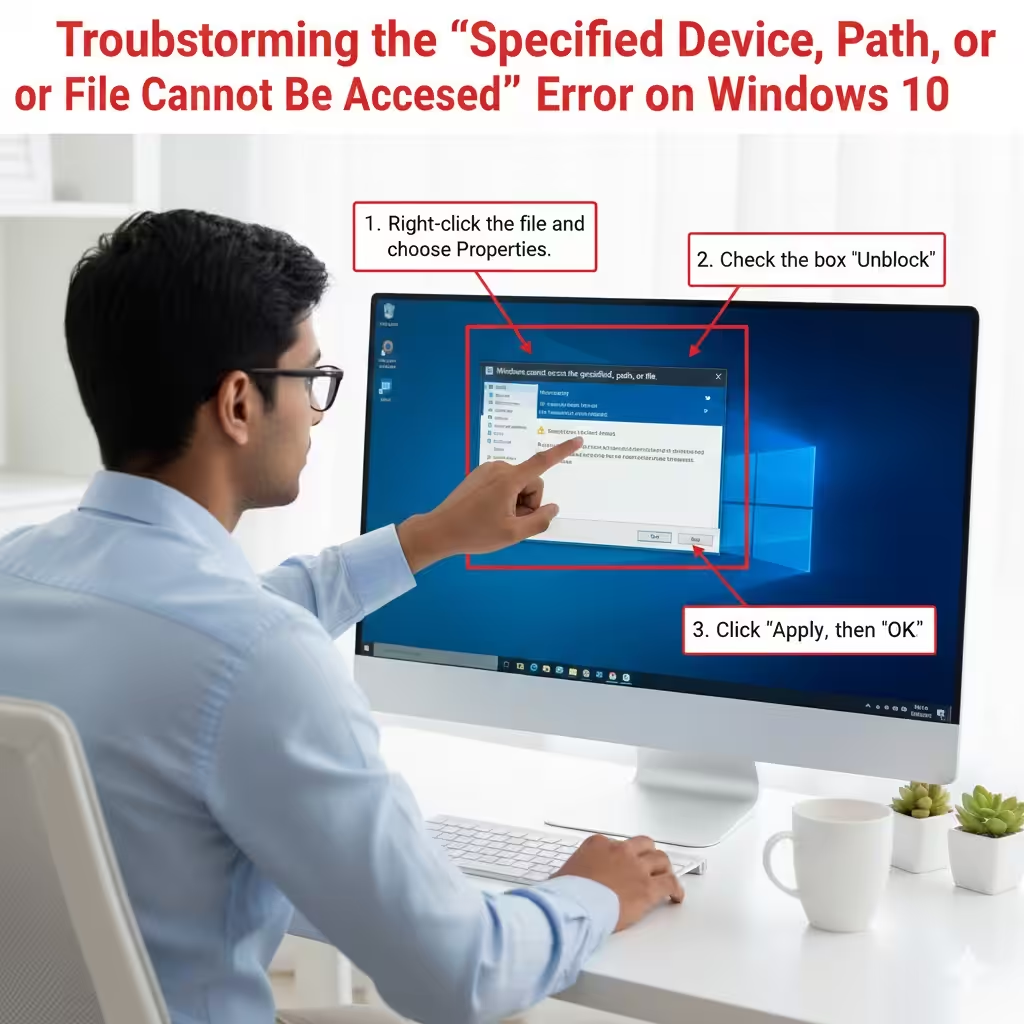
Troubleshooting the “Specified Device, Path, or File Cannot Be Accessed” Error on Windows 10

Troubleshooting the “Specified Device, Path, or File Cannot Be Accessed” Error on Windows 10

Troubleshooting the “Specified Device, Path, or File Cannot Be Accessed” Error on Windows 10 Encountering the error “Windows cannot access the specified device, path, or file” on Windows 10 can be frustrating, especially when you urgently need to open a program or file. This issue typically appears when Windows blocks access because it cannot verify…

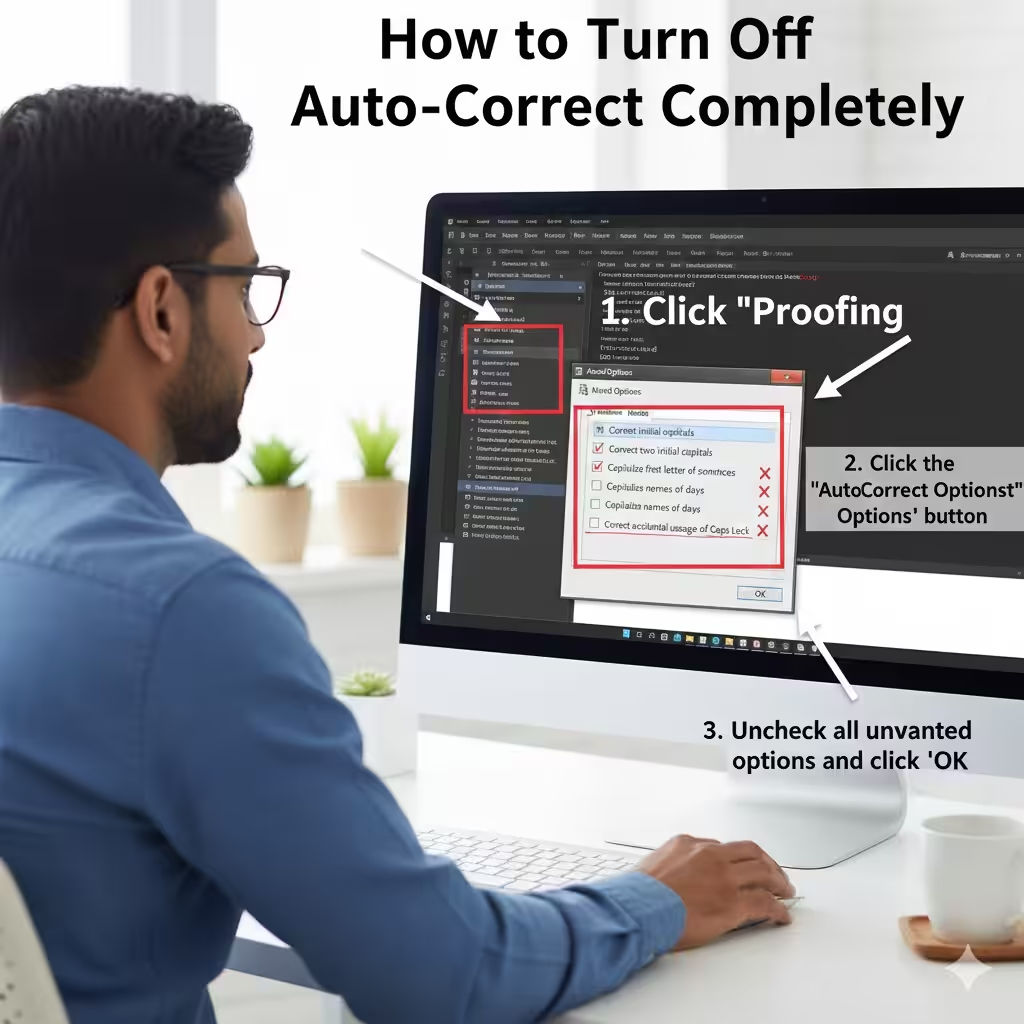
How to Prevent Word from Auto-Correcting Your Text – 2025

How to Prevent Word from Auto-Correcting Your Text – 2025

How to Prevent Word from Auto-Correcting Your Text Auto-correct can be incredibly helpful—until it isn’t. Many users appreciate how it fixes typing mistakes automatically, but others find it intrusive, especially when working with technical terms, names, or multilingual content. If you often find auto-corrections changing words you typed intentionally, you may prefer turning the feature…