


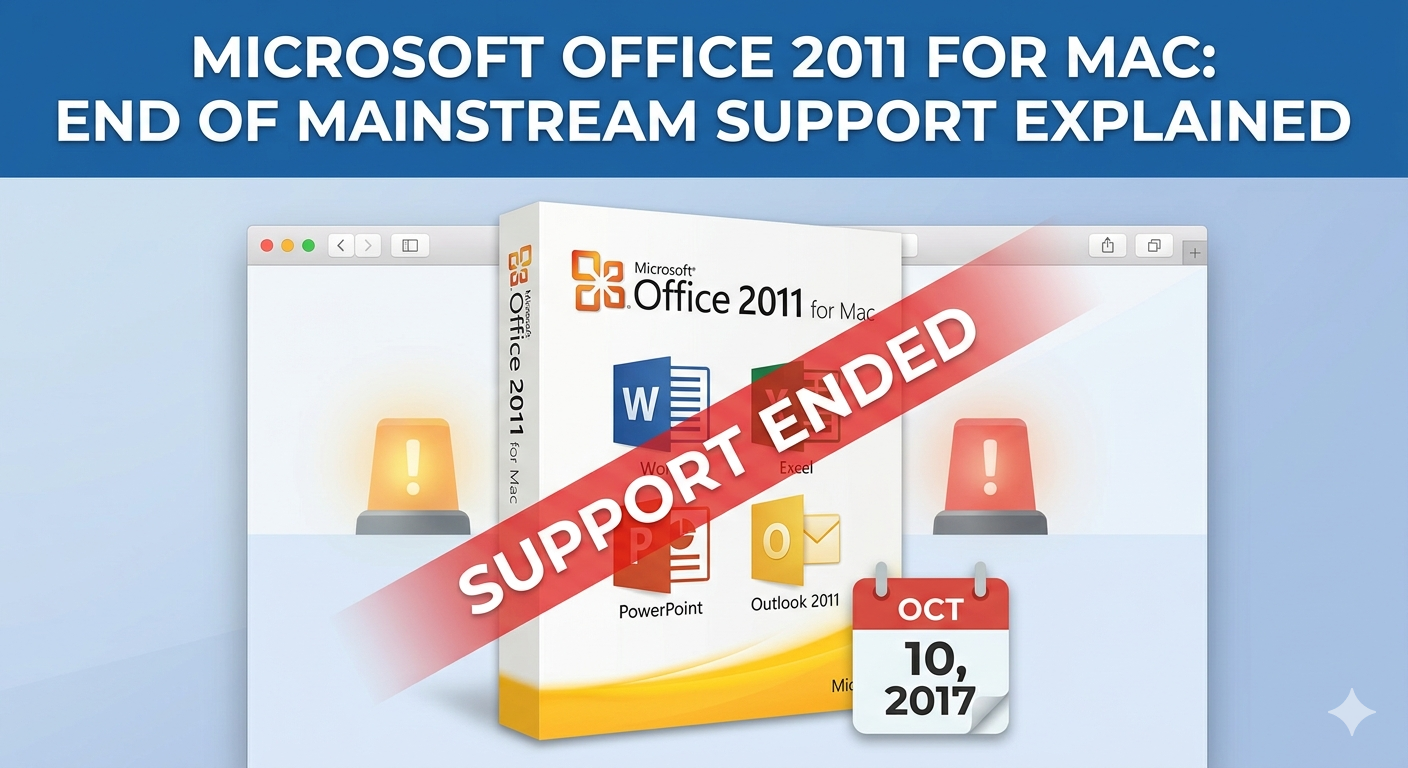
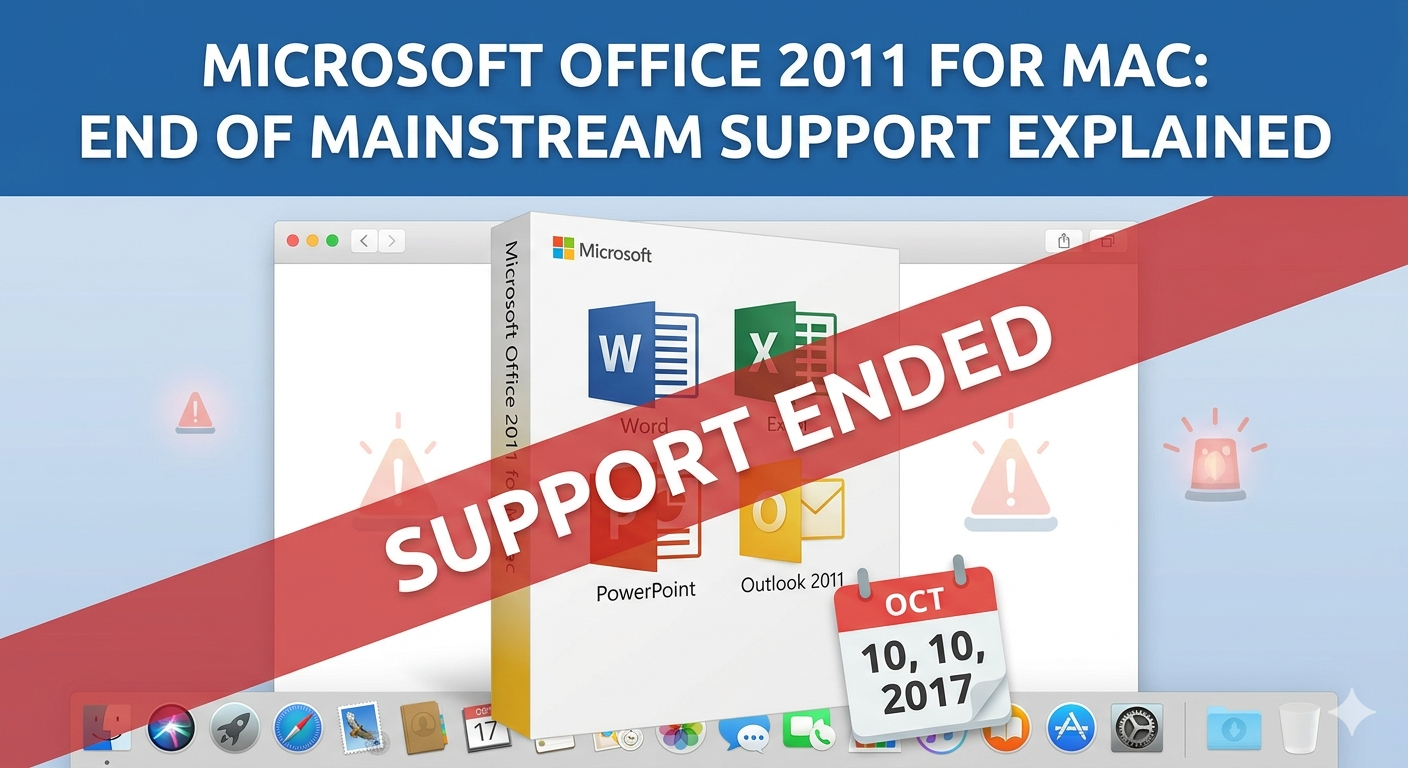
Microsoft Office 2011 for Mac: End of Mainstream Support Explained
Microsoft Office 2011 for Mac was once a widely used productivity suite for macOS users, offering essential tools like Word, Excel, PowerPoint, and Outlook. However, as technology evolves, software eventually reaches the end of its lifecycle. Office 2011 for Mac is no exception, and its end of mainstream support has significant implications for users still relying on it.
In this article, you’ll learn what the end of mainstream support means, the risks of continuing to use Office 2011 for Mac, and the best alternatives available today.
What Is Microsoft Office 2011 for Mac?
Microsoft Office 2011 for Mac was released as a productivity suite designed specifically for macOS users. It included:
- Microsoft Word for document creation
- Microsoft Excel for spreadsheets and data analysis
- Microsoft PowerPoint for presentations
- Microsoft Outlook for email and calendar management
At the time, it provided a solid and familiar experience for Mac users who needed compatibility with Windows-based Office files.
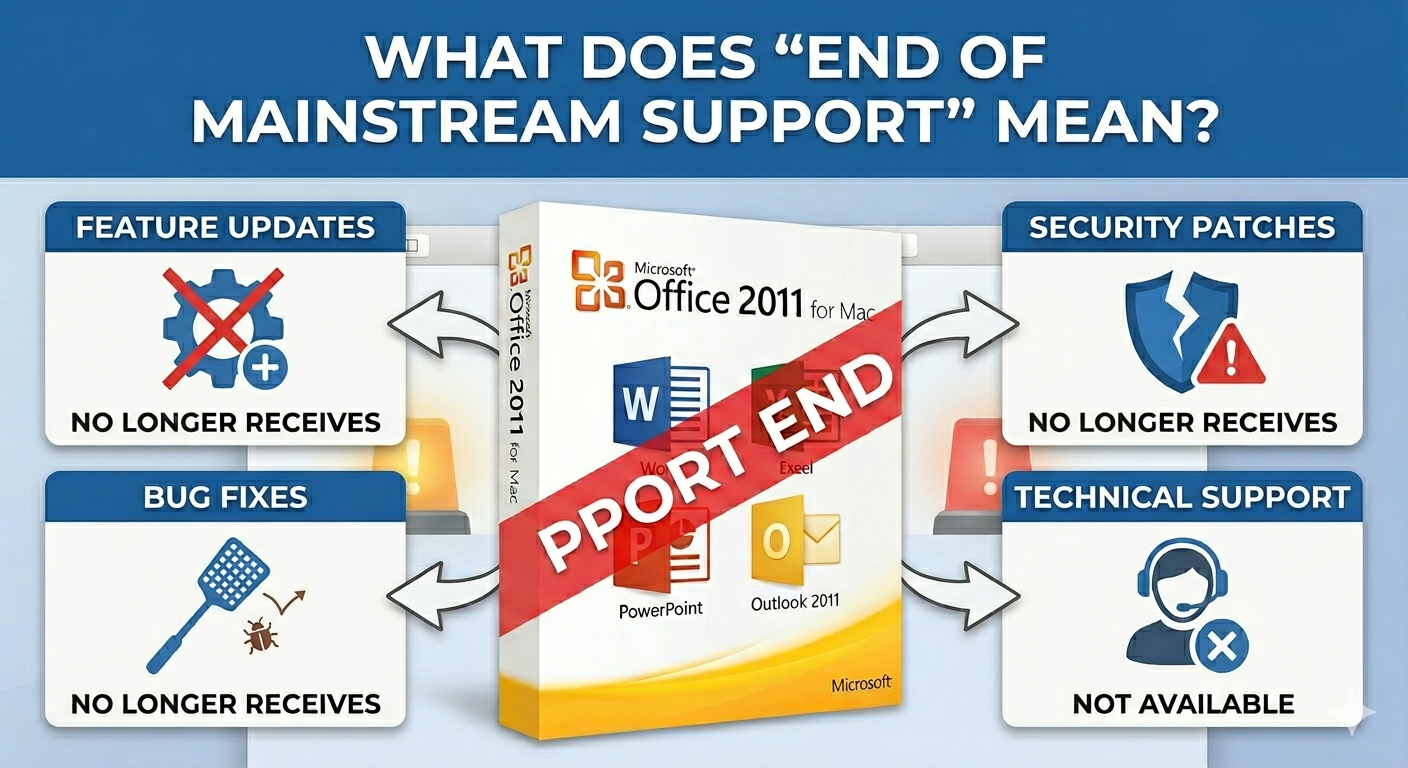
What Does “End of Mainstream Support” Mean?
When Microsoft declares the end of mainstream support for a product, it means that the software no longer receives:
- Feature updates
- Security patches
- Bug fixes
- Technical support from Microsoft
For Office 2011 for Mac, this milestone marked the transition from active support to a completely unsupported state.
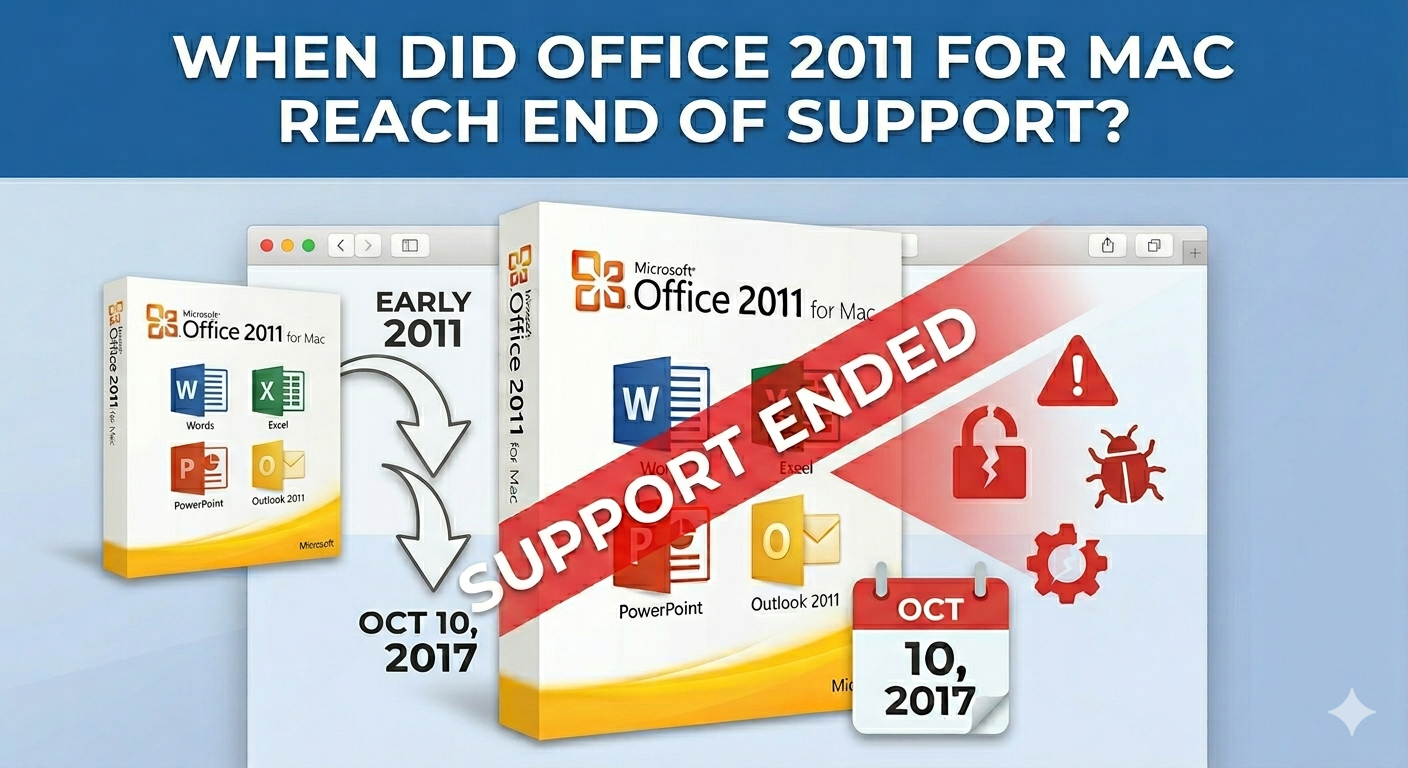
When Did Office 2011 for Mac Reach End of Support?
Microsoft officially ended support for Office 2011 for Mac on October 10, 2017. After this date, the software no longer received any updates or security fixes.
This means that any issues discovered after this date remain unpatched, making the software increasingly outdated over time.
Risks of Using Office 2011 for Mac Today
Continuing to use outdated software can lead to several problems.
Security Vulnerabilities
Without security updates, Office 2011 is vulnerable to modern threats such as malware, phishing attacks, and exploits.
Compatibility Issues
Newer macOS versions may not support Office 2011 properly. In fact, starting with macOS Catalina (10.15), 32-bit applications are no longer supported, which means Office 2011 cannot run at all.
File Format Limitations
Although Office 2011 supports common file formats, newer features in modern Office versions may not be compatible, leading to formatting issues or missing content.
Lack of Technical Support
If something goes wrong, you won’t be able to get help from Microsoft, leaving you to troubleshoot on your own.
Why You Should Upgrade from Office 2011
Upgrading to a newer version of Microsoft Office offers several advantages.
Improved Security
Modern versions receive regular security updates to protect your data.
Better Performance
Newer Office apps are optimized for current macOS versions and hardware.
Cloud Integration
With Microsoft 365, you can store files in OneDrive and access them from anywhere.
Collaboration Features
Real-time collaboration allows multiple users to work on the same document simultaneously.
Regular Updates
You’ll receive ongoing improvements and new features.
Best Alternatives to Office 2011 for Mac
If you’re ready to move on, here are some of the best options available.
Microsoft 365 (Recommended)
Microsoft 365 is the modern version of Office, offered as a subscription service.
Key Features
- Always up-to-date apps
- Cloud storage with OneDrive
- Cross-device access
- Advanced collaboration tools
Why Choose It
It’s the most seamless upgrade path for users familiar with Office 2011.
Office 2021 for Mac
If you prefer a one-time purchase instead of a subscription, Office 2021 is a good choice.
Key Features
- Classic Office apps
- No subscription required
- Improved performance and compatibility
Limitations
- No ongoing feature updates
- Fewer cloud-based features compared to Microsoft 365
Apple iWork (Pages, Numbers, Keynote)
Apple offers its own free productivity suite for macOS users.
Key Features
- Free with macOS
- Simple and clean interface
- iCloud integration
Best For
Users who need basic productivity tools without advanced features.
Google Workspace
Google Docs, Sheets, and Slides are popular cloud-based alternatives.
Key Features
- Accessible from any browser
- Real-time collaboration
- Automatic saving
Limitations
- Requires an internet connection for full functionality
- May not fully support complex Office files
LibreOffice
LibreOffice is a free, open-source office suite.
Key Features
- No cost
- Supports many file formats
- Offline functionality
Considerations
- Interface may feel outdated
- Compatibility with Office files is not perfect
How to Transition from Office 2011
Upgrading doesn’t have to be difficult. Here are some steps to make the transition smooth.
Backup Your Files
Before switching, ensure all your documents are safely backed up.
Check File Compatibility
Open your files in the new software to verify formatting and content.
Learn New Features
Take time to explore updated interfaces and tools.
Uninstall Office 2011
Remove the old version to avoid conflicts and free up storage space.
Common Questions About Office 2011 for Mac
Can I Still Use Office 2011 on Mac?
Only on older macOS versions that support 32-bit applications. It will not work on modern macOS versions.
Is It Safe to Use?
It is not recommended due to security risks and lack of updates.
Can I Upgrade for Free?
No, upgrading typically requires purchasing a license or subscription.
Final Thoughts
Microsoft Office 2011 for Mac served users well for many years, but its end of mainstream support means it is no longer a safe or practical choice. With no updates, limited compatibility, and increasing security risks, continuing to use it can lead to serious problems.
Upgrading to a modern solution like Microsoft 365 or Office 2021 ensures better performance, enhanced security, and access to the latest features. If you prefer free alternatives, options like Apple iWork, Google Workspace, and LibreOffice can also meet your needs.
Related articles
Fixing the “Kernel Security Check Failure” Error on Windows 10