Tag: Chrome troubleshooting

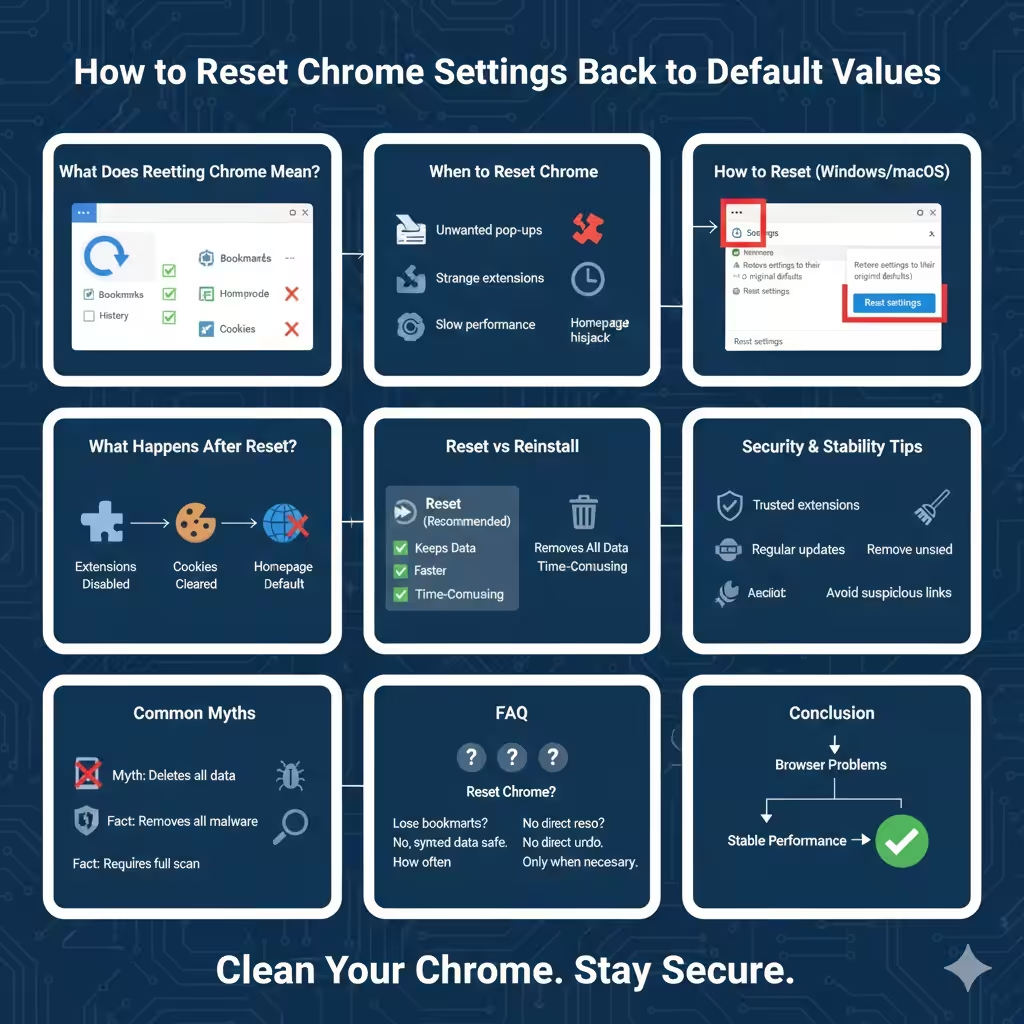
How to Reset Chrome Settings Back to Default Values – 2026

How to Reset Chrome Settings Back to Default Values – 2026

How to Reset Chrome Settings Back to Default Values Google Chrome is known for its speed, simplicity, and flexibility. Over time, however, installing extensions, changing settings, or encountering unwanted software can cause Chrome to behave unexpectedly. Common problems include slow performance, frequent crashes, homepage changes, intrusive ads, or redirects to unfamiliar websites. Resetting Google Chrome…

How to Resolve Google Chrome Crashing Continuously on Windows 10

How to Resolve Google Chrome Crashing Continuously on Windows 10

How to Resolve Google Chrome Crashing Continuously on Windows 10 Google Chrome is one of the most popular web browsers, but it can occasionally encounter issues, including frequent crashes on Windows 10. This guide will help you troubleshoot and resolve this problem step-by-step, ensuring smoother performance. Common Causes of Chrome Crashing Before diving into fixes,…

How to Resolve the ERR CONNECTION REFUSED Error in Google Chrome – 2025

How to Resolve the ERR CONNECTION REFUSED Error in Google Chrome – 2025

How to Resolve the ERR CONNECTION REFUSED Error in Google Chrome The “ERR_CONNECTION_REFUSED” error in Google Chrome typically appears when Chrome is unable to connect to a website, even though other sites may be accessible. This can be frustrating, especially when you’re unsure of what’s causing the problem. Fortunately, there are several effective troubleshooting steps…