Category: Microsoft

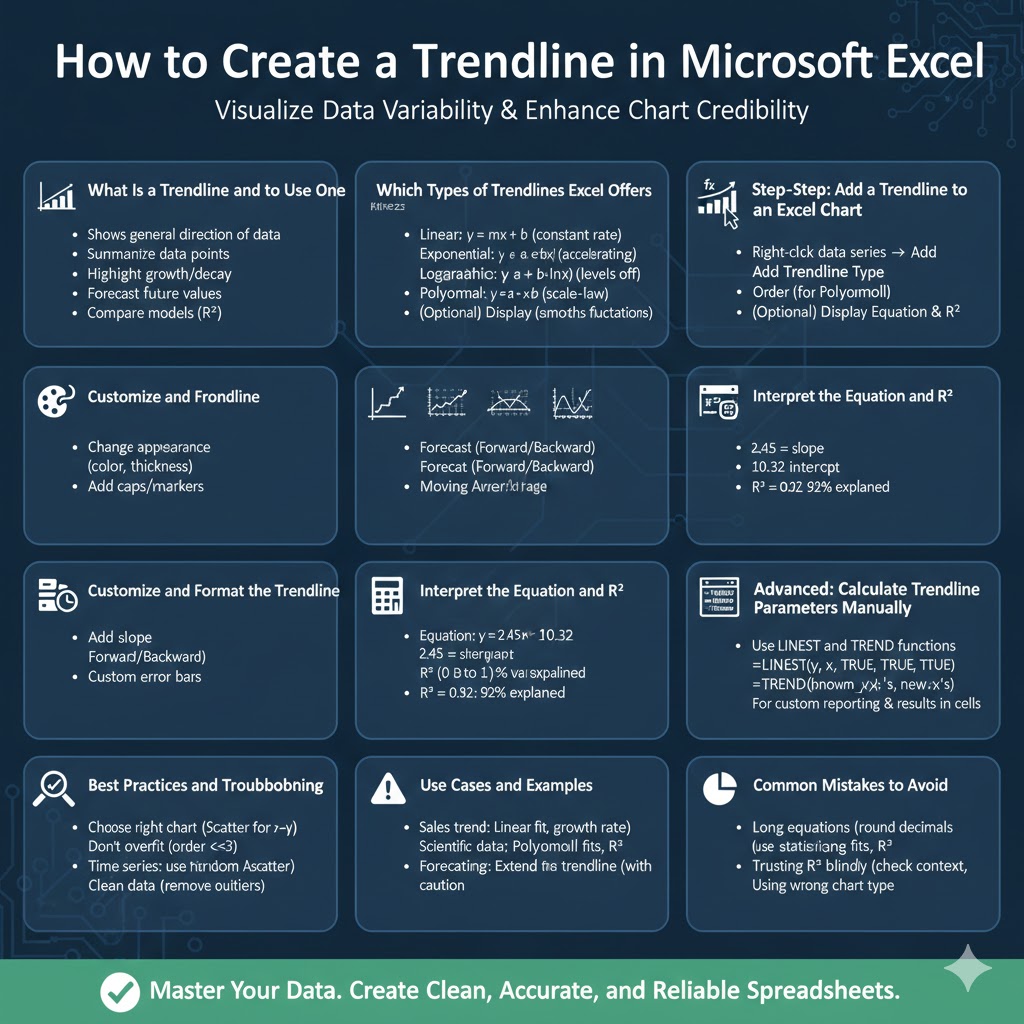
How to Create a Trendline in Microsoft Excel – 2026

How to Create a Trendline in Microsoft Excel – 2026

How to Create a Trendline in Microsoft Excel A trendline is a simple yet powerful tool for visualizing the relationship between variables and spotting patterns in data. Whether you’re analyzing sales over time, evaluating experimental results, or forecasting future values, trendlines help summarize data behavior and communicate insights quickly. This guide covers everything you need…

Adding Standard Deviation Error Bars in Excel: A Step-by-Step Guide – 2026

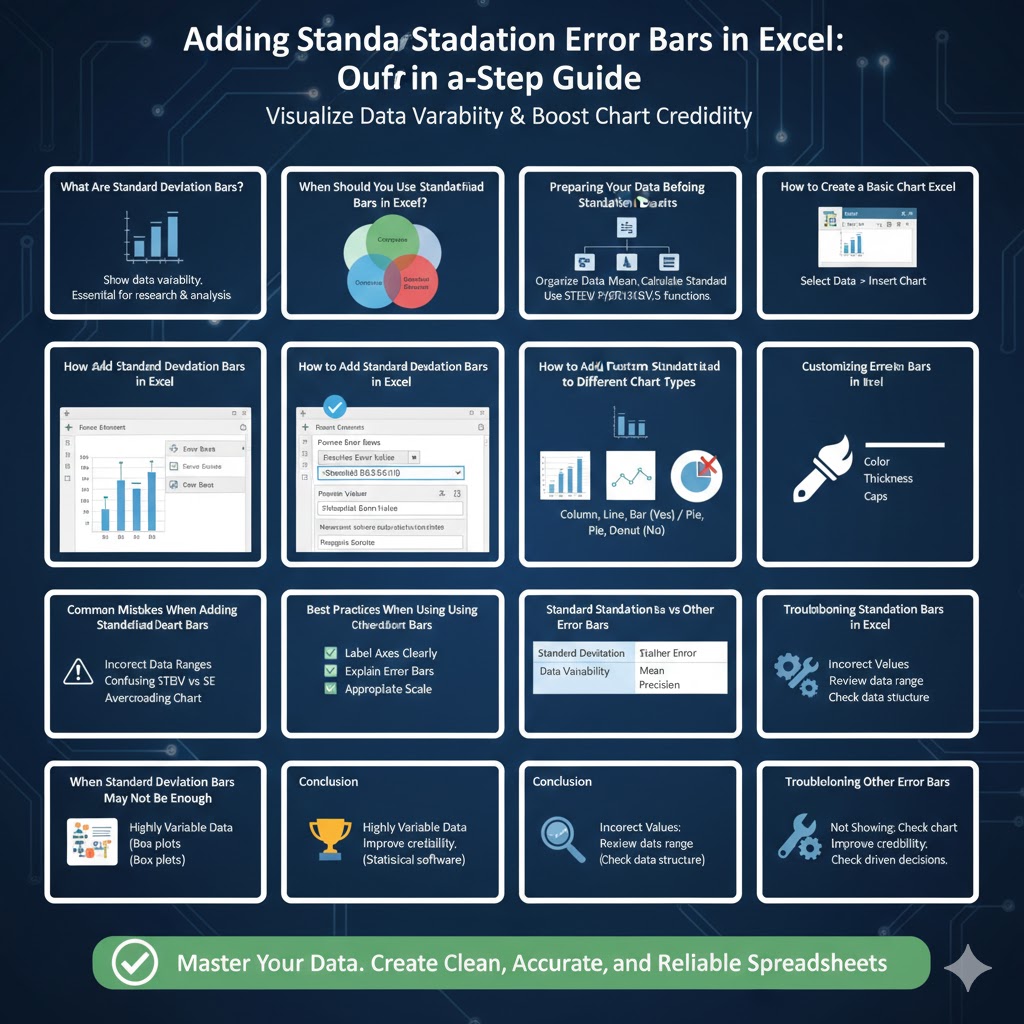
Adding Standard Deviation Error Bars in Excel: A Step-by-Step Guide – 2026

Adding Standard Deviation Error Bars in Excel: A Step-by-Step Guide Standard deviation bars, also known as error bars, are a powerful way to visualize data variability in Excel charts. They help readers understand how much the data varies from the average, making charts more informative and statistically meaningful. Whether you are working on academic research,…

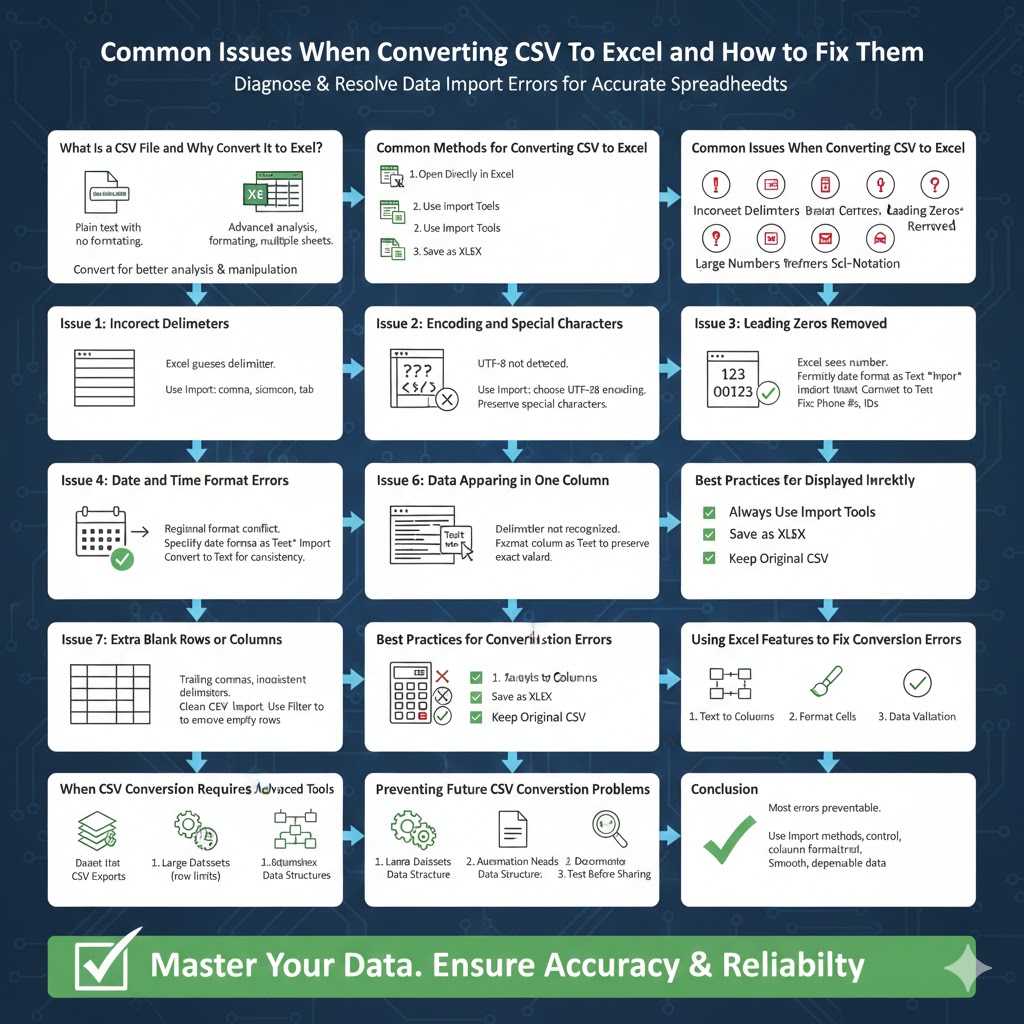
Common Issues When Converting CSV Files to Excel and How to Fix Them – 2026

Common Issues When Converting CSV Files to Excel and How to Fix Them – 2026

Common Issues When Converting CSV Files to Excel and How to Fix Them CSV (Comma-Separated Values) files are one of the most widely used formats for storing and transferring data. They are simple, lightweight, and compatible with almost every data-processing system. However, when working with CSV files in Excel, users often encounter formatting problems, data…