Author: SAAC's Team

How to Add Someone to Your Outlook Contacts List – 2025

How to Add Someone to Your Outlook Contacts List – 2025

How to Add Someone to Your Outlook Contacts List Microsoft Outlook is not just an email application—it’s also a powerful tool for managing contacts, appointments, and communication across your professional and personal life. Whether you use Outlook for business networking or keeping in touch with colleagues and friends, knowing how to add contacts effectively is…

How to Manage Outlook Emails with Categories, Colors, and Reminders – 2025

How to Manage Outlook Emails with Categories, Colors, and Reminders – 2025

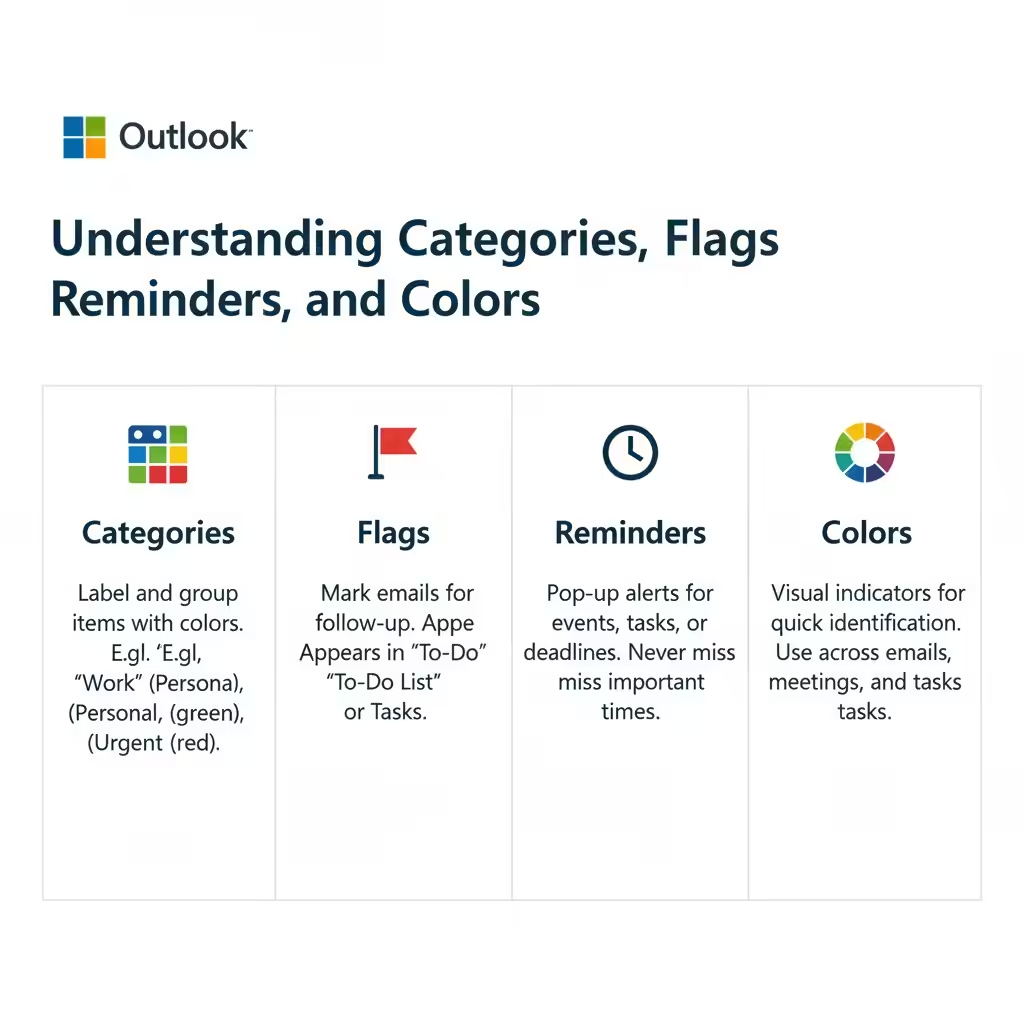
How to Manage Outlook Emails with Categories, Colors, and Reminders Microsoft Outlook is one of the most powerful productivity tools available for managing emails, tasks, and schedules. Beyond sending and receiving messages, Outlook helps you stay organized through features such as categories, flags, reminders, and colors. These tools make it easier to prioritize your work,…

How to Schedule Meetings and Appointments in Microsoft Outlook – 2025

How to Schedule Meetings and Appointments in Microsoft Outlook – 2025

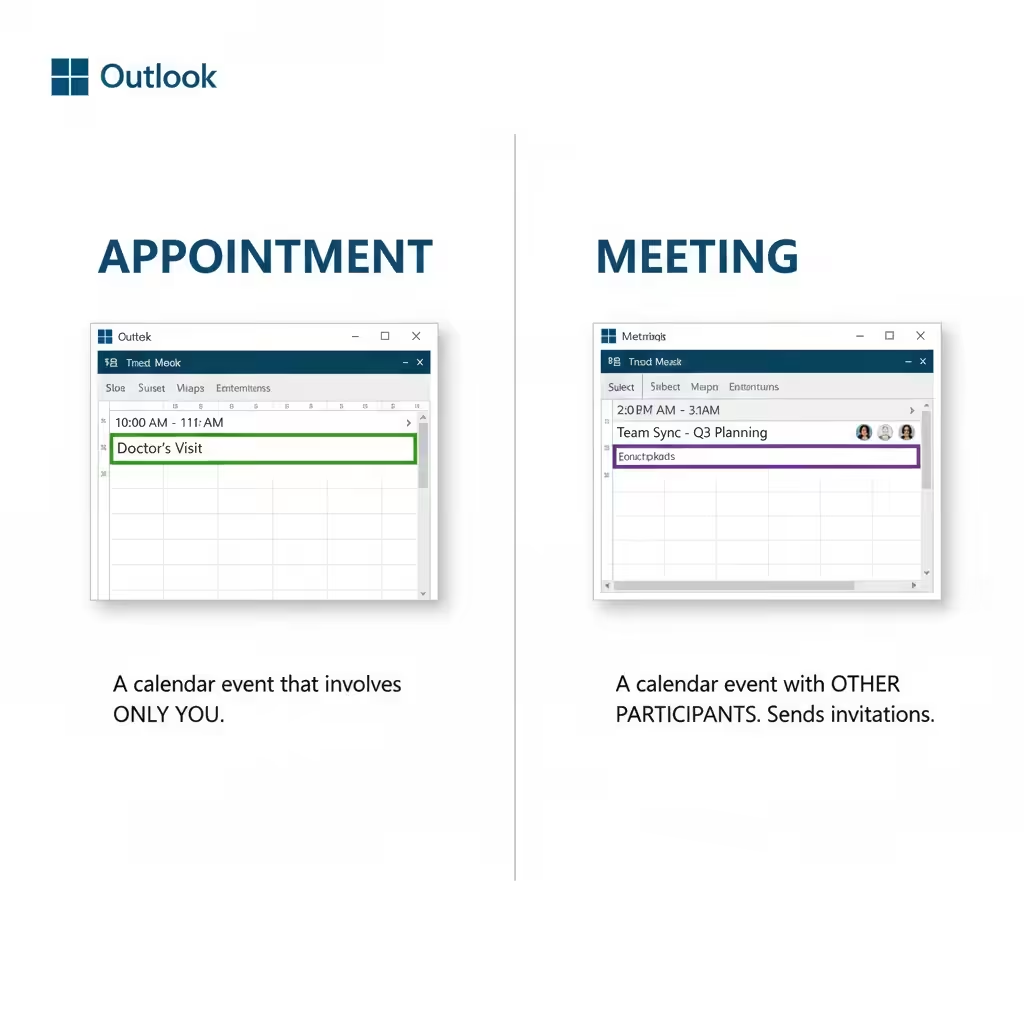
How to Schedule Meetings and Appointments in Microsoft Outlook Microsoft Outlook is more than just an email client—it’s also one of the most powerful tools for managing your time, scheduling meetings, and organizing daily tasks. Whether you’re planning a one-on-one meeting, a team discussion, or simply setting a reminder for yourself, Outlook’s calendar features can…

A Complete Guide to Bringing Your Calendar into Microsoft Outlook – 2025

A Complete Guide to Bringing Your Calendar into Microsoft Outlook – 2025

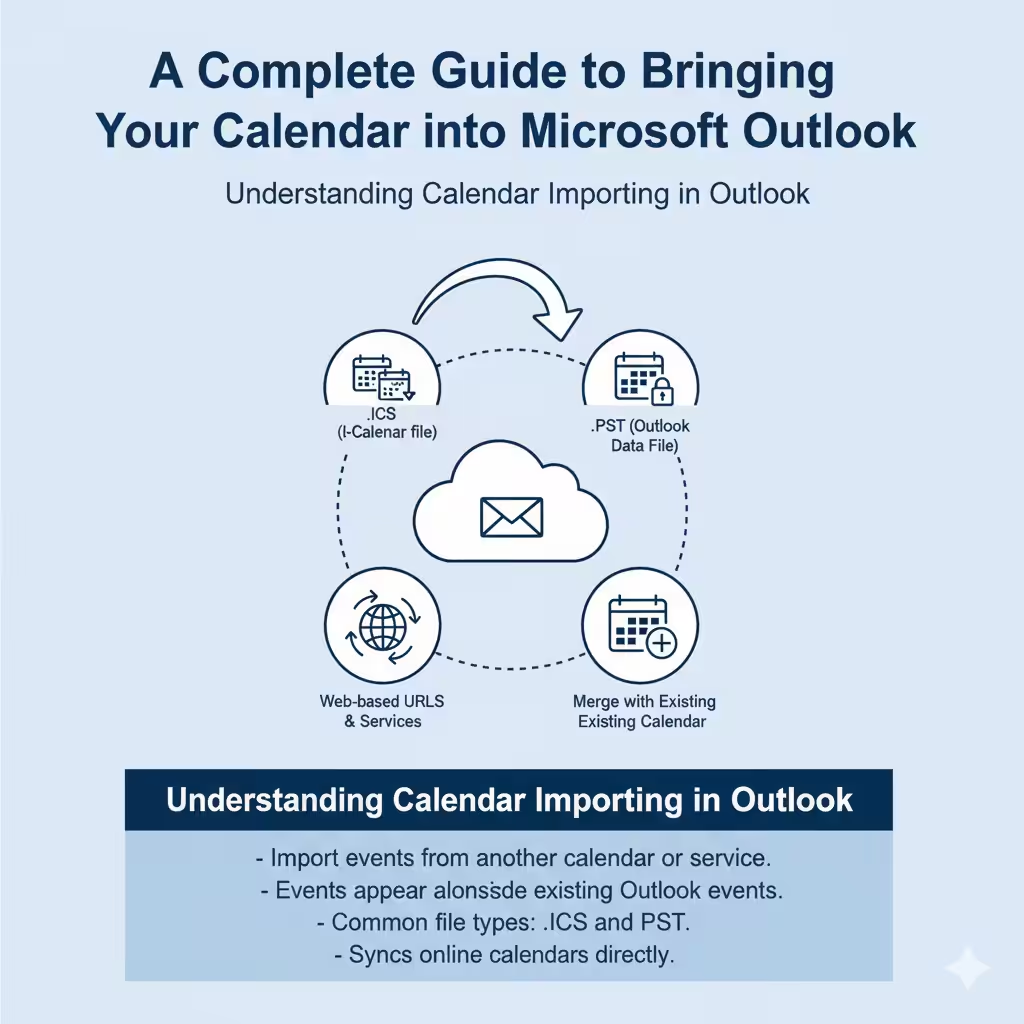
A Complete Guide to Bringing Your Calendar into Microsoft Outlook Managing your schedule efficiently is one of the key benefits of using Microsoft Outlook. Whether you’re switching devices, moving from another email client, or collaborating with colleagues, importing calendars into Outlook helps you stay organized and never miss important events. Outlook supports several import methods…

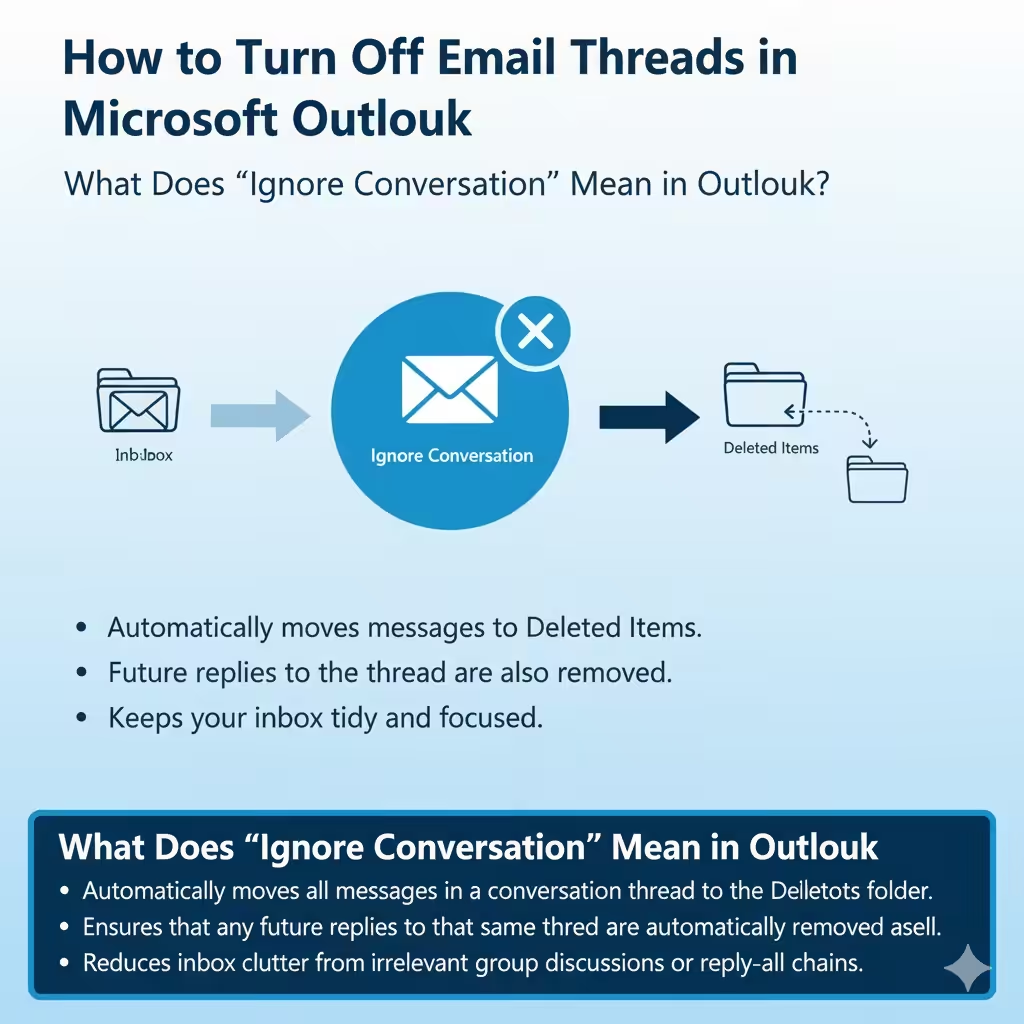
How to Turn Off Email Threads in Microsoft Outlook – 2025

How to Turn Off Email Threads in Microsoft Outlook – 2025

How to Turn Off Email Threads in Microsoft Outlook Email overload is a common challenge for anyone who uses Microsoft Outlook regularly. Among the flood of daily messages, some conversations might be unnecessary or irrelevant—especially in workplace group threads that no longer require your input. Fortunately, Microsoft Outlook provides a useful feature called Ignore Conversation,…

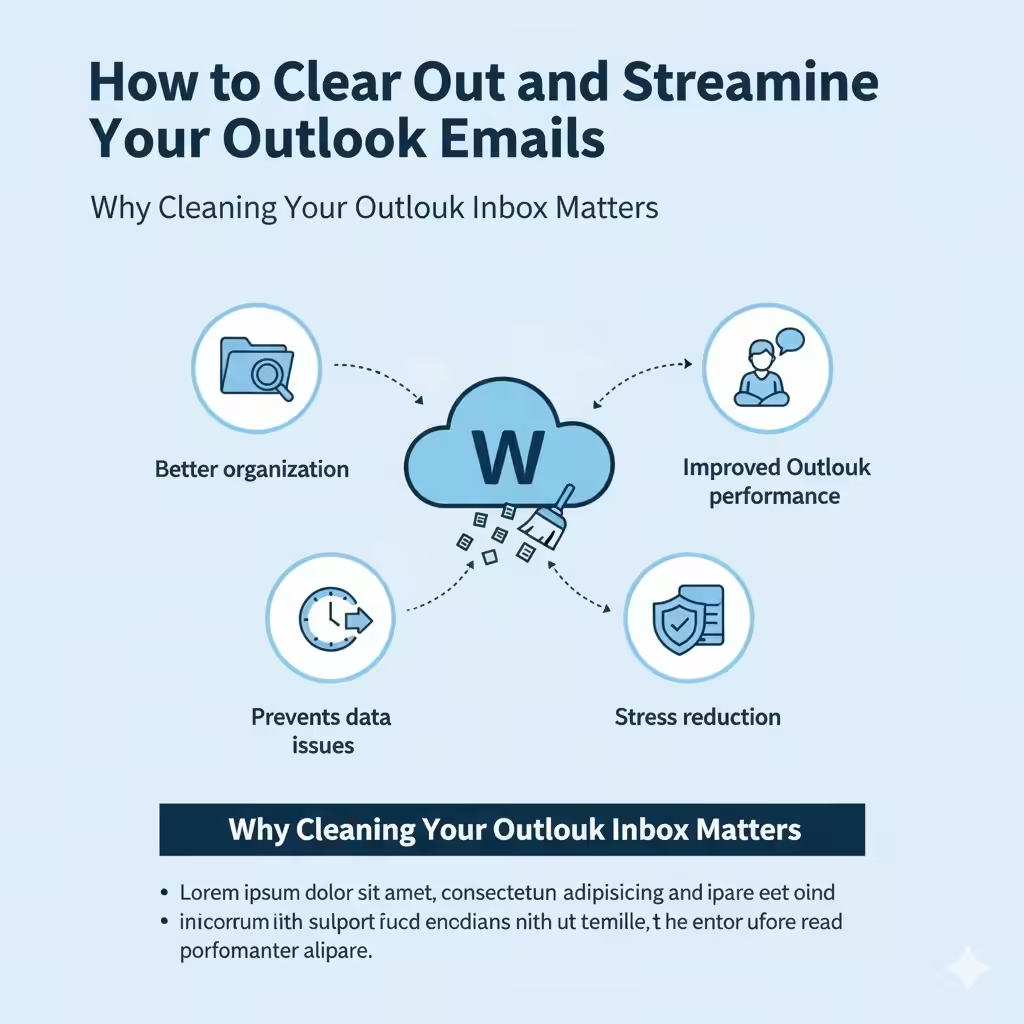
How to Clear Out and Streamline Your Outlook Emails – 2025

How to Clear Out and Streamline Your Outlook Emails – 2025

How to Clear Out and Streamline Your Outlook Emails An overflowing inbox can make it difficult to stay organized, find important messages, and manage your day efficiently. Over time, emails pile up—newsletters, promotions, updates, and work correspondence—cluttering your Microsoft Outlook mailbox. Fortunately, Outlook offers a variety of tools and features that make cleaning and organizing…

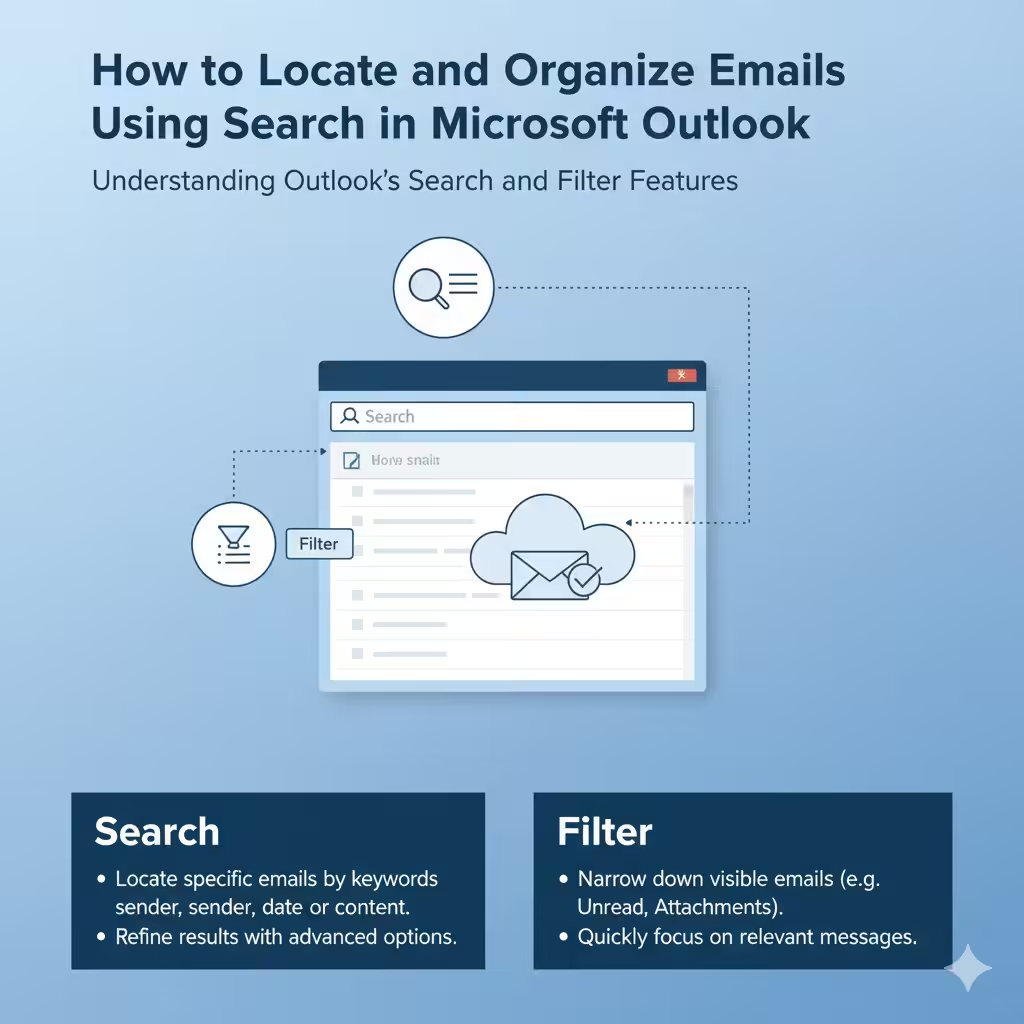
How to Locate and Organize Emails Using Search in Microsoft Outlook – 2025

How to Locate and Organize Emails Using Search in Microsoft Outlook – 2025

How to Locate and Organize Emails Using Search in Microsoft Outlook Managing a busy inbox can be overwhelming, especially when you receive hundreds of emails daily. Thankfully, Microsoft Outlook offers powerful filtering and search tools that help you quickly find specific emails, attachments, or conversations. Whether you’re using Outlook on Windows, Mac, or the web,…

Installing Skype for Business on Your Mac Computer – 2025

Installing Skype for Business on Your Mac Computer – 2025

Installing Skype for Business on Your Mac Computer Skype for Business is a powerful communication tool designed for organizations that need a professional platform for instant messaging, video conferencing, and online meetings. It integrates seamlessly with Microsoft Office apps and provides enterprise-grade security, making it ideal for both remote and in-office teams. If you’re a…