Category: How-to Guide

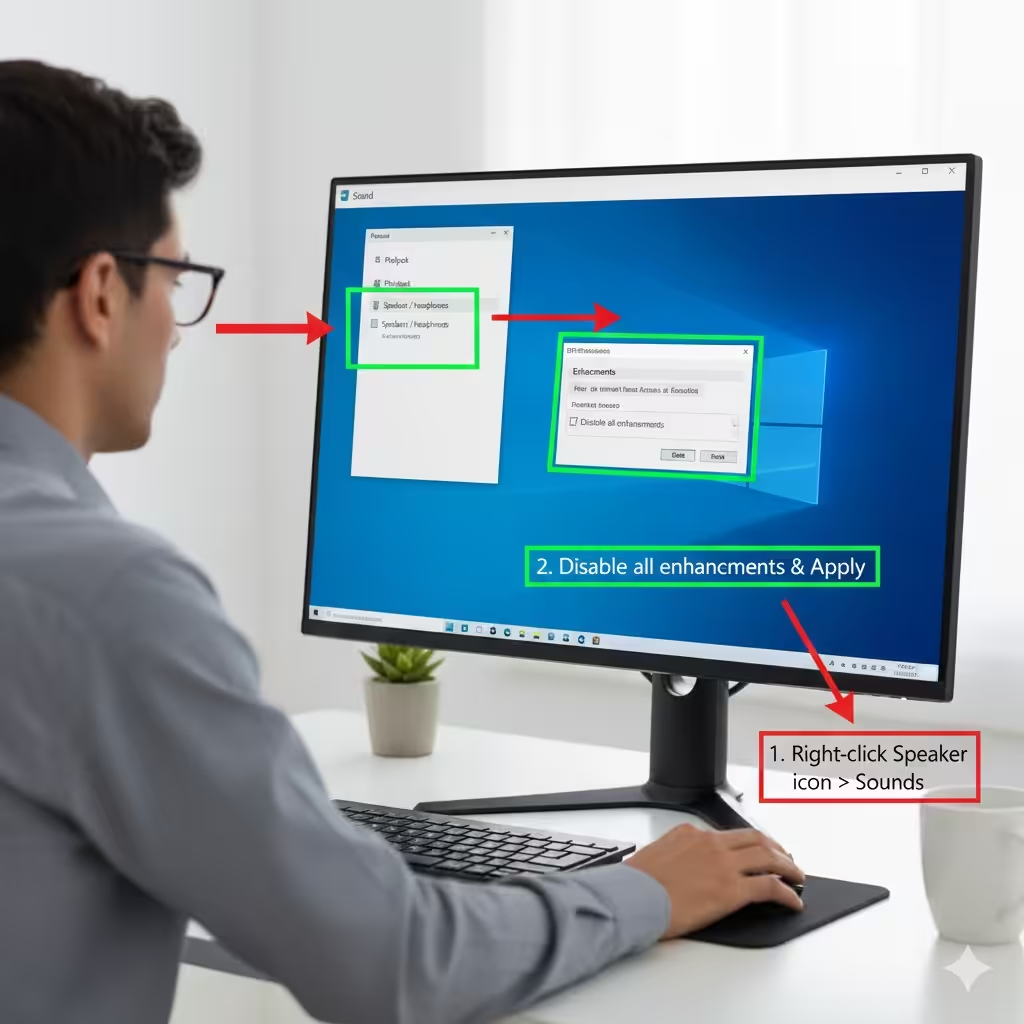
Fixing High CPU Usage Caused by Audio Device Graph Isolation in Windows – 2025

Fixing High CPU Usage Caused by Audio Device Graph Isolation in Windows – 2025

Fixing High CPU Usage Caused by Audio Device Graph Isolation in Windows Windows Audio Device Graph Isolation is an important system process responsible for audio enhancements and managing sound-related functions in Windows. Normally, it runs quietly in the background with minimal resource usage. However, in some cases, users notice unusually high CPU, memory, or even…

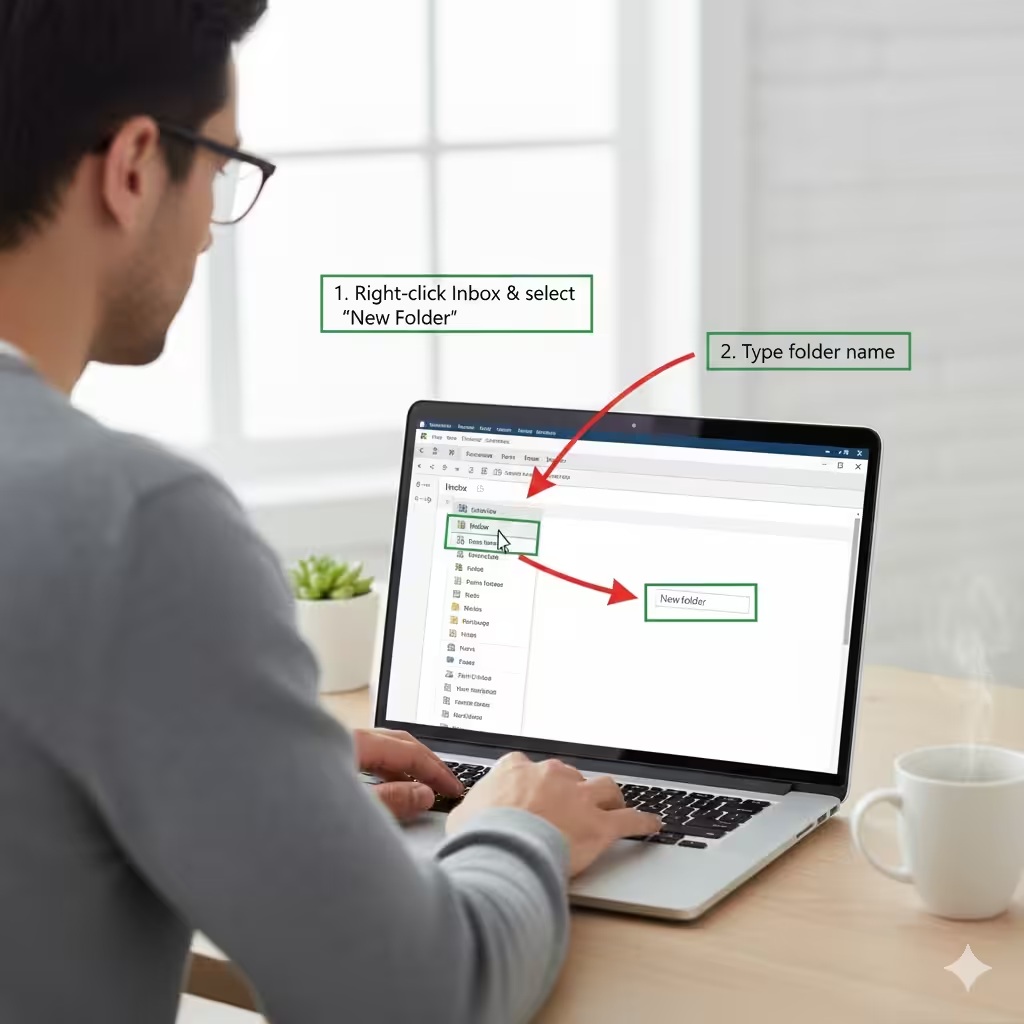
How to Manage Your Email by Creating Folders – 2025

How to Manage Your Email by Creating Folders – 2025

How to Manage Your Email by Creating Folders Email has become one of the most essential communication tools in both personal and professional life. Yet as messages pile up—newsletters, receipts, notifications, work updates, reminders, personal conversations—it can quickly become overwhelming. A cluttered inbox makes it harder to find important information, slows productivity, and increases the…

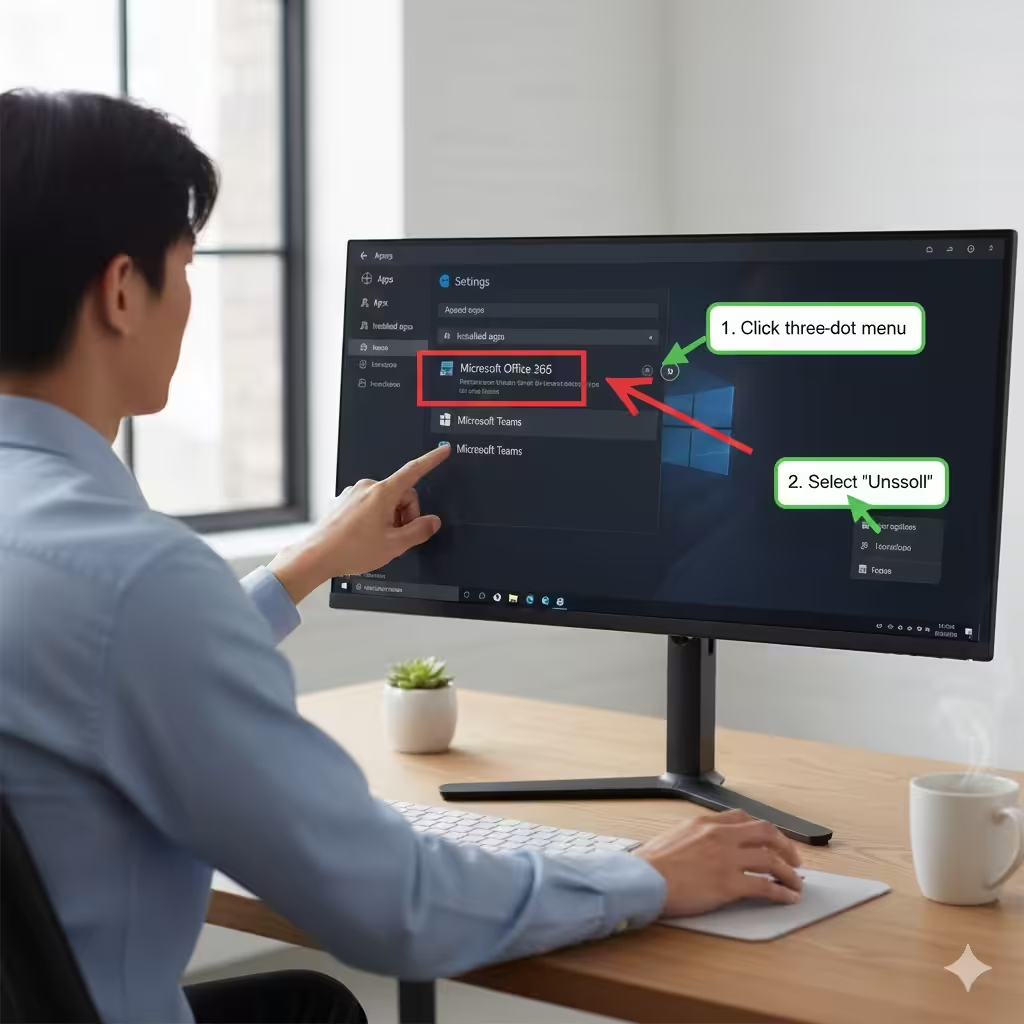
Guide to Uninstalling Microsoft Office Applications – 2025

Guide to Uninstalling Microsoft Office Applications – 2025

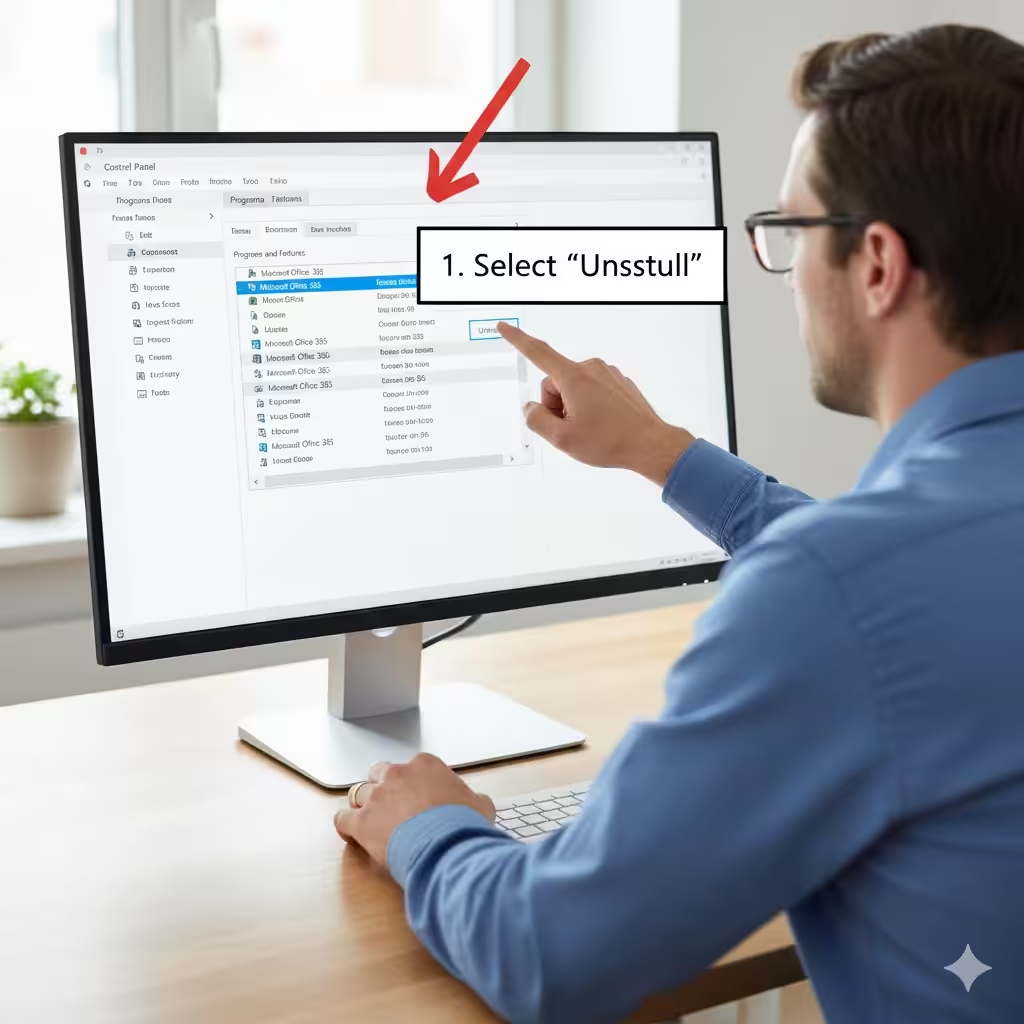
Guide to Uninstalling Microsoft Office Applications Removing Microsoft Office from your computer can become necessary for many reasons—perhaps you’re upgrading to a newer version, switching to a different productivity suite, troubleshooting installation issues, or simply freeing up storage space. Regardless of your reasons, uninstalling Office correctly is important to prevent leftover files, registry problems, or…

Guide to Uninstalling Microsoft Office Through Windows Settings – 2025

Guide to Uninstalling Microsoft Office Through Windows Settings – 2025

Guide to Uninstalling Microsoft Office Through Windows Settings Removing Microsoft Office from your Windows computer can help free up storage, resolve installation conflicts, or allow you to install a newer version. One of the most reliable methods to uninstall Office—whether it’s Office 2010, 2013, 2016, 2019, or Microsoft 365—is by using the Windows Control Panel….