Category: How-to Guide

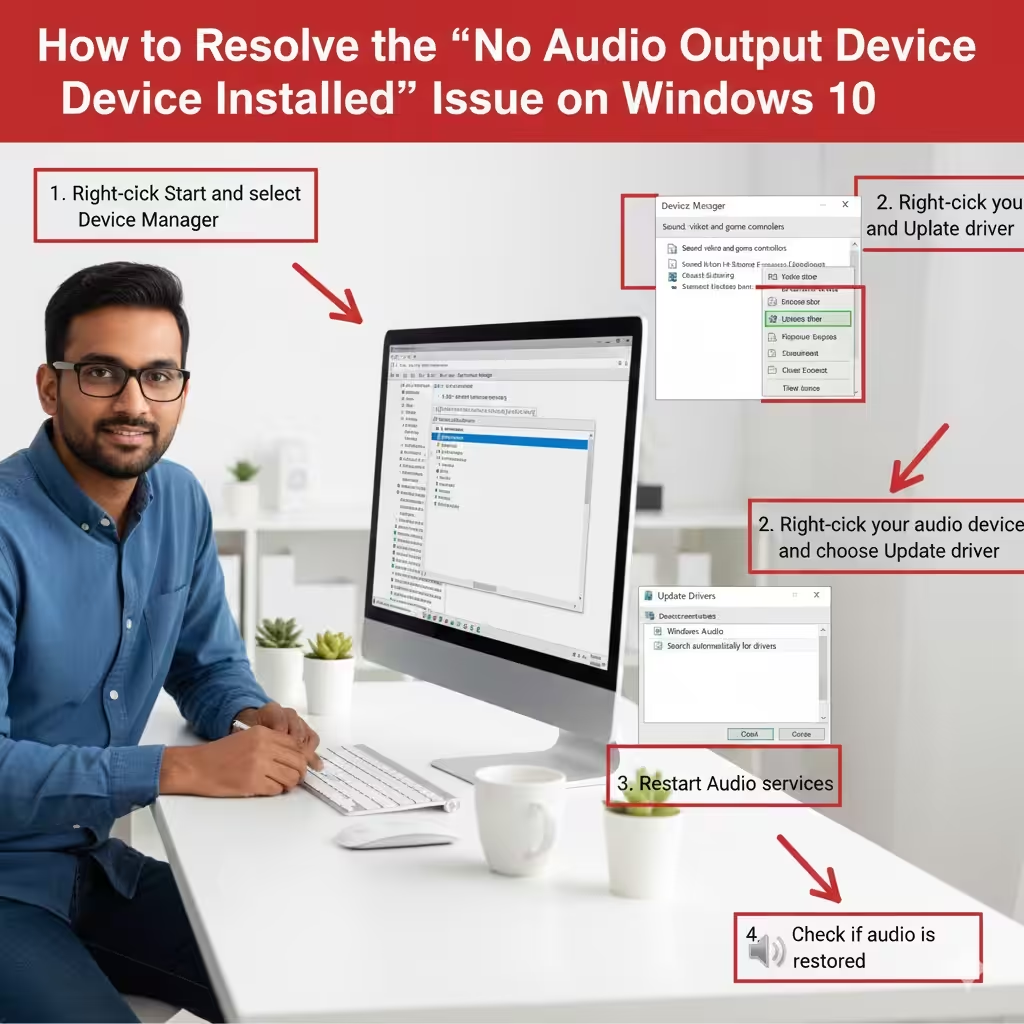
Troubleshooting the “No Audio Output Device Installed” Issue on Windows 10

Troubleshooting the “No Audio Output Device Installed” Issue on Windows 10

Troubleshooting the “No Audio Output Device Installed” Issue on Windows 10 Seeing the message “No Audio Output Device Is Installed” on your computer can be frustrating—especially when you need sound for work, entertainment, or communication. This issue usually means your system cannot detect or properly use the audio device. Fortunately, the problem is often fixable…

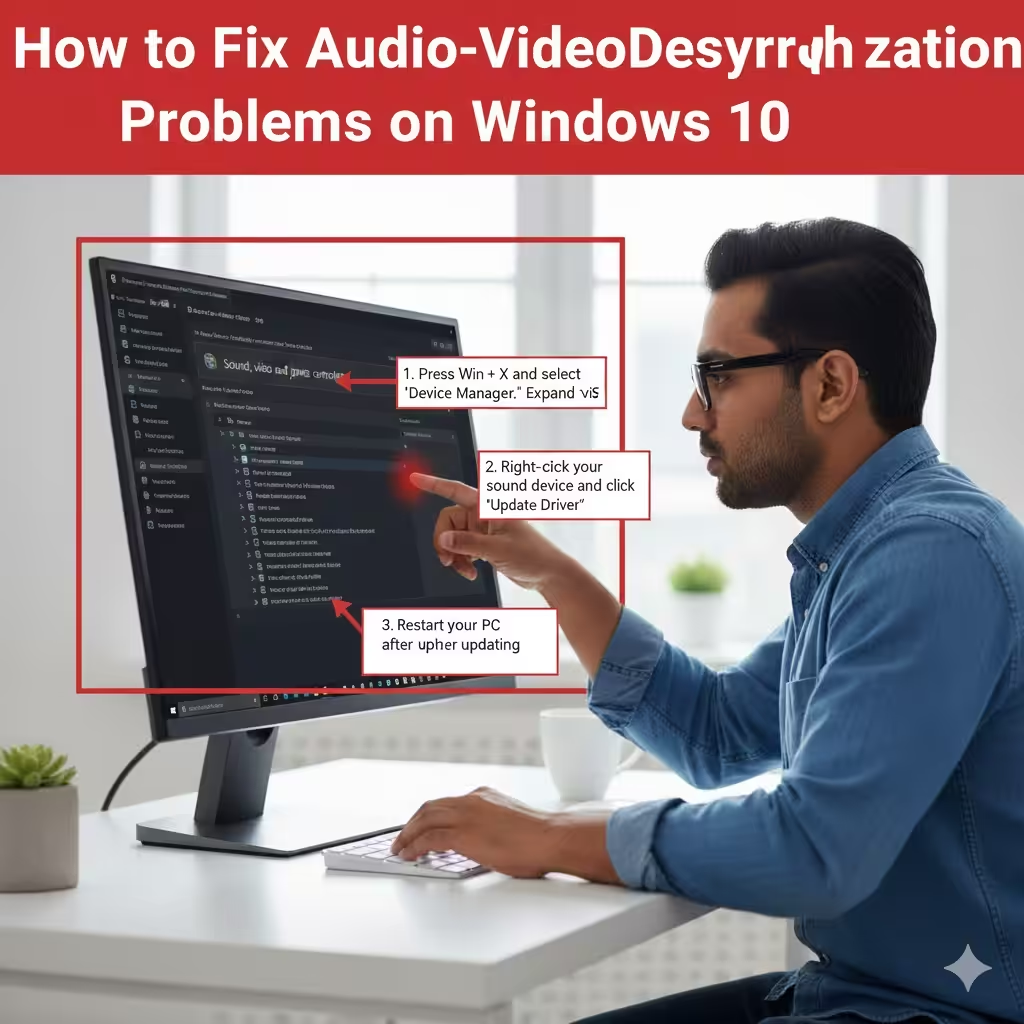
Fixing Audio-Video Desynchronization Problems on Windows 10

Fixing Audio-Video Desynchronization Problems on Windows 10

Fixing Audio-Video Desynchronization Problems on Windows 10 Experiencing audio and video that are out of sync on Windows 10 can be incredibly frustrating, especially when you’re watching movies, playing games, or attending online meetings. Lip sync issues, delayed sound effects, or mismatched audio cues can ruin the entire experience. Fortunately, most sync problems on Windows…

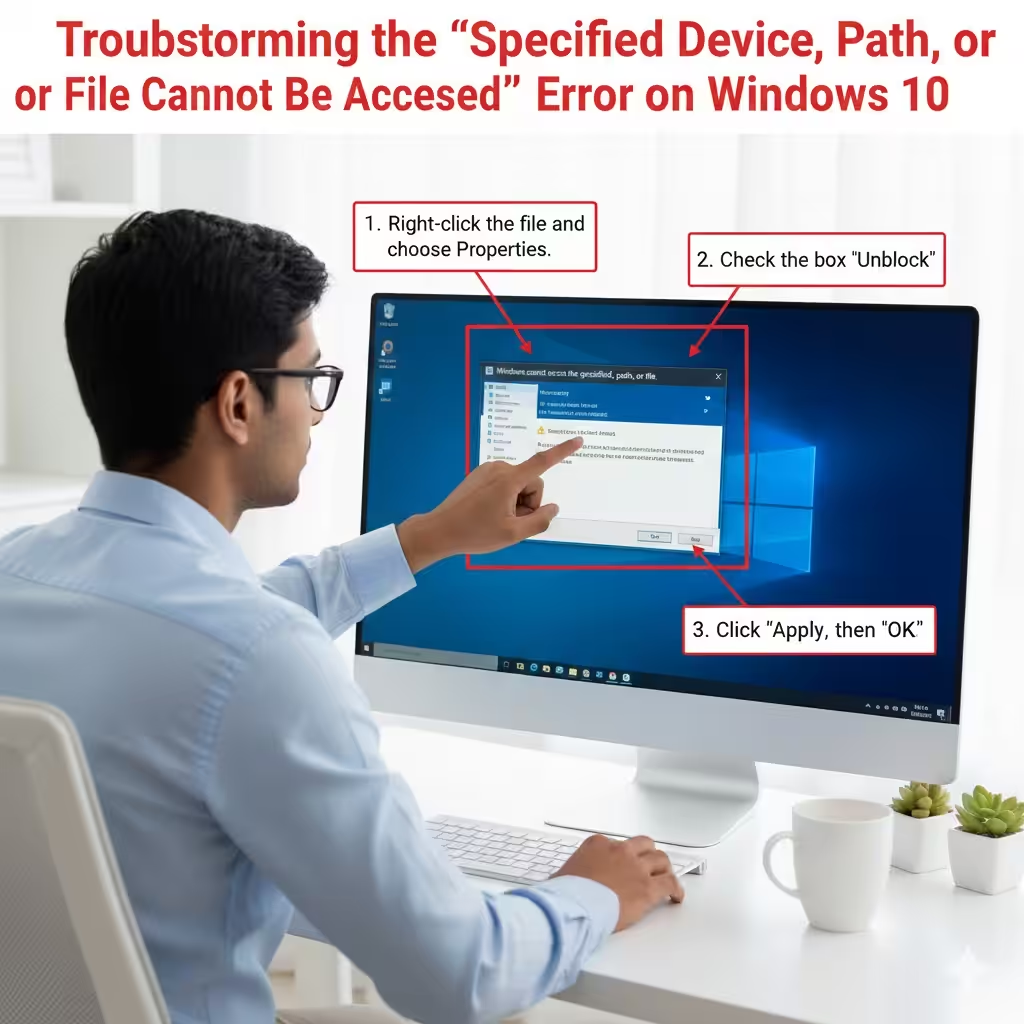
Troubleshooting the “Specified Device, Path, or File Cannot Be Accessed” Error on Windows 10

Troubleshooting the “Specified Device, Path, or File Cannot Be Accessed” Error on Windows 10

Troubleshooting the “Specified Device, Path, or File Cannot Be Accessed” Error on Windows 10 Encountering the error “Windows cannot access the specified device, path, or file” on Windows 10 can be frustrating, especially when you urgently need to open a program or file. This issue typically appears when Windows blocks access because it cannot verify…