SoftwareHUBs Blog: Tech Tips & Solutions

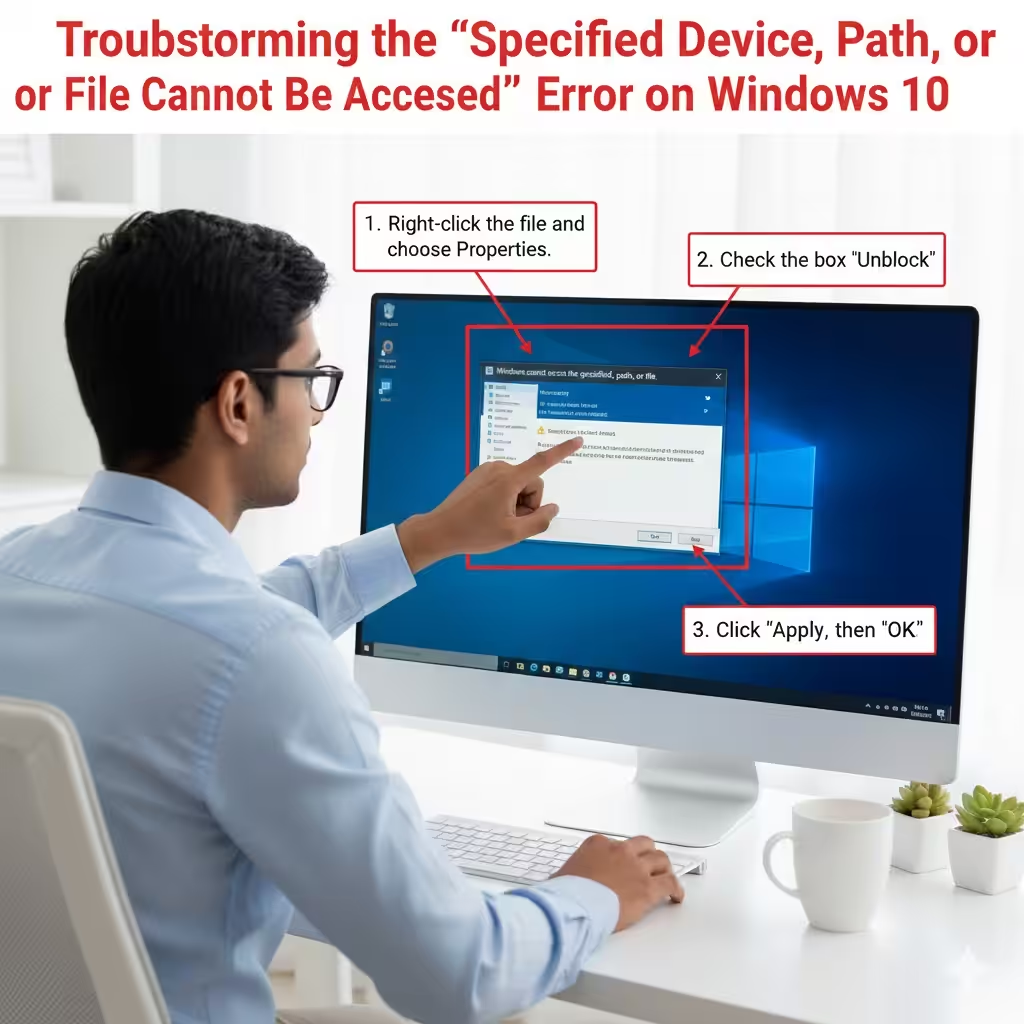
Troubleshooting the “Specified Device, Path, or File Cannot Be Accessed” Error on Windows 10

Troubleshooting the “Specified Device, Path, or File Cannot Be Accessed” Error on Windows 10

Troubleshooting the “Specified Device, Path, or File Cannot Be Accessed” Error on Windows 10 Encountering the error “Windows cannot access the specified device, path, or file” on Windows 10 can be frustrating, especially when you urgently need to open a program or file. This issue typically appears when Windows blocks access because it cannot verify…

How to Prevent Word from Auto-Correcting Your Text – 2025

How to Prevent Word from Auto-Correcting Your Text – 2025

How to Prevent Word from Auto-Correcting Your Text Auto-correct can be incredibly helpful—until it isn’t. Many users appreciate how it fixes typing mistakes automatically, but others find it intrusive, especially when working with technical terms, names, or multilingual content. If you often find auto-corrections changing words you typed intentionally, you may prefer turning the feature…

How to Check and Fix Spelling and Grammar Mistakes in Microsoft Word – 2025

How to Check and Fix Spelling and Grammar Mistakes in Microsoft Word – 2025

How to Check and Fix Spelling and Grammar Mistakes in Microsoft Word Microsoft Word offers one of the most advanced and user-friendly tools for checking spelling and grammar. Whether you are writing a school assignment, business report, email draft, or creative content, Word’s proofreading features help you write clearly and professionally. The built-in Spelling and…